
Punch-Drunk
PC port of Punch-Out!!
- RecompilationPort Type
- Mr-ShizzyDeveloper
- 25 Nov 2026Page Updated
Details
- Developer
- Mr-Shizzy
- Port Type
- RecompilationA tool translated the game's original machine code into C automatically, which was then built as a native PC program.
- Game
- Punch-Out!!
- AI Use
- AI-assistedThe project says: “This project utilized AI to assist with some code, as well as debugging.” Source
- Logo
- AI-made fan logo, free to use · Full size
- Source Code
- GitHub
- Page Updated
Platform Support
- Windows
- Linux
ScreenshotsView All (5)
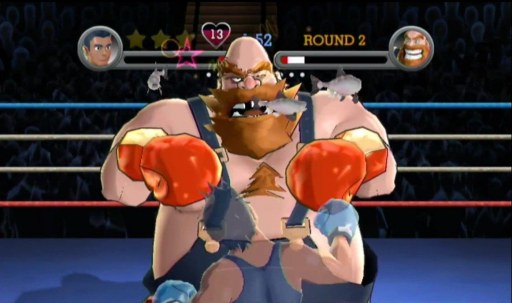
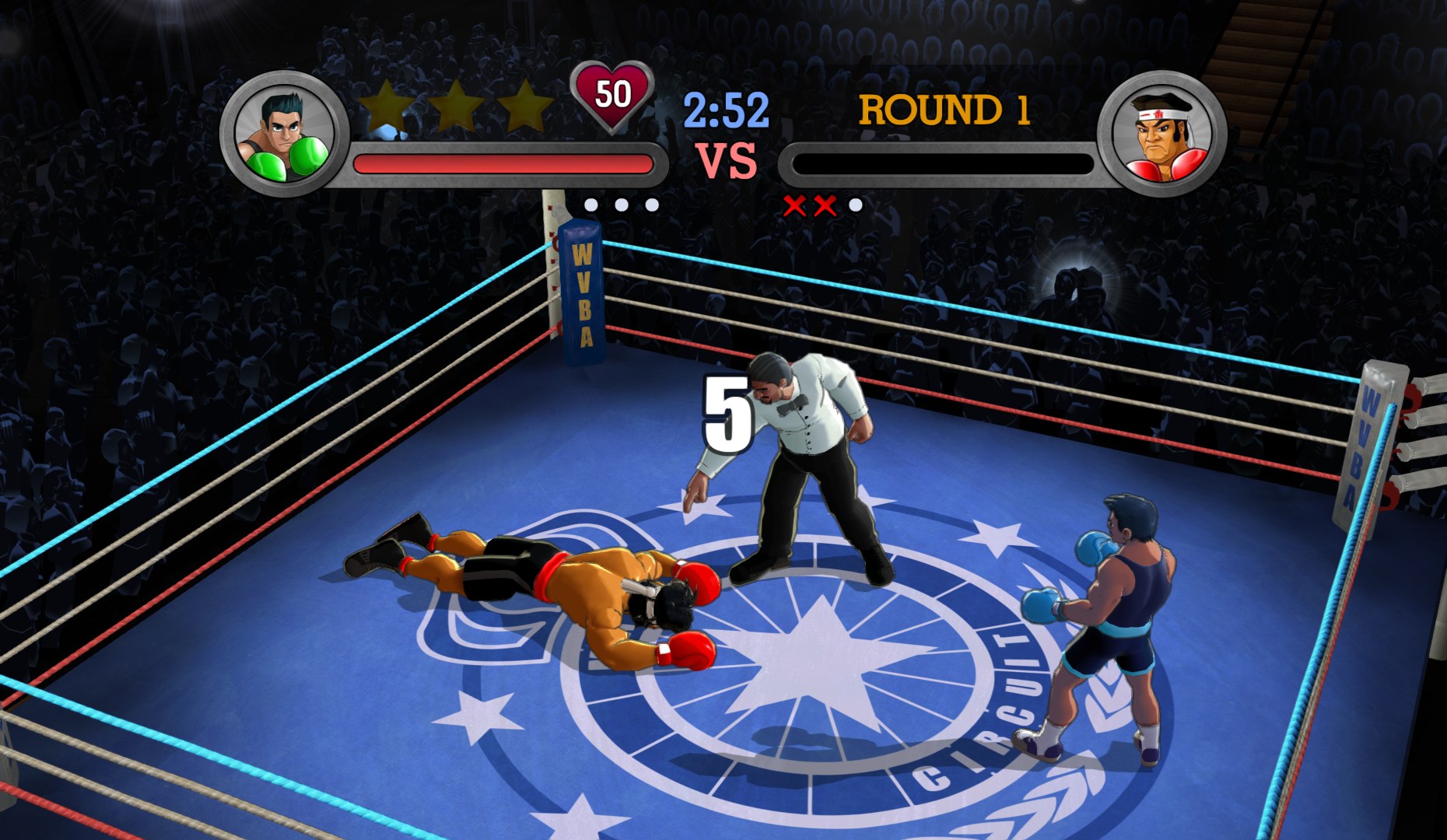
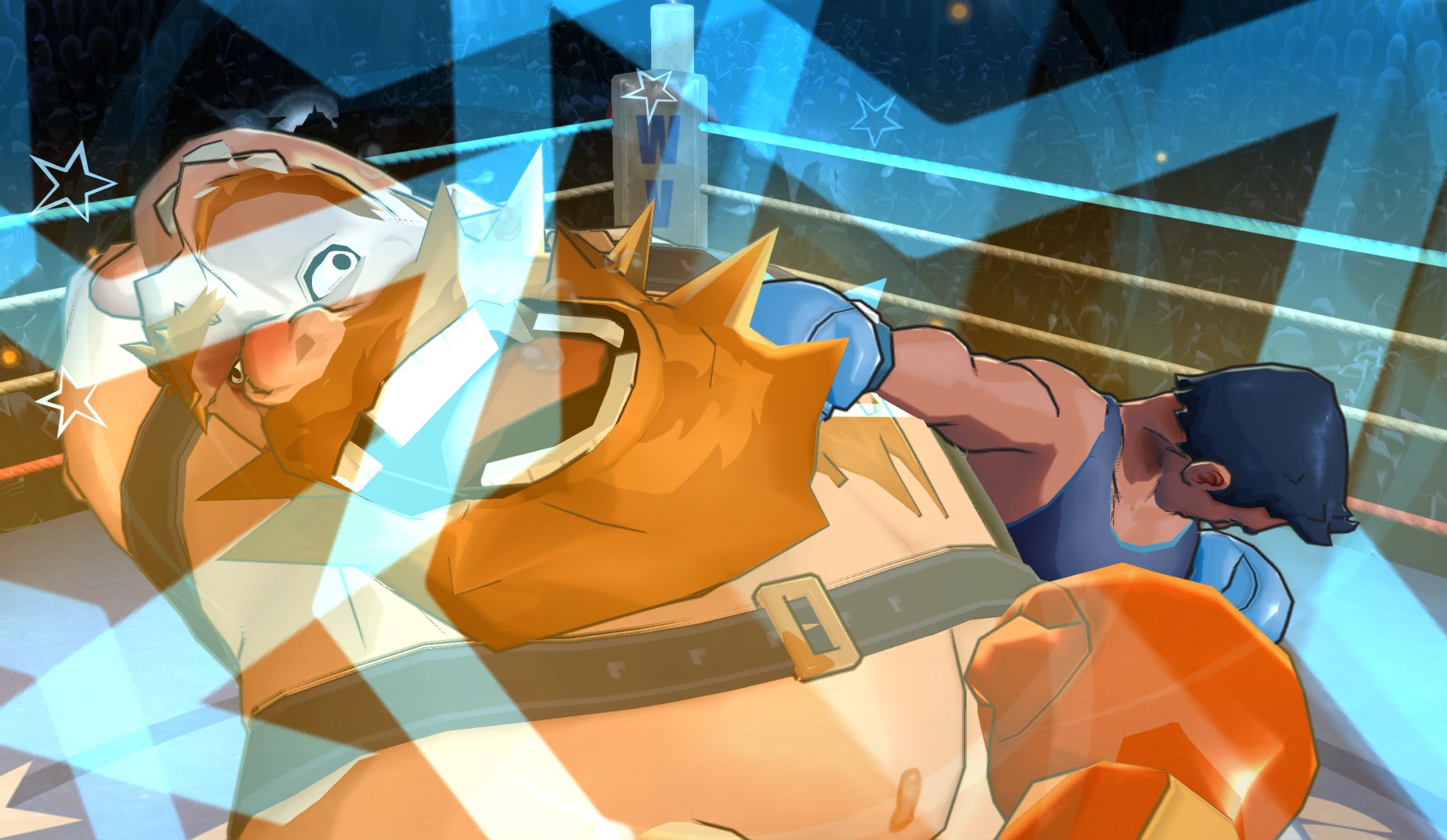
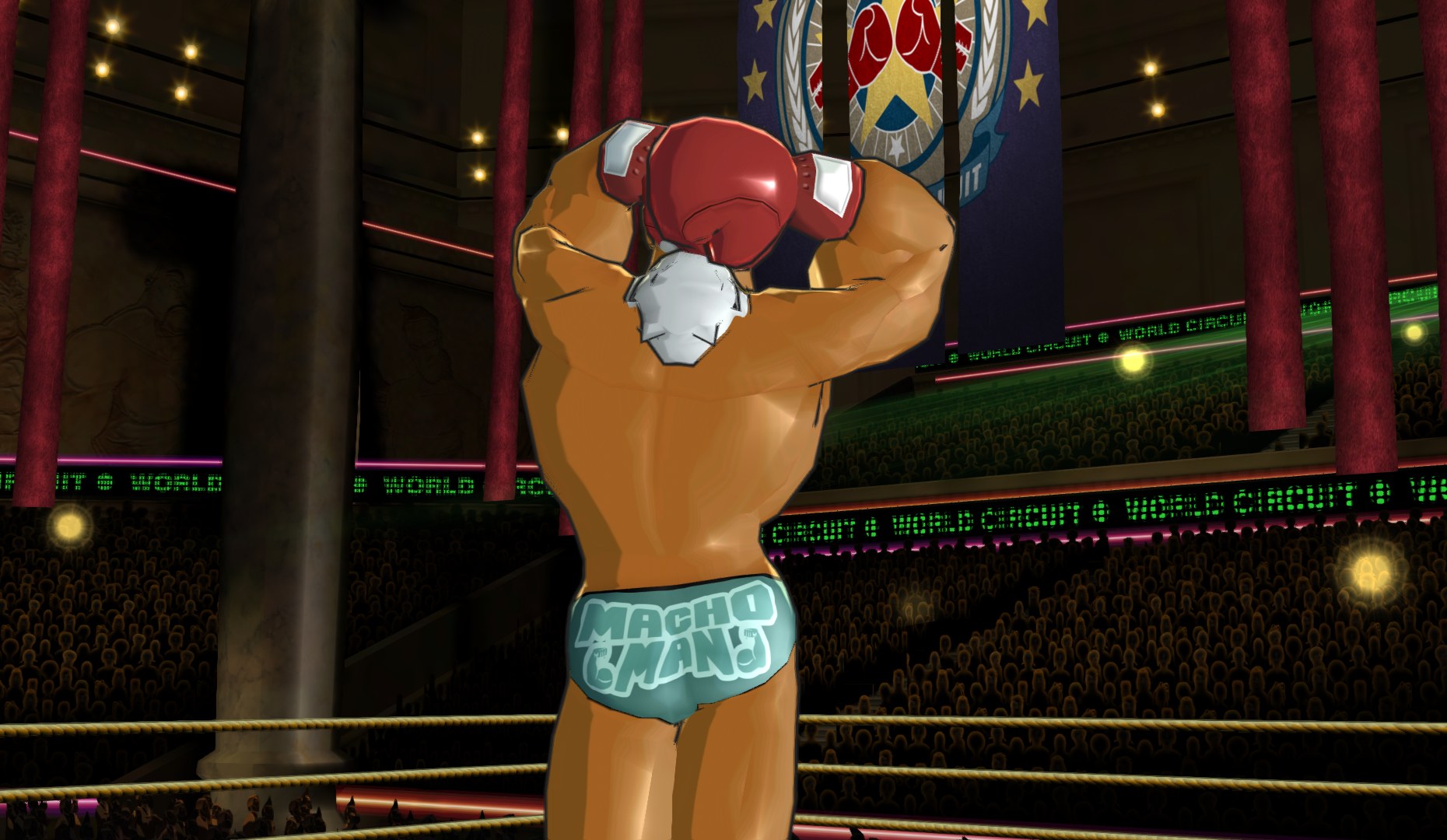
keys.bin from a BootMii backup). 64-bit Windows 10 or 11, Linux or a Steam Deck, and about 10 GB free for the first build.Overview
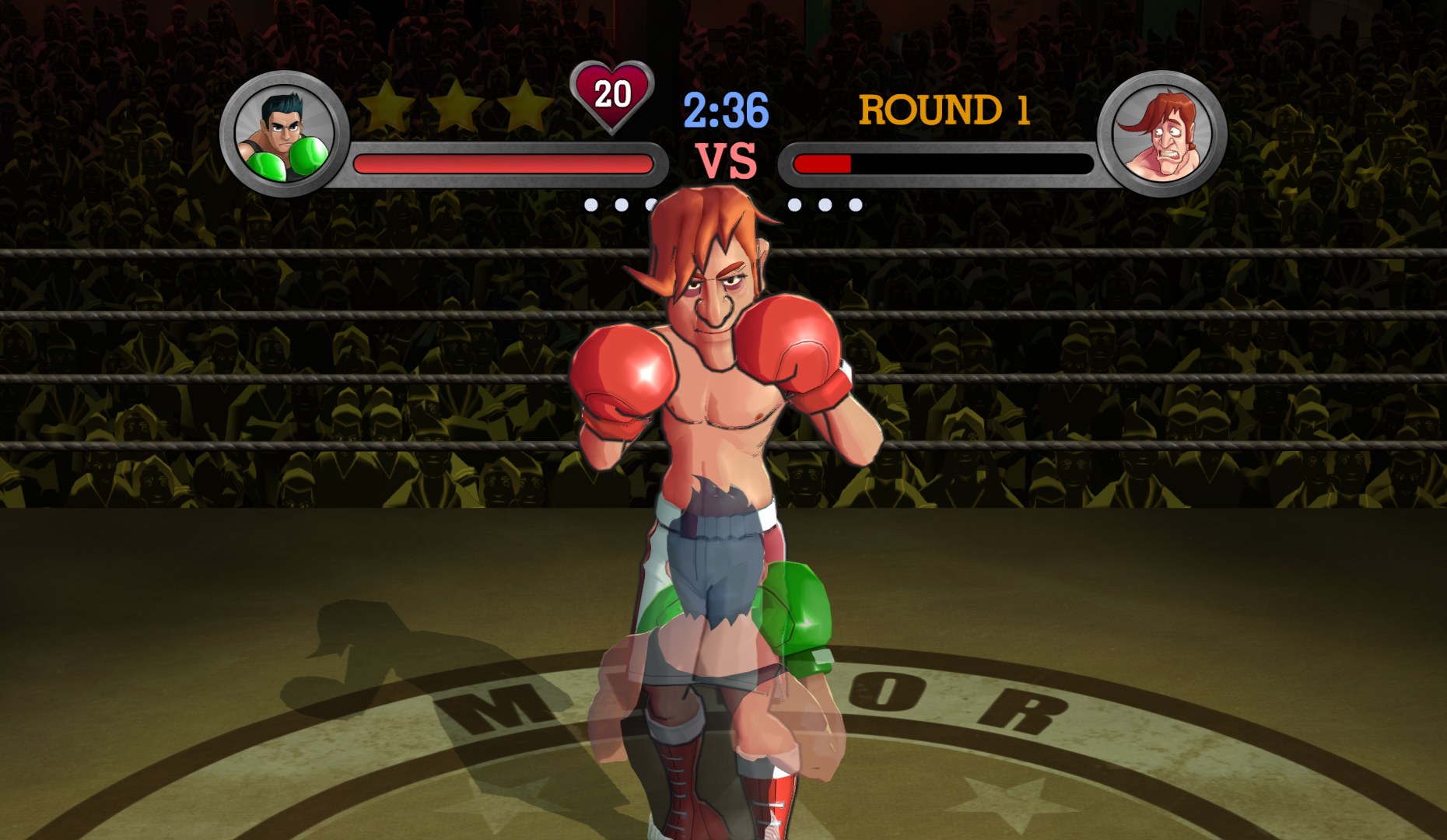
Punch-Drunk is an unofficial recompilation of Punch-Out!! and Doc Louis’s Punch-Out!!, Next Level Games’ 2009 Wii boxing games, for Windows, Linux and the Steam Deck. It is a fork of fist-in’s POW: Recompiled, built on the WiiCompiled static recompiler, that puts both games behind one launcher.
The launcher builds each game on the player’s PC from their own USA disc image or WAD; no game files are included. On Windows the setup needs no internet connection and removes its build files afterwards, and Doc Louis’s no longer needs an emulator to unpack. Everything stays in one portable folder, which also works from external drives, including exFAT SSDs.
It checks for new versions and offers to update while keeping games, saves and settings, and has optional cheats: invincibility, unlimited stars and unlocking every fighter and the gallery (the unlocks change the save, after a backup). It was tested on Windows 11; the Linux and Steam Deck builds are experimental.
How to Set It Up
- Unzip the Windows download to a folder with a plain path, such as
C:\Games\Punch-Drunk(Linux and Steam Deck: run the AppImage). - Run
Punch-Drunk.exeand press Set up on a game. - Pick your Punch-Out!! disc image or your Doc Louis’s WAD. The first build takes a while; after that press Play.
Advertisement
Download Punch-Drunk
What's new in v1.0.0Punch-Drunk 1.0.0
The first release. Punch-Out!! and Doc Louis’s Punch-Out!! (Wii) recompiled, with one launcher for both. A fork of POW: Recompiled by fist-in.
Unofficial fan project. Not affiliated with Nintendo. No game files are included.
Download
| Your computer | File |
|---|---|
| Windows 10/11 | Punch-Drunk-1.0.0-Windows-x64.zip |
| Linux (experimental) | Punch-Drunk.AppImage |
| Steam Deck (experimental) | Punch-Drunk-SteamDeck.AppImage |
You only need the file for your computer. The .sha256 files are for checking downloads.
What you need
Your own copies of the games. Only the USA versions work.
- Punch-Out!!: your disc image (ISO, WBFS or RVZ, for example).
- Doc Louis’s Punch-Out!!: your WAD, plus the Wii common key from your own console (
keys.binfrom a BootMii backup). The launcher uses the key once and never saves it.
Getting started on Windows
- Unzip it to a folder with a plain path, like
C:\Games\Punch-Drunk. - Run
Punch-Drunk.exe. - Press Set up on a game and pick your file. Keep about 10 GB free. A Punch-Out!! build took about 5 minutes on the author’s PC.
- Press Play.
For Linux and Steam Deck, read LINUX.md first.
Highlights
- Portable. No installer, and everything stays in one folder.
- Easier setup. No emulator needed to install Doc Louis’s.
- Works on external drives, including exFAT SSDs.
- Windows setup needs no internet. Build files are removed afterwards.
- Update check. On Windows, the launcher can install a newer release when you say so. On Linux and Steam Deck it links to the download page. You can turn the check off.
- Cheats for Punch-Out!! (off by default): invincible, unlimited stars, unlock all fighters, unlock the gallery.
- More settings: anti-aliasing, frame rate display, and clearer resolution choices.
The full list is in FORK_CHANGES.md.
Good to know
- Windows warnings: the program isn’t code-signed, so SmartScreen or your antivirus may warn you.
- Testing: the Windows version was tested only on the author’s Windows 11 PC.
- Linux and Steam Deck are experimental. They were tested only in WSL (Ubuntu 24.04 on Windows). Nobody has played on a real Linux PC or Steam Deck yet, and Doc Louis’s hasn’t been built on Linux. Please report what happens.
- Linux and Steam Deck need internet to build. On Linux, you install some packages first. The Steam Deck version downloads its build tools during setup (about 550 MB), and downloads them again for a later rebuild. Use it in Desktop Mode.
- Microsoft’s Visual C++ runtime: most Windows PCs have it. If yours doesn’t, the launcher downloads Microsoft’s installer, and Windows asks for permission once.
- Unlock cheats change your save for good. The launcher makes a backup copy first.
SHA-256
bd3862afa1f8e7ad548b23794da146076bdbbde69d4ae4c26a665e8d3d4a21c1  Punch-Drunk-1.0.0-Windows-x64.zip
af17fef6b3da99d0ba257ca6031188c6e4df3a619e15da68d66e9d1084c36dda  Punch-Drunk.AppImage
0d6309c462a7ce8fe870e661e1c0d9e8e44bcc1453c464cab114653e85b8e989  Punch-Drunk-SteamDeck.AppImage
Credits
POW: Recompiled by fist-in, built on
WiiCompiled. Other credits and licences are in THIRD_PARTY_NOTICES.txt,
included in each download.
bd3862afa1f8e7ad548b23794da146076bdbbde69d4ae4c26a665e8d3d4a21c1
af17fef6b3da99d0ba257ca6031188c6e4df3a619e15da68d66e9d1084c36dda
0d6309c462a7ce8fe870e661e1c0d9e8e44bcc1453c464cab114653e85b8e989