Bighead and Razius's New Super Mario Bros. Wii Texture Pack
Texture pack for New Super Mario Bros. Wii
- Bighead and RaziusArtist
- 2 Oct 2026Page Updated
Overview
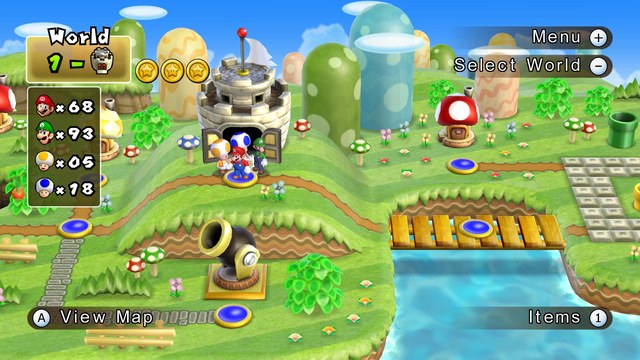
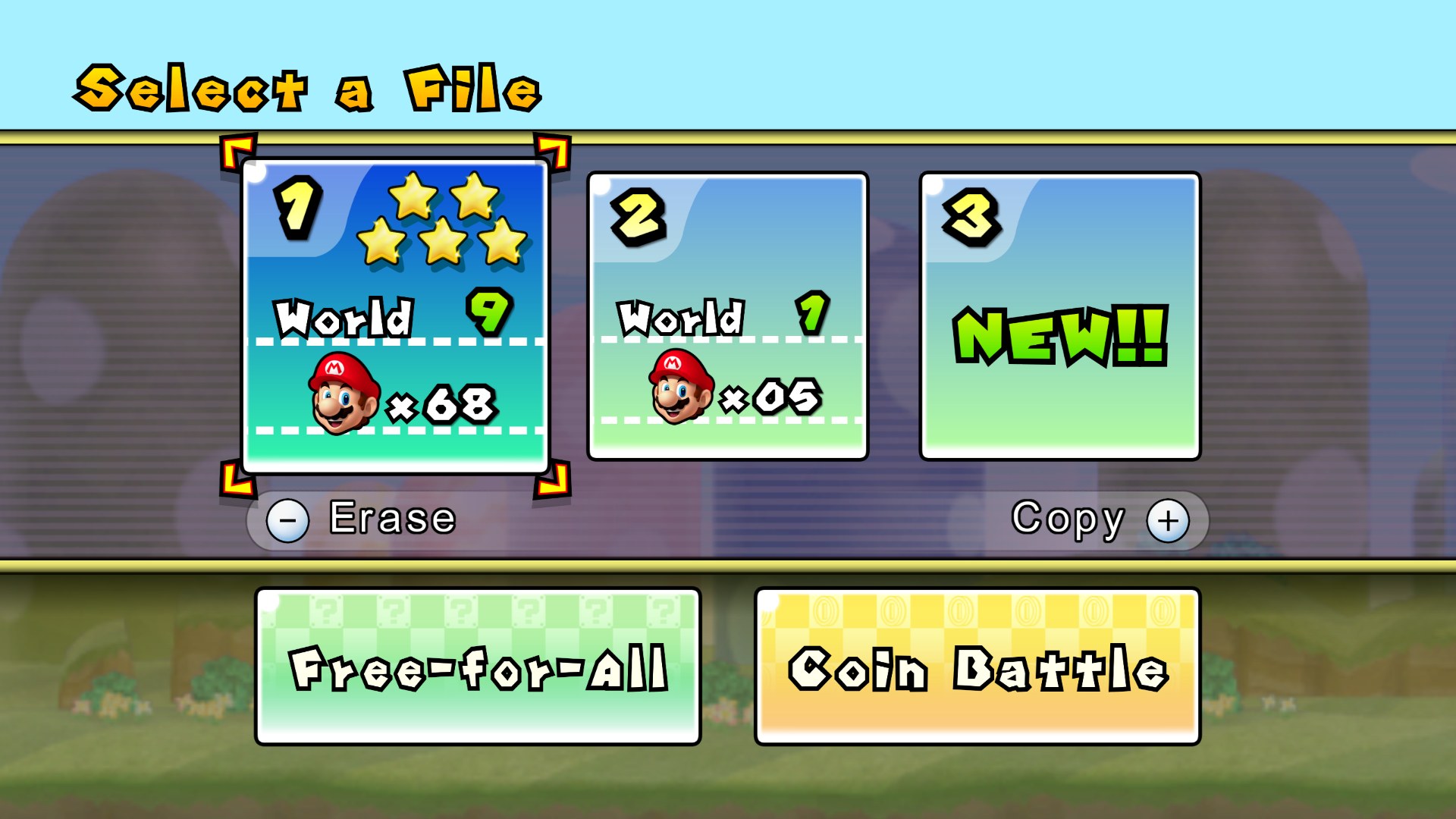
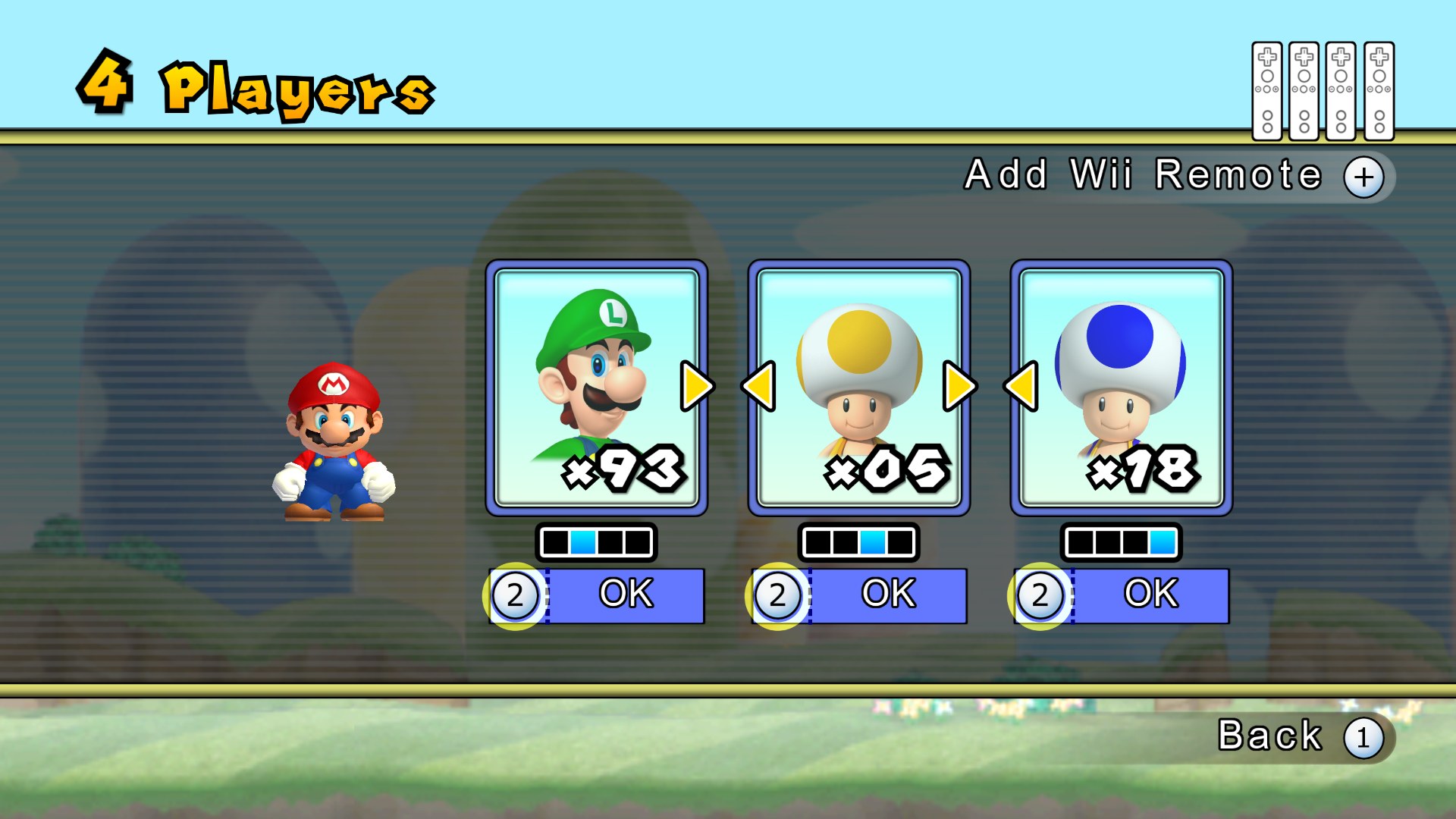
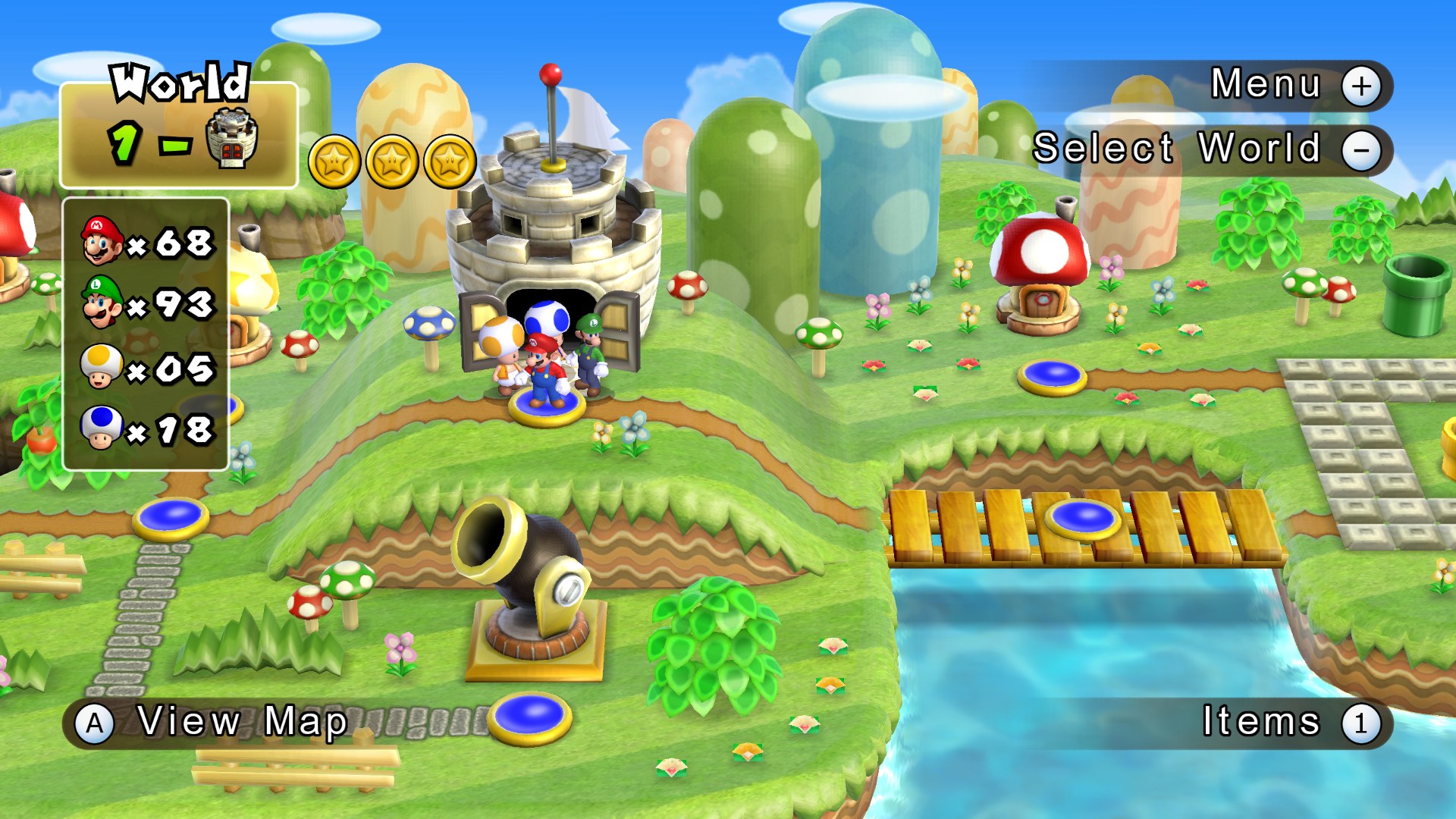
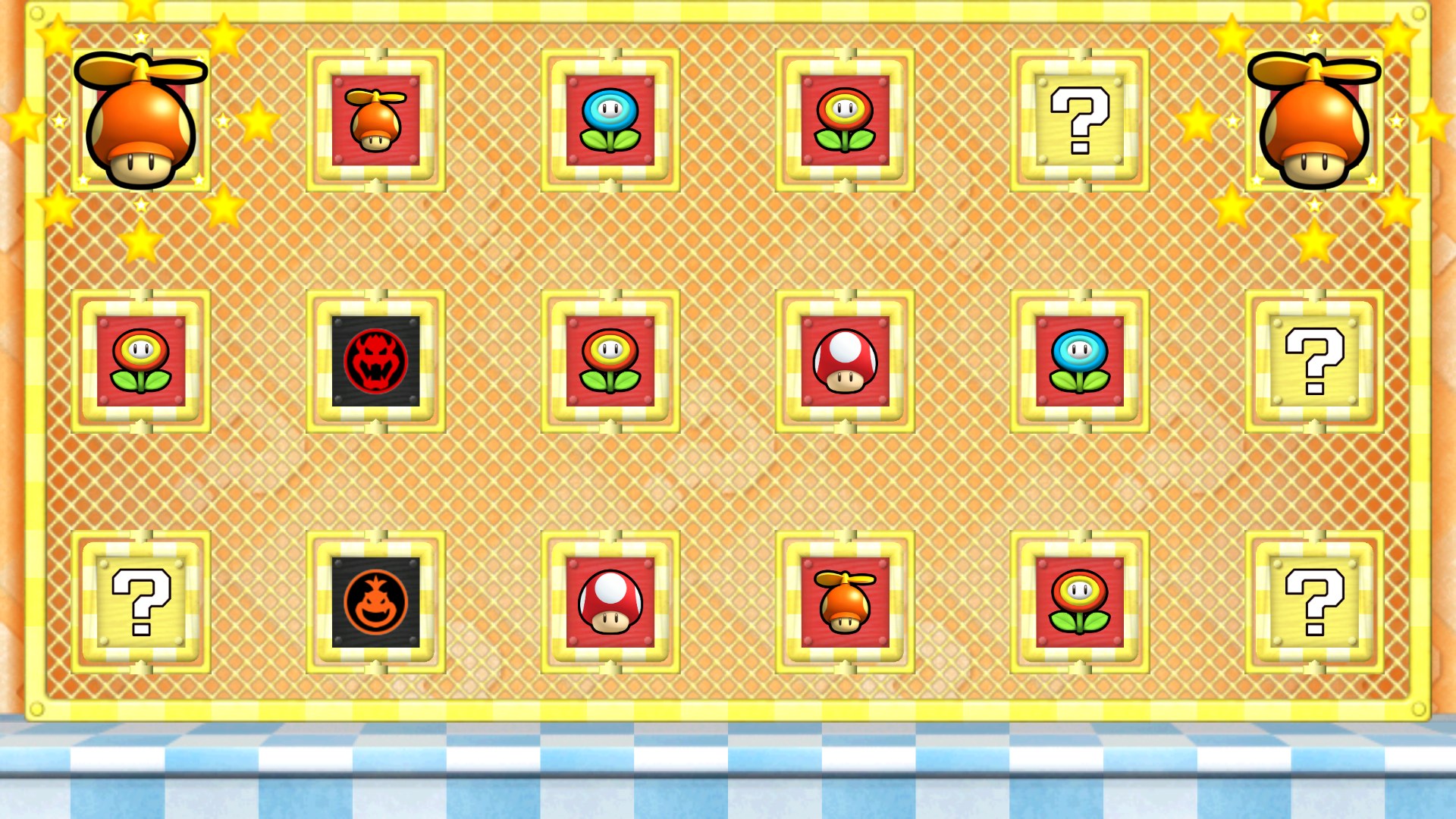
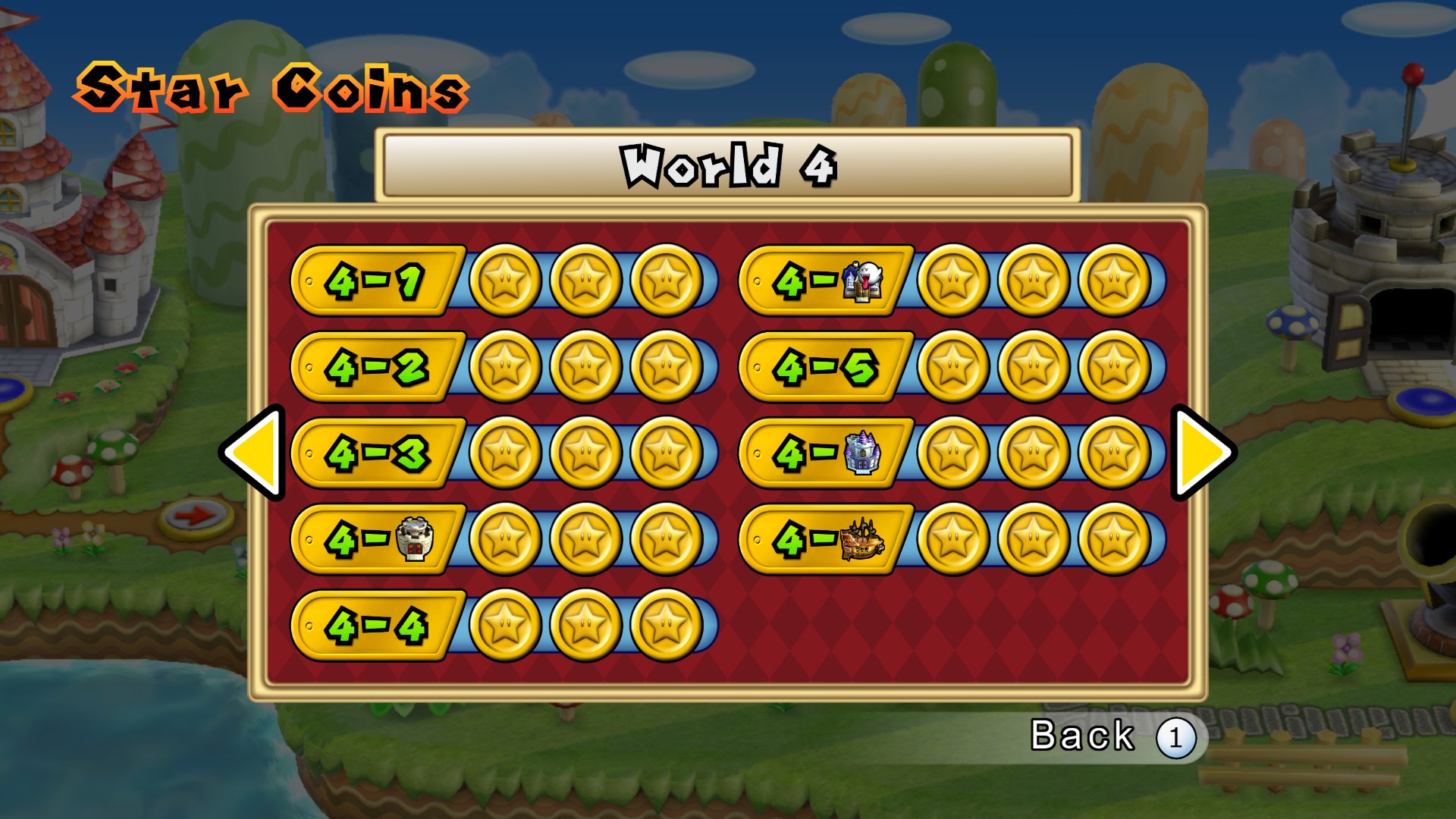
Bighead’s pack replaces what is believed to be the entire user interface of New Super Mario Bros. Wii, along with a share of the in-game graphics. Every texture was saved as uncompressed DDS, so there is no quality loss compared with PNG.
Razius contributed a large amount of work to the project. jaco8 made the optional PlayStation-style button prompts, and the strap warning screen comes from CDAMJC’s Strap Loader, edited by Amon1995.
How to Set It Up
- In Dolphin, open File > Open User Folder, then go into
Load/Textures/. - Extract the download there, so you end up with a
Load/Textures/SMN/folder. - Open Graphics > Advanced and tick Load Custom Textures. Ticking Prefetch Custom Textures too stops stutter, if you have the RAM for it.