Recharged
PC port of Mario Strikers Charged
- DecompilationPort Type
- Previous Level GamesDeveloper
- 19 Oct 2026Page Updated
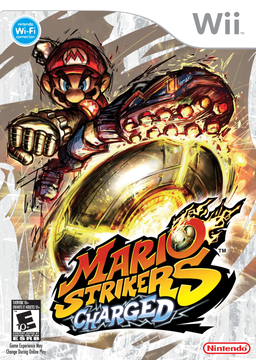
Details
Platform Support
- Windows
- Linux
- macOS
Screenshots
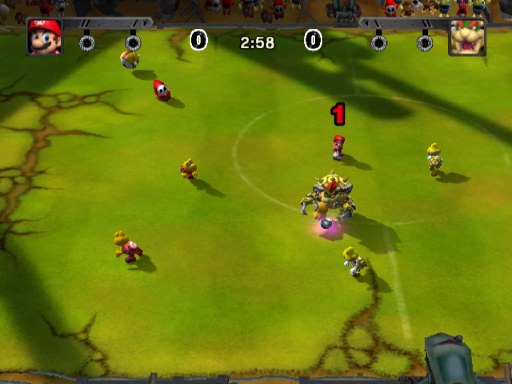
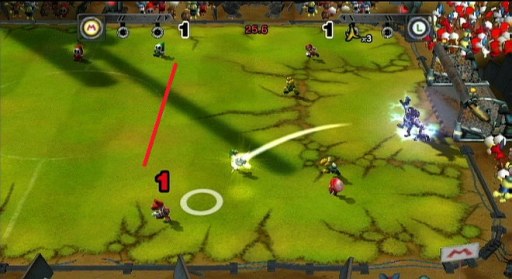
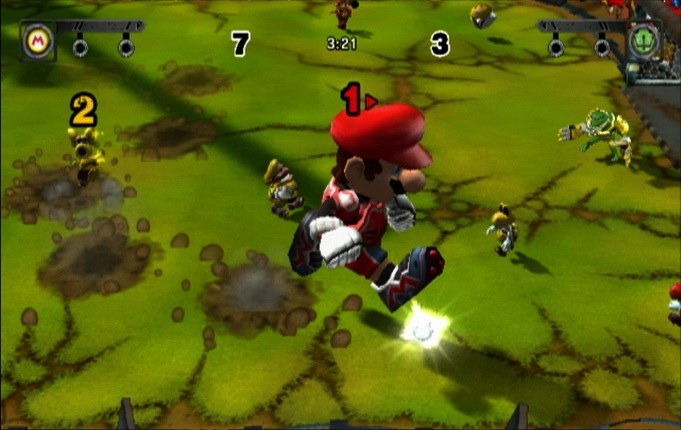
.iso, .rvz or .wbfs image from your own disc: the USA release (R4QE01, revision 1) or the European Mario Strikers Charged Football (R4QP01, revision 1 or 2). Japanese and Korean discs are not supported yet.Overview
Recharged is a native PC port of Mario Strikers Charged for Windows, Linux, macOS and the Steam Deck. It compiles the game’s original C and C++ code, as reconstructed by the mscharged decompilation project, into a PC program, and supplies the graphics, sound, controllers, disc access and saves that the Wii used to provide. The game reads its data straight from the player’s own disc image.
Every offline mode is there: Domination, the Road to the Striker Cup, Strikers 101, the Hall of Fame and the cheats, with movies, music and saves as on the Wii. Up to four players can mix keyboard and mouse, gamepads, GameCube controllers through a USB adapter and real Wii Remotes with Nunchuk over Bluetooth or a DolphinBar. The 3D is drawn at the window’s resolution with antialiasing, in 4:3 or 16:9, at 60, 120 or 144 FPS or unlimited while the game keeps its original speed.
Optional tweaks, all off by default, include skipping the intro, fast menus, no Mega Strikes, unlocking everything, CPU against CPU and fast terrain, and three bugs of the original game are fixed. Online play is not available yet because Nintendo Wi-Fi Connection has shut down; the developers say they are working on it.
How to Set It Up
- Download the package for Windows, Linux, Steam Deck or macOS and unpack it into a folder of its own.
- Start
recharged(recharged.exeon Windows,Recharged.appon macOS). - In the launcher, add the folder that holds your disc image, or choose the image. The launcher checks which version it is.
- Set the controls, picture and optional tweaks, then press Play. The launcher offers new versions and updates itself.