zaozabot's Mario Party 8 Texture Pack
Texture pack for Mario Party 8
- zaozabotArtist
- 2 Oct 2026Page Updated
Overview
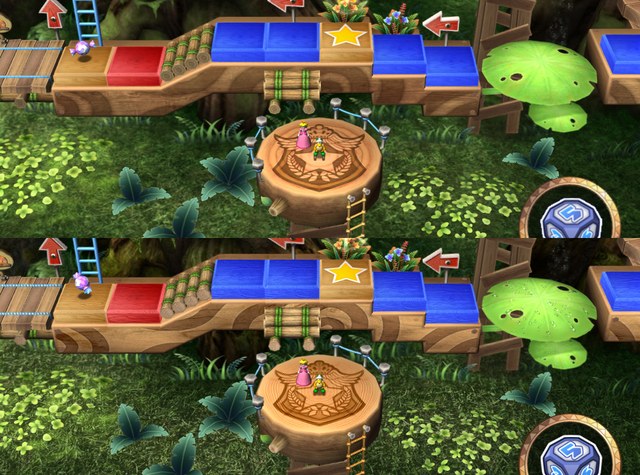
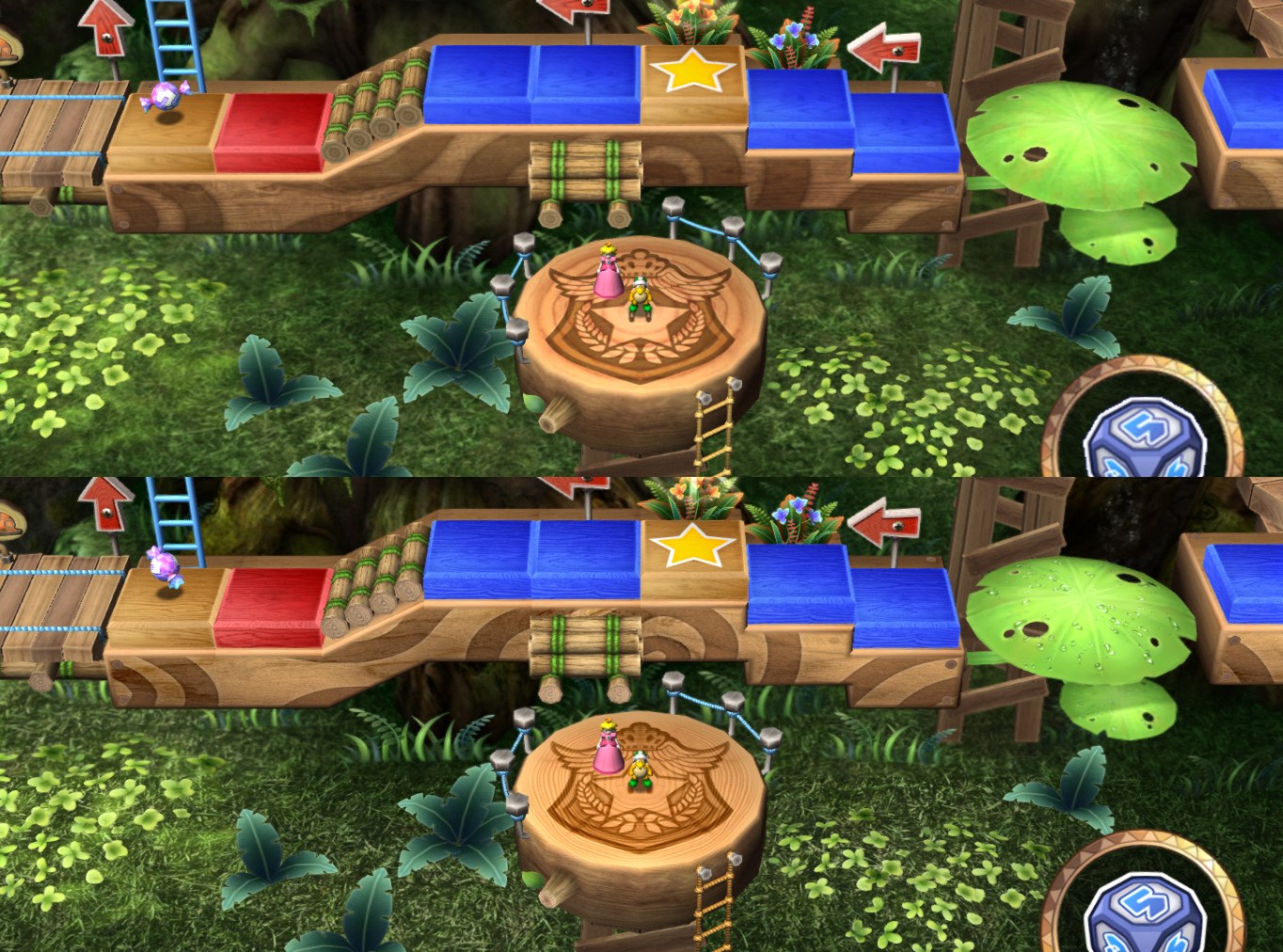
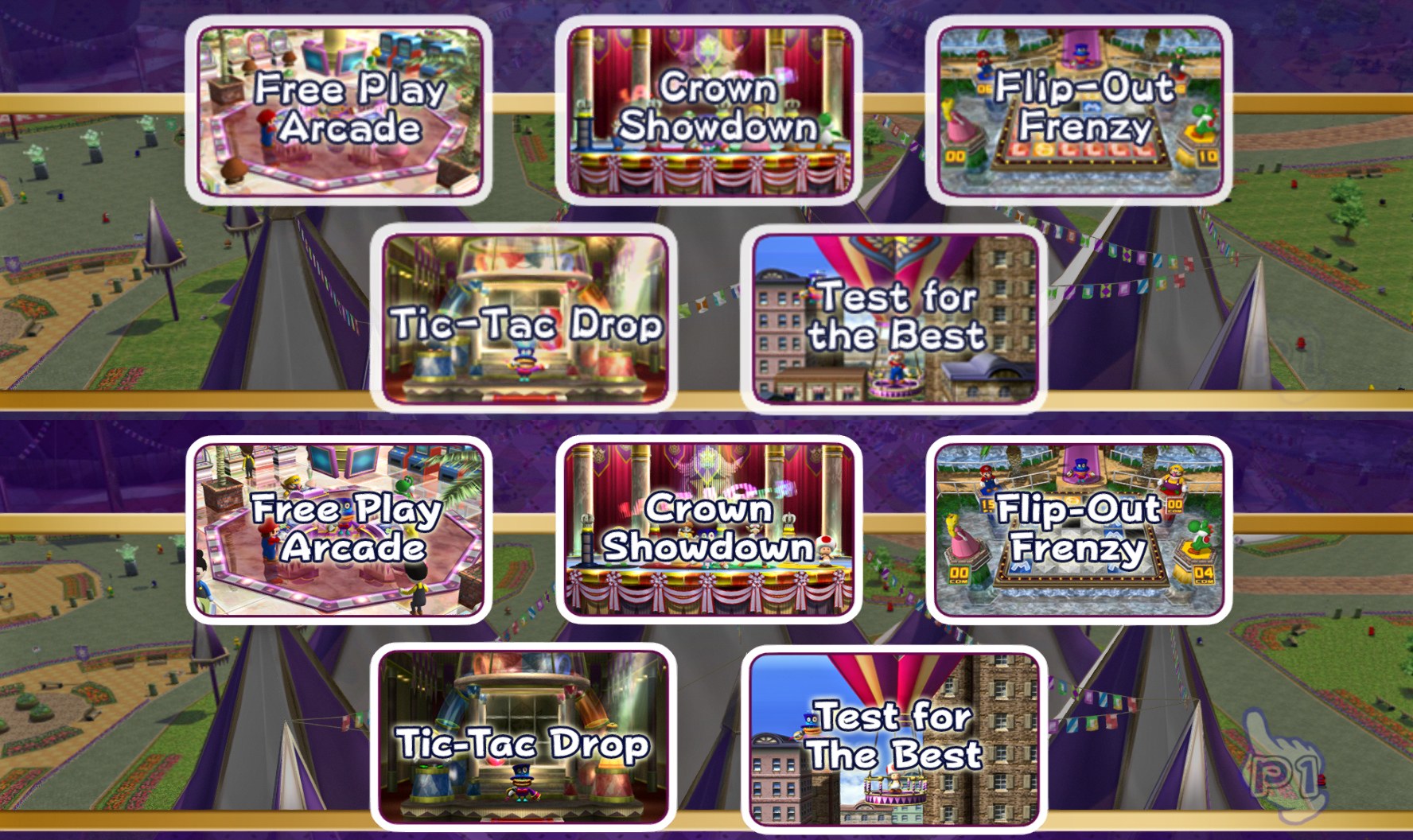
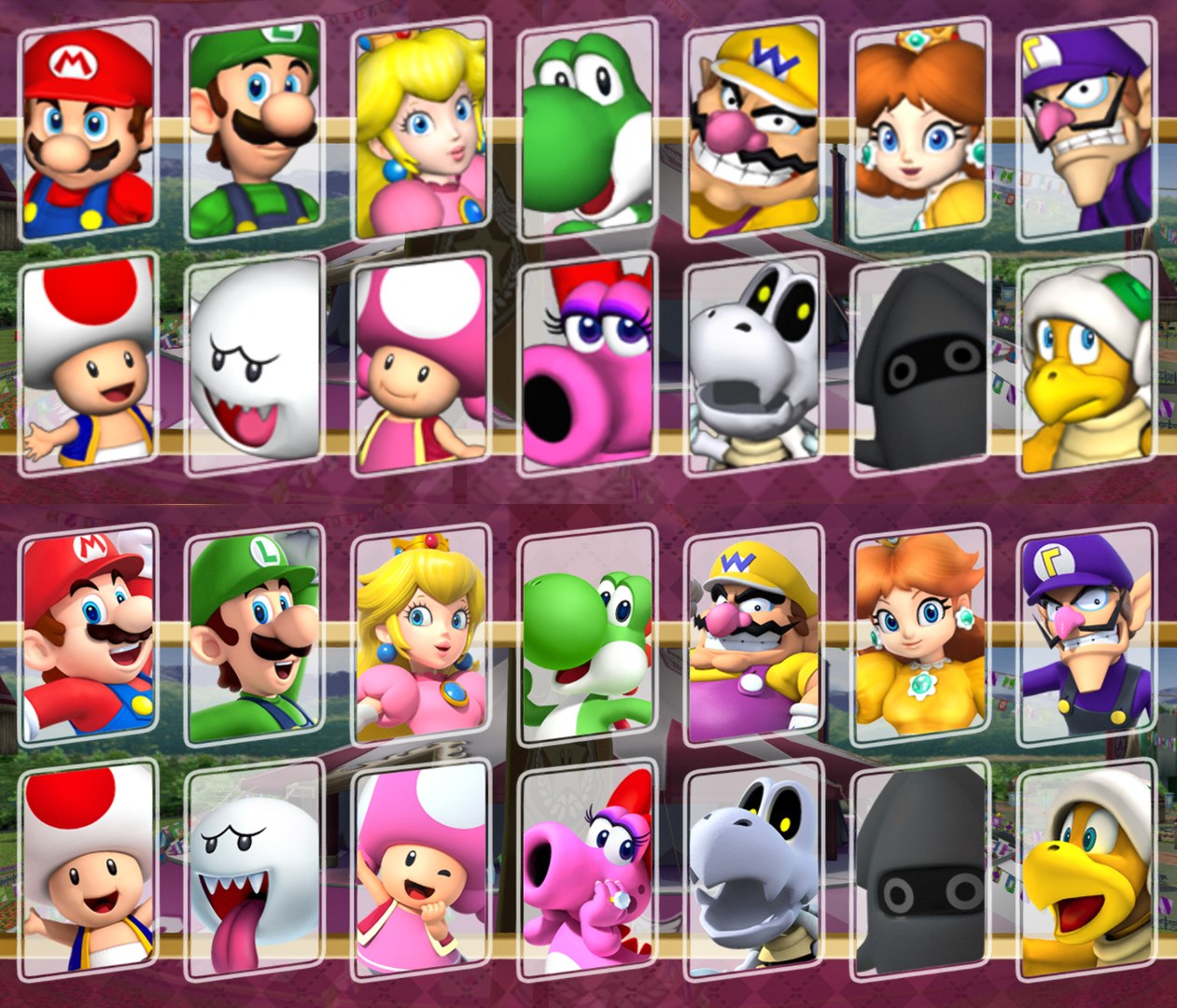
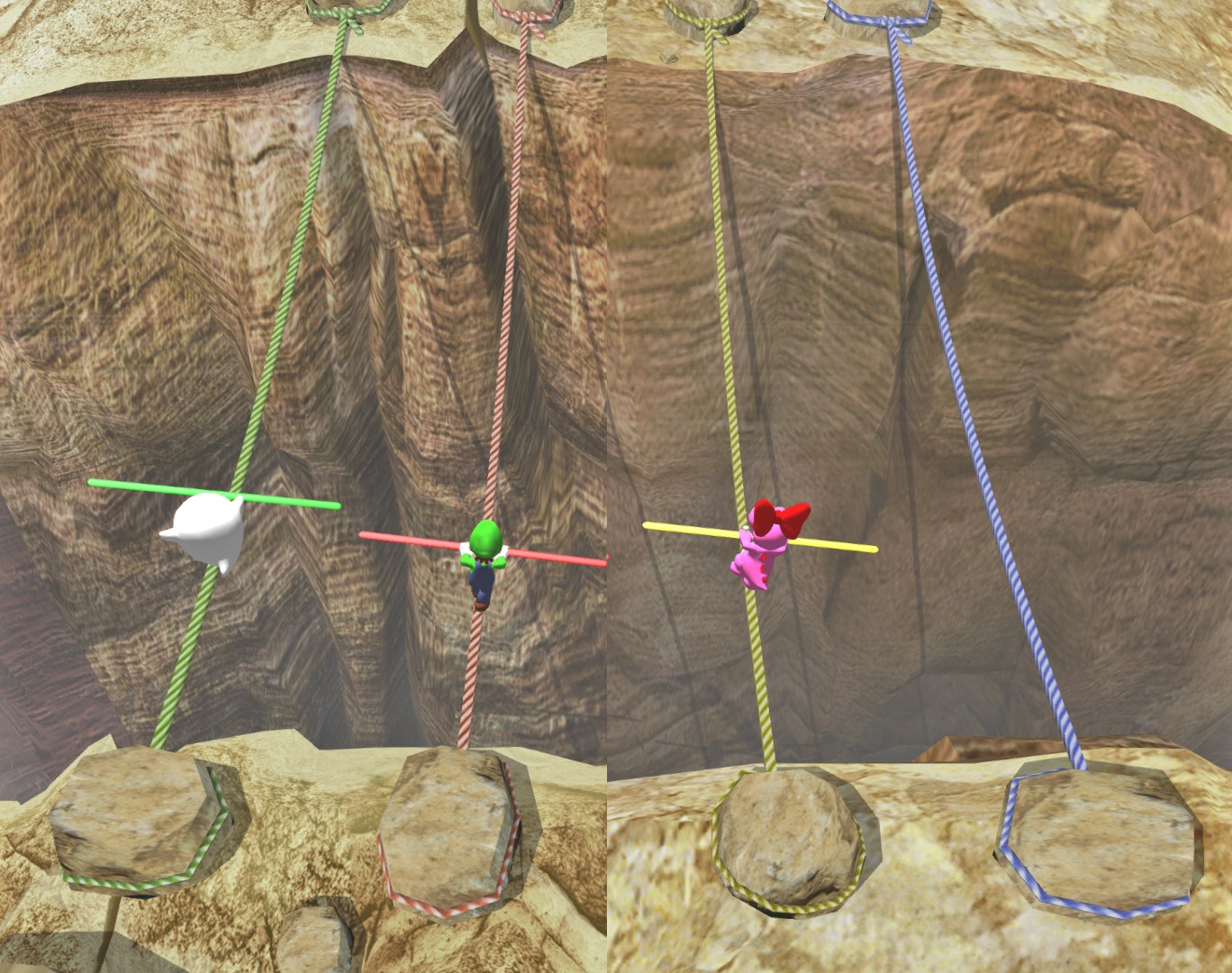
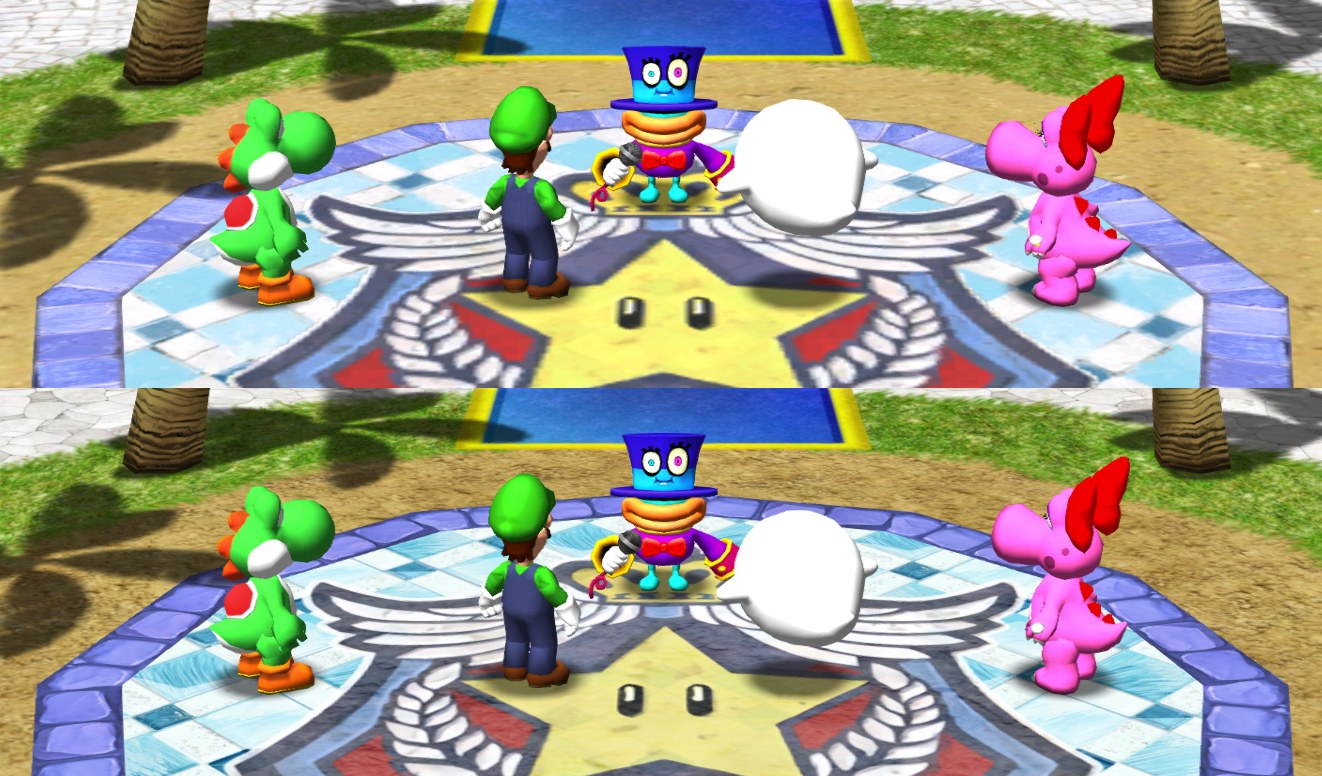
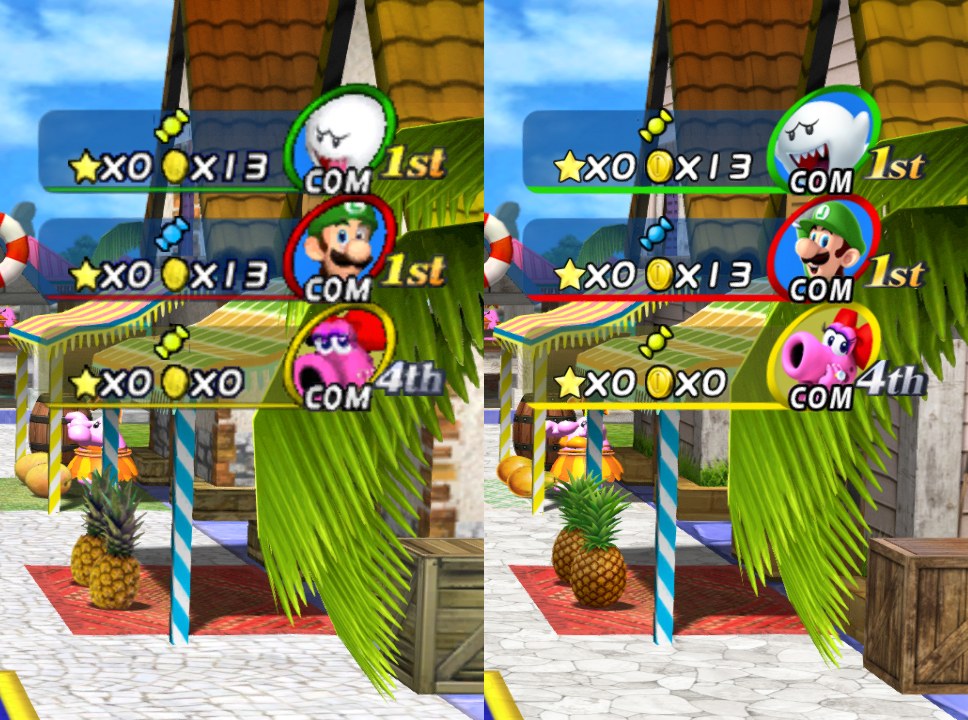
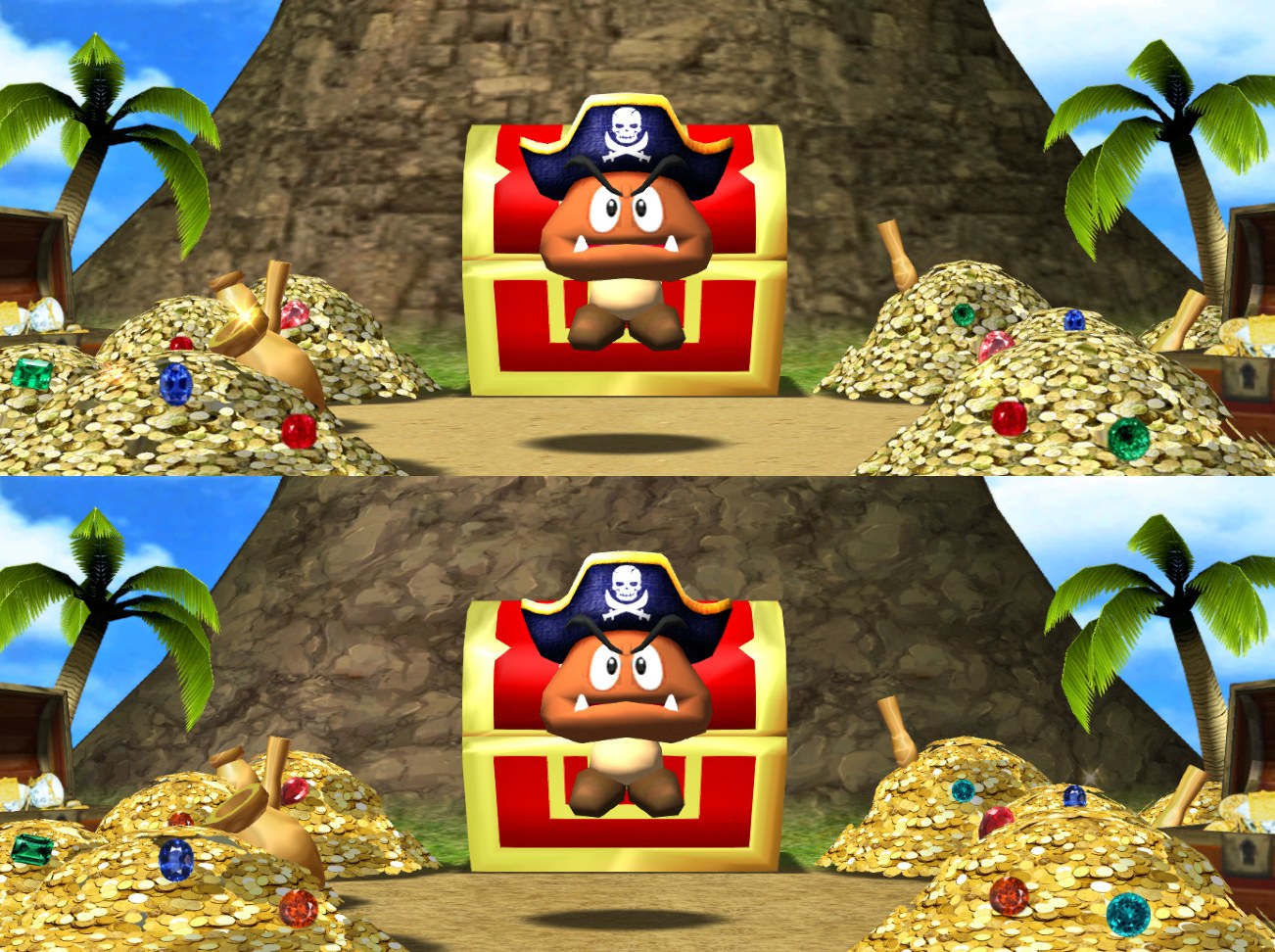
zaozabot’s pack raises the resolution of Mario Party 8 while keeping its original colours and patterns, so the changes can be subtle. The aim was a sharper version of the same game, not a remake.
Most fonts and text are upscaled with Waifu2x, with the hardest ones redrawn by hand. Character avatars are replaced with modern ones, low resolution GUI textures and character models are upscaled with details fixed by hand, and many board textures plus some from minigames are replaced or upscaled. Minigame preview screenshots were replaced where possible, but not those shown as the first frame of a video.
The pack is unfinished. Not every level and mode was played through, so some avatars, text and icons may still be low quality.
How to Set It Up
- In Dolphin, open File > Open User Folder, then go into
Load/Textures/. - Extract the download there, so you end up with a
Load/Textures/RM8/folder. - Open Graphics > Advanced and tick Load Custom Textures. Ticking Prefetch Custom Textures too stops stutter, if you have the RAM for it.