Mario Kart Wii HD Remaster
Texture pack for Mario Kart Wii
- MoukreaArtist
- 2 Oct 2026Page Updated
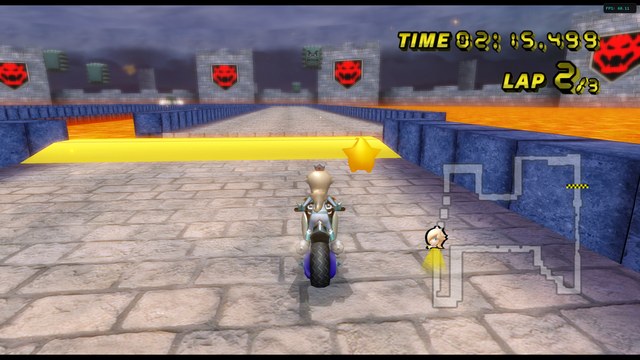
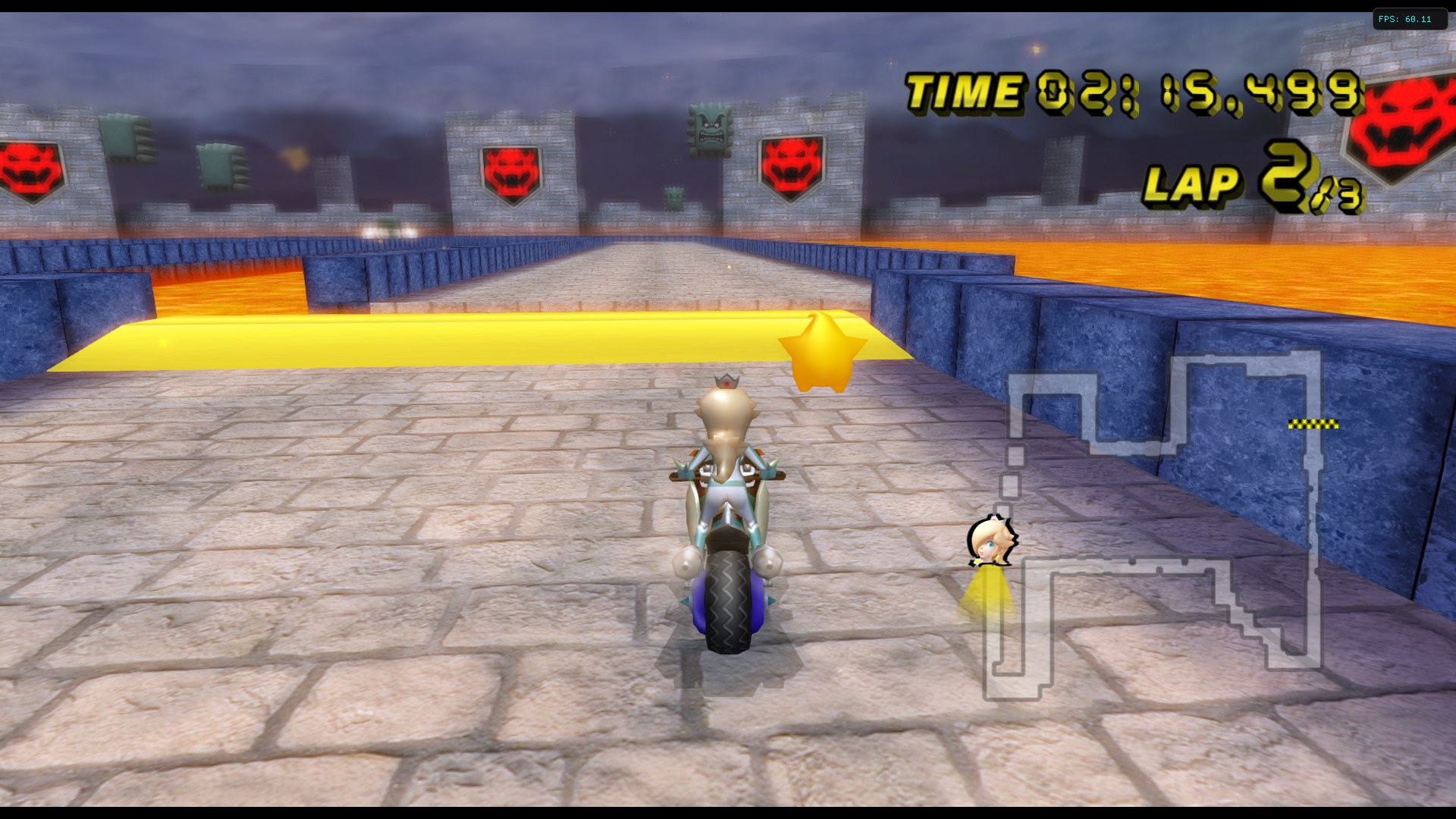
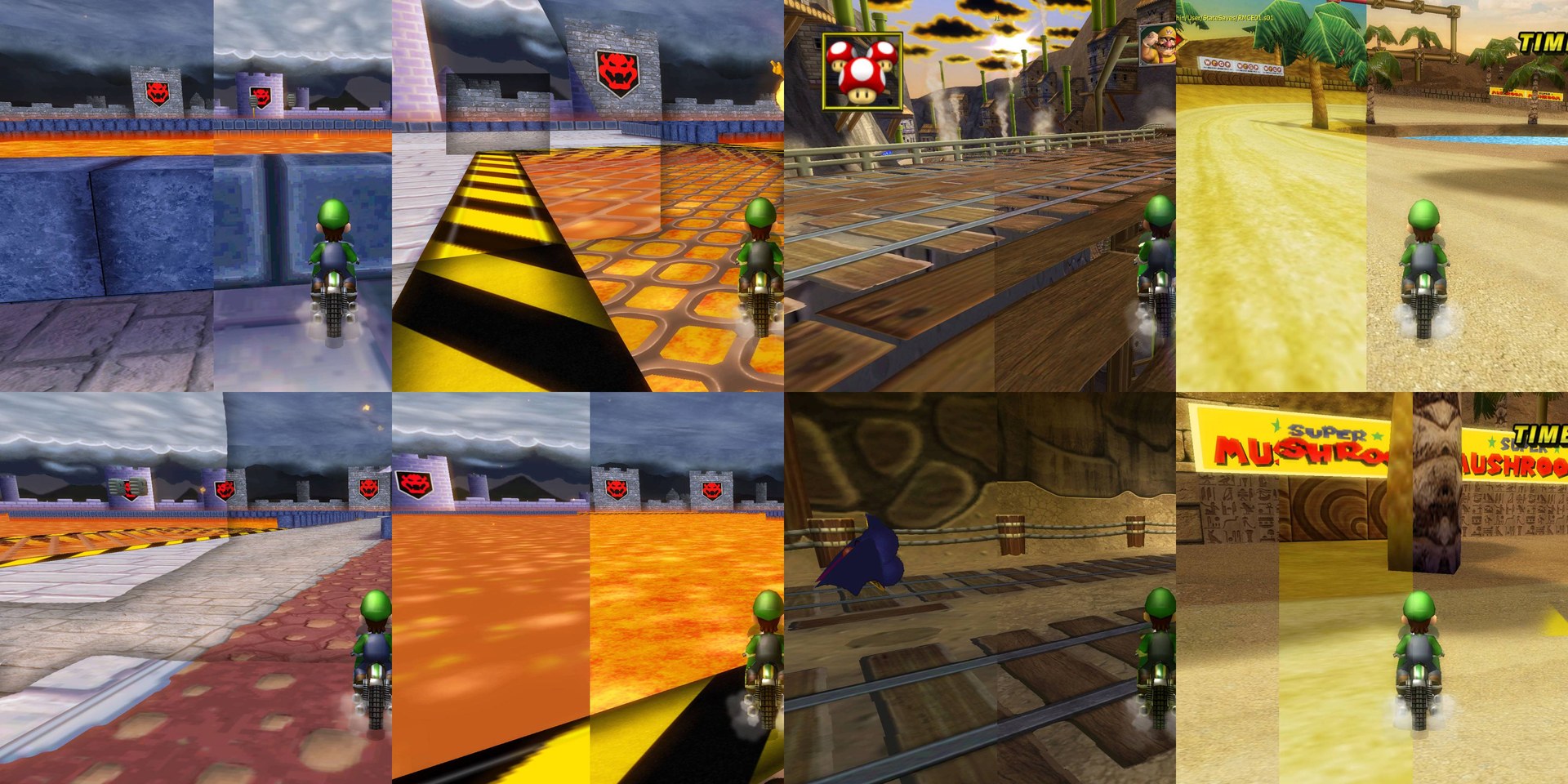
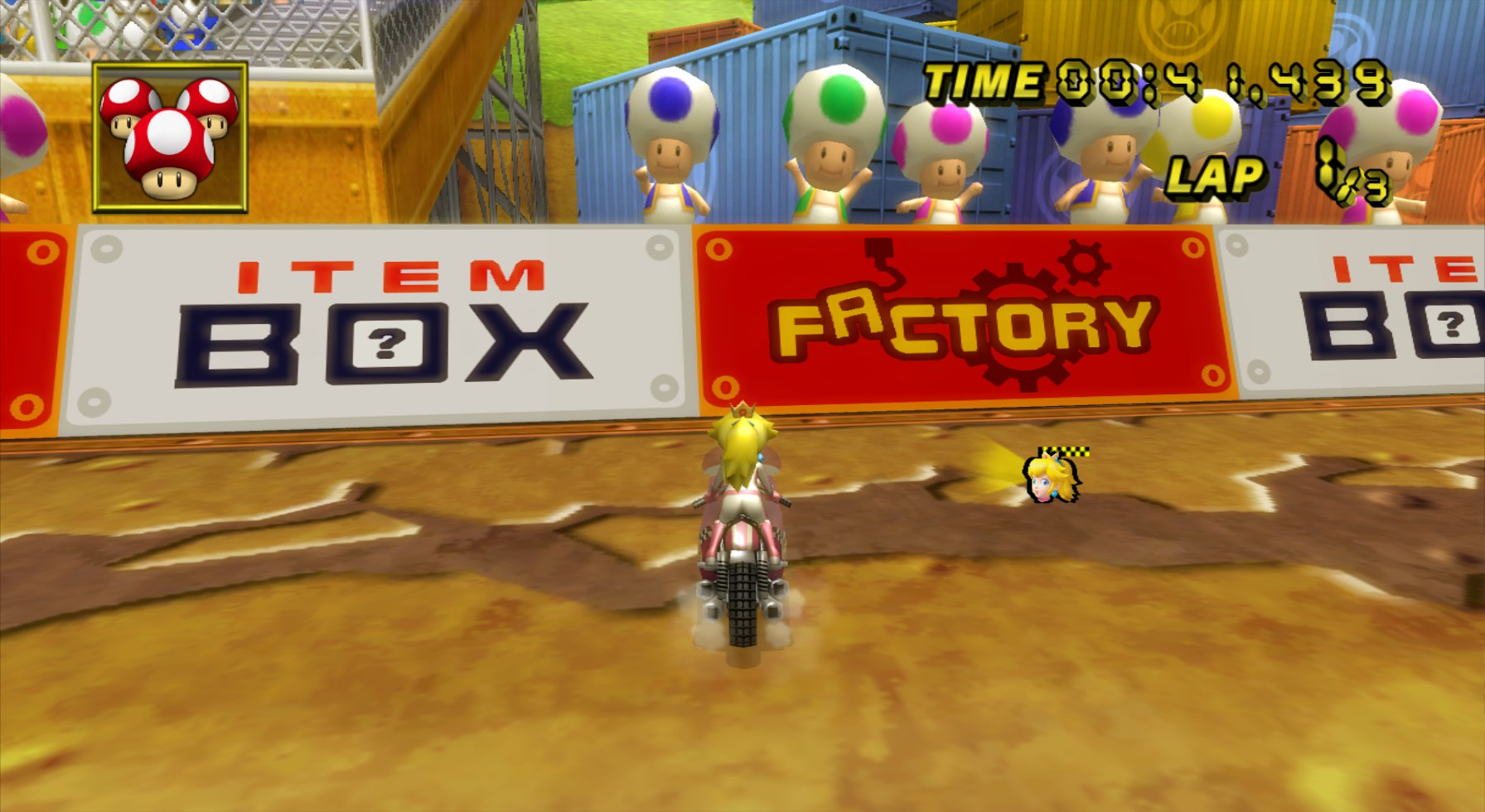
Overview
Moukrea and Walamo15 built this remaster to make Mario Kart Wii look its best on 1080p and 4K displays. Every edited texture is four times the size of the original, so it can look rough at the Wii’s native resolution.
Moukrea felt the original menus were plain and dated, much like the Wii system menu and Wii Fit. The pack replaces the sans-serif font with a Mario-style one and gives the interface brighter colours and a more modern look.
Development has ended, and this is version 0.3.1, the most complete release. Moukrea left the pack open for others to keep improving.
How to Set It Up
- In Dolphin, open File > Open User Folder, then go into
Load/Textures/. - Extract the download there, so you end up with a
Load/Textures/RMC/folder. - Open Graphics > Advanced and tick Load Custom Textures. Ticking Prefetch Custom Textures too stops stutter, if you have the RAM for it.