MKWii Reloaded
Texture pack for Mario Kart Wii
- ghostlydarkArtist
- 2 Oct 2026Page Updated
Details
- Artist
- ghostlydark
- Original Release
- Dolphin Forums
- Project Page
- GitHub
- Author's Site
- evilgames.eu
- Page Updated
Screenshots
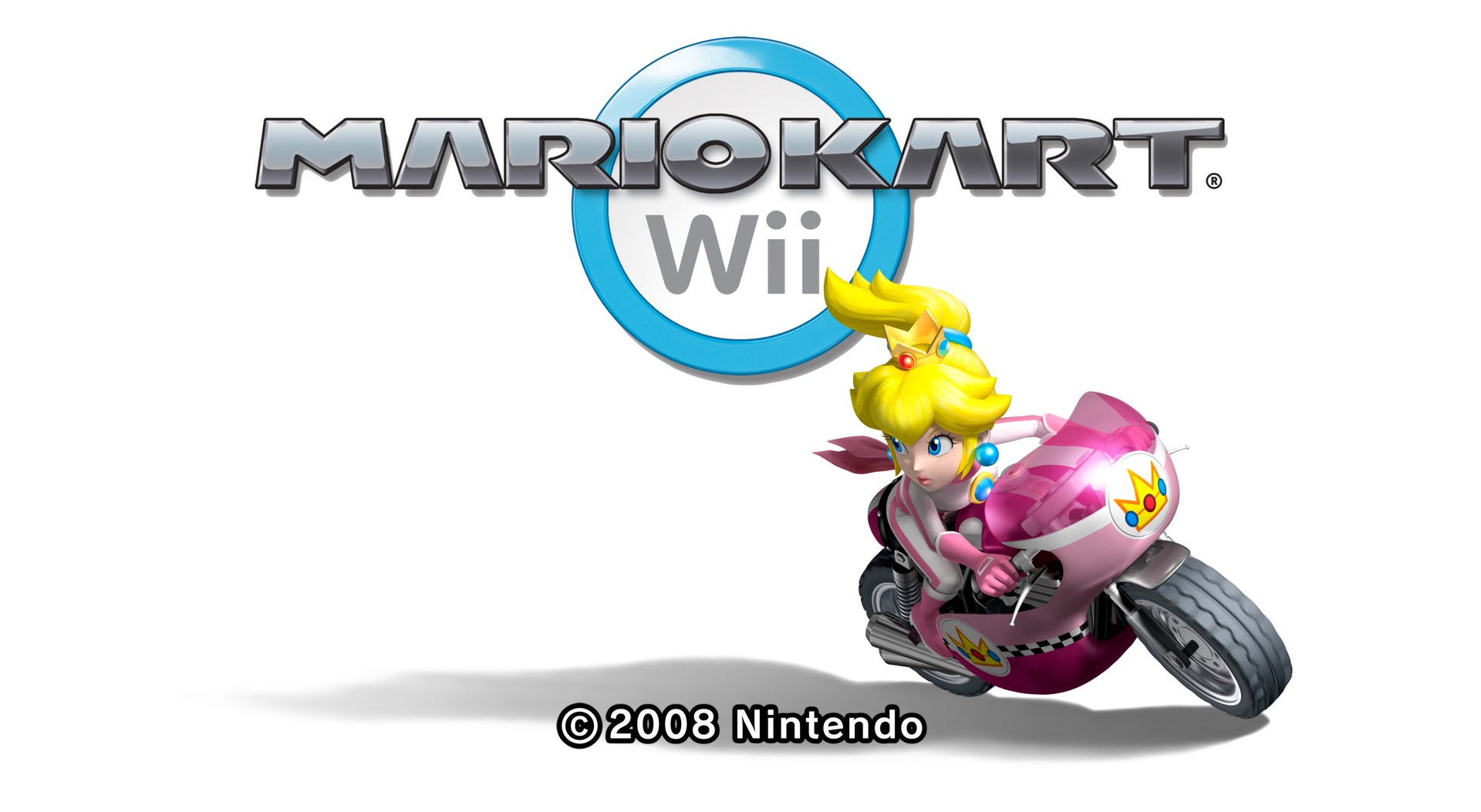
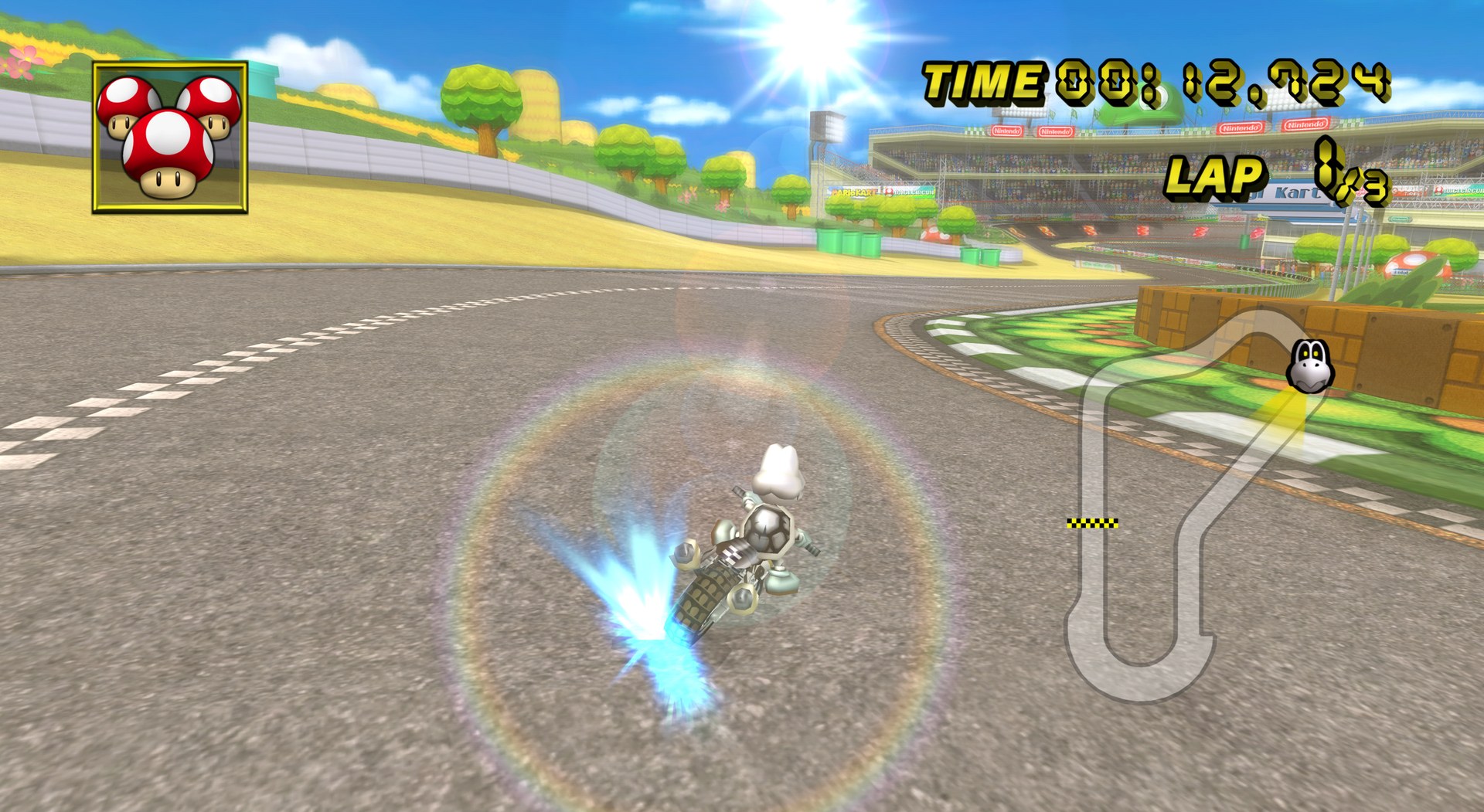
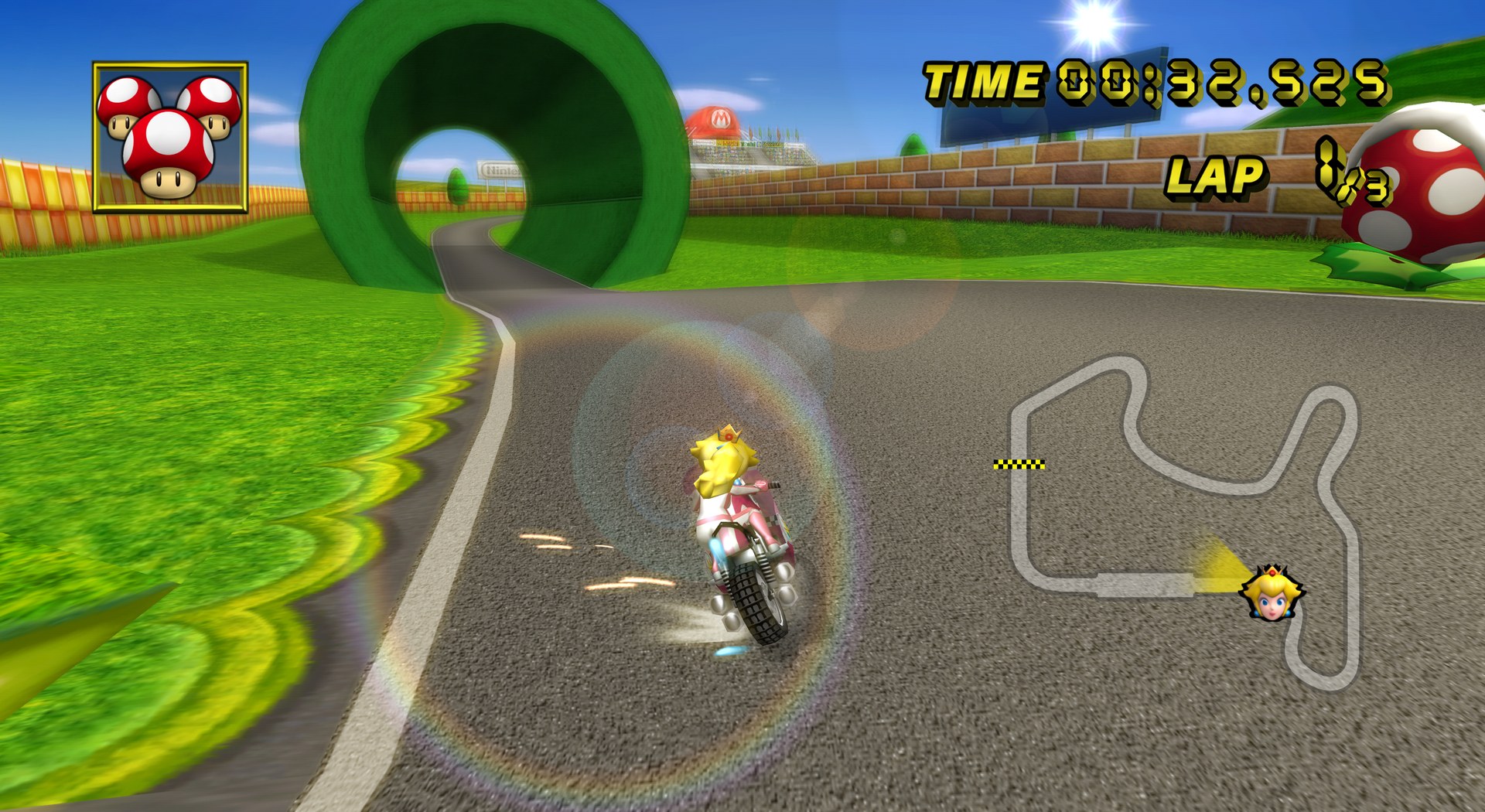
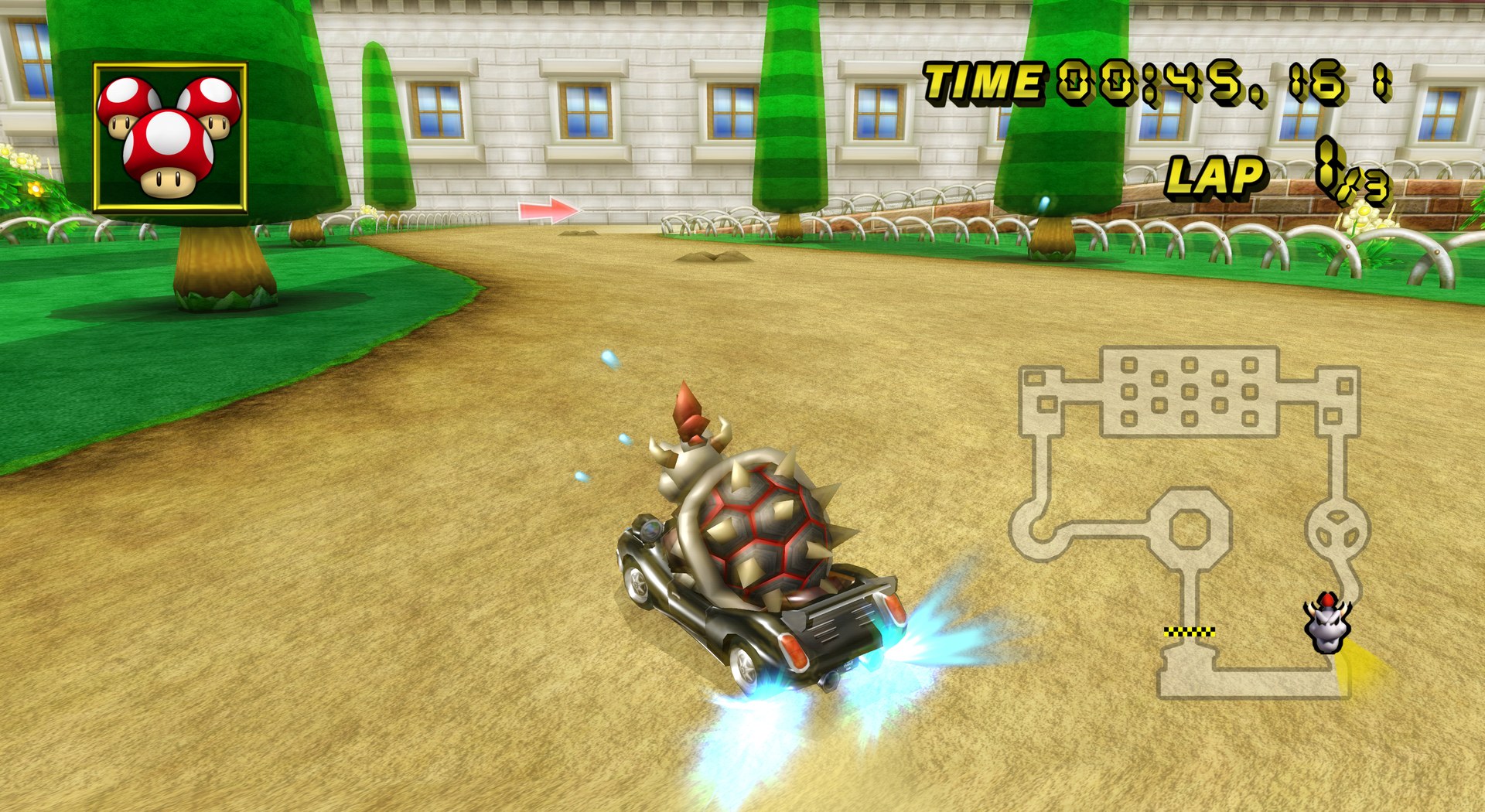
Overview
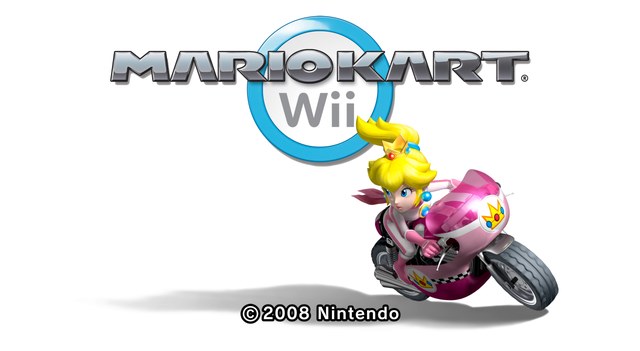
MKWii Reloaded is ghostlydark’s HD texture pack for Mario Kart Wii. It is still incomplete, and this is version 0.2.0. It was made for the NTSC-U version, and the PAL and NTSC-J versions should work as well.
The DDS build is the one to play with, since it loads quickly and uses less memory. The PNG build holds the source files and is not recommended for normal play. The DDS build uses BC7, so it needs a recent Dolphin development build rather than the old 5.0 stable release. At version 0.1.1, prefetching it took about 1.3 GB of RAM.
How to Set It Up
- In Dolphin, open File > Open User Folder, then go into
Load/Textures/. - Extract the download there, so you end up with a
Load/Textures/RMC/folder. - Open Graphics > Advanced and tick Load Custom Textures. Ticking Prefetch Custom Textures too stops stutter, if you have the RAM for it.