
TMSRecomp
PC port of Tokyo Mirage Sessions #FE Encore
- RecompilationPort Type
- godofknifeDeveloper
- 26 Nov 2026Page Updated
Details
- Developer
- godofknife
- Port Type
- RecompilationA tool translated the game's original machine code into C automatically, which was then built as a native PC program.
- AI Use
- Mostly AI-builtThe project says: “This project was built entirely with AI.” Source
- Logo
- AI-made fan logo, free to use · Full size
- Source Code
- GitHub
- Page Updated
Platform Support
- Windows
Screenshots
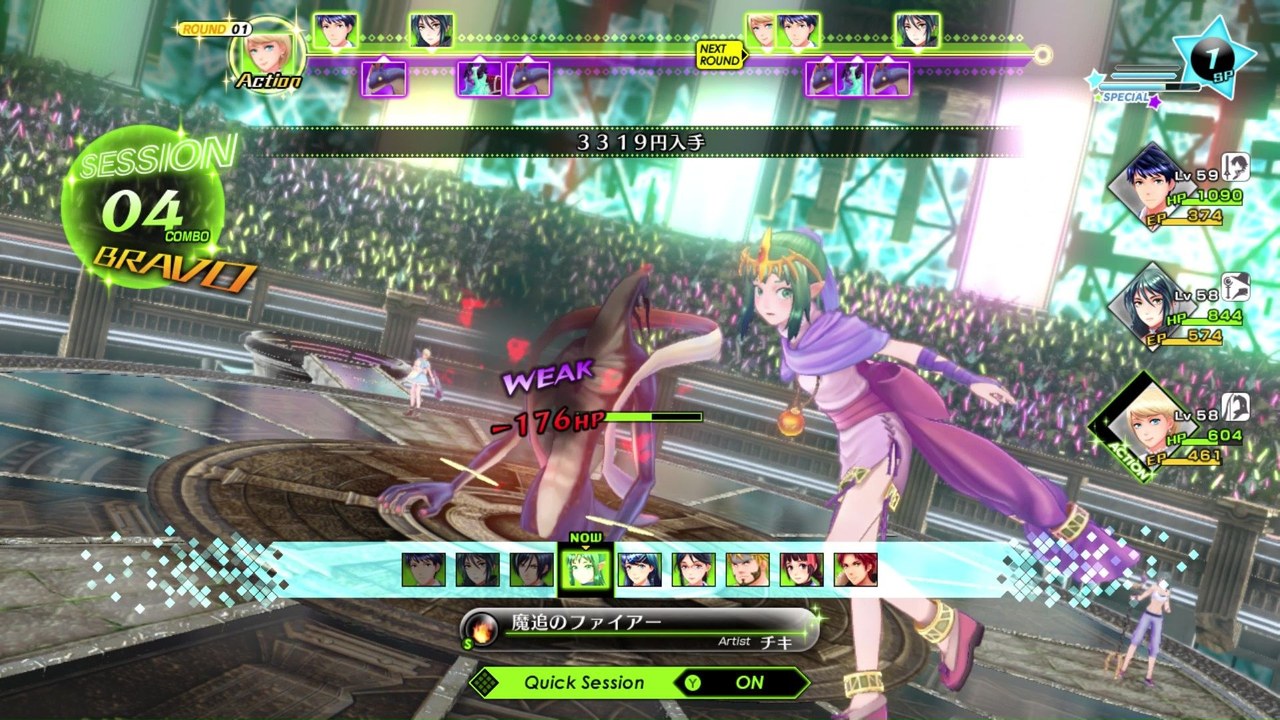
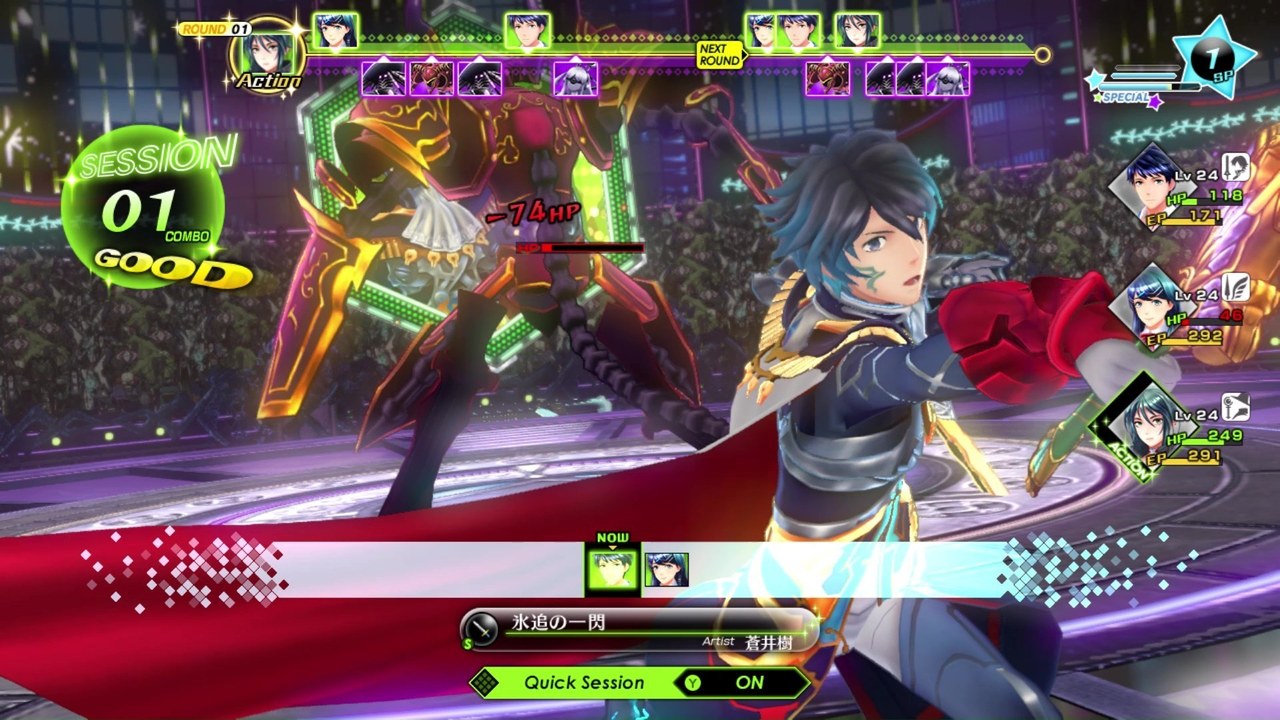
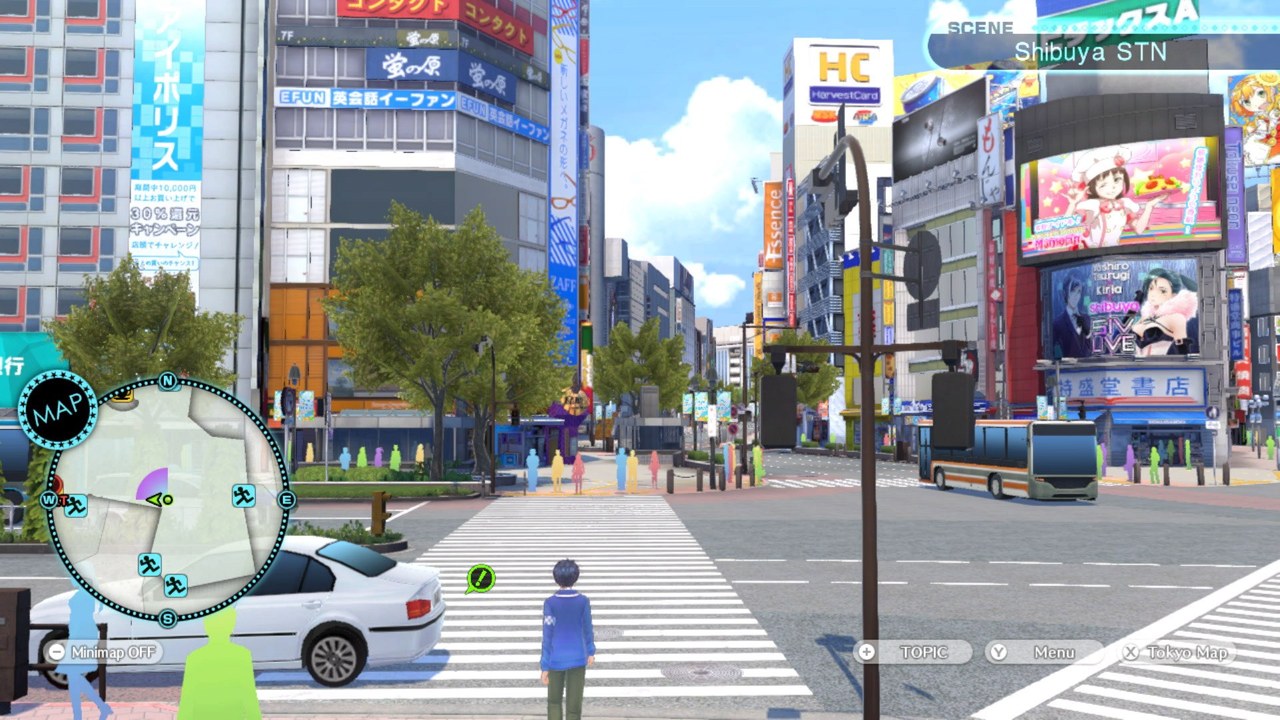
0100A9400C9C2000): an NSP with your prod.keys, or a folder already extracted to exefs and romfs. Windows 10 or 11 (64-bit), a Vulkan 1.3 graphics card with a current driver, and about 15 GB free.Overview
TMSRecomp is a fan-made native Windows port of Tokyo Mirage Sessions #FE Encore, made by static recompilation of the Switch version: the game’s 32-bit ARM code is translated to C and compiled into a Windows program, and its graphics calls run on Vulkan, with no emulator involved. The download holds the launcher, translator, compiler and shader tools; setup builds the game on the player’s own computer from their dump, so the result is for personal use only. The project is a beta, tested on NVIDIA RTX cards up to the second chapter’s Idolasphere, and its author says it was built entirely with Claude Code, directed and tested by them. An experimental Linux build can be compiled from the source.
It renders from the original 720p up to 4K or 8K supersampling and runs at 30, 60, 120, 144, 165, 240 FPS or uncapped while the game keeps its normal speed. Ultrawide 21:9 and 32:9 screens get a wider view with the menus centred, and anti-aliasing and upscaling options include SMAA, MSAA, AMD FSR 3 and NVIDIA DLSS. An optional UHD texture pack and 4K movies are separate downloads installed from the launcher’s guide.
A long list of optional extras sits in the launcher and an in-game menu: retrying lost battles, revealed dungeon maps, battle speed, experience and money multipliers, every difficulty unlocked, a fast-travel page, request hints and a choice of the game’s own languages. Keyboard and mouse controls can be rebound, controller buttons remapped, and button prompts match Switch, PlayStation or Xbox pads. A Mods page turns mods on and off.
The download contains no game data. It needs your own dump of the Switch game.
How to Set It Up
- Extract the download to a folder you can write to, such as
D:\Games\TMSRecomp(notProgram Files). - Run
launcher.exe; the Setup page opens. - Pick your NSP and
prod.keys, or your extracted folder, and optionally tick the NVIDIA DLSS download on RTX cards. - Press SET UP. It copies the game files, recompiles the game code into
game.dlland translates the shaders, which takes 5 to 15 minutes. Then press PLAY.
Advertisement
Download TMSRecomp
What's new in v0.1.5TMSRecomp v0.1.5 beta
Beta (v0.1.5). Language option, much faster on weaker PCs, 4K movies on the GPU, AMD effect fix, launcher touch scrolling. Update: the launcher shows Update: one click (settings, saves and mods stay). After updating, the launcher rebuilds game.dll once by itself with the new optimisations (from the game files you set up before, about 5 to 15 minutes).
What’s new
- Language option (#12): English, Japanese, French, Simplified or Traditional Chinese for game text and menus (launcher, F1 menu,
language). Voices stay; the Uncensored mod’s text is English only. - Faster on weaker PCs (#11): the game code is built with more optimisation, whole-program optimisation and a speed profile recorded from real play; the game’s memory / string functions run as PC code; draw replay runs on its own thread at 60 fps too; less CPU work per draw. One CPU core in Shibuya: 93 -> about 137 fps.
- 4K movies decode on the GPU (Windows’ VP9 decoder,
movie_gpu, thanks to the Reddit question): the 4K camp background takes about half the CPU. PCs without the decoder use the CPU as before. - 1080p now renders exactly 1920 x 1080 (also Auto on 1080p screens): it used to render 2560 x 1440 and scale down, 78% more work for the graphics card.
- Keep 4K movies at 4K (#13): launcher > Display & FPS (
movie_hd_fallback = 0). - New Game+ requests in a fresh game (
ng_plus_requests, on by default) and request hints in the F1 menu (open requests, who gives them, how to finish them).
Fixes
- AMD: effects drawn as black shapes (#15):
nan_guard(auto = on with AMD GPUs). The first start after the update compiles shaders again on AMD, so the first minutes may stutter. - Launcher: the scrollbar can be dragged with the mouse (#14); Windows touch screens (Legion Go) scroll with a finger swipe.
- Rare abort at start-up (vsync thread race).
How to play (new install)
You need your own copy of the game (Switch, title 0100A9400C9C2000, base game 1.0.0 without update), dumped from your own console. This download contains no game code and no game files.
- Extract the ZIP anywhere.
- Run
launcher.exe. On the Setup page pick your NSP +prod.keys(or an extracted folder withexefs\andromfs\), press SET UP and wait 5 to 15 minutes. - PLAY. In game, F1 or L3 + R3 opens the settings menu.
Downloads
| File | What | Size |
|---|---|---|
TMSRecomp-v0.1.5.zip (below, under Assets) | the program and its setup (Windows). This is the one you need. | 150 MB |
| TMSRecomp-UHD | optional: AI-upscaled textures, now with the missed ones (launcher > Guide > UHD textures) | 12.1 GB |
| TMSRecomp-MovieHD | optional: 4K story movies and redone camp backgrounds (launcher > Guide) | see Drive |
Known limits
- Beta: tested from the start through the chapter 2 Idolasphere on NVIDIA RTX. Anything after that, AMD / Intel GPUs and weak PCs are less tested.
- Windows ZIP only; Linux builds from source. Base game 1.0.0 only.
Please report problems with the issue form (spec rig, screenshot, save data, nx.log). Never post game files or keys.
Not affiliated with Nintendo, ATLUS, SEGA or Intelligent Systems.
096b4a240fb02dffbc61f78ccaca423d29c73503919e5ed8d69e478f7bf4fdde
ef00e5a6a9688abb523bae1d0e6dcec37730281486f29ef77b32f45464516d12