Super Odyssey PC Recomp
PC port of Super Mario Odyssey
- RecompilationPort Type
- Simon3SarkisDeveloper
- 12 Nov 2026Page Updated
Details
- Developer
- Simon3Sarkis
- Port Type
- RecompilationA tool translated the game's original machine code into C automatically, which was then built as a native PC program.
- AI Use
- AI-assistedThe project says: “Built with heavy help from AI coding agents, directed and tested by a human.” Source
- Source Code
- GitHub
- Page Updated
Platform Support
- Windows
Screenshots
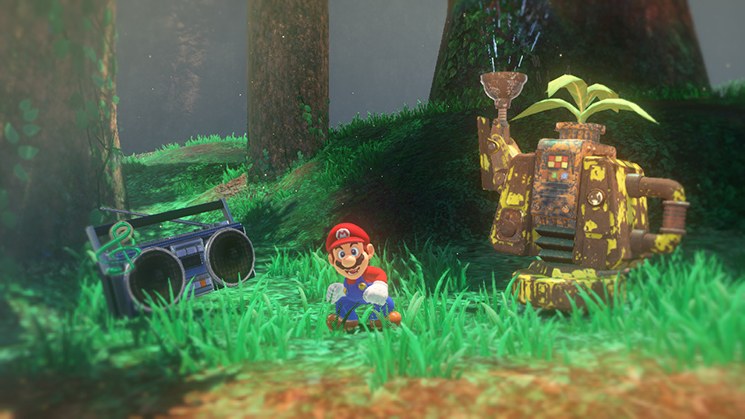
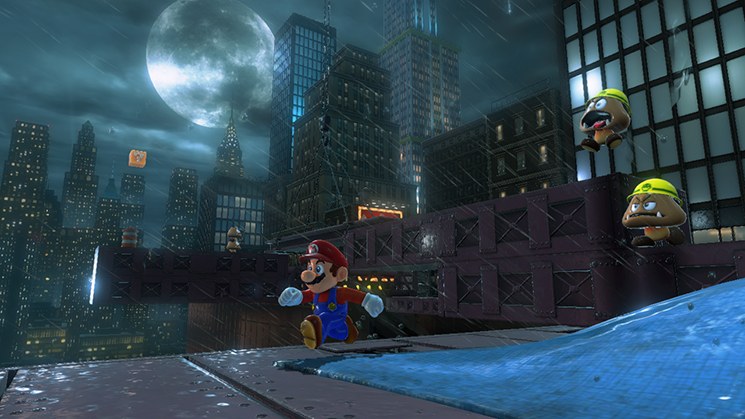
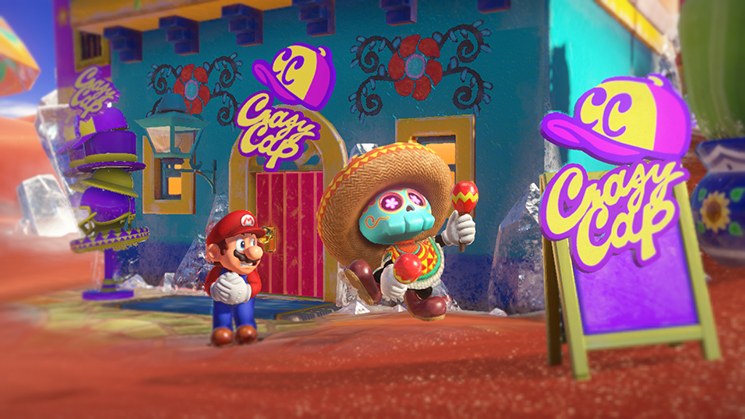
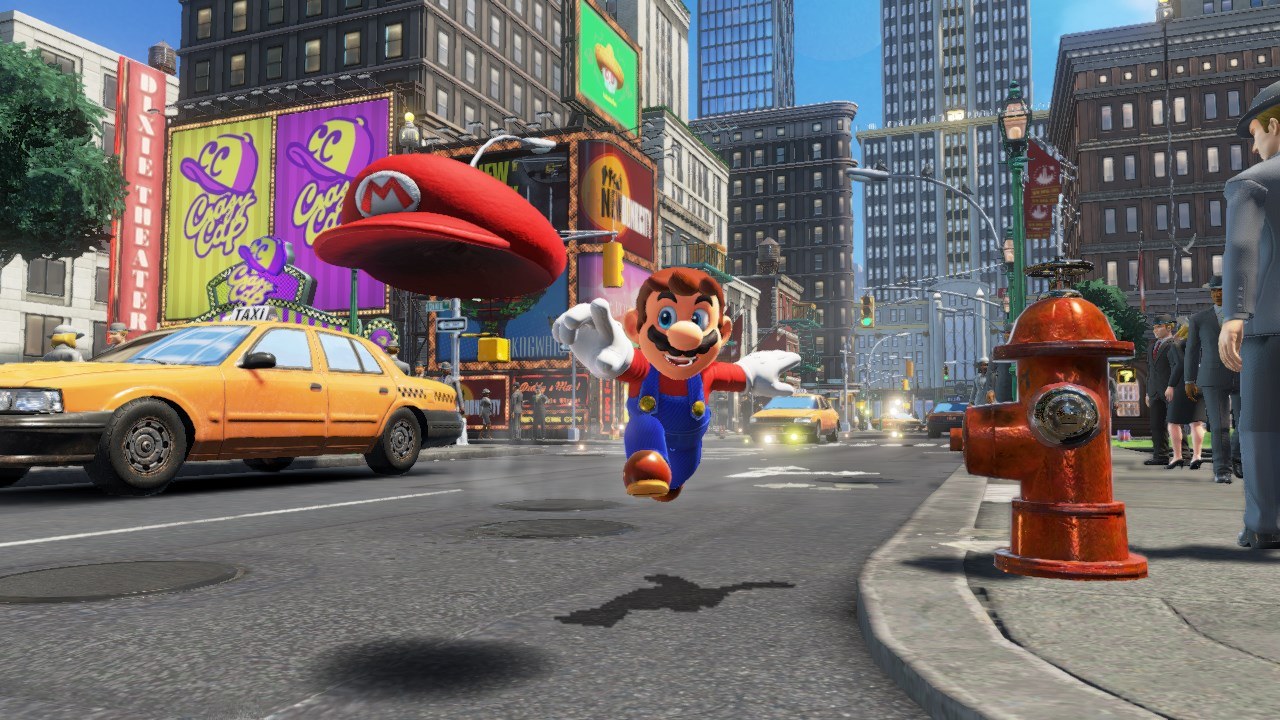
Overview
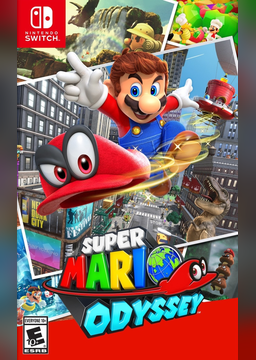
Super Odyssey PC Recomp is a native Windows port of Super Mario Odyssey, made by static recompilation. The game’s ARM64 code is translated to C ahead of time and compiled into a regular Windows program, and the parts of the Switch it talks to, from the kernel and system services to the NVN graphics API and audio, are rebuilt on the PC with Vulkan. It continues Power Moon Recomp, whose own repository is no longer online, and both are built on the LAS Recomp toolkit.
Nothing of the game is in the download. An installer takes the player’s own NSP, XCI or extracted copy with their console’s keys, can apply the 1.4.1 update, recompiles the game code on their PC and compiles every shader ahead of time so effects don’t stutter the first time they appear. The game data is written once rather than copied twice.
It renders at up to four times the internal resolution, with NVIDIA DLSS or DLAA, AMD FSR 1 and SMAA, fills ultrawide windows, and offers an experimental native 120 FPS mode or frame interpolation. Keys and buttons can be rebound, the mouse turns the camera, RomFS mods go in a folder of their own, and the program can update itself from its releases page. It is an early preview: the developer lists known issues, online features don’t work and code mods can’t be used.
How to Set It Up
- Download the Windows zip and extract it to a folder you own, not Program Files, then start
SuperOdysseyRecomp.exe. The program isn’t signed, so SmartScreen may ask you to confirm. - In the installer, choose your game file or extracted folder, the optional 1.4.1 update, your
prod.keysand where to install the game. - Press Install. It checks your game file, writes the game data, recompiles the game’s code on your PC and compiles every shader, which takes several minutes once.
- Press Play. F1 or Esc (Home or Guide on a controller) opens the menu with display, graphics, audio, controls, mods and updates.