Power Moon Recomp
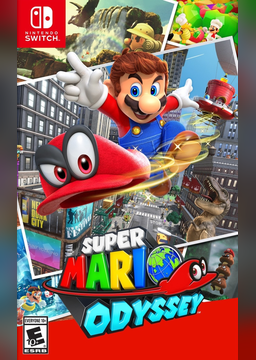
PC port of Super Mario Odyssey
- RecompilationPort Type
- zzzarathustra-devDeveloper
- 3 Nov 2026Page Updated
Details
- Developer
- zzzarathustra-dev
- Port Type
- RecompilationA tool translated the game's original machine code into C automatically, which was then built as a native PC program.
- AI Use
- AI-assistedThe project says: “Built with heavy help from an AI coding agent (Claude), directed and tested by a human.” Source
- Source Code
- GitLab
- Page Updated
Platform Support
- Windows
- Linux
Screenshots
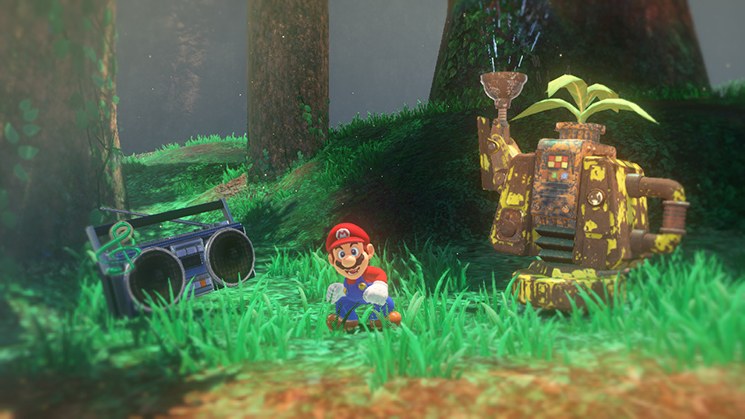

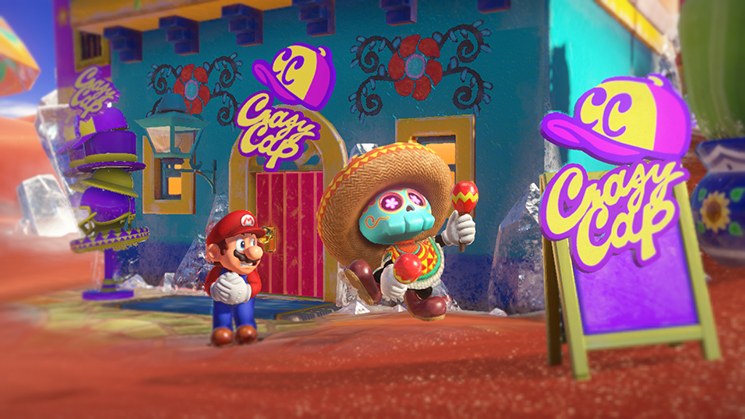
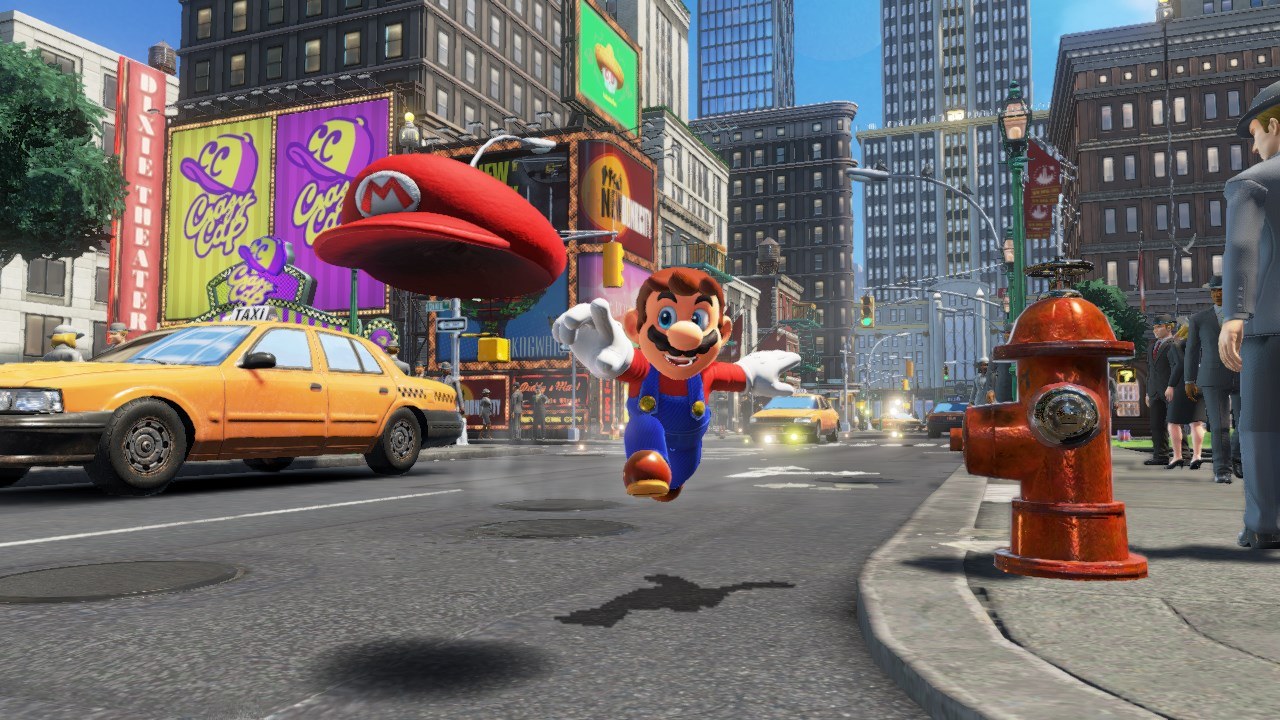
exefs and romfs from your own Switch. Windows or Linux 64-bit with a Vulkan graphics card. About 6 GB free.Overview
Power Moon Recomp is a native PC port of Super Mario Odyssey, made by static recompilation: the game’s ARM64 code is translated to C ahead of time and compiled into a regular program, while the Switch’s kernel, services, NVN graphics and audio are reimplemented on the PC with Vulkan, or Metal for an early macOS test build. No emulator runs while it plays.
Nothing of the game is in the downloads or the source. On the first start, the program checks the player’s own extracted 1.0.0 copy, copies what it needs and recompiles the game’s code on their PC. The whole game has been played through on Windows and Linux, every kingdom, the bosses, the 2D and 8-bit sections, the ending and the post-game, at 60 FPS, the rate its logic is tied to.
The internal resolution can match the display or reach several times 1080p, with AMD FSR 1 for slower PCs, and controls can be rebound. RomFS mods that replace or add costumes, models, textures, music, text or levels go in a folder of their own. The developer says it was built with heavy help from an AI coding agent, directed and tested by a person.
How to Set It Up
- Download the Windows zip or the Linux AppImage.
- On Windows, extract the zip into a folder you can write to (not Program Files) and start
PowerMoonRecomp.exe. On Linux, make the AppImage executable (chmod +x) and start it. - On the first start, choose the folder with your extracted game files. Setup checks the version, copies what the game needs and recompiles the game’s code on your PC, which takes a few minutes once.
- Press F1 or Esc (Home or Guide on a controller) for the menu with video, audio, controls and language.
Advertisement
Download Power Moon Recomp
What's new in v0.1.6Power Moon Recomp 0.1.6
What’s new
- Shader preparation, like emulators: every shader the game compiles is now saved in a form the graphics driver loads in about a millisecond, and shaders the game has loaded but not shown yet are prepared before the game starts. A small “Preparing shaders” window can appear for a few seconds when you start it. In my tests, a new kingdom in a later session had half the stutter, and the longest hitch went from 1.0 s to 0.5 s. The first visit of an area can still hitch briefly.
- Windows: no more false virus alarm. Windows Defender reported odysseygen.exe (the helper that builds the game code during setup in older versions) as “Trojan:Win32/Bearfoos.B!ml”. That was a false positive caused by how the helper was packaged. 0.1.6 uses Python’s official, signed interpreter instead, and Windows Defender finds nothing in this release.
Updating on Windows: delete the “odysseygen” folder inside your Power Moon Recomp folder, then unpack the zip over it. Saves, settings and mods stay, and the game code is not rebuilt. Linux: replace the AppImage.
You still need your own copy of Super Mario Odyssey 1.0.0 (exefs + romfs). Nothing of the game is included.
Downloads
Windows:
Power Moon Recomp-0.1.6-windows.zip
Linux:
Power Moon Recomp-0.1.6-linux-x86_64.AppImage
SHA-256
ecd96cff9f32edeeb04de8652bf3cb5681a0d0988bdef63badb1c6de018fcaf1Power Moon Recomp-0.1.6-windows.zip6cb39e45794832c9af9a15a9deaeaac525316bba1570b3869b17bb0e48a6c9d1Power Moon Recomp-0.1.6-linux-x86_64.AppImage
ecd96cff9f32edeeb04de8652bf3cb5681a0d0988bdef63badb1c6de018fcaf1
6cb39e45794832c9af9a15a9deaeaac525316bba1570b3869b17bb0e48a6c9d1