KarPur
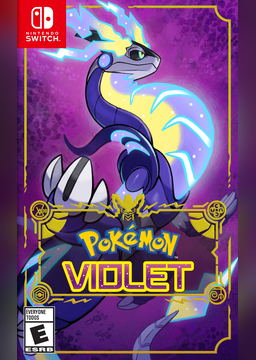
PC port of Pokémon Scarlet and Violet
- RecompilationPort Type
- GrunttanamoDeveloper
- 12 Nov 2026Page Updated
Details
- Developer
- Grunttanamo
- Port Type
- RecompilationA tool translated the game's original machine code into C automatically, which was then built as a native PC program.
- AI Use
- Mostly AI-builtThe project says: “writes most of the code and documentation. It also plans the work, explains every step, and analyses the reports and crash logs.” Source
- Source Code
- GitHub
- Page Updated
Platform Support
- Windows
Screenshots
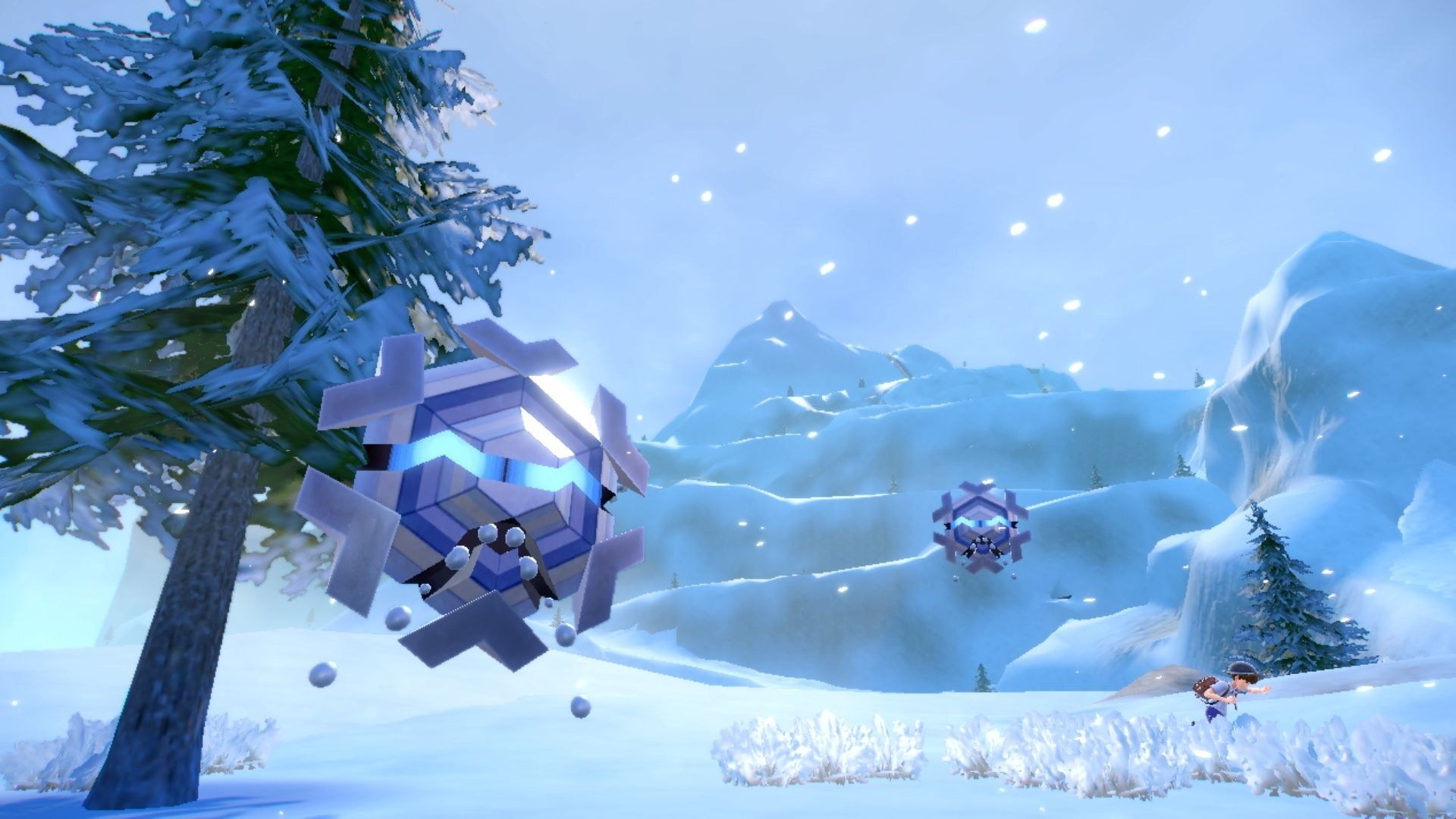
Overview
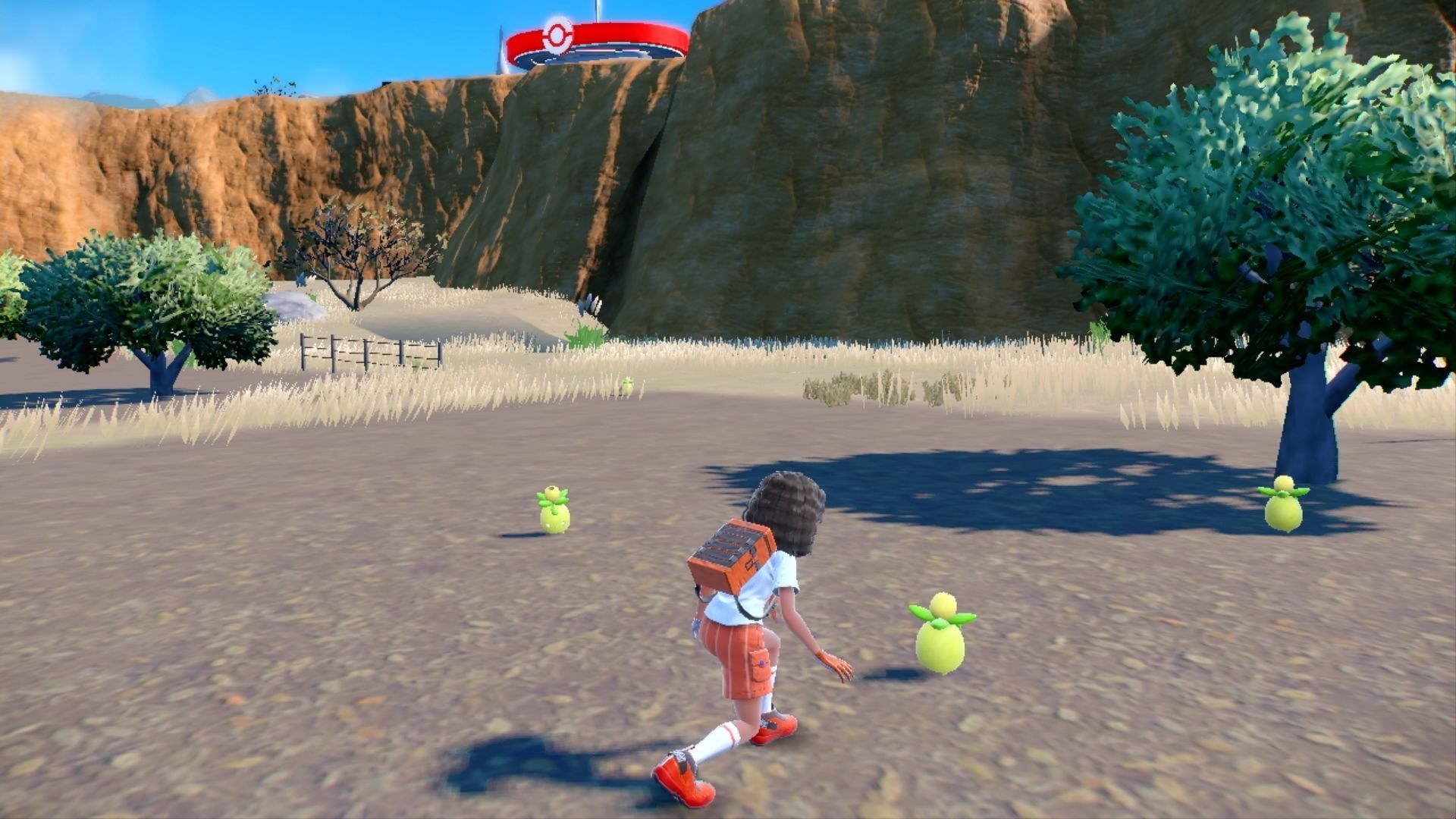
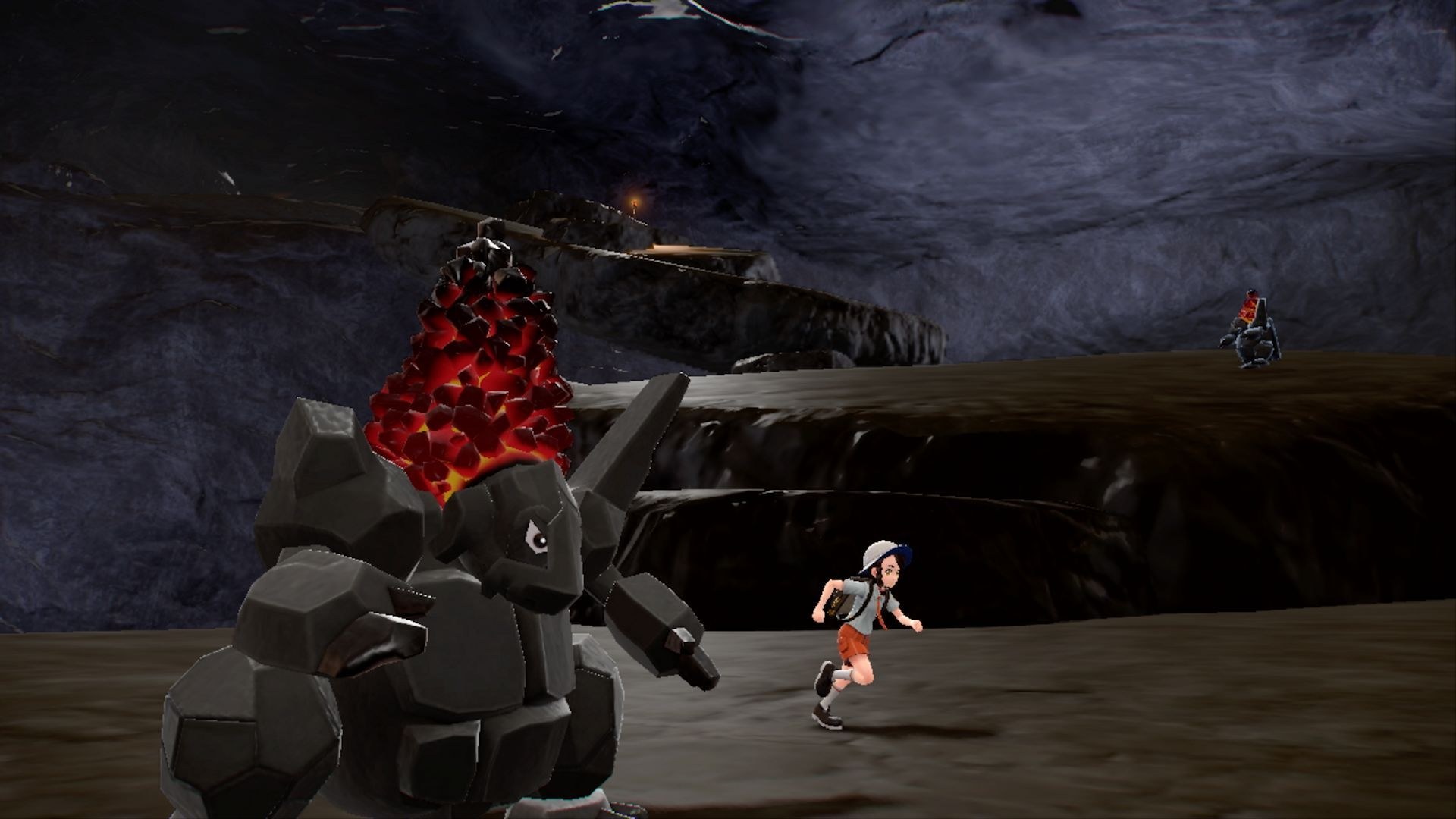
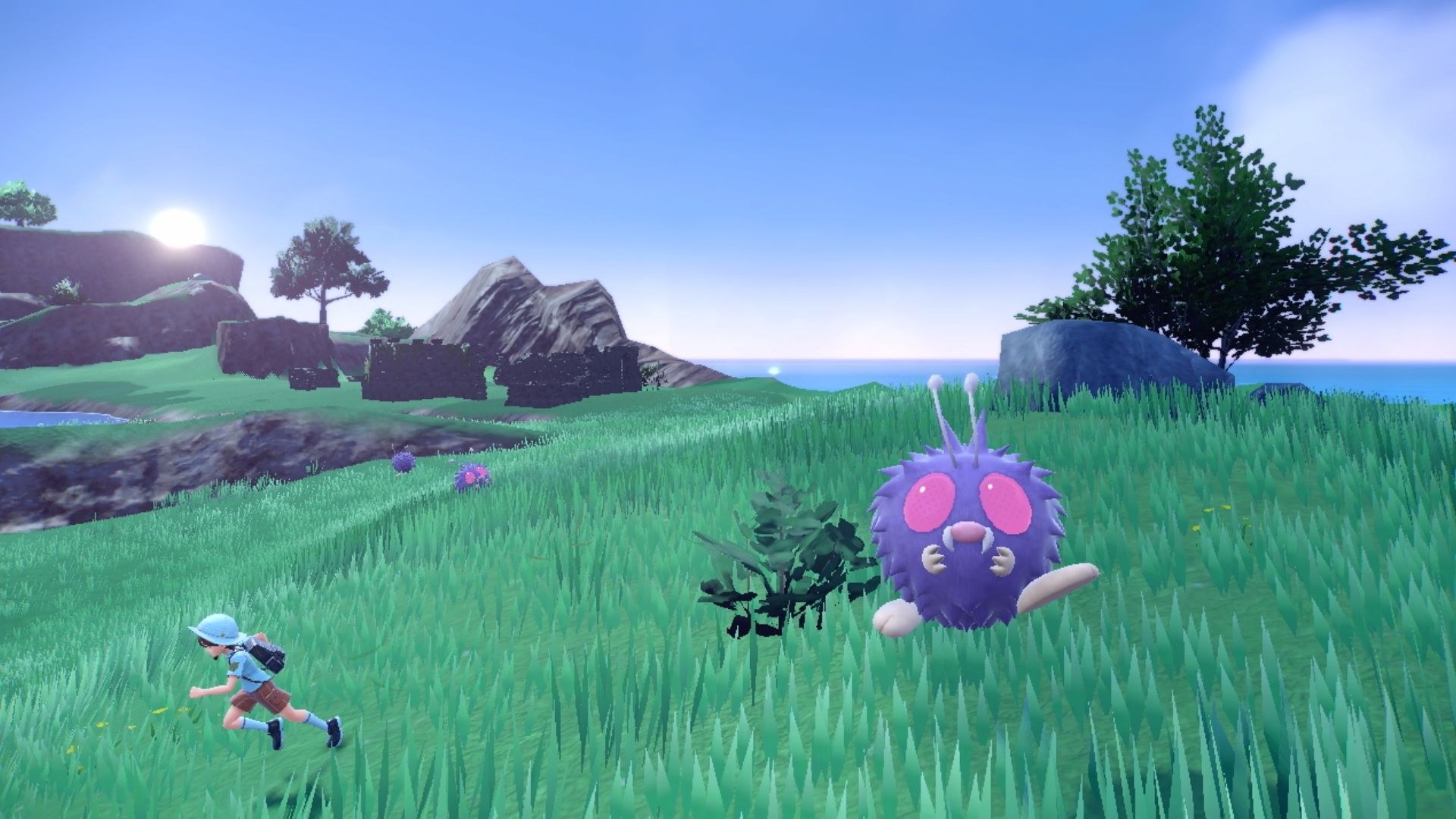
KarPur is a fan-made native PC port of Pokémon Scarlet and Violet for Windows. It translates the Switch game’s ARM64 code into C and compiles it into a Windows program, with its own replacement for the Switch’s system and graphics API drawing through Vulkan. It builds on the TotK Recomp and LAS Recomp projects.
Nothing of the game is in the download, which is only a launcher. It takes the player’s own cartridge dump, the 4.0.0 update, any DLC and their console’s keys, fetches the tools it needs, and builds the game on their PC in 30 to 60 minutes, translating about 36,000 shaders along the way so new areas appear without stutter. Pokémon Violet is what the developer tests; Scarlet works according to players.
The game runs at a steady 60 FPS, with 90 to 144 FPS as experimental limits, NVIDIA DLSS, DLAA and Frame Generation on RTX cards (using DLSS files the player supplies), AMD FSR 1 and the console’s lighter handheld mode for other cards. It has keyboard and mouse controls with a rebinding page, controller support in the launcher, and up to eight times as many wild Pokémon in the world at once. The developer says an AI coding agent writes most of the code, and that some AMD graphics cards still have problems.
How to Set It Up
- Download
KarPur-Launcher.exe. It isn’t signed, so Windows may ask you to confirm before it runs. - In the Setup tab, choose your base game, the update and any DLC, your
prod.keysand a target folder whose path has no spaces. - Press Build. The launcher downloads Python and a compiler from their official sources, translates the game’s code, compiles it and prepares every shader, which takes 30 to 60 minutes once.
- Press Play, or use the shortcut the launcher puts in your target folder.