PokeL-ARecomp
PC port of Pokémon Legends: Arceus
- RecompilationPort Type
- fabioschmidt01Developer
- 12 Nov 2026Page Updated

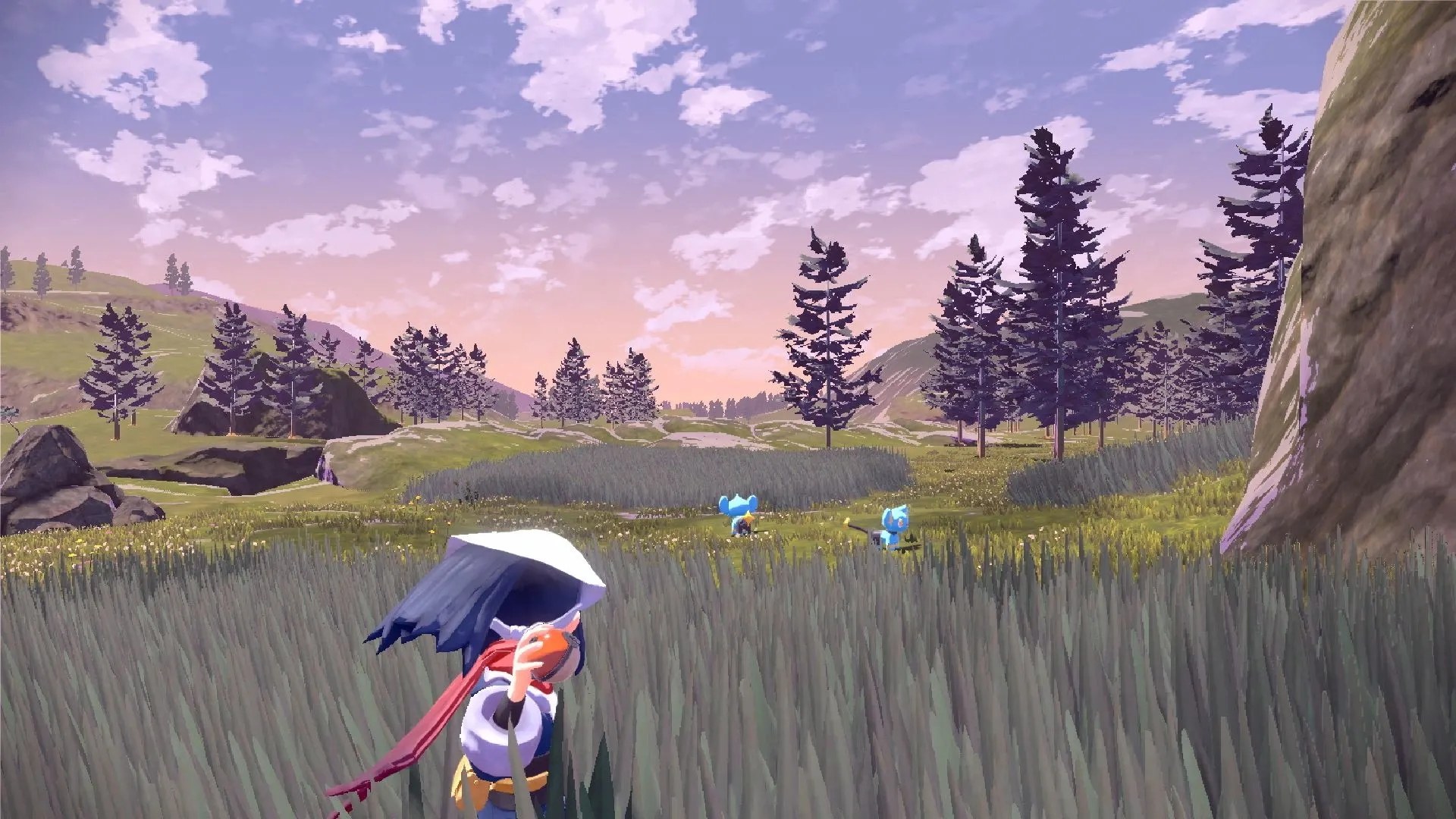
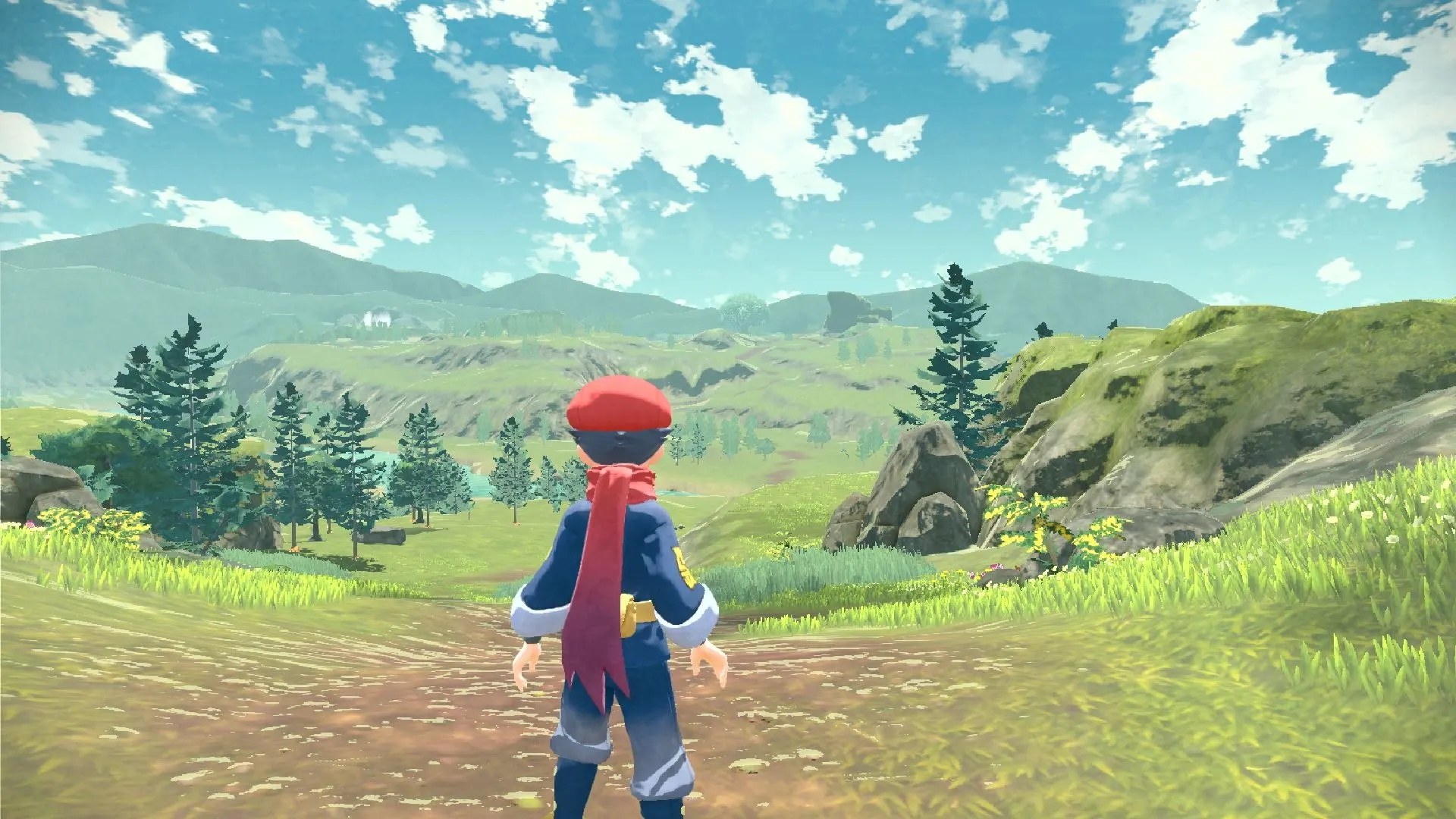
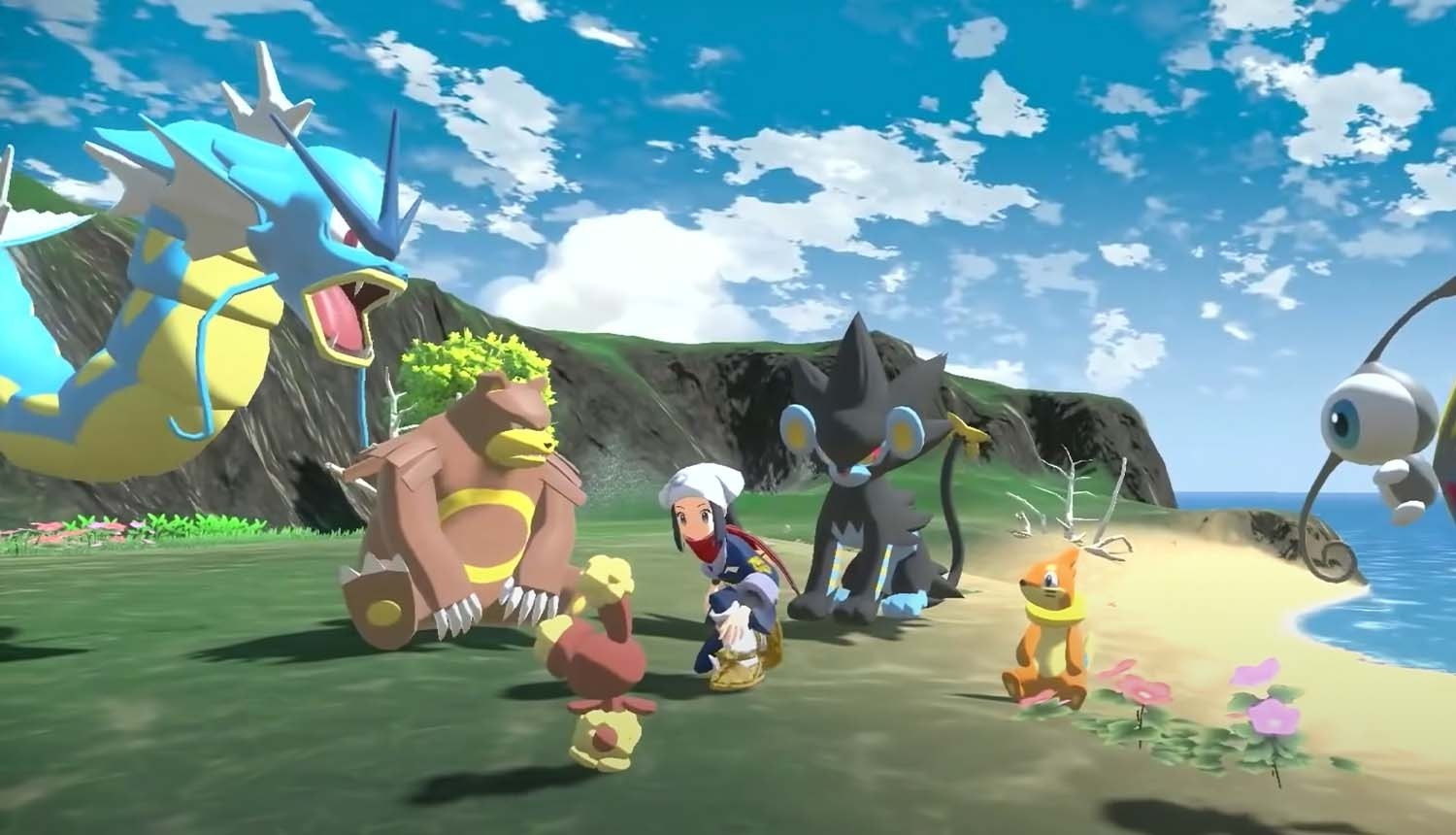
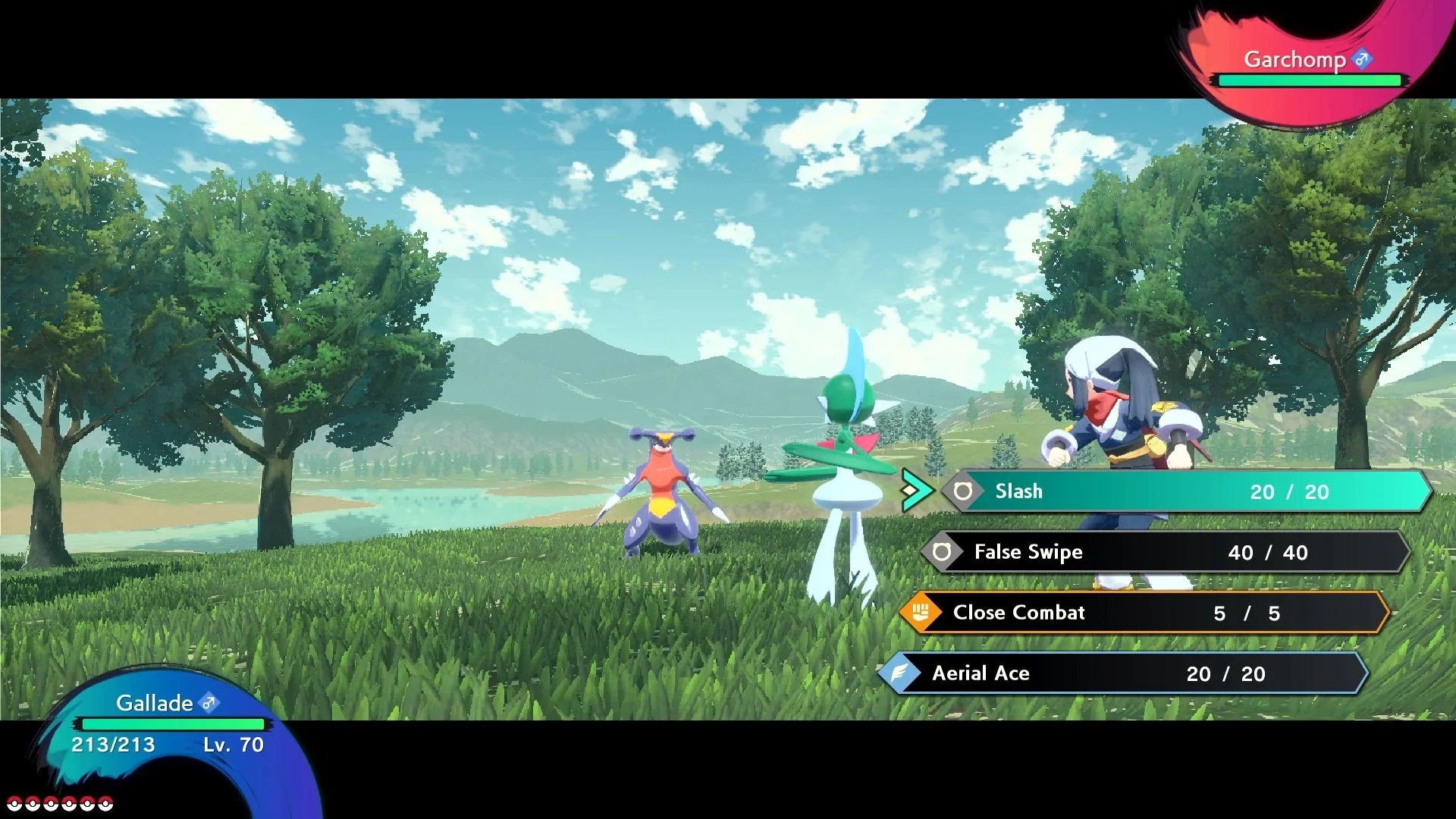
Overview
PokeL-ARecomp is a native Windows and Linux port of Pokémon Legends: Arceus, made by static recompilation on the LAS Recomp toolkit. The Switch game’s ARM64 code is translated to C ahead of time and compiled for x86-64 on the player’s PC, while the Switch’s kernel, file system, audio and NVN graphics are rebuilt on top of Vulkan. No emulator runs while it plays.
The download holds no game code or files. The player supplies their own dump of version 1.1.1 with their console’s keys, and a bundled extractor unpacks NSP and XCI files, applies the update and lays out any DLC. The first setup recompiles the game, which takes 10 to 25 minutes depending on the processor.
It has a 30 or 60 FPS target with optional frame generation up to 120 FPS, an uncapped mode, internal resolution from a quarter to four times 1080p, Intel XeSS, AMD FSR 1 and 2, SMAA, sharpening, ambient occlusion, screen-space reflections and lighting, higher-resolution shadows, a longer draw distance, colour filters and HDR output. Gamepads, keyboard and mouse are supported with matching button prompts, and saves are backed up automatically. The developer says it is in active development: visual glitches, slowdowns during transitions and occasional crashes are expected.
How to Set It Up
- Download the Windows zip or the Linux AppImage, and extract the zip to a folder you can write to.
- Have your base game, the 1.1.1 update and
prod.keysready. The bundled PokeL-Extractor can unpack your dumps into the folder layout the port reads. - Start
PokeL-ARecomp.exe(or the AppImage), choose your game folder and press Set up the game. The first recompilation takes 10 to 25 minutes, once. - Press Play. Video and Advanced Video settings, controls and the rest are in the in-game options.