TotK Recomp
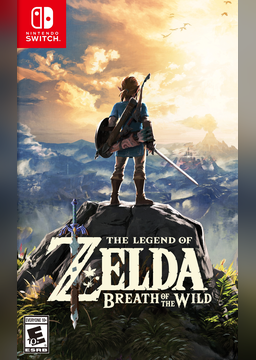
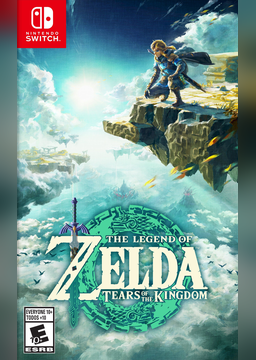
PC port of The Legend of Zelda: Tears of the Kingdom
- RecompilationPort Type
- Valiantsin DzerakhDeveloper
- 2 Nov 2026Page Updated
Details
- Developer
- Valiantsin Dzerakh
- Port Type
- RecompilationA tool translated the game's original machine code into C automatically, which was then built as a native PC program.
- AI Use
- Mostly AI-builtThe project says: “Most of the code and documentation is written by AI coding agents (Claude Code) under the maintainer's direction; the maintainer plays every build and decides what is merged.” Source
- Source Code
- GitHub
- Page Updated
Platform Support
- Windows
- Linux
Screenshots
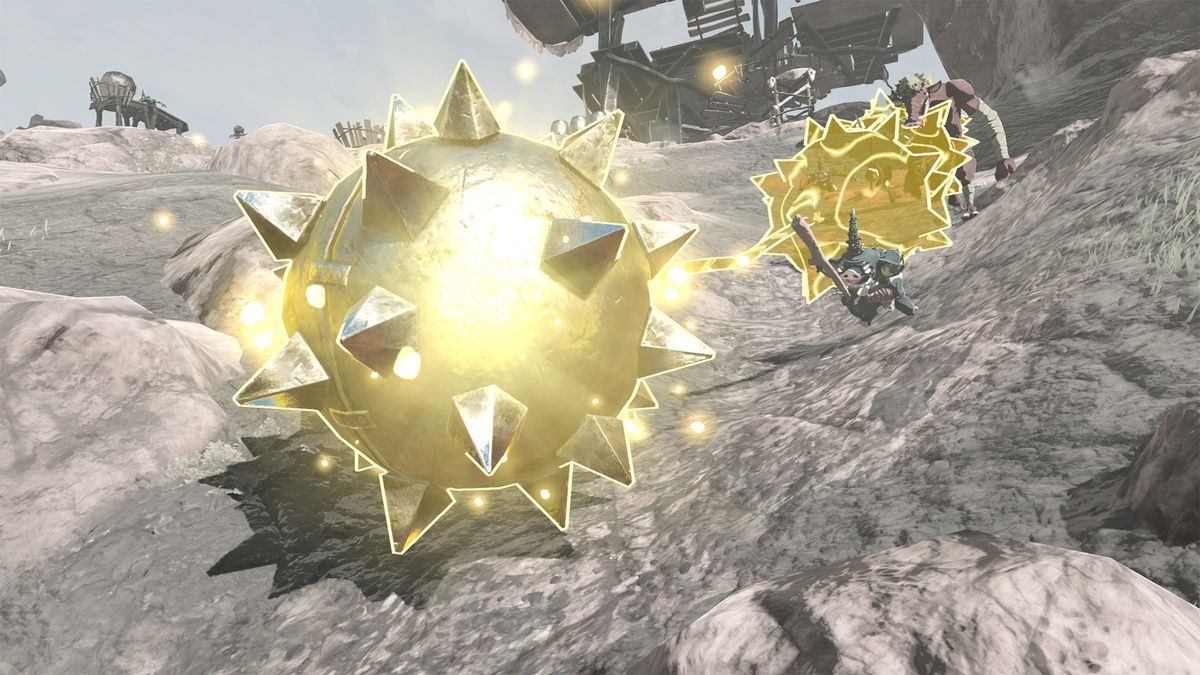
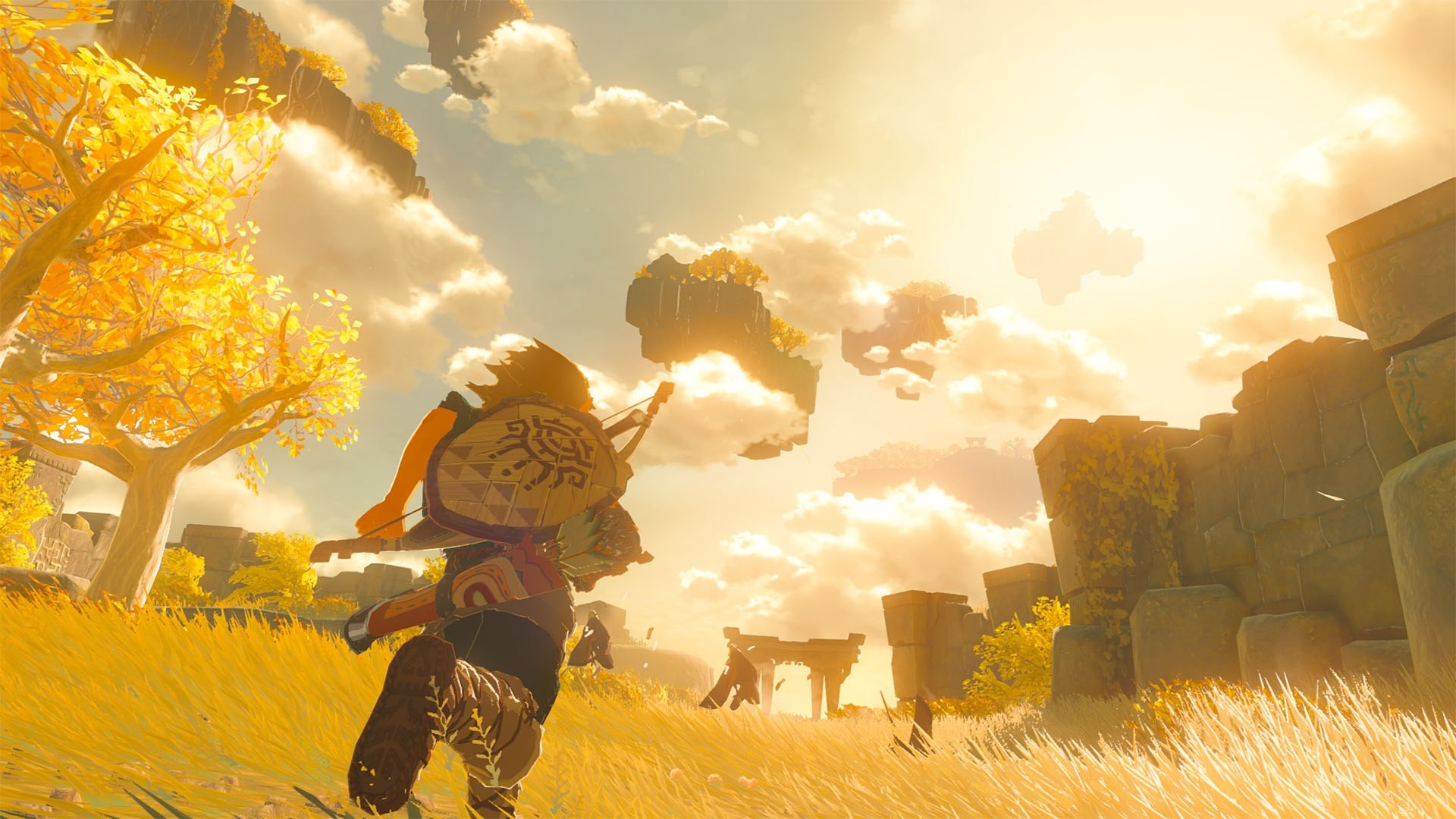
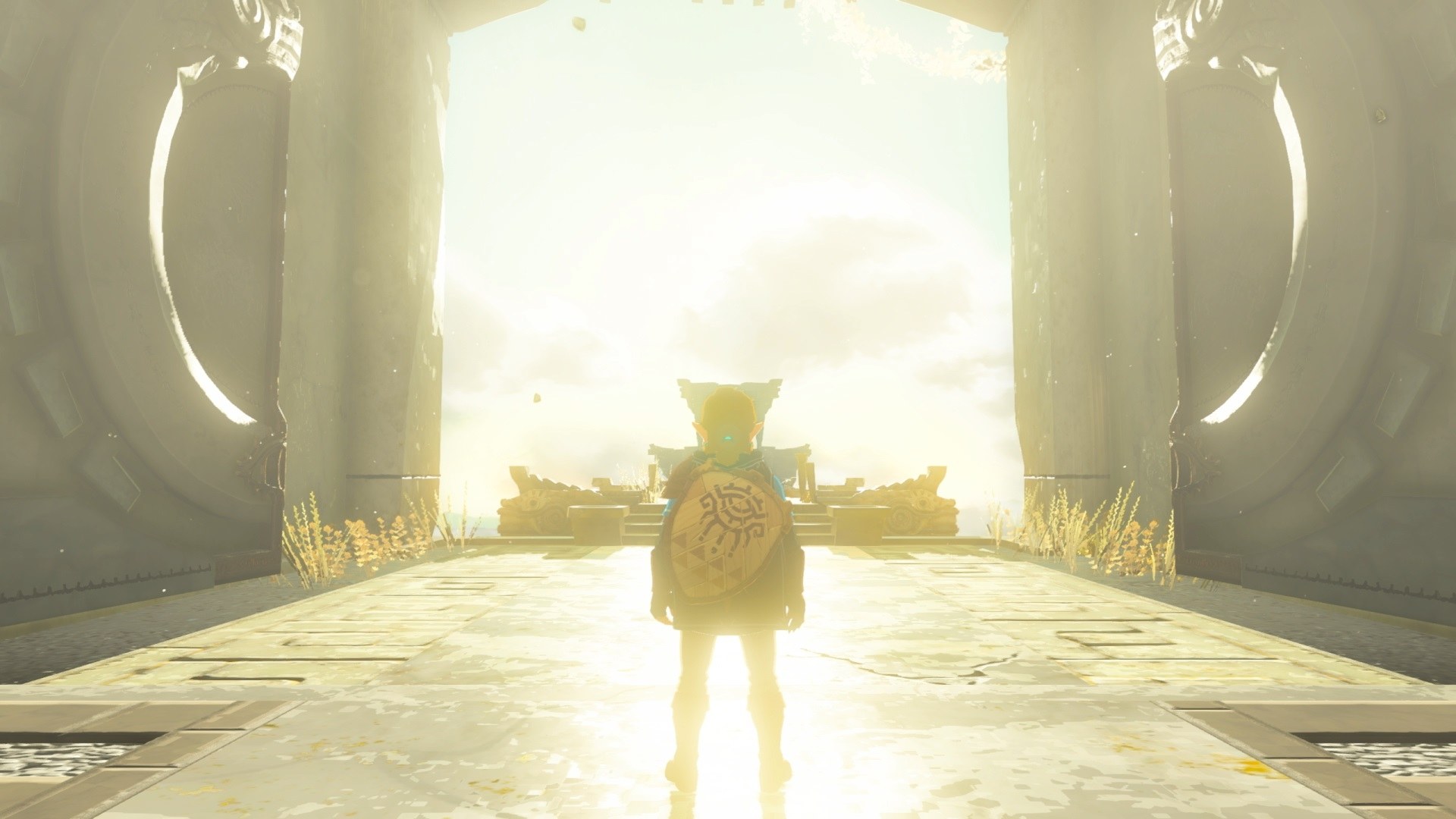
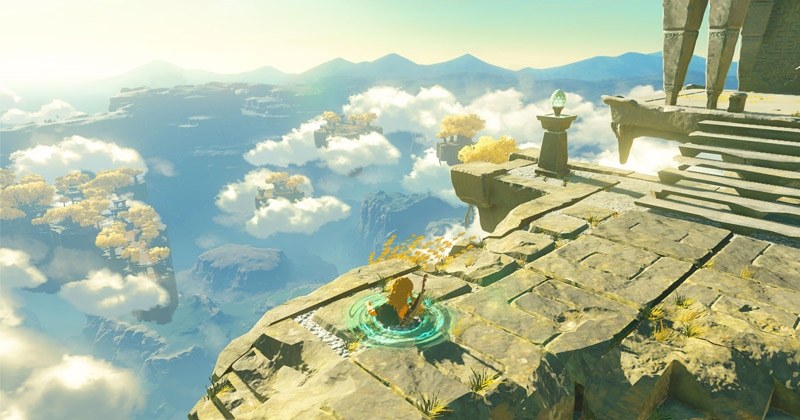
VK_EXT_external_memory_host, and about 36 GB free during setup (20 GB after).Overview
TotK Recomp turns The Legend of Zelda: Tears of the Kingdom into a native x86-64 program for Windows and Linux by static recompilation. The setup builds the game from the player’s own dumped files on their own computer, so the result contains the game and is meant only for that player. It is in early development: the game can be played, but visual bugs and crashes are still expected.
It runs at 60 fps by default, or experimentally up to 144 fps or the monitor’s refresh rate, at custom resolutions with supersampling and FSR 1 upscaling, and in 16:10, 21:9 and 32:9 with the camera and interface reshaped to fit. HDR10 output, 16x anisotropic filtering and shaders prepared during setup rather than during play are included, and updates 1.1.0, 1.2.1 and 1.4.3 are supported, with saves carried between the last two.
Keyboard, mouse and gamepads can be remapped, with rumble, gyro and Xbox button prompts. An in-game menu (F1) holds the settings and F10 a performance overlay. Mods made for emulators work from a mods folder, including RomFS mods and ExeFS code patches, and Atmosphère cheats can be switched on in the menu.
How to Set It Up
- Download the setup zip for Windows and extract it, or download the AppImage for Linux and make it executable (on a Steam Deck, in Desktop Mode).
- Start
TotK-Setup.exe(or the AppImage). If SmartScreen warns about an unsigned app, choose More info, then Run anyway. - Pick your game files, the language and an install folder, and press Start. The setup builds the game once on your PC.
- Play
totk.exe(on Linux,totk) from the install folder. To update, run a newer setup on the same folder; saves and settings are kept.
Advertisement
Download TotK Recomp
What's new in v0.3.1
To update, run the new installer on your existing install folder. It keeps your game files, saves and totk.ini, and rebuilds totk.exe and the shaders. Installs made with the 1.1.0 update (called 1.1.1 in 0.2.8) are set up again from the game files, because the version’s name is part of the install’s folder names.
Mods and cheats
- Mods made for emulators work. Unpack a mod into a folder of its own in the
modsfolder next tototk.exe. The new Mods tab of the menu (F1) lists the mods: switch each one on or off, and move it up or down to decide which mod wins when two change the same file. Changes apply at the next start.- RomFS mods work, including the merged output of TKMM. Layouts made for Ryujinx, yuzu and the Switch’s SD card (
romfs,atmosphere/contents/0100F2C0115B6000/romfs, …) are found as they are. - The game’s resource size table is merged at start from the enabled mods, so mods that grow files or bring their own table load without crashes.
- ExeFS code patches (
.ips, IPS32 and.pchtxt, alsoatmosphere/exefs_patches) for your game version work. The game rebuilds itself for them (see below). A patch over one of the port’s own patches turns that built-in patch off while the mod is on, and the Mods tab names it.
- RomFS mods work, including the merged output of TKMM. Layouts made for Ryujinx, yuzu and the Switch’s SD card (
- Not every mod works yet. The Mods tab marks a mod the port cannot use as not used and says why; the other mods still load.
- Works, for example: Unbreakable equipment mods, Defogger, Xbox UI, mods merged with TKMM, IPS and pchtxt code patches made for your game version.
- Does not work: code plugins (
subsdk*ormain.npdminexefs, such as UltraCam and other exlaunch mods), ExeFS patches that change the game’s data rather than its code, and code patches made for another game version (the mod’s RomFS part still loads). - Mods for a different update than the one you installed may load but misbehave: pick the mod’s release for your game version (1.1.0, 1.2.1 or 1.4.3).
- Not needed: 60 FPS and resolution mods. The port has these settings built in.
- Atmosphère cheats (#51). Put a cheat file (
.txt, the format Switch homebrew and the emulators use) into a mod’scheatsfolder and switch the cheats one by one on the new Cheats tab, during play. No cheats ship with the port. Cheats that write the game’s memory work at the next start. Cheats that change the game’s code (most of them) need the rebuild below and then switch at once like the others. Of the 73 cheats in the 1.4.3 file of MyNXCheats, one uses an opcode the port does not run, and four that only undo other cheats are not needed. See docs/cheats.md. - The game rebuilds itself for mods. When an enabled mod brings code cheats or ExeFS patches the build lacks,
totk.exeopens the setup’s rebuild window, builds them in and starts the game again. Only the changed parts are rebuilt: about a minute and a half on a fast PC, a few minutes on a slow one; the shaders stay prepared.mods_rebuild = offunder[mods]intotk.initurns it off.
Graphics
- NVIDIA DLSS and DLAA (#113) on RTX GPUs, with a switch for the game’s FXAA. Quality, balanced and performance modes, or DLAA at full size. Windows only; DLSS needs
nvngx_dlss.dllfrom NVIDIA’s DLSS SDK next tototk.exe. - HDR10 output (#281) with peak, game and HUD brightness settings. Needs HDR on in Windows.
- Shadow settings (#89, #267): a fixed sun shadow map size (foliage shadows stop turning blocky and jumping), shadow map resolution up to 4×, cascade range, soft shadows and contact shadows. All default to the game’s own look.
- Anisotropic filtering (#321), the game’s own level by default.
- Black 64-pixel squares on the ground (#67) are fixed. The Windows releases since 0.2.1 shipped an older shader translator than the sources, without the gather bias fix (#358).
…
f8adda6b1e3ab9df184a2efd8d0574501c99578a7a375d1b14f0442fbcdb00c5
294b6a3e72d850d0af30c3285674e3ae19df568379d6bb8b52028c3ff761f5fa