Savage Wind Recomp
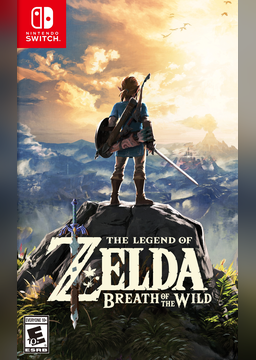
PC port of The Legend of Zelda: Breath of the Wild
- RecompilationPort Type
- ReviDeveloper
- 2 Nov 2026Page Updated
Details
Platform Support
- Windows
- Linux
Screenshots
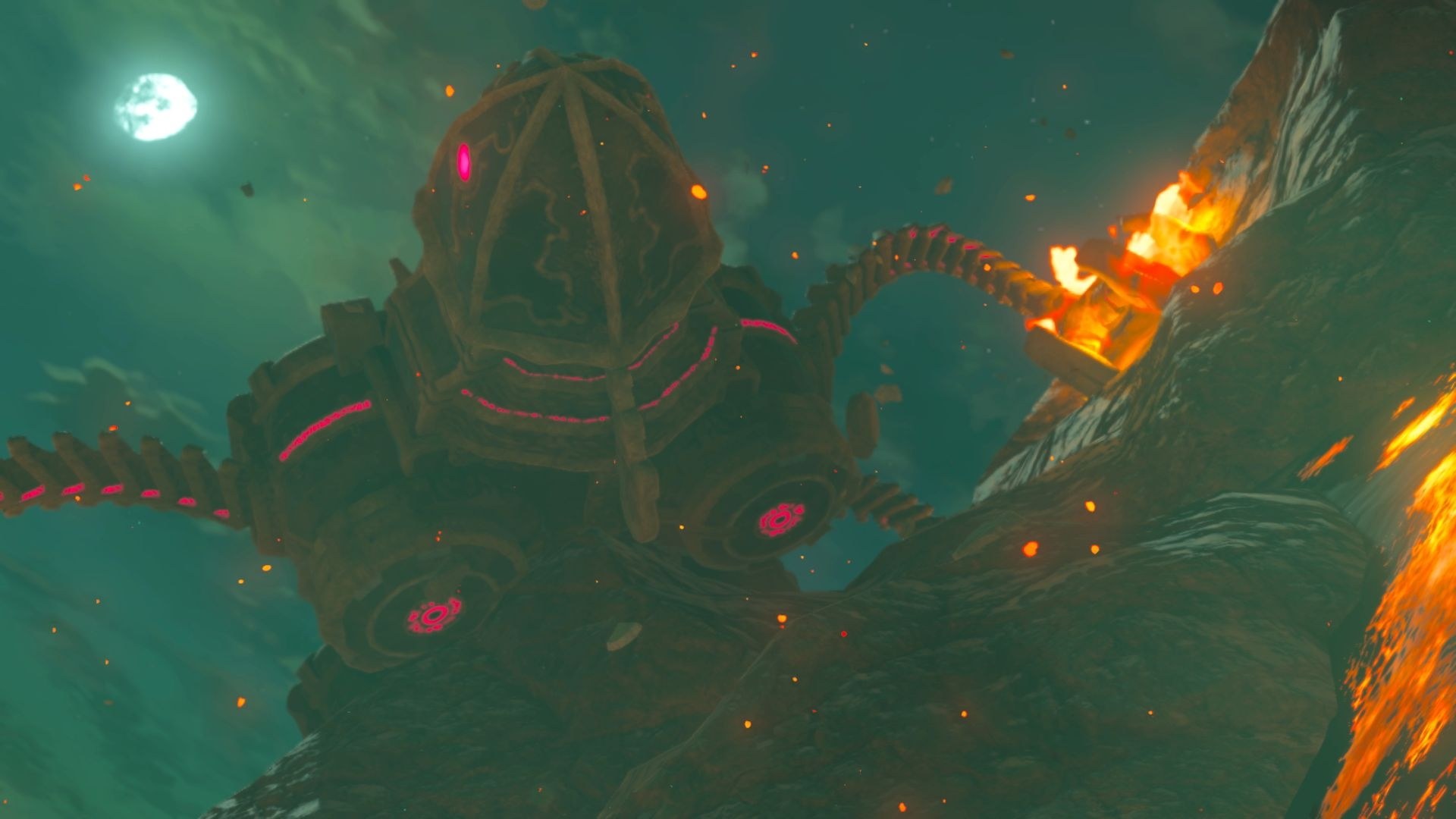
Overview
Savage Wind Recomp is a work-in-progress static recompilation of The Legend of Zelda: Breath of the Wild, version 1.9.0, into a native program for Windows and Linux. It builds on LAS Recomp, and the developer says it is made almost entirely with AI, directed, tested and reviewed by a person.
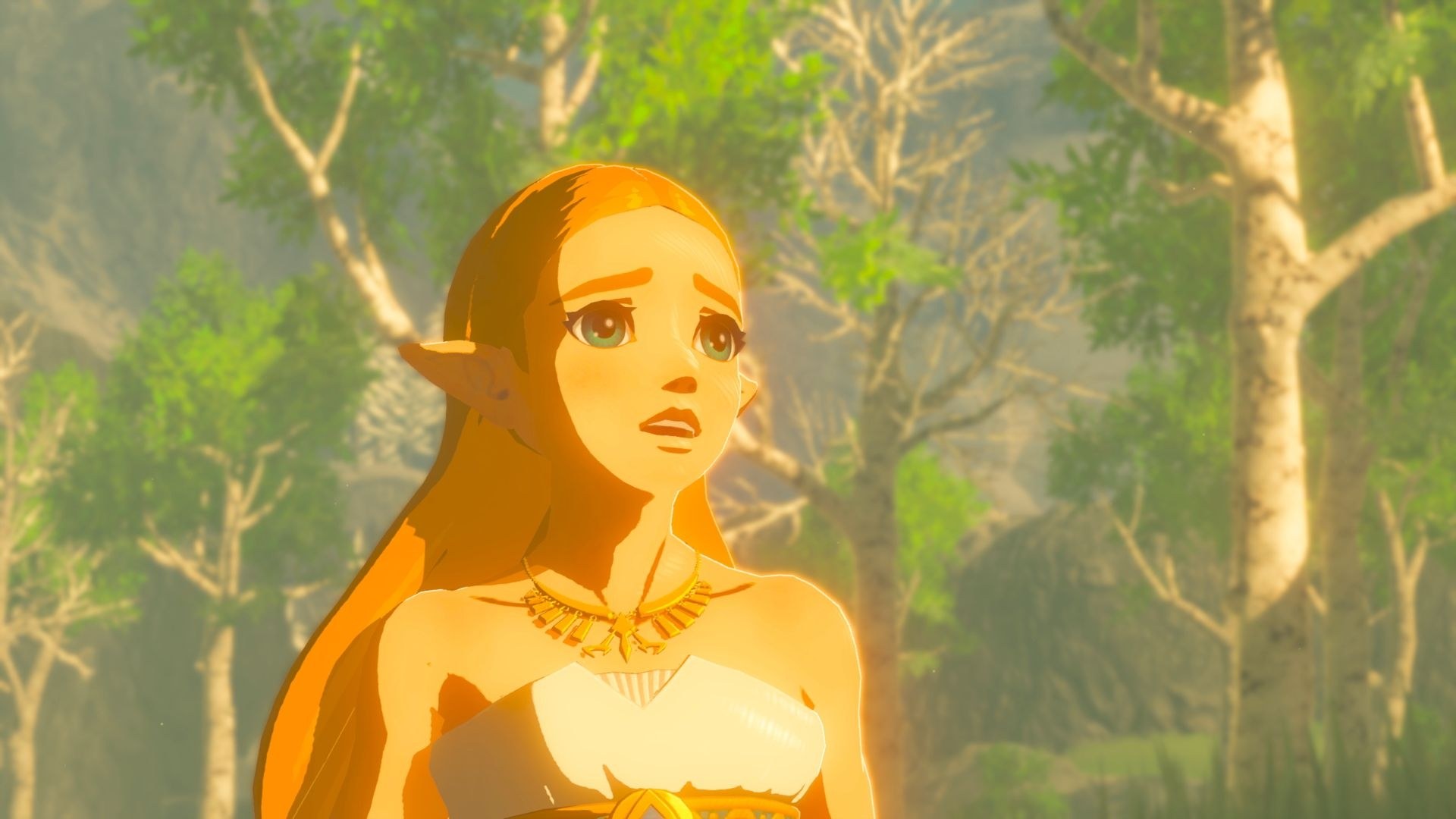
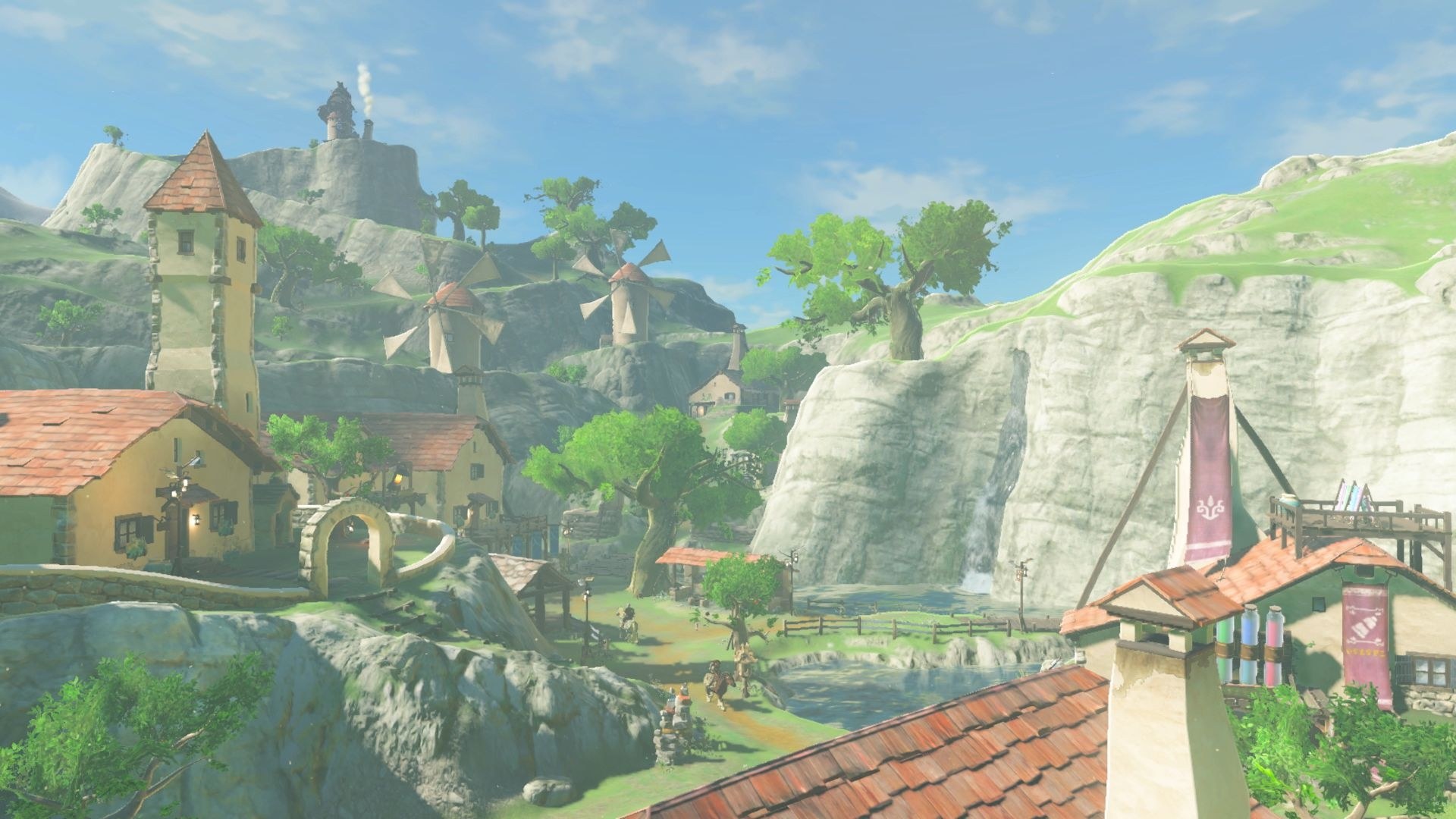
It is an alpha for testers. The opening in the Shrine of Resurrection and the Great Plateau play at 60 fps with sound, voices, the HUD and saving, and a player has finished the first Divine Beast, but the rest of the story isn’t confirmed yet, so bugs and crashes are expected further on.
The goal is a full PC version of the player’s own copy: a launcher, PC graphics options, mods, any controller, the keyboard and mouse, and the game’s text and voices in any of its languages. The game code is recompiled on the player’s own machine from their own files, and nothing is decrypted.
How to Set It Up
- Download the Windows zip and extract it to a folder you can write to (not Program Files), or download the Linux AppImage and make it executable.
- Run
savagewind.exe(or the AppImage). The first time, pick the folder with your extractedexefsandromfsand choose Set up game files. - It checks the version, copies the files and recompiles the game code on your computer once, in about six minutes on a 12-thread processor. Then the game starts.
- The settings, including the text and voice languages, are in the game’s own Options.
Savage Wind Configurationopens the setup screen again. - To update, extract a new release over the old folder (Windows) or use the new AppImage (Linux).
Advertisement
Download Savage Wind Recomp
What's new in v0.4.1Savage Wind Alpha 4.1 (0.4.1-alpha.4)
Alpha 4.1: a quick fix update for Alpha 4. It fixes the device lost at boot on AMD graphics on Windows, a crash with the mouse in the menus, and three mouse and controller issues. If you’re on Alpha 4, update: extract it over your Alpha 4 folder (Windows) or use the new AppImage (Linux). Your game files, the game code built at setup, saves and settings stay, with no new setup. Everything else about Alpha 4 is in the 0.4.0 release.
Important
No game files are included. You need your own legally obtained copy of the game, updated to version 1.9.0 (and the DLC, version 3.0, if you want it), extracted from your own Nintendo Switch. Savage Wind provides no game files, keys, firmware, dumping or decryption tools, or instructions to obtain any of them, and it never decrypts anything. The game code is recompiled on your machine, from your files, for your own use only: don’t share it. Respect the copyright laws of your country. This is a fan project, not affiliated with or endorsed by Nintendo.
Downloads
| File | For | Status |
|---|---|---|
SavageWind-0.4.1-alpha.4-windows.zip | Windows 10 or later, x86-64 | Supported |
Savage_Wind-0.4.1-alpha.4-x86_64.AppImage | Linux x86-64 with glibc 2.35 or newer (Ubuntu 22.04, Debian 12, Fedora 36, Arch, SteamOS…) | Supported |
Savage_Wind-0.4.1-alpha.4-aarch64.AppImage | Linux on ARM64 with a Vulkan 1.3 driver | Highly experimental |
Watch out
The aarch64 AppImage is highly experimental. It is cross-compiled on x86-64, and so far only a few contributors' boards have run it. See docs/linux.md for what to report.
Fixed
- AMD graphics on Windows: no more “GPU page fault” and device lost at boot or in the first cutscene on AMD’s
26.10 drivers (RX 9070 XT, RX 9060 XT, RX 7000 cards). AMD’s shader compiler misread the game’s memory past 2 GB in
one kind of shader; Savage Wind now hands it that memory in two parts, each under 2 GB. Everything stays on, the
GPU overlap included, so
SAVAGEWIND_GPU_OVERLAP=0is no longer needed. AMD players rebuild their shader cache once, on the first start (#331, #334, #340, #339). - Crash with the mouse in the menus: opening the inventory, switching Adventure Log tabs or changing weapons with
the mouse could stop the game with
exception c0000005 accessing 0xfff00000001. The pointer’s highlight box was drawn while the frame was still being recorded on another thread (#333, #350). - Controller on the map: the controller takes map navigation back from the mouse as soon as you use it (#336).
- Quick weapon selector: with the mouse it now uses only the wheel, so moving or clicking the mouse no longer picks a different item (#344).
- Game Over screen: the mouse now works on Continue and Quit, and on Quit’s confirmation (#347).
If one of these still happens on 0.4.1, please reopen your issue or open a new one with the
bug report form, with the savagewind.log of that run.
Thanks
To @conongnang for finding and fixing the AMD crash on a real RX 9070 XT, to @YmirxUwu for the mouse and controller fixes, to @Fayberr for the triage, and to everyone who reported the crashes with their logs.
This release was made almost entirely with AI (Anthropic’s Claude, through Claude Code), directed, tested and reviewed by a human.
SHA-256
c1459e854f86773c89e6a2ce5dfaae7acc3b4a6e74d29012ef29be1b4db91e12  SavageWind-0.4.1-alpha.4-windows.zip
f9074a51dd56a243849ca868f270c44fe7e68f5450d75ec88a4082fd11299289  Savage_Wind-0.4.1-alpha.4-x86_64.AppImage
7cf1c54f7b677614c5d7d8b85b9e6f1023efaaf7b6e2e1241d2c027edb5983c9  Savage_Wind-0.4.1-alpha.4-aarch64.AppImage
c1459e854f86773c89e6a2ce5dfaae7acc3b4a6e74d29012ef29be1b4db91e12
7cf1c54f7b677614c5d7d8b85b9e6f1023efaaf7b6e2e1241d2c027edb5983c9
f9074a51dd56a243849ca868f270c44fe7e68f5450d75ec88a4082fd11299289