HWDER
PC port of Hyrule Warriors: Definitive Edition
- RecompilationPort Type
- blocker-3Developer
- 14 Nov 2026Page Updated

.nsp file and the prod.keys from your own console (update 1.0.1 optional). Windows 10 or 11 (64-bit), or 64-bit Linux with glibc 2.35 or newer and Python 3, an AVX2 CPU, a Vulkan graphics driver (1.2 on Windows, 1.3 on Linux) and several GB of free space.Overview
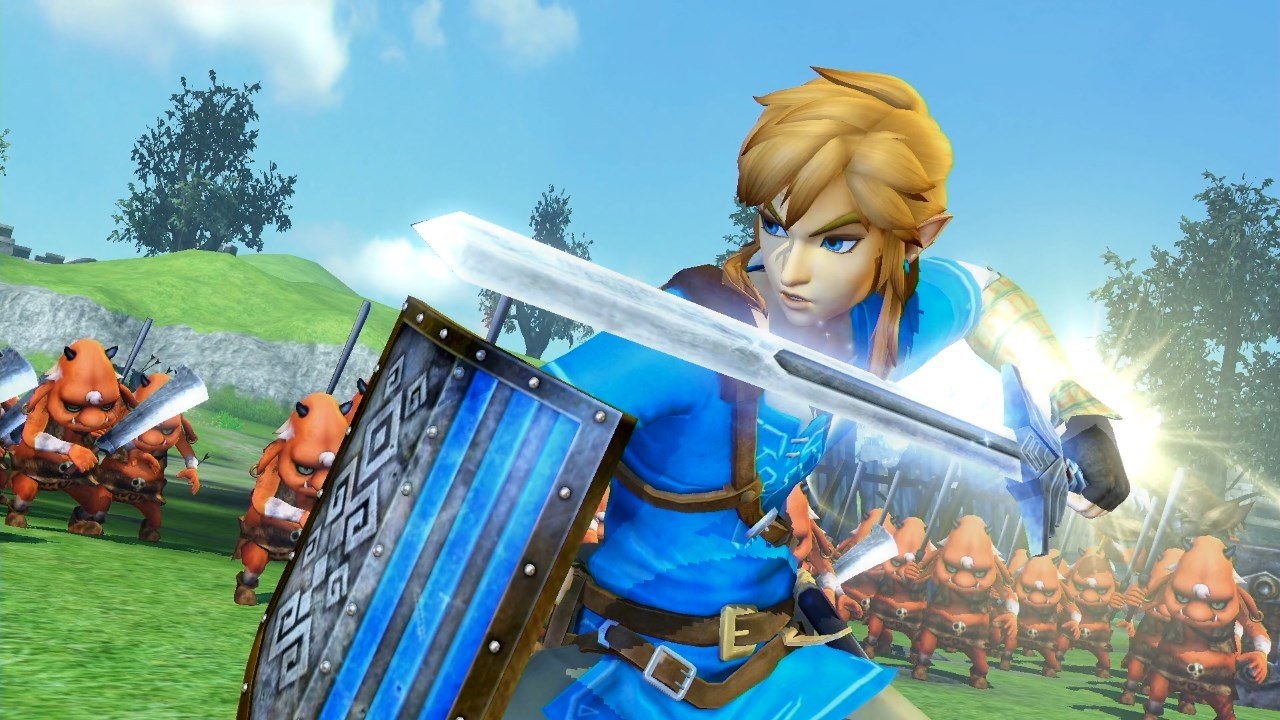
HWDER is an unofficial static recompilation of Hyrule Warriors: Definitive Edition, Omega Force’s 2018 Switch release of the Zelda-themed musou action game, into a native program for Windows and Linux. There is no emulator: its setup turns the player’s own game dump into a PC build on their machine, and the download carries none of the game’s files. Boot, menus, movies, Adventure and Legend mode battles, saves and sound all work. HWDER began as a fork of an earlier project of the same name that is no longer online.
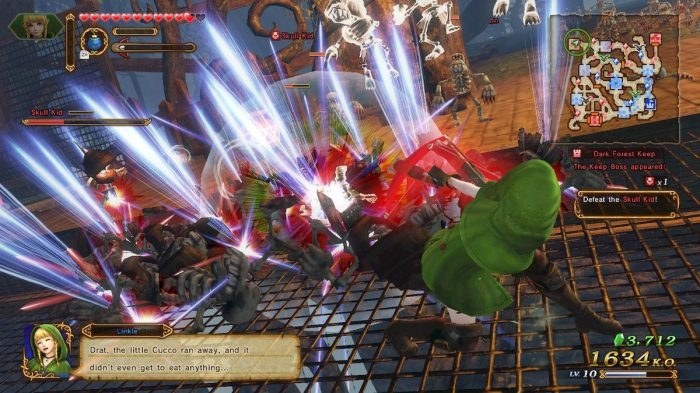
On top of the Switch version it offers an optional 120 fps mode that draws an extra frame between game ticks and holds steady in crowded battles, 3D rendering from half to three times 1080p or at the window’s full size, and a widened camera on 21:9 and wider screens with the HUD kept in a centred 16:9 area. The picture options add anisotropic filtering, FXAA, sharpening, bloom and contrast controls, plus a setting that stops small scenery from vanishing in big fights.
Xbox, PlayStation, Switch Pro and other controllers work with per-controller remapping, gyro aiming and rumble, and the game’s two-player mode runs on one PC. Translation, texture and data mods in the Switch LayeredFS layout load from a mods folder without touching the game file, and saves from an emulator or backup can be imported. The Linux release has been tested on a ROG Ally running Bazzite and can add itself to Steam for Game Mode.
How to Set It Up
- Download the Setup zip for Windows or the Linux archive and extract all of it into a folder you will keep.
- On Windows, open HWDER Setup.exe (choose More info > Run anyway if Windows warns you). On Linux, run
hwder-setup, orhwder-setup --cliin a terminal. - Pick your
.nsp, yourprod.keysand, if you have it, the 1.0.1 update, then click Install and Prepare. Setup downloads its own build tools (about 260 MB) and builds the game on your PC, which takes several minutes. - Click Play, or use Create desktop shortcut or Add to Steam to start it later. In the game, F1 opens the HWDER menu, where Display > Frame rate turns on the 120 fps mode.
Advertisement
Download HWDER
What's new in v0.3.5HWDER v0.3.5
What’s new in v0.3.5
- Linux Setup explains a damaged release instead of stopping at version.txt (reported in #8).
version.txtis the last file in the tarball and the last one Setup checks, so an unpack or download that did not finish, or a release unpacked over an older HWDER folder, failed there. Whenrelease.json’s version and commit reproduce the expectedversion.txt, Setup now rewrites it and continues. Otherwise the error names the file, the folder checked, what it found and the expected version, and says to unpack into a new, empty folder. README-LINUX now says to use a new folder for each version.HWDER Setup.exeis unchanged (Setup 1.0.0, the same file as in v0.3.4).
Full history: CHANGELOG.md.
Draft built by GitHub Actions. SHA-256 of each download (also in SHA256SUMS):
13e1ba0dcd73f0b42f41586397082c4356bf1314ca1ecd8d2d0b092ba95f0adb  HWDER-setup-v0.3.5.zip
ddd20149944559ff737e2e6ed6a430c899636974ee363d2b6803985c39b01934  HWDER-linux-x86_64-v0.3.5.tar.gz
If your antivirus flags HWDER Setup.exe, see docs/antivirus.md.
13e1ba0dcd73f0b42f41586397082c4356bf1314ca1ecd8d2d0b092ba95f0adb
ddd20149944559ff737e2e6ed6a430c899636974ee363d2b6803985c39b01934
573f94349326625818bba4a15981ffcfde3dbbe8cff1c4e4684773cd8a143a72