AoC Recomp
PC port of Hyrule Warriors: Age of Calamity
- RecompilationPort Type
- AzzulinDeveloper
- 13 Nov 2026Page Updated

.nsp files (DLC optional) and your console’s prod.keys, all in one folder. Windows 10 (2004 or newer) or 11, or 64-bit Linux with python3, 8 GB of RAM (16 GB better), about 45 GB of free space for the first build, an internet connection the first time, and a Vulkan graphics card to play on a PC.Overview
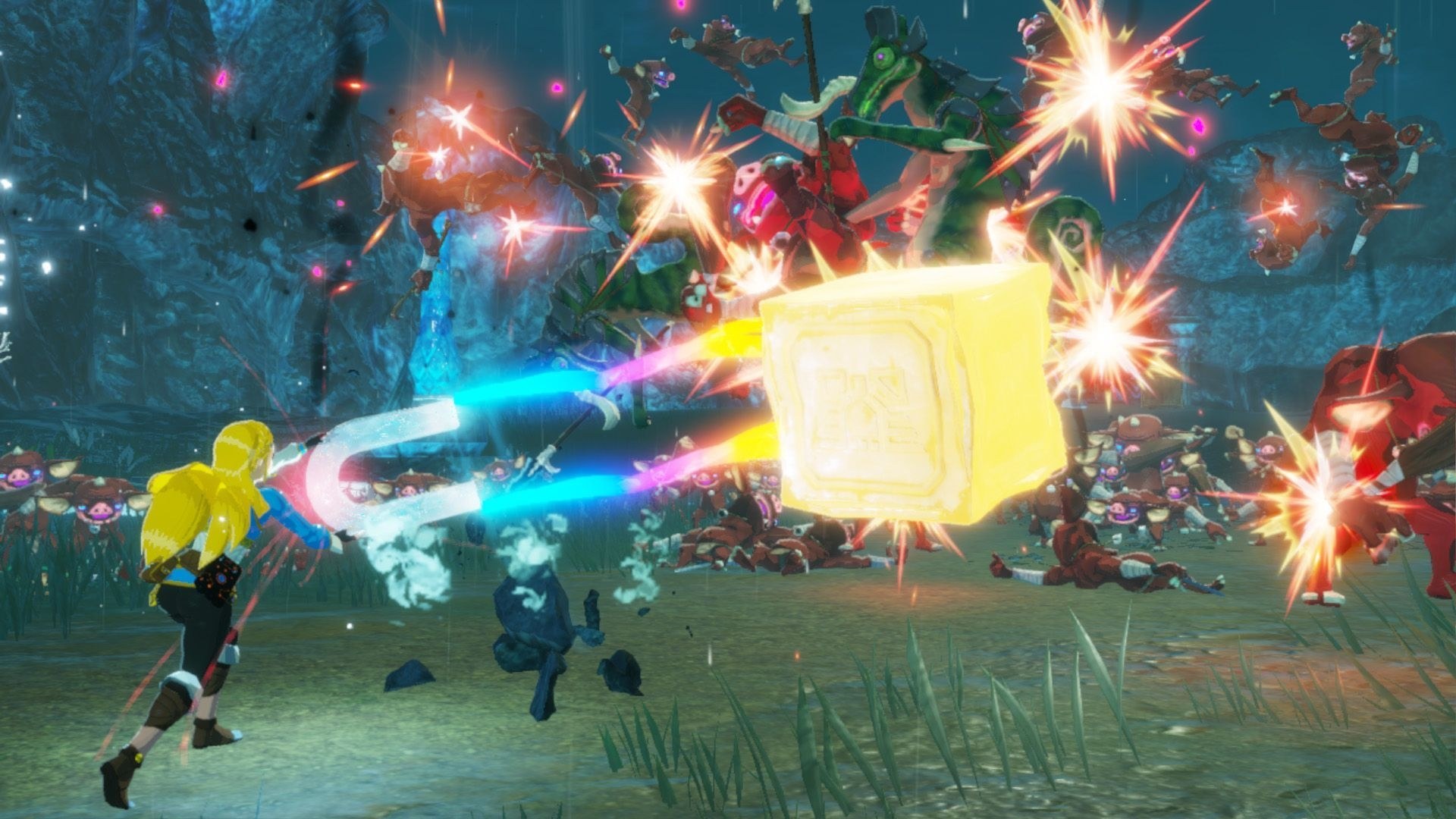
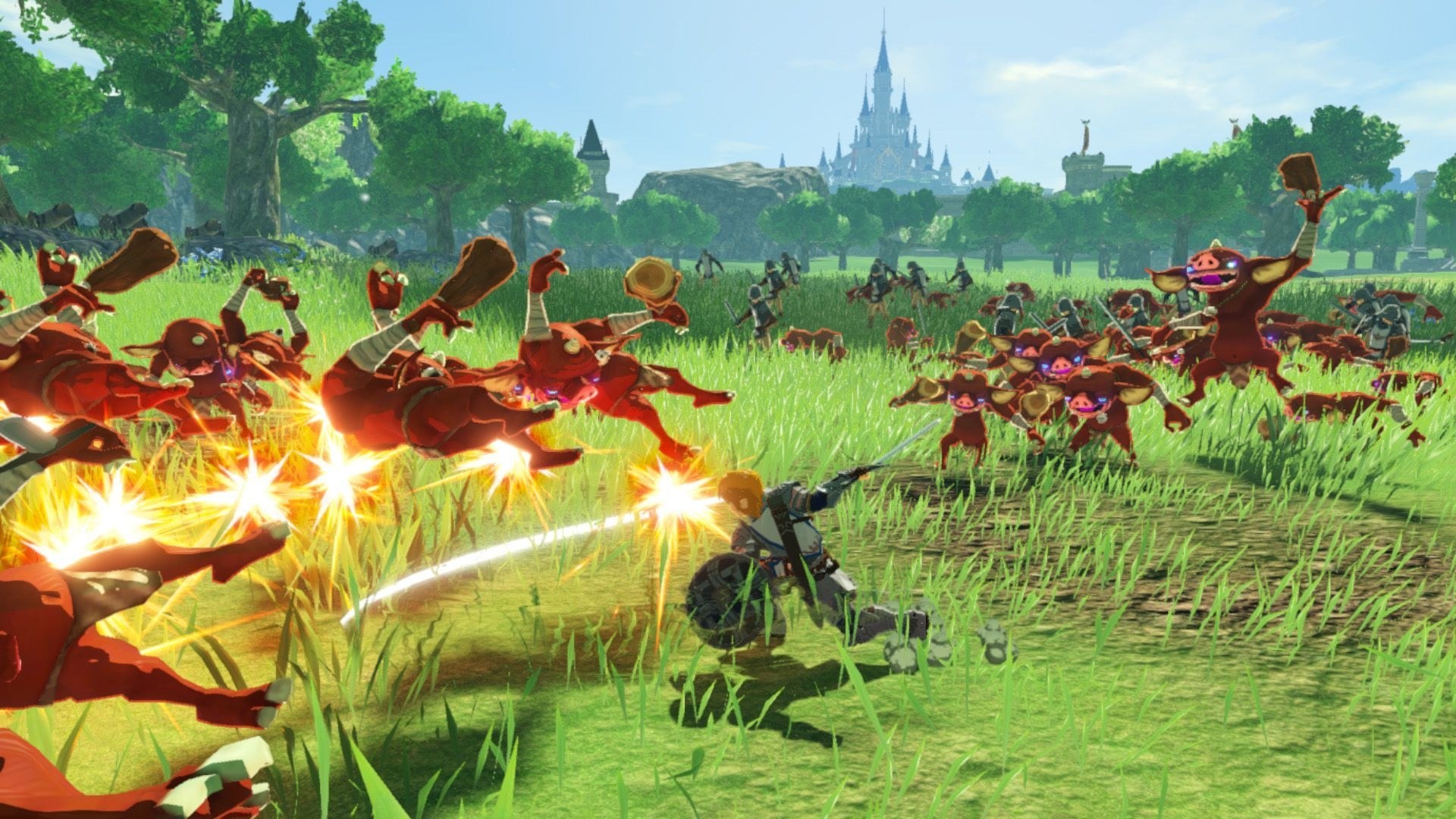
AoC Recomp is an unofficial static recompilation of Hyrule Warriors: Age of Calamity, the Nintendo Switch version 1.3.0, aimed first at the Steam Deck and then at mid-range Windows and Linux PCs. There is no CPU emulation or JIT: the launcher translates the game’s ARM64 code to C on the player’s own computer, from their own dump, and compiles it into a native x86-64 program. A runtime of its own stands in for the Switch’s threads, services, files and audio, and reimplements the NVN graphics API on Vulkan. It builds on the pipeline of Astral Chain Recomp and TotK Recomp, with game knowledge from the Age of Calamity profile of nxnative. The download holds only the launcher, the project’s code and free tools; it carries no game files or keys.
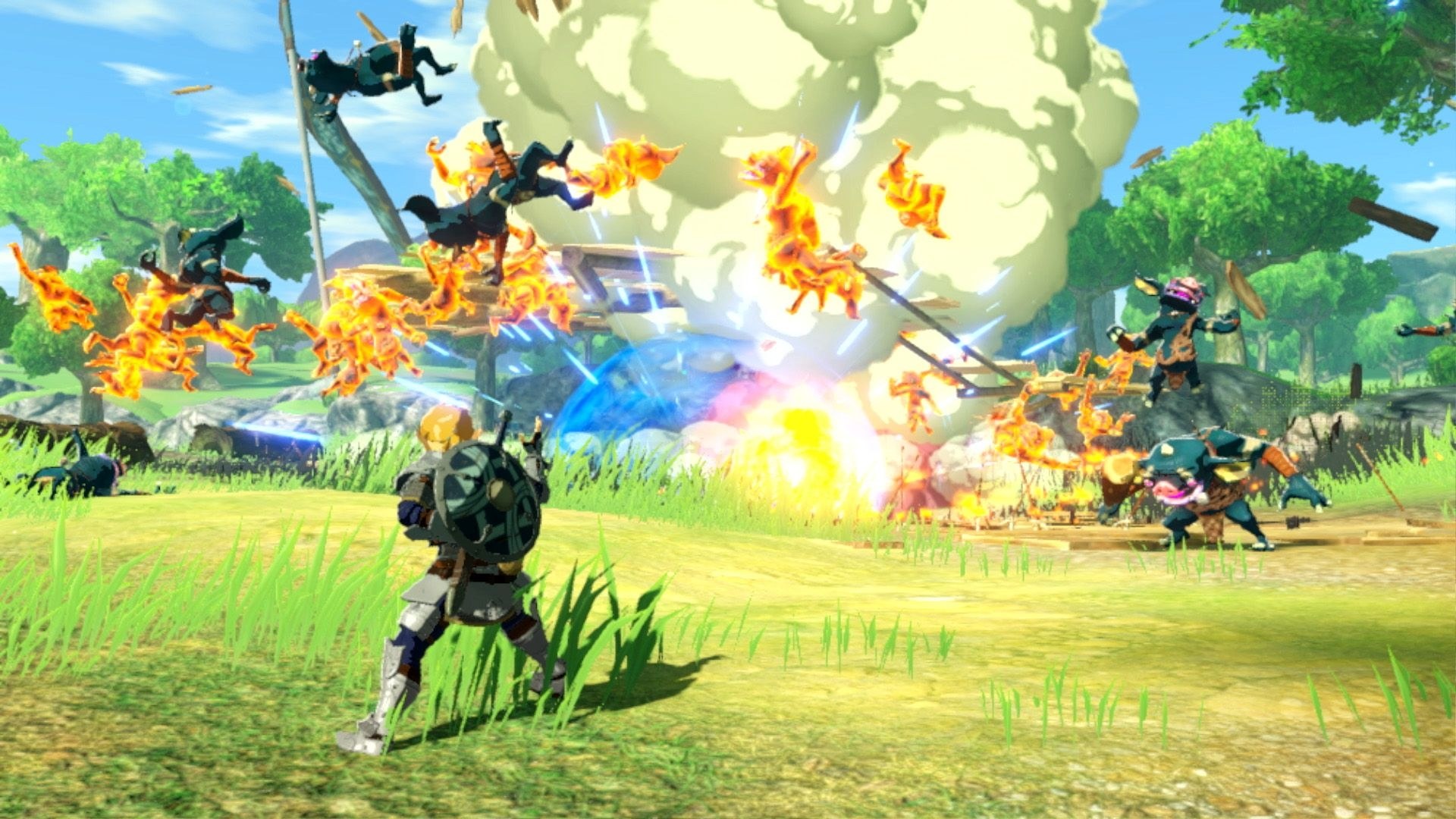
The developer reports the game running from the start through to battle on the Steam Deck and on a Windows PC, holding 30 FPS in the first battle on the Deck, with sound, cutscenes and menus working and memory steady over sessions of ten minutes and more. Saves have not yet been checked over a long playthrough, new content can still stutter while shaders are prepared, and DLC and an optional 60 FPS mode are still to come.
Once built, the launcher offers window mode and size, VSync, a 1080p or lighter 720p game resolution, 3D render scaling, texture filtering, shadows and a performance overlay, plus Nintendo or Xbox button layouts, vibration, dead zones and volume. Button remapping and HDR live in the game’s own settings menu, opened with F1 or Minus and Plus on a controller. The same build runs on Linux and, copied over as one folder, on the Steam Deck, where holding L3 and R3 opens a quick menu.
How to Set It Up
- Download the launcher for your system and extract it into a folder with plenty of room. On Linux, run
./aoc-launcherfrom the extracted folder. - Open
AoC-Launcher.exe, click Browse… and pick the folder holding your NSPs andprod.keys. Four green dots mean everything was found. - Tick Steam Deck / Linux, Windows (this PC) or both, then press FORGE. The first build takes one to two hours and downloads about 2 GB of free tools; on Windows it may ask to install WSL and restart.
- When it finishes, the window becomes the game’s launcher: set graphics and controls, then press PLAY.
- Steam Deck: tick include romfs.bin before the first forge, copy the
dist/aoc-deckfolder to the Deck, runsh instalar-atalho.shthere in Desktop Mode and add the game to Steam as a non-Steam game.