
AgeOfCalamityRecomp
PC port of Hyrule Warriors: Age of Calamity
- RecompilationPort Type
- eliasm4rDeveloper
- 21 Nov 2026Page Updated
Details
- Developer
- eliasm4r
- Port Type
- RecompilationA tool translated the game's original machine code into C automatically, which was then built as a native PC program.
- AI Use
- Not statedThe developers haven't said whether they used AI.
- Logo
- AI-made fan logo, free to use · Full size
- Source Code
- GitHub
- AoC Recomp (original project)
- GitHub
- Page Updated
Platform Support
- Windows
- Linux
Screenshots
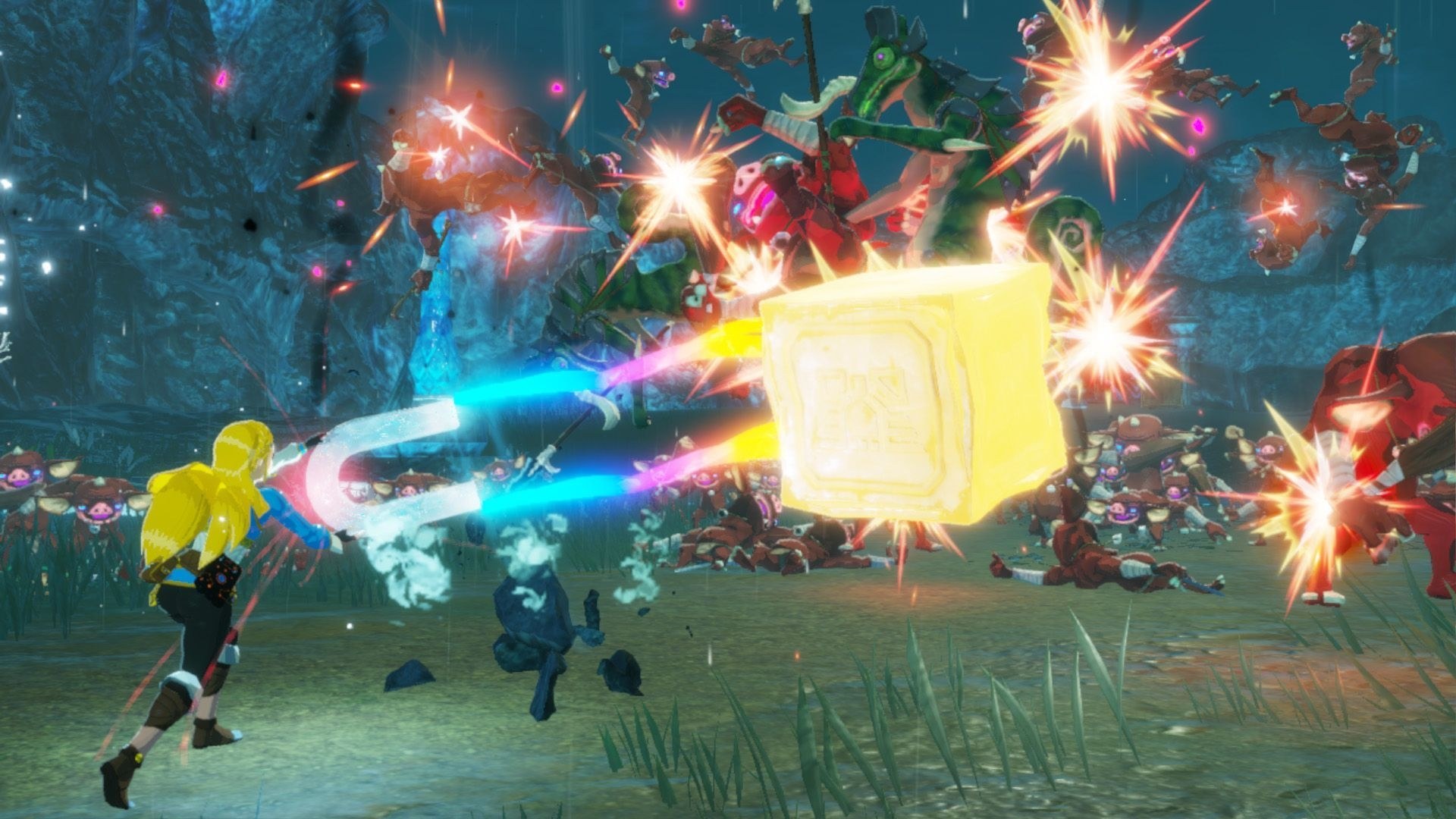
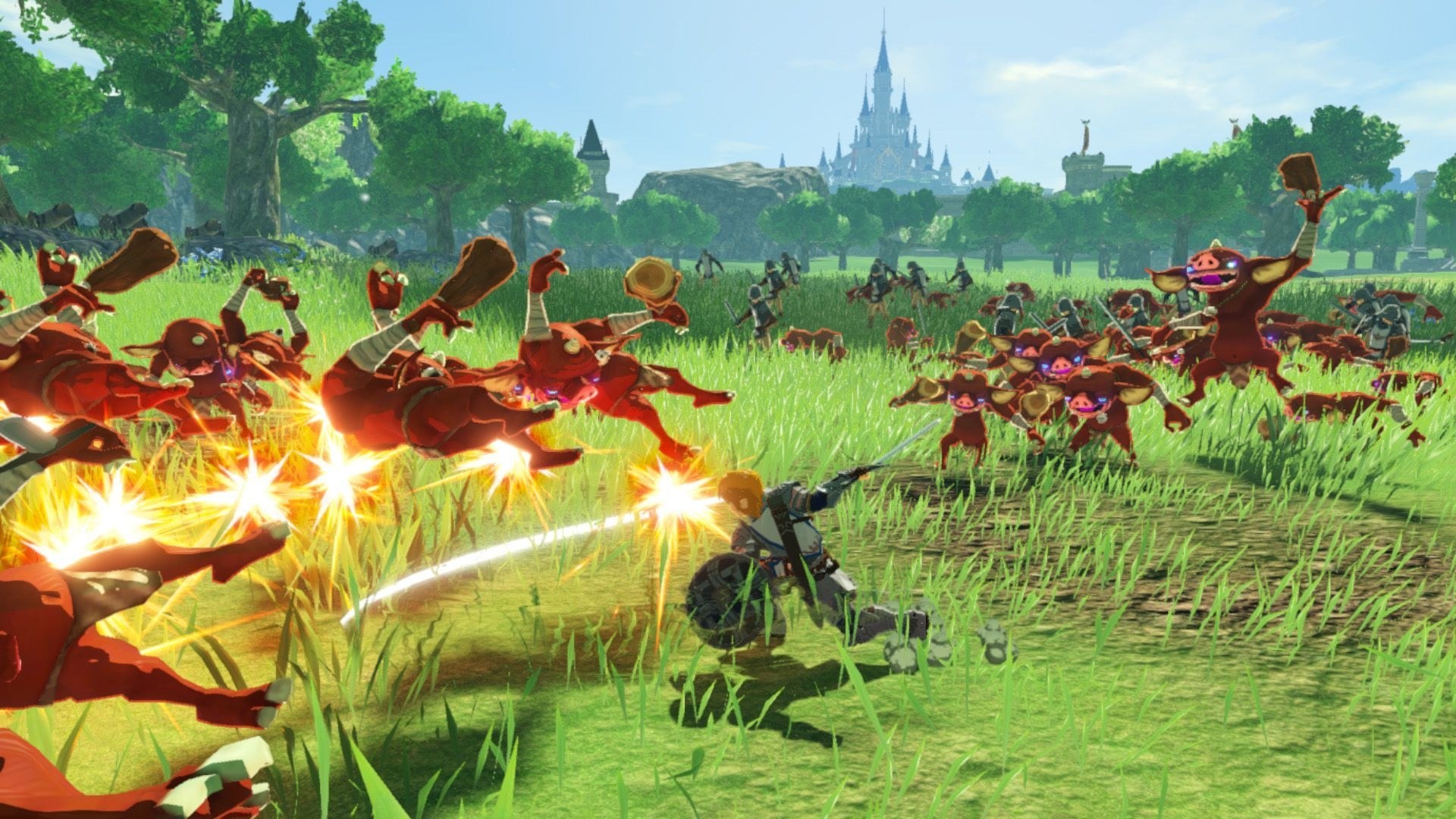
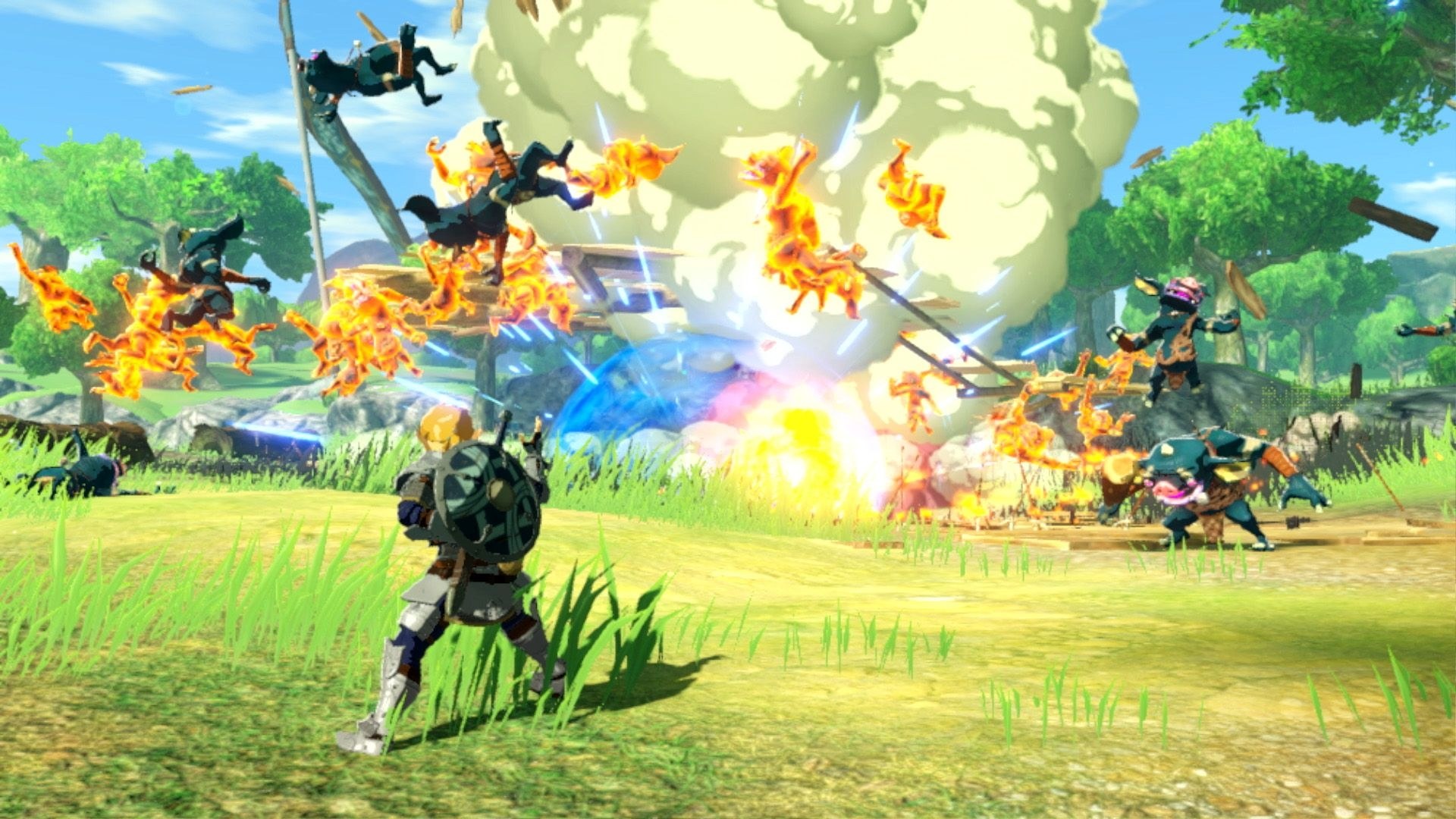
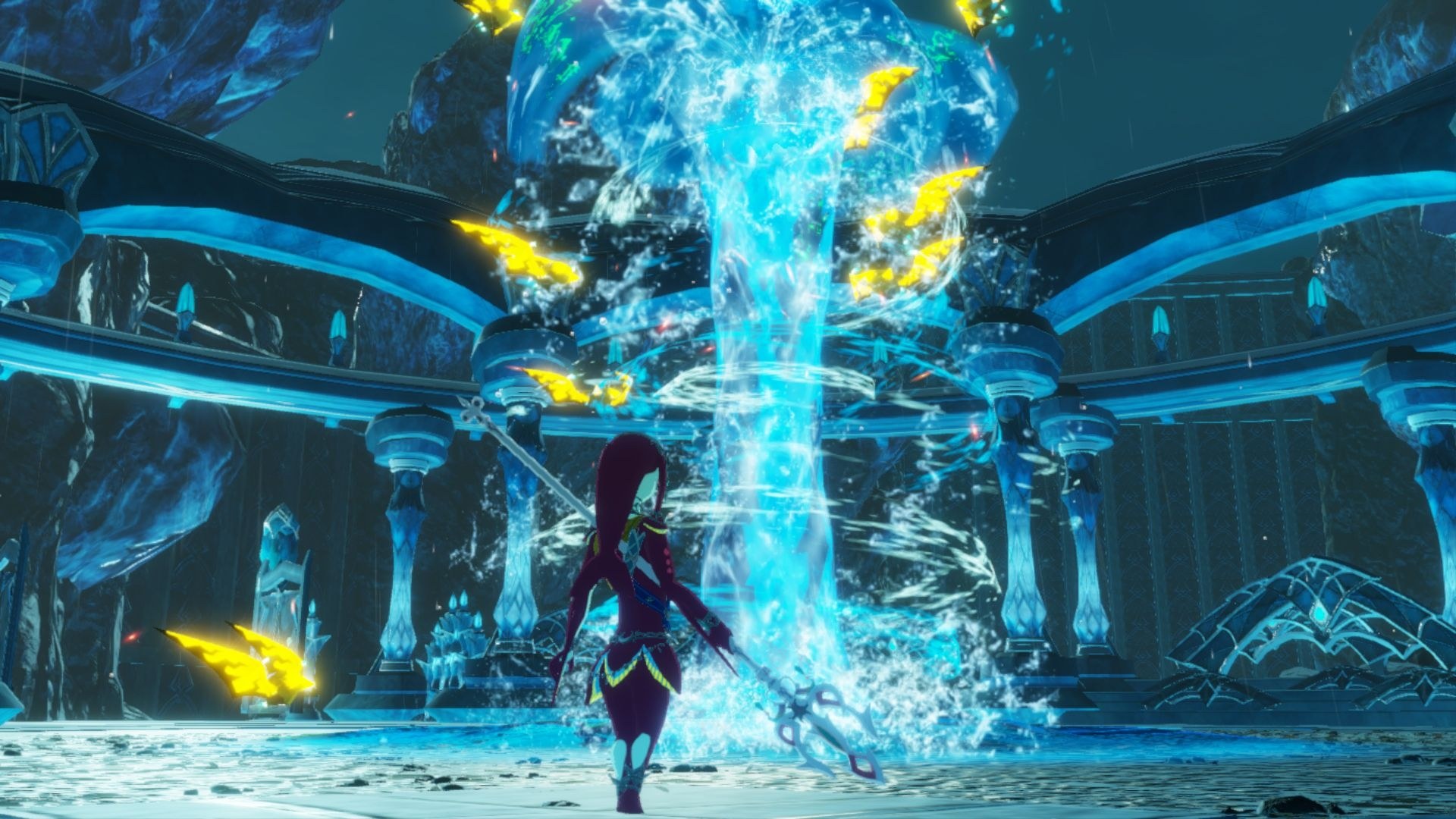
.nsp files, DLC optional, and your console’s prod.keys. Windows 10 (2004 or newer) or 11, or 64-bit Linux with python3 (and python3-tk), 8 GB of RAM (16 GB recommended), a Vulkan 1.3 graphics card, about 45 GB of free space for the first build (about 25 GB afterwards) and an internet connection the first time.Overview
AgeOfCalamityRecomp is eliasm4r’s static recompilation of Hyrule Warriors: Age of Calamity, Omega Force’s 2020 Nintendo Switch action game, into a native program for Windows and Linux. The game’s ARM64 code, about 101,000 functions, is translated to C ahead of time and compiled for x86-64, and the Switch’s NVN graphics are reimplemented over Vulkan. It started from Gabriel Azzulin’s AoC Recomp, which is listed beside it, and supports only game update 1.3.0.
The download holds only the project’s own code and setup. Setup turns the player’s own NSPs and keys into the game on their own computer, so no game files or keys are included. It adds keyboard and mouse controls next to controller support, a Steam Deck profile, NVIDIA DLSS and DLAA on RTX cards (the DLSS library is fetched by setup) and a built-in button for reporting problems.
It is an early alpha: the game boots, plays its missions and battles and saves, but rough edges are expected. Shaders are translated the first time they are used and kept after that. Version 0.1.1 fixed an endless loading screen at the first cutscene by capping the 3D render scale at 100%. The Linux and Steam Deck builds are still untested.
How to Set It Up
- Download the Windows zip or the Linux archive and extract it.
- Run
AgeOfCalamityRecomp Setup.exeon Windows, orsh setup.shon Linux. - Choose an install folder and the folder holding your NSPs and
prod.keys, tick the platforms you want and press Build. The first build downloads about 2 GB of free build tools and takes 20 to 30 minutes. - When it finishes, press Play. For the Steam Deck, build on a PC and copy the result to the Deck.
Advertisement
Download AgeOfCalamityRecomp
What's new in v0.1.1v0.1.1-alpha
Hotfix. Fixes the endless loading at the first story cutscene.
Fixed
- Endless loading at the first cutscene when the 3D render scale was set to 125 % or 140 %: the game’s GPU texture memory has a fixed size and the larger scene filled it. The render scale now goes up to 100 % (full 1920x1080, the sharpest setting that works). If your
settings.inihas 125 or 140, it is read as 100 automatically. Supersampling will come back once that memory limit is lifted.
Update from 0.1.0
- Windows: download
AgeOfCalamityRecomp-v0.1.1-alpha-Windows-x64.zip, startAgeOfCalamityRecomp Setup.exeand install into the same folder as before. Only what changed is rebuilt (a few minutes). Saves and settings are kept. - Linux: unpack
AgeOfCalamityRecomp-v0.1.1-alpha-Linux-x64.tar.gzover your old folder and runsh setup.shagain.
Important
No game files are included. You need your own dump of the game: the base game NSP, the 1.3.0 update NSP, any DLC NSPs, and your prod.keys. First install: see the v0.1.0-alpha notes or the README.
Steam Deck / Linux is still untested. Please report bugs with the dist/windows/logs folder from the install folder attached.
Full list of changes in the changelog.
78b814810547bf1787dbfa7ba72c72b5be7ebe75d4012aef86136f6b1f4f2c24
414b61e3e61018b61434fb17f9289b1d4662b551ba92b8651a0c012d6b833018
2a633204e8b9ce247e12c9f6b26b2f7f616909d0bdb41595efd4003cfead63af