
FEW Recomp
PC port of Fire Emblem Warriors
- RecompilationPort Type
- AzzulinDeveloper
- 25 Nov 2026Page Updated
Details
- Developer
- Azzulin
- Port Type
- RecompilationA tool translated the game's original machine code into C automatically, which was then built as a native PC program.
- AI Use
- AI-assistedAn AI coding tool is credited as co-author on 47 of the repository's 48 commits. Source
- Logo
- AI-made fan logo, free to use · Full size
- Source Code
- GitHub
- Page Updated
Platform Support
- Windows
- Linux
Screenshots
.nsp files: the base game, update 1.5.0 (required) and, if you have them, the DLCs, plus the prod.keys from your own console. On Windows: Windows 10 or 11 (64-bit), Git, Python 3 and a Vulkan 1.2 graphics driver. On Linux or a Steam Deck: an x86-64 CPU with AVX2, a Vulkan driver and Python 3. About 5 to 8 GB of free space plus the game files.Overview
FEW Recomp is an unofficial static recompilation of Fire Emblem Warriors, Omega Force’s 2017 Switch musou game, into a native x86-64 program with Vulkan graphics for Windows, Linux and the Steam Deck. The game’s ARM64 code is translated to C ahead of time and compiled with Clang, and a runtime stands in for the Switch’s system software, services, graphics, audio, video and file system, with no emulator or JIT. Its recompiler and runtime come from HWDER, the port of Hyrule Warriors: Definitive Edition, which runs on the same Koei Tecmo engine.
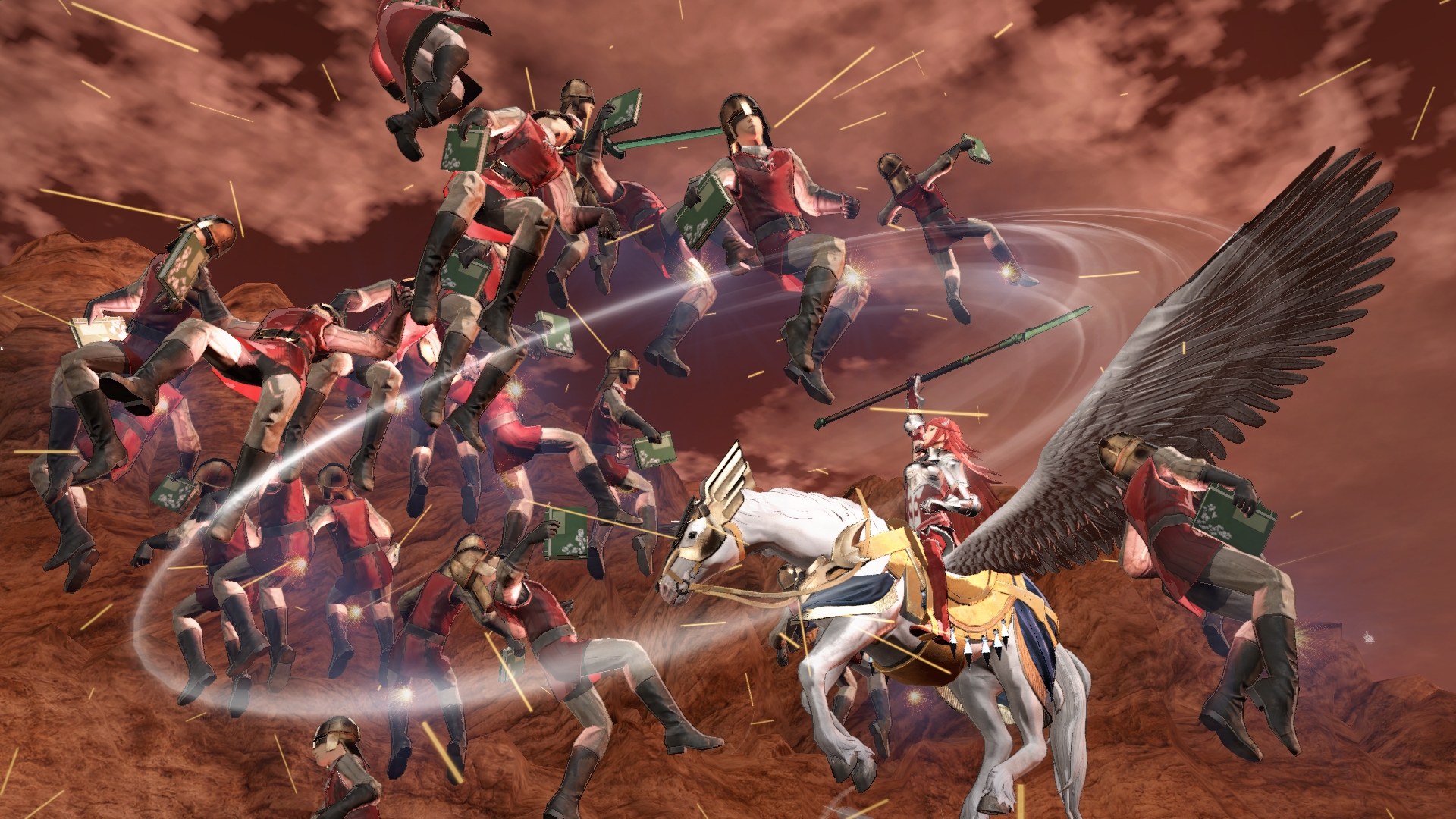
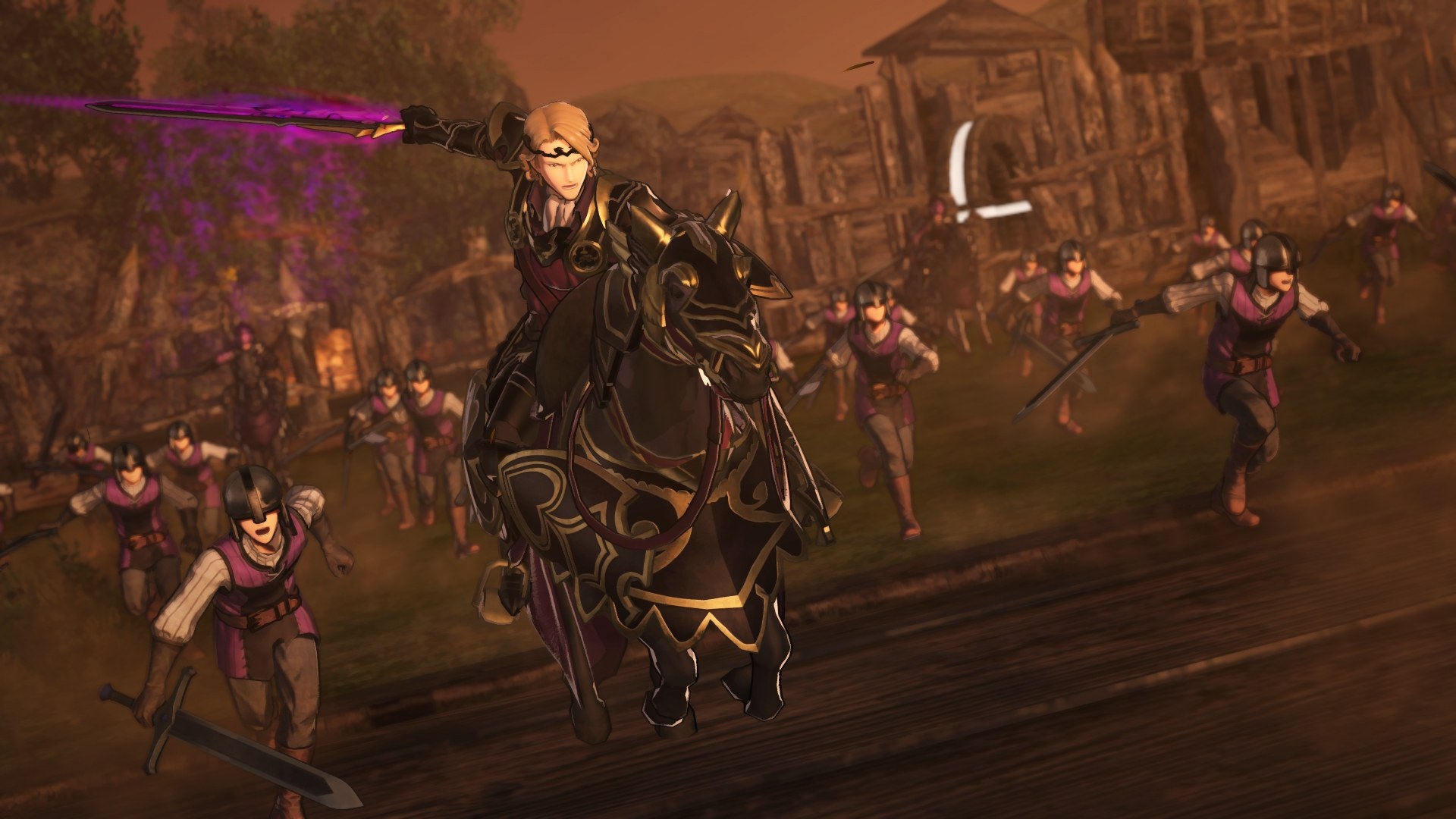
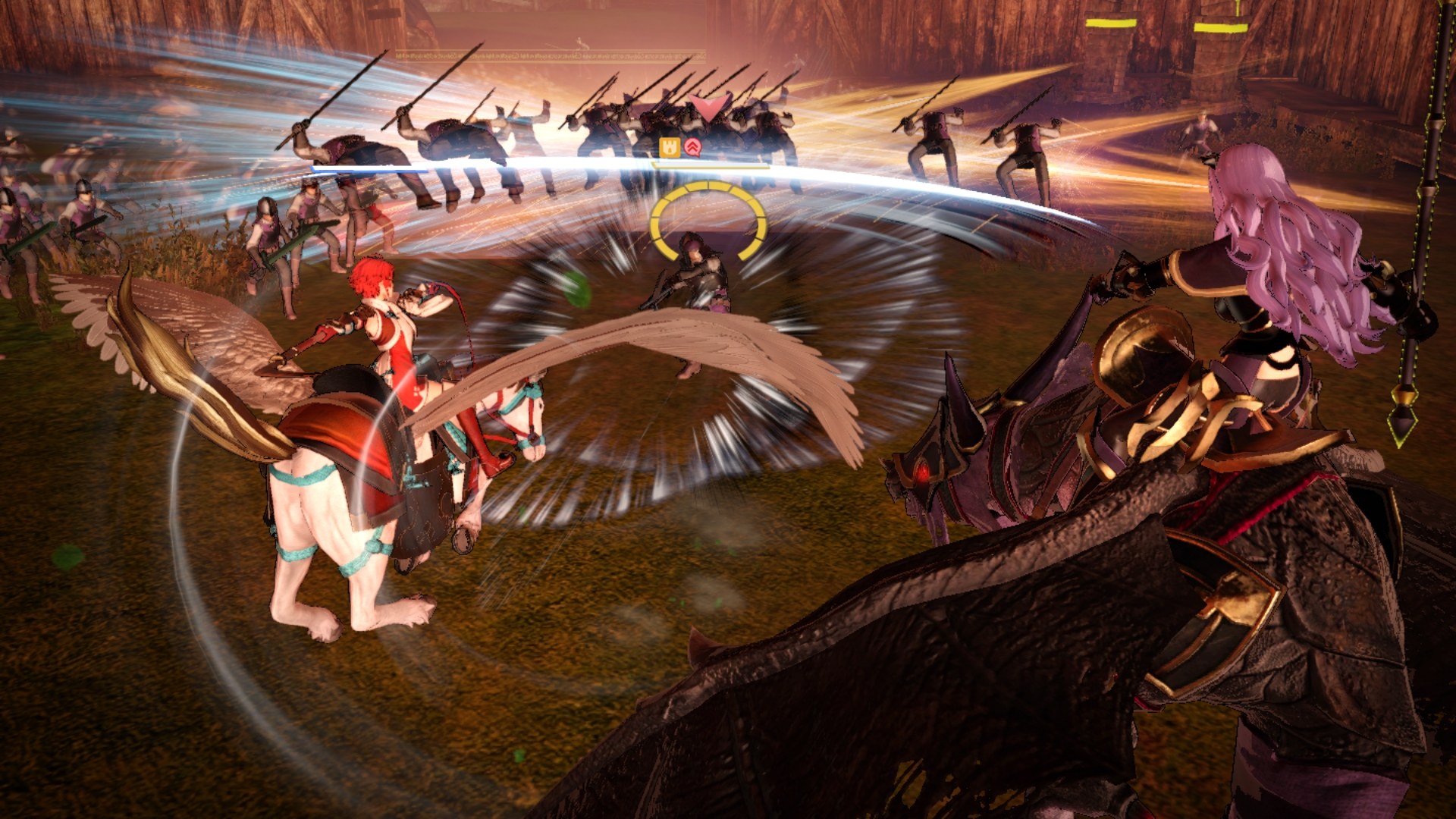
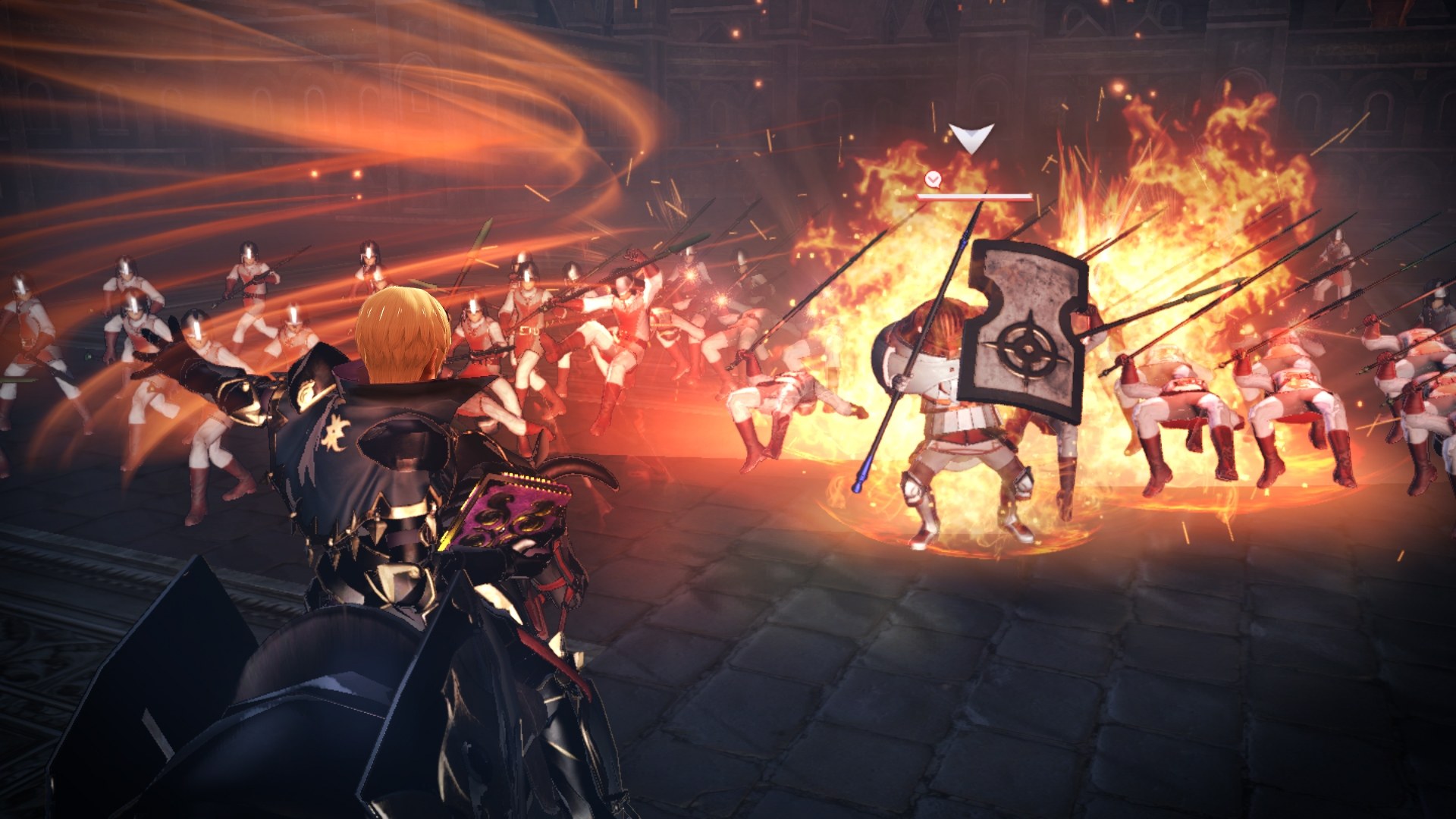
On Windows the game boots and plays through menus, saves, cutscenes and battles with all five DLC packs, at 60 fps in the game’s Performance mode (720p, or 1080p as an option) or 30 fps in Quality mode. The project puts steady performance on handheld PCs first without cutting any effects: on the Steam Deck battles run at the game’s native 30 fps at 1280x720 with GPU particles, with 60 fps as an option. Only the US release with update 1.5.0 is supported, resolution scaling stays at 1x, and shaders stutter the first time each scene is seen. Linux builds are made natively but haven’t yet been played through outside the Steam Deck.
The project publishes no prebuilt builds, so the download here is the source code of its latest release, with no game files, keys or translated code; a single script builds the game on the player’s own machine from their own dump, downloading its pinned build tools without installing anything on the system or needing administrator rights. A step-by-step guide on the project’s GitHub page covers the Steam Deck, building the Deck version on a Windows PC, settings, saves and updating.
How to Set It Up
- Download the source code zip below (or Source code from the latest release on GitHub) and extract it (on Linux or a Steam Deck, to internal storage or an ext4 or btrfs card).
- Make a
Game Filesfolder inside it and put your base game, update 1.5.0 and DLC.nspfiles and yourprod.keysthere. - Open a terminal in the folder. On Linux or a Steam Deck run
bash build-linux.sh; on Windows runpowershell -ExecutionPolicy Bypass -File .\gerar-few.ps1 -Launch. The script downloads its own build tools and builds the game, which takes under an hour on a desktop PC and a few hours on a Steam Deck, and carries on where it stopped if interrupted. - Play from the
FireEmblemWarriorsfolder or the Steam shortcut it adds on Linux, orJogar no PC\few.exeon Windows. F1 opens the port’s menu.
Advertisement
Download FEW Recomp (Source Code)
What's new in v0.2.0FEW Recomp v0.2.0 — Linux & Steam Deck builds
Linux and Steam Deck can now build the game themselves, with one command.
Important
This release contains no game files, keys or executable — only the source. You build the game on your own machine from your own legally dumped copy: the US base game, update 1.5.0 and (optionally) the DLCs, plus your prod.keys.
How to build and play
- Download Source code below and extract it (on Linux/Steam Deck: on the internal storage or an ext4 card).
- Create a
Game Filesfolder inside it with your NSPs — base[0100F15003E64000], update 1.5.0[0100F15003E64800], DLCs — and yourprod.keys. - Open a terminal in the folder and run:
| On | Command | The game ends up in |
|---|---|---|
| Steam Deck / Linux | bash build-linux.sh | FireEmblemWarriors/ + a Steam shortcut |
| Windows | powershell -ExecutionPolicy Bypass -File .\gerar-few.ps1 -Launch | Jogar no PC\few.exe |
No admin rights or sudo, nothing installed on the system: pinned build tools are downloaded once and checked by SHA-256. The first build takes from under an hour (desktop PC) to a few hours (Steam Deck); it resumes if interrupted.
Full walkthrough — including a Steam Deck Desktop Mode guide for first-timers, building the Deck version on a Windows PC, settings, saves and troubleshooting: GUIDE.md.
What’s new
build-linux.sh: native build on Linux and on the Steam Deck itself. It checks your machine and files, downloads its tools, unpacks the update, translates and compiles the game, applies the Deck’s settings on a Deck (Zen 2 code, 30 fps battles at 1280×720), and adds Fire Emblem Warriors to Steam (native or Flatpak). It keeps the machine awake during the build and refuses exFAT/FAT drives up front with a clear message.- Building the Deck version on Windows (
gerar-deck.ps1) no longer needs any manual WSL setup beyond installing a distro: the Linux tools are downloaded automatically. - The Deck package’s readme, installer and launcher are in English.
Project focus
Performance first, without straining the Steam Deck and without cutting any of the game’s effects: on the Deck the game runs at its native 30 fps battle pace at 1280×720 with the GPU particles on. Most of the gains come from doing less per frame rather than pushing the hardware harder: frame overlap, uploading only the memory the game changed, a Zen 2 build, and background-compiled, cached shaders. 60 fps remains an option.
Next: mobile devices. Handheld PCs (Steam Deck and similar) work today. There is no Android version — it hasn’t been started and I have no device able to run it for testing. If you have the hardware and want to help, open an issue.
What works
- Windows: boot, videos, menus, saves, cutscenes and battles with the five DLCs; 60 fps battles via the game’s Performance mode (720p, 1080p optional) or 30 fps Quality mode.
- Steam Deck: 30 fps battles (the game’s native pace) at 1280×720 with GPU particles; the densest fights can still dip below 30. 60 fps is an option in the F1 menu.
- Linux PCs: same runtime as the Deck; not yet played end to end outside the Deck — reports welcome.
Known limits
- Only the US release with update 1.5.0 is supported.
- Resolution scaling is fixed at 1×; HWDER extras tied to Hyrule Warriors (120 fps, ultrawide, LOD) are off.
- Shader stutter the first time a scene is seen (it fades as the caches fill).
Reporting problems
Open an issue with your hardware, what happened, hwder.log from the game folder and, for build problems, build/linux/build.log. Never attach game files, keys, the built executable or saves.
Built on the HWDER v0.3.5 runtime (MIT). Not affiliated with Nintendo or Koei Tecmo.
57806103bd2d53c65230836a0fdb76bd793468057a1acbbf71025e7c3bf0e0be