
Witch Time
PC port of Bayonetta 3
- RecompilationPort Type
- ZexyenDeveloper
- 25 Nov 2026Page Updated
Details
- Developer
- Zexyen
- Port Type
- RecompilationA tool translated the game's original machine code into C automatically, which was then built as a native PC program.
- Game
- Bayonetta 3
- AI Use
- AI-assistedAn AI coding tool is credited as co-author on 289 of the repository's 391 commits. Source
- Source Code
- GitHub
- Page Updated
Platform Support
- Windows
- Linux
Screenshots
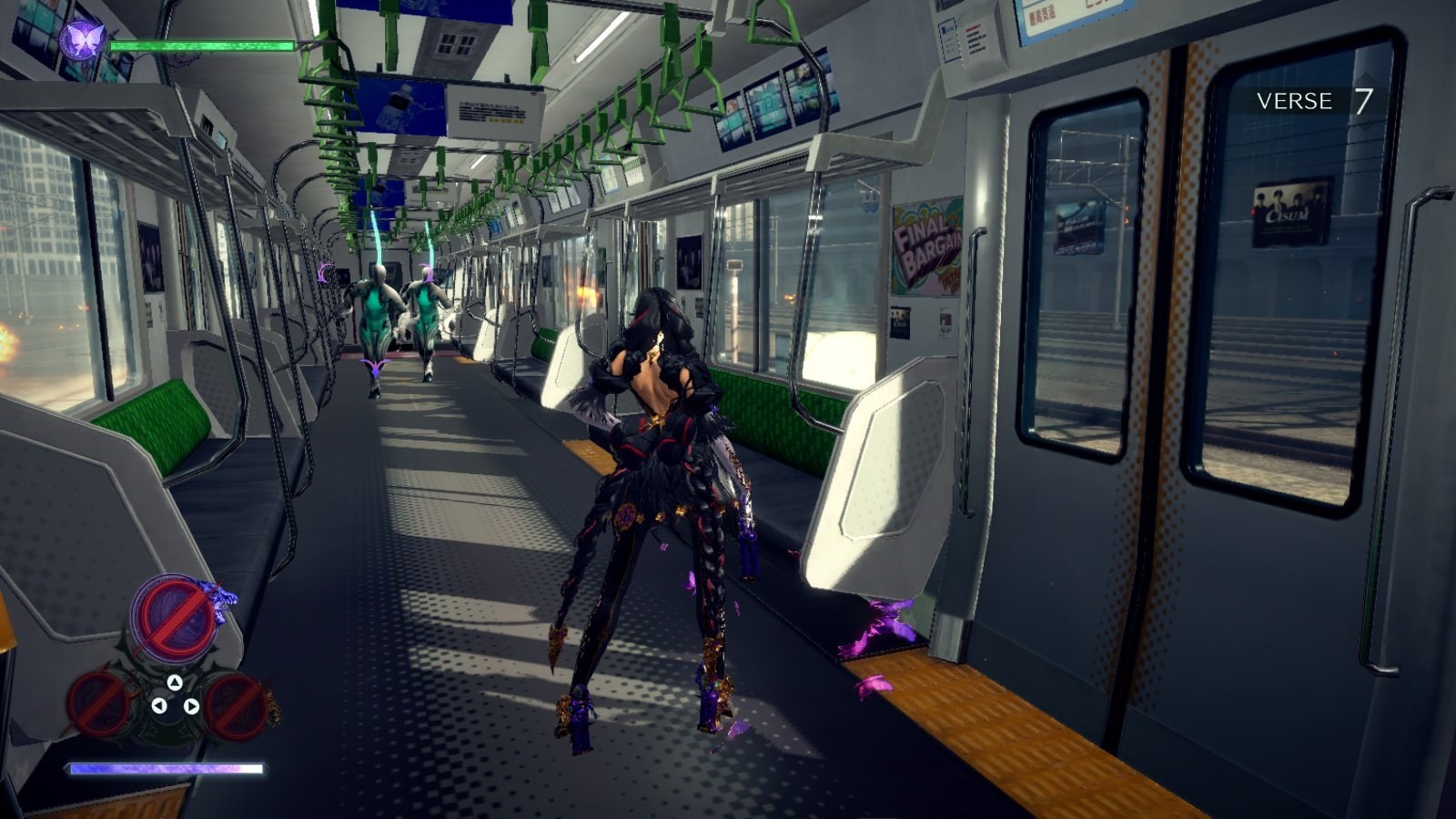
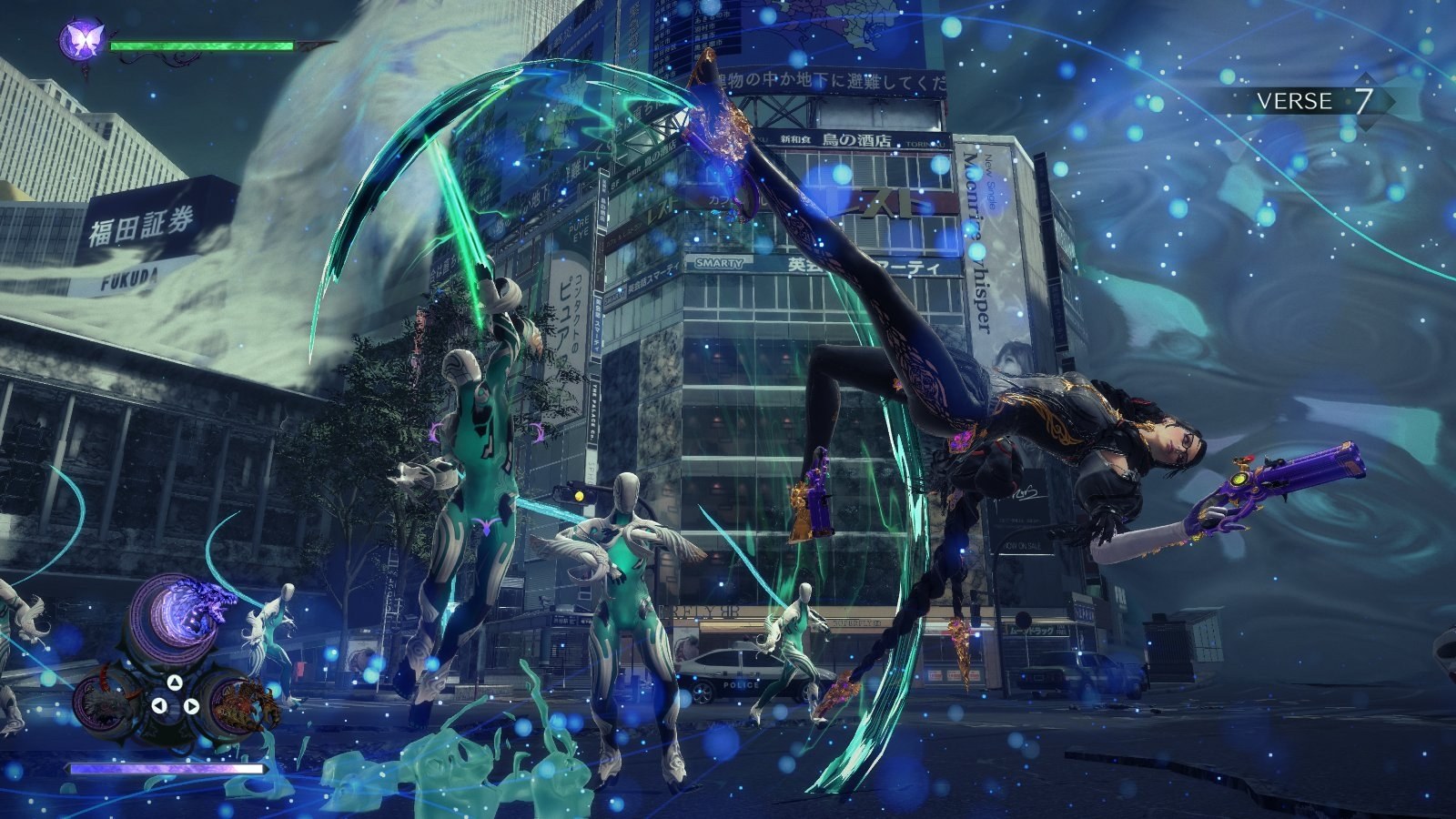
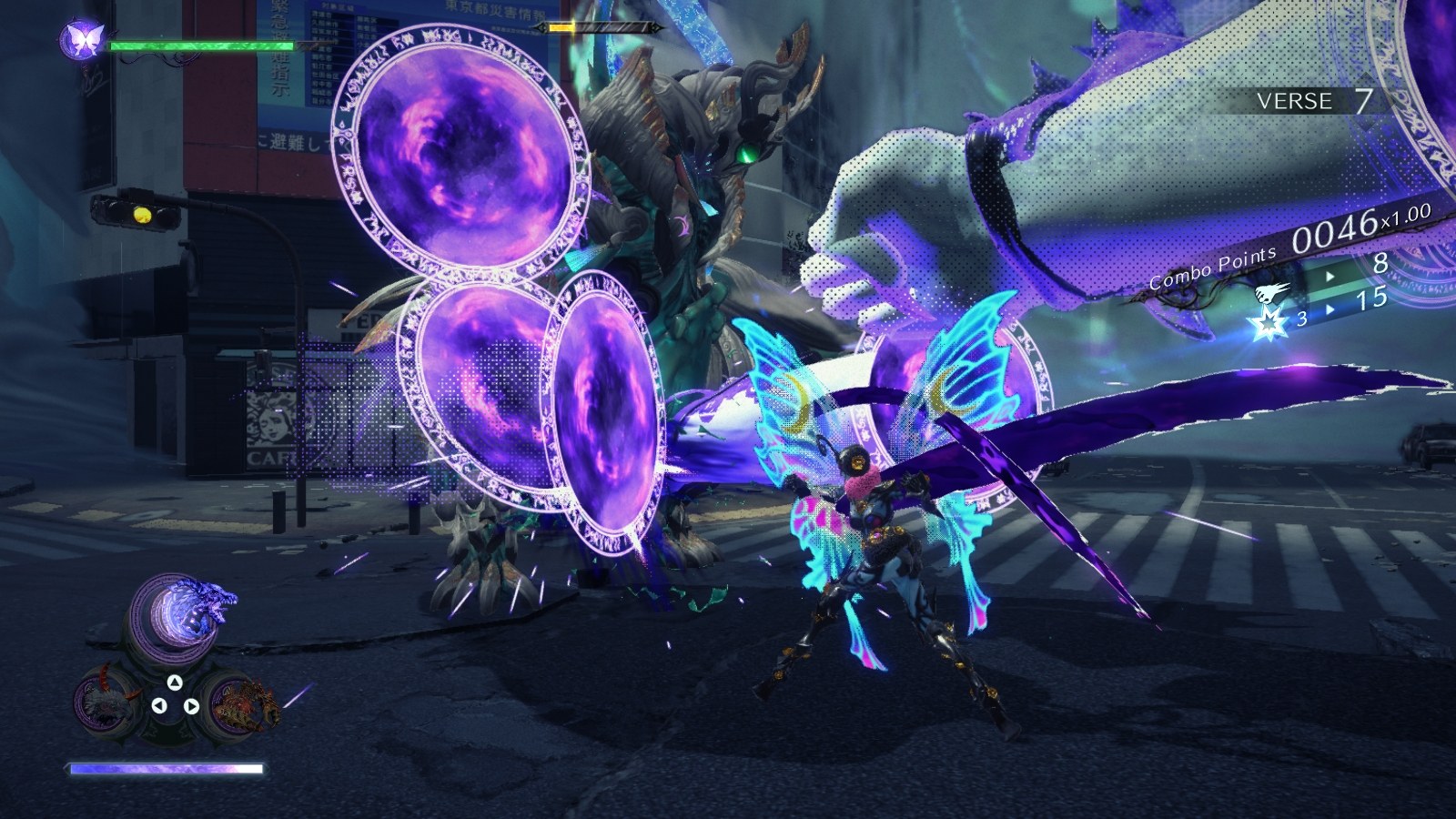
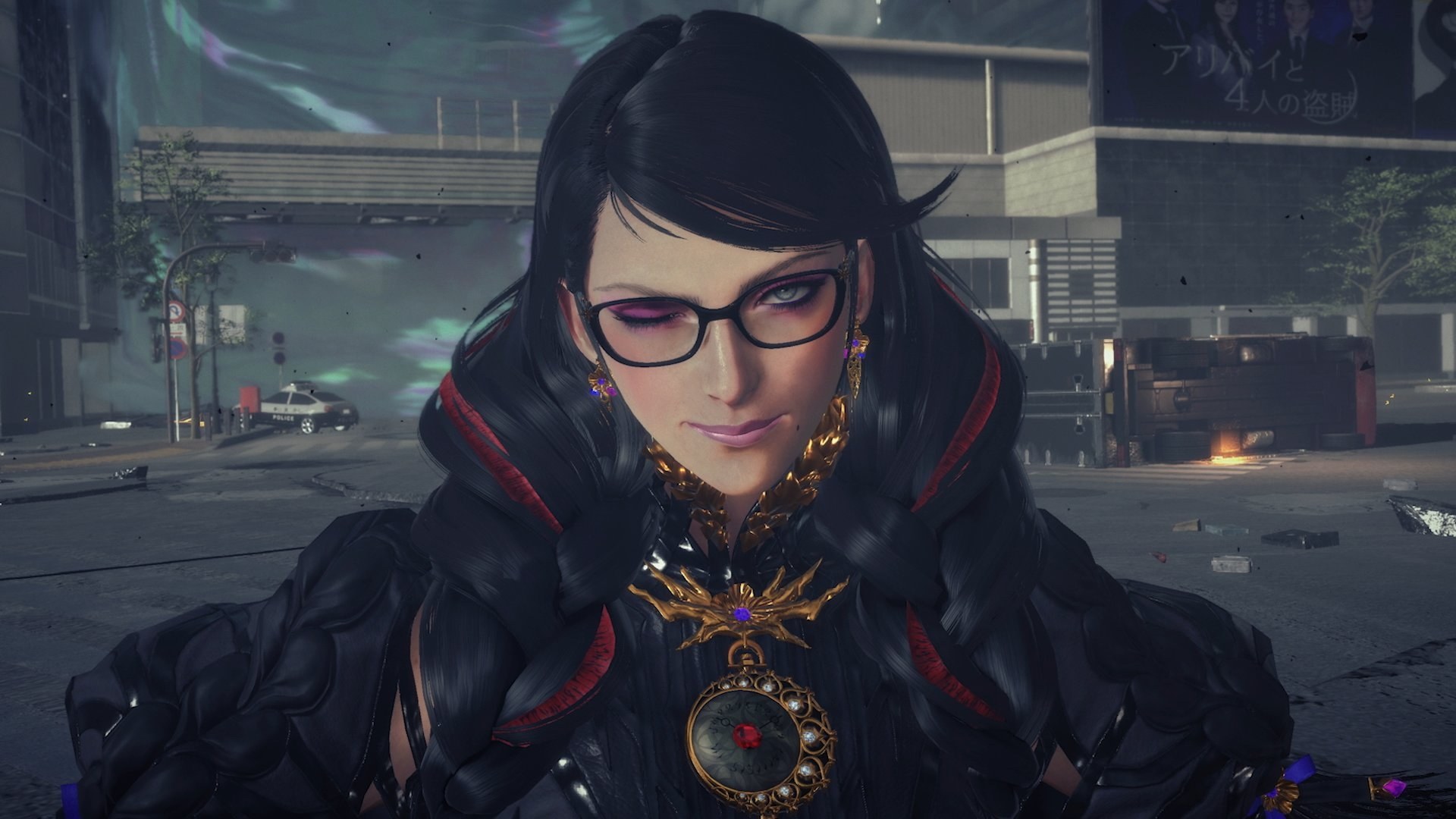
exefs and romfs folders (the builder accepts only that exact version). The Old Picture Book prologue also needs program 1 of the update in a program1 folder. Windows 10 or 11 64-bit, or a Linux desktop, with a Vulkan graphics driver.Overview
Witch Time is an unofficial static recompilation of the Nintendo Switch version of Bayonetta 3 for Windows and Linux, by Zexyen. It is not an emulator: on the player’s own PC, the builder checks their dump, translates the game’s AArch64 code to C and compiles it with the copy of clang that comes in the download, then runs it on a reimplemented system layer for threads, files, audio, input and the Switch’s NVN graphics on Vulkan. The download holds no game code, assets, keys or SDK code and decrypts nothing. The project started as a copy of B2recomp, the Bayonetta 2 port, and shares its lifter and runtime.
The game boots and plays, and the developer has tested the Tokyo and Shibuya chapters at 60 FPS, with short hitches now and then. It renders at the Switch’s 1600x900 by default and can scale up to 4K, with FSR 3.1 anti-aliasing or upscaling and 90 or 120 FPS modes marked experimental. Cutscenes keep their 30 FPS unless a setting raises them to 60. The PC settings sit both in their own panel and as rows of the game’s own Options screen, labelled in each of its languages.
Controllers can be rebound per character from the game’s own menus, with button prompts that follow, and keyboard and mouse work with a mouse camera. Discord Rich Presence shows the current chapter and verse. The Old Picture Book’s Bayonetta Origins prologue works too when the player adds its program from their update. The release files are not code-signed, so Windows Defender may flag a new version; the developer publishes a SHA-256 checksum beside each one.
How to Set It Up
- Download the zip for Windows or the archive for Linux and unpack it into a folder of its own.
- Start
witch-time.exe(Linux:build/witch-time) and pick the folder that holds yourexefsandromfs. - Wait while it checks your dump and compiles the game, which can take ten minutes or more. The launcher then starts it.
- Press F1, or Start and Select together, in the game for the PC settings: resolution, frame rate, FSR, vsync and window mode.
Advertisement
Download Witch Time
What's new in v0.16.0Witch Time v0.16.0
Witch Time v0.16.0
The title, menus and cutscenes now run at 60 fps by default, Frame rate goes from 30 up to 960 fps, the game keeps real time down to 15 fps, and Windows gets a second way to open the sound device. Recomp Achievements get initial support under RecompLauncher.
Title, menus and cutscenes at 60 fps by default (#309). The cutscene_fps setting is gone from config/graphics.ini, the PC settings panel, the Options tab and the launcher. Those scenes now run at 60 fps, or at Frame rate when it’s set to another value. Pre-rendered movies keep their own rate. A cutscene_fps line left in your graphics.ini is ignored. If you want the console’s 30 fps there, set Frame rate to 30, which applies to gameplay too.
Frame rate from 30 to 960 fps (#309, #311). The row now offers 30, 40, 60, 90, 120, 144, 165 and 240 fps, and frame_rate in config/graphics.ini takes any value from 30 to 960. Anything other than 60 is experimental. The spider ride’s prompt scene now runs at an exact 60 steps a second at any rate above 60.
No more slow motion below 30 fps (#210, #311). The game dropped time whenever a frame took longer than 33.3 ms, so a PC below 30 fps played in slow motion. Gameplay now keeps real time down to 15 fps. Hit-stops, Witch Time slow-downs, input windows and rumble also keep real time below 60 fps, as they already did above it.
Windows: a fallback when the sound device won’t open (#182, #310). When waveOutOpen fails, the game now opens the device through SDL and writes “SDL audio device open” in the log. WT_AUDIO_SDL=1 picks SDL directly. This hasn’t run on Windows yet, so it isn’t confirmed for the two reporters in #182.
Recomp Achievements, initial support (#308). Started from RecompLauncher, the game reports 50 achievements worth 1,635 points (chapter clears, completion tiers, Platinum and Pure Platinum, Golem and Rodin, weapons, Infernal Demons, Witch Trials) and rich presence. They’re read from the game’s own save records, so progress already in your save is reported too. Started any other way, nothing changes. The list is in docs/ACHIEVEMENTS.md. It hasn’t run under RecompLauncher yet.
The picture book refuses Bayonetta 3’s archives in its folder (#261, #312). The lilac screen in #261 came from Bayonetta 3 .pkz files (ba_002.pkz) left in targets/program1/romfs. Setup now removes files that aren’t in your Program 1 dump, and the book step and Check dump name any missing or foreign file.
NVIDIA cards without resizable BAR (#257, #313). Compute buffers now live in video memory on those cards too (v0.14.2 did this only with resizable BAR), and the game’s idle fence polling no longer keeps the render thread busy when the GPU is behind. Not yet run on such a card. WT_VK_CBMEM=0 and WT_SYNC_POLL=0 turn the two changes off.
Coming from v0.15.0 or v0.15.1: press REBUILD once when the launcher asks. It compiles 5 of the game’s 407 lifted code files (four new hooks for the achievements). The shader cache version stays at 24, and your config/, mods/ and converted textures stay as they are.
Coming from v0.14.3 or older: REBUILD compiles all 409 of the game’s code files again, as on a first install (v0.15.0 changed runtime headers every lifted file includes).
If Update stops with “Cannot install …: The system cannot find the path specified” (#224), your launcher is v0.10.1 or older and its folder’s path is long. Download the Windows zip below, unpack it to a short path such as C:\Games\WitchTime, copy your config folder over from the old one, then pick your dump again and rebuild.
If Update stops with “The download is damaged (checksum mismatch)” (#248), try again; if it stays, download the archive below and unpack it over your folder by hand. The clearer messages from v0.12.2 show only once your launcher is v0.12.2.
…
428a3a188fddf69c624f0b711729cb5a2f636005eeaafe2085c4926b05b354e9
7a3704957f5dc6dcd768c58356f427b811353e0472db111e40c851dcad3f7b02
f065a7576bdac5741e691fa9760b51ae18439eb85a570c294825a3ef030649f9