B2recomp
PC port of Bayonetta 2
- RecompilationPort Type
- K0NLDeveloper
- 24 Oct 2026Page Updated

Details
- Developer
- K0NL
- Port Type
- RecompilationA tool translated the game's original machine code into C automatically, which was then built as a native PC program.
- Game
- Bayonetta 2
- AI Use
- AI-assistedAn AI coding tool is credited as co-author on 36 of the repository's 36 commits. Source
- Source Code
- GitHub
- Page Updated
Platform Support
- Windows
Screenshots
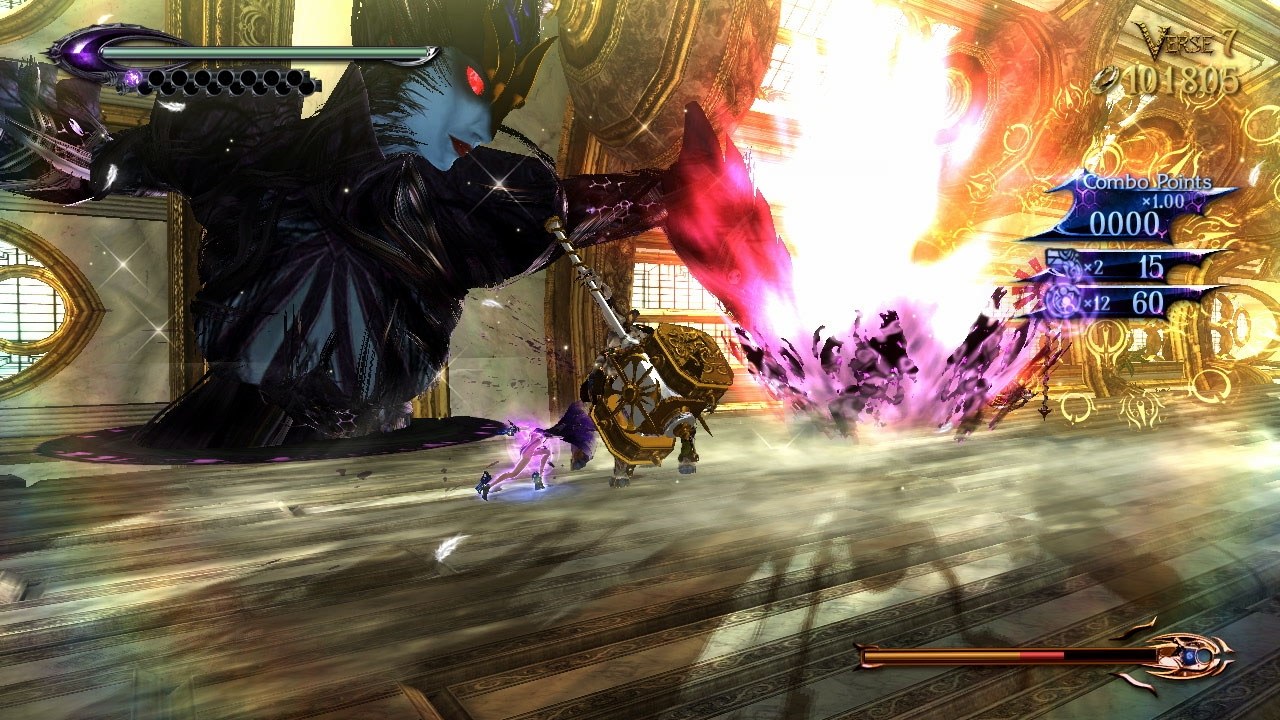
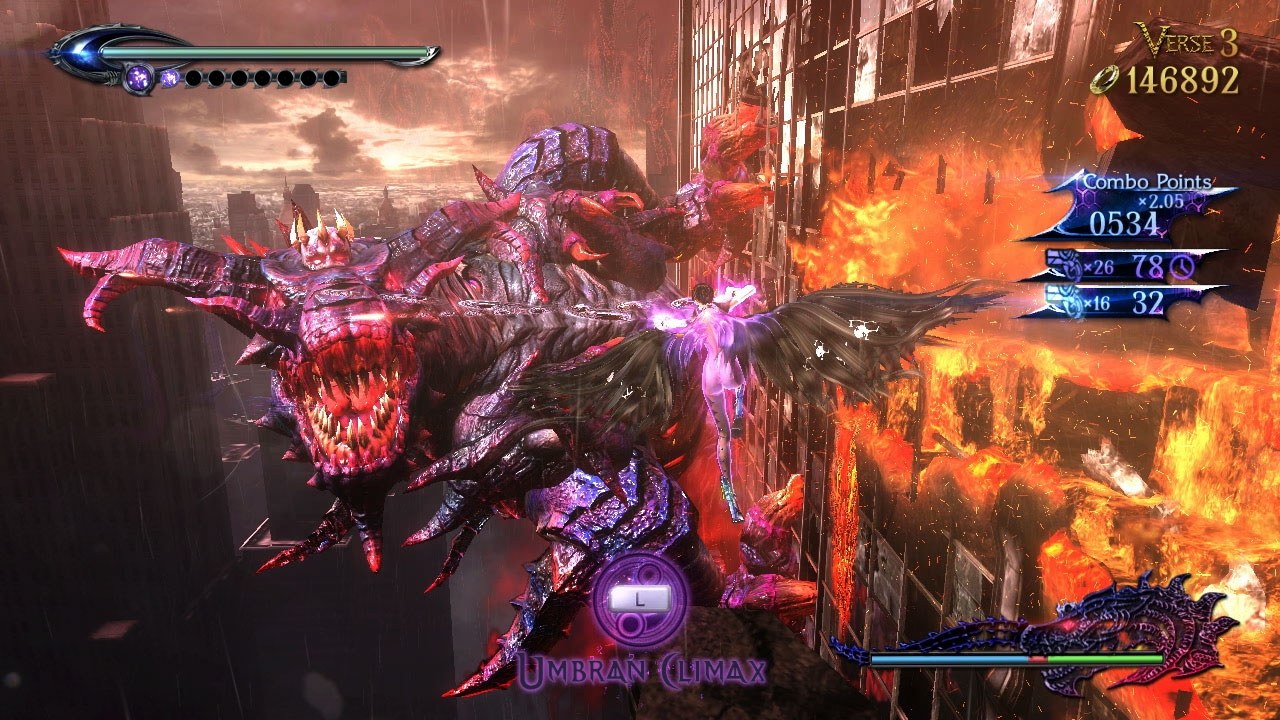
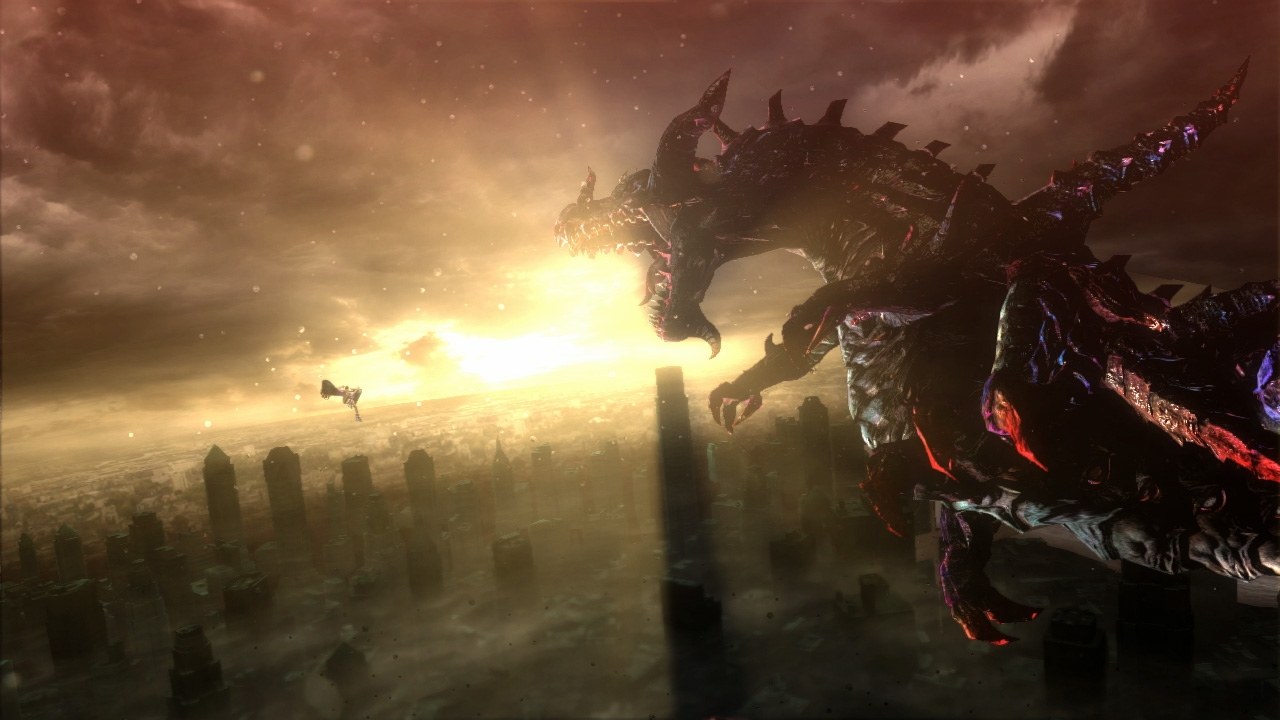
exefs and romfs folders. Encrypted packages such as .nsp and .xci are refused. Windows 10 or 11 64-bit, a graphics card with a Vulkan 1.3 driver and about 1.5 GB of free space for the builder.Overview
B2recomp, short for Bayonetta 2 Recompiled, is an unofficial static recompilation of the Nintendo Switch version of Bayonetta 2 for Windows. It is not an emulator: the builder translates the game’s AArch64 code to C on the player’s own PC, from their own dump, and compiles it, then runs it on a reimplemented system layer covering threads, files, audio, input and the Switch’s NVN graphics on Vulkan. The download is only the source and the free tools the build needs; it holds no game code, keys or firmware, and decrypts nothing.
The developer has played the prologue through and Chapter 1 past its first part, and later chapters are still being tested, so bugs are expected. It runs at 60 FPS with a 120 FPS mode in beta that keeps combos, Witch Time and slow motion at their original timing, and offers resolution scaling, borderless or fullscreen windows, HDR10 output and presets for weaker graphics chips. Fixes have gone in for AMD Radeon cards, older Polaris cards included, and for Windows 10 and handheld PCs.
Controllers such as the DualSense, DualShock, Xbox and Switch Pro pads work through SDL3, with a choice of Switch or printed-letter face button positions, and keyboard and mouse controls follow the layout of the PC release of the first Bayonetta. A Linux version is being tested.
How to Set It Up
- Download the builder zip and unzip it into a folder of its own.
- Start
B2recomp.exe, click Browse… and choose the folder that holds yourexefsandromfs. - Press Build and wait, about five minutes on a fast PC. The window then turns into the launcher.
- Pick the window mode, resolution scale and controls, then press Play. For a new version, unzip it over the old folder and press Build again.