Astral Chain Recomp
PC port of Astral Chain
- RecompilationPort Type
- captainj-sparrowDeveloper
- 4 Nov 2026Page Updated

Details
- Developer
- captainj-sparrow
- Port Type
- RecompilationA tool translated the game's original machine code into C automatically, which was then built as a native PC program.
- Game
- Astral Chain
- AI Use
- AI-assistedThe repository has CLAUDE.md, a file of instructions for AI coding tools. Source
- Source Code
- GitHub
- Page Updated
Platform Support
- Windows
Screenshots
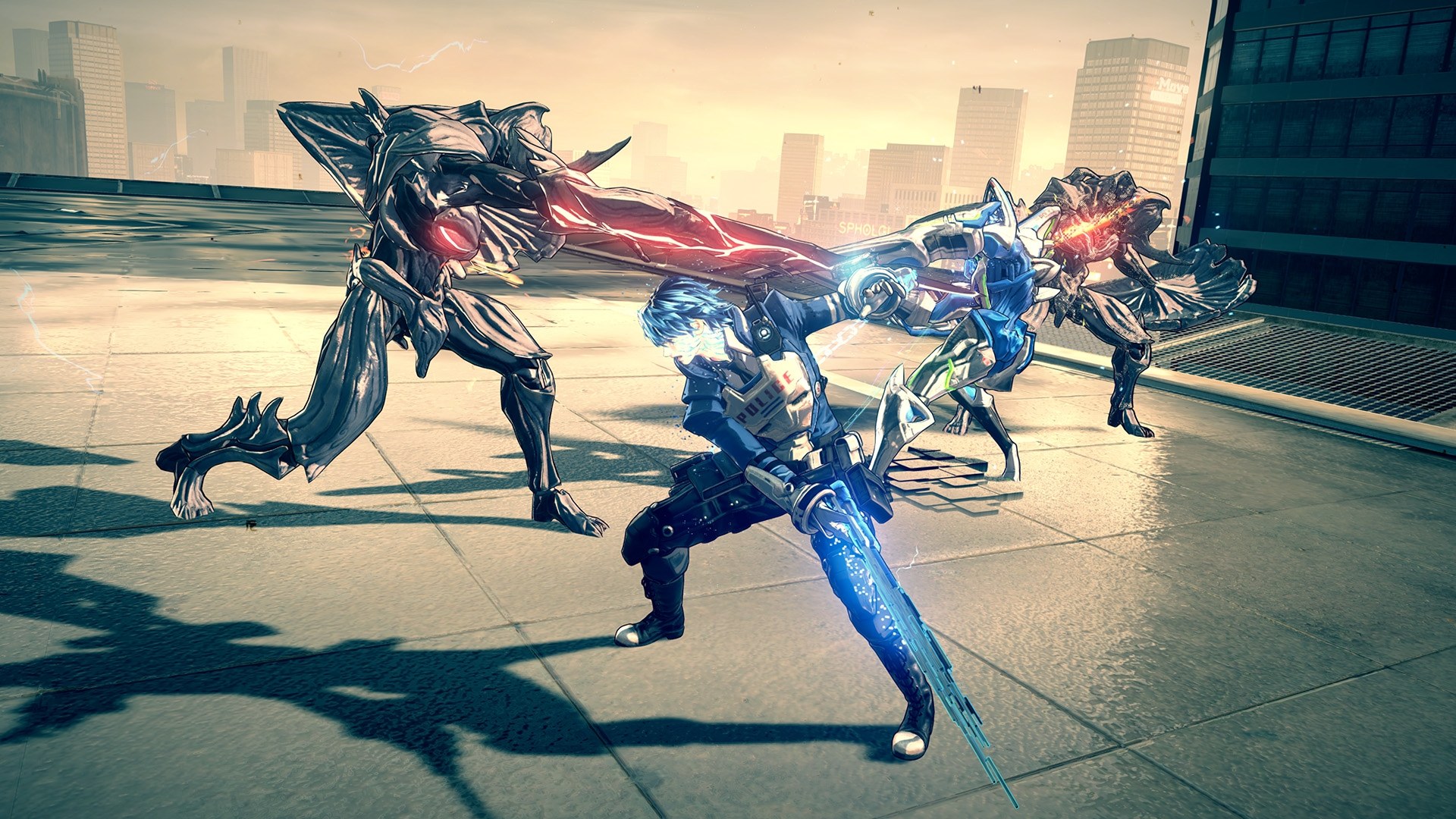
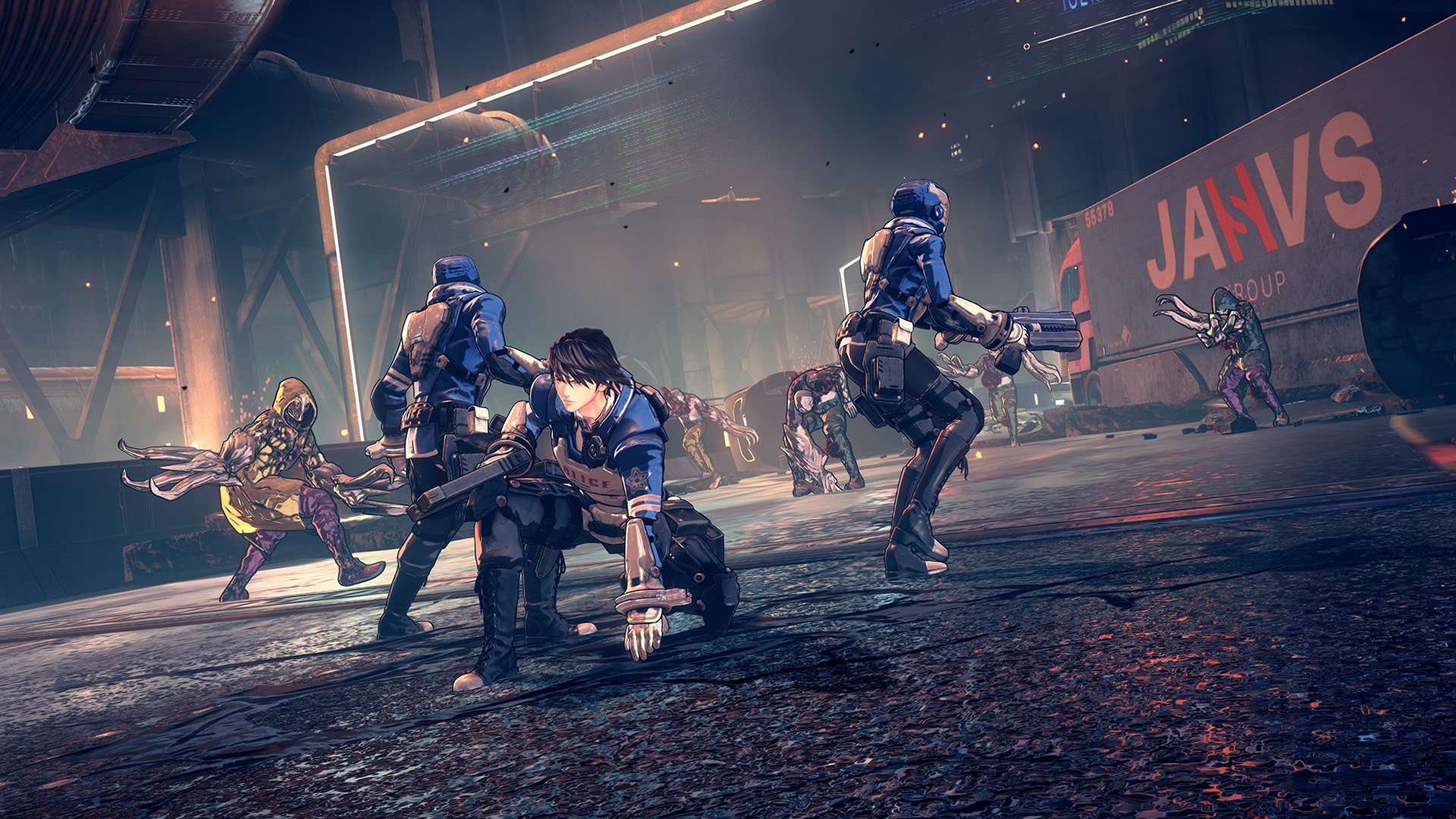

prod.keys. Windows 10 or 11 on an x86-64 processor with SSE4.2, a Vulkan 1.3 graphics card, about 14 GB for the installed game and about 11 GB of temporary space during setup.Overview
Astral Chain Recomp turns PlatinumGames’ 2019 Switch game Astral Chain into a native x86-64 Windows program by static recompilation. It is built on the pipeline of TotK Recomp, which gave it the lifter, runtime, graphics translation and installer. The setup carries no game data and no code taken from the game: it extracts the player’s own dumped base game, merges the 1.0.1 update into it, translates the game’s code to C and compiles it on the player’s computer, so the result contains the game and is meant only for that player.
The developer reports it playable from the title screen through the story, with the game’s music, effects, voices and saves. It runs at 60 fps by default with a 30 fps switch and a cutscene speed fix, and adds custom resolutions, AMD FSR 1 upscaling up to 4K, render scaling and up to 16x anisotropic filtering. Keyboard, mouse and gamepad all work, with remapping, rumble and gyro, and mods and data cheats load in the emulator formats.
The setup and in-game menu are in English, Russian, Brazilian Portuguese and Simplified Chinese. Shader preparation at install time and a Linux release are planned.
How to Set It Up
- Download the setup zip for Windows and extract it anywhere.
- Start
Astral Chain-Setup.exe. If SmartScreen warns about an unsigned app, choose More info, then Run anyway. - Pick the base game, the 1.0.1 update and your
prod.keys, then the language and an install folder. The setup builds the game on your PC in a minute or a few. - Play
astralchain.exefrom the install folder. F1 opens the settings menu and F10 the performance overlay.
Advertisement
Download Astral Chain Recomp
What's new in v0.3.0v0.3.0 - 60FPS + v1.0.1 support
This version supports 60fps during gameplay, locked 30 FPS during cutscenes and the port requires the update 1.0.1 to run from now. Your current savefile should be safe when upgrading. 60FPS is enabled by default and can be toggled off in settings (escape key in game)
I tested the release as much as I can please open an issue if anything goes wrong
b9220f35029711a7ba4d8634786425b89a3fcf5b9496407426224cadcffd5fcf