Super Metroid Launcher
PC port of Super Metroid
- ReimplementationPort Type
- RadzProwerDeveloper
- 30 Sep 2026Page Updated
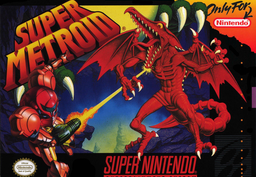
Details
- Developer
- RadzPrower
- Port Type
- ReimplementationThe game was rebuilt in new code that plays like the original and loads its data from your own copy.
- Game
- Super Metroid
- AI Use
- Not statedThe developers haven't said whether they used AI.
- Source Code
- GitHub
- Page Updated
Platform Support
- Windows
ScreenshotsView All (6)
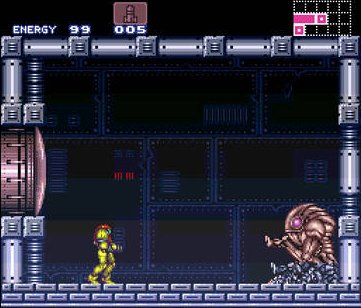
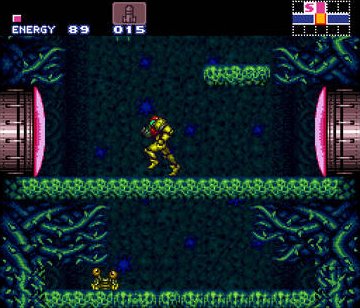
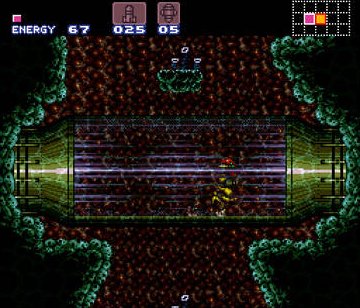
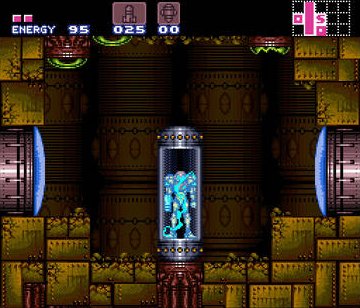
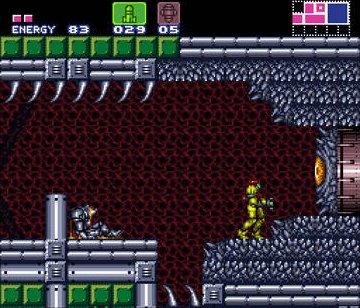
SHA-1 of a correct dump:
da957f0d63d14cb441d215462904c4fa8519c613Overview
Super Metroid Launcher is a Windows tool by RadzPrower that downloads, sets up and compiles sm, the snesrev team’s C reimplementation of Super Metroid, with close to one click. The snesrev project has no releases of its own, so this is the easiest way to play it.
The settings menu covers autosave on exit, window and fullscreen modes, an optimised PPU, no sprite limit, enhanced Mode 7, shaders and sound, and a key mapper sets up keyboard and controller along with hotkeys for turbo and replays.
The first run downloads the source and builds the game, which can take several minutes. The snesrev code calls itself an early version with bugs, and the launcher has had one release, from March 2023. The download contains no game data. It needs Super Metroid (USA), dumped from your own cartridge.
How to Set It Up
- Download the zip and extract it.
- Run
Super Metroid Launcher.exeand click Download. - Pick your ROM when asked. The launcher downloads the snesrev sm source and tools, then builds the game, which can take several minutes.
- Click Launch Super Metroid. Settings and a key mapper are in the launcher.