Civilization (SNES) Static Recomp
PC port of Sid Meier's Civilization
- RecompilationPort Type
- Junior-JonesDeveloper
- 30 Sep 2026Page Updated
Details
- Developer
- Junior-Jones
- Port Type
- RecompilationA tool translated the game's original machine code into C automatically, which was then built as a native PC program.
- AI Use
- Not statedThe developers haven't said whether they used AI.
- Source Code
- GitHub
- Page Updated
Platform Support
- Windows
Screenshots
Overview
Civilization (SNES) Static Recomp is a native Windows port of Sid Meier’s Civilization for the SNES, made by Junior-Jones as a fully static recompilation: the game’s CPU instructions were translated to C ahead of time, and there is no interpreter or emulator fallback. If the game reaches code the recompiler did not cover, it stops with an error instead. The graphics, sound and other hardware are reimplemented natively.
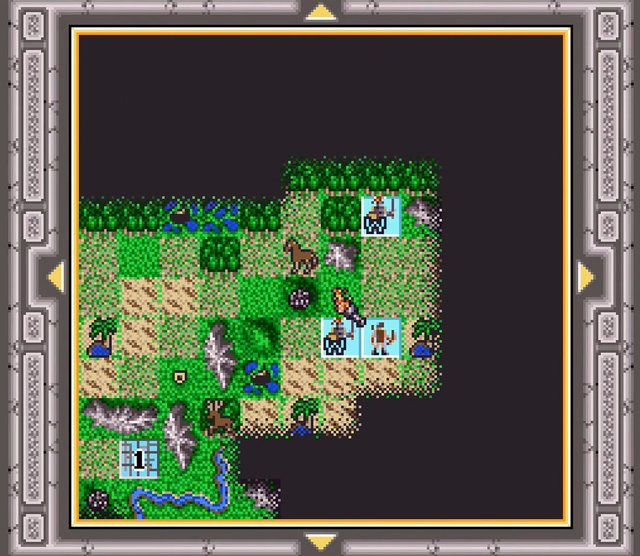
It adds an optional 398x224 widescreen world map that shows more terrain, with menus and city screens kept at the original size, along with keyboard and gamepad configuration, fullscreen, five snapshot slots and persistent battery saves.
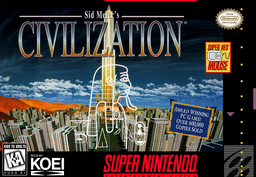
It is a very new project with few users so far, and the repository includes the generated code. The download contains no game data. It needs Sid Meier’s Civilization (USA), unheadered, dumped from your own cartridge.
How to Set It Up
- Download the Windows zip and extract it.
- Put your ROM in the
Romfolder, or use Browse ROM in the launcher. - Run
Launcher.exe. The ROM is checked before play is enabled. - Turn on the Wide Screen world map in the launcher if you want it. F1 shows the controls.