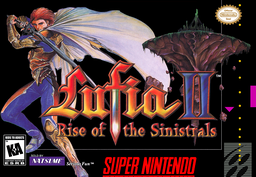
Lufia II Recompiled
PC port of Lufia II: Rise of the Sinistrals
- RecompilationPort Type
- CellenseresDeveloper
- 30 Sep 2026Page Updated
Details
- Developer
- Cellenseres
- Port Type
- RecompilationA tool translated the game's original machine code into C automatically, which was then built as a native PC program.
- AI Use
- Not statedThe developers haven't said whether they used AI.
- Source Code
- GitHub
- Page Updated
Platform Support
- Windows
- Linux
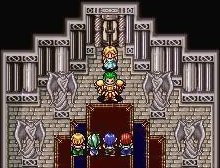
ScreenshotsView All (6)

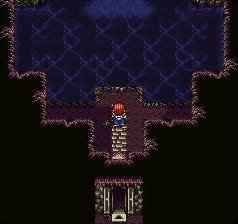
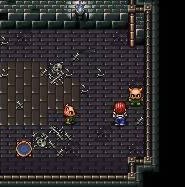
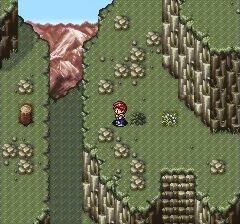
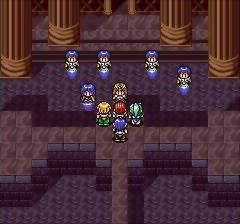
SHA-1 of a correct dump:
a89931c1f29b161b8be717dfab4a4adb54b42b84Overview
Lufia II Recompiled is a native port of Lufia II: Rise of the Sinistrals for Windows and Linux, including the Steam Deck, made by static recompilation with snesrecomp.
The launcher offers SDL, OpenGL 3.3 and native Vulkan renderers, GLSL shader presets on OpenGL, widescreen, HD Mode 7, rewind and fullscreen, aspect and scaling options, and it can present frames at the display’s refresh rate while the game keeps its own timing.
The author says it is playable from start to finish. Widescreen does not cover every map yet, battles are shown in 4:3, and save states and soft reset are disabled for now. Releases are marked as pre-releases. The download contains no game data. It needs Lufia II (USA), headerless, dumped from your own cartridge.
How to Set It Up
- Download the Windows zip or the Linux tarball and extract it.
- Run
Lufia2Recomp.exe(Windows) orLufia2Recomp(Linux) to open the launcher. - Select your ROM and choose a renderer: SDL, OpenGL or Vulkan.
- Saves go to
saves/save.srmnext to the program.