Zelda 3 Launcher
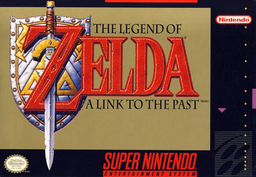
PC port of The Legend of Zelda: A Link to the Past
- ReimplementationPort Type
- RadzProwerDeveloper
- 7 Oct 2026Page Updated
Details
- Developer
- RadzPrower
- Port Type
- ReimplementationThe game was rebuilt in new code that plays like the original and loads its data from your own copy.
- AI Use
- Not statedThe developers haven't said whether they used AI.
- Source Code
- GitHub
- Page Updated
Platform Support
- Windows
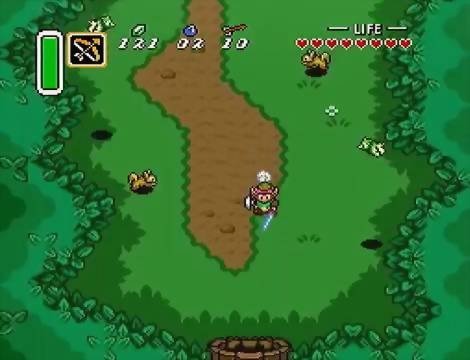
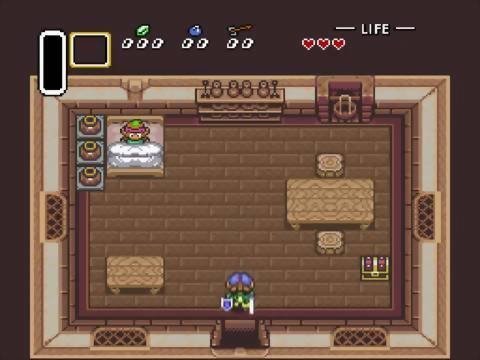
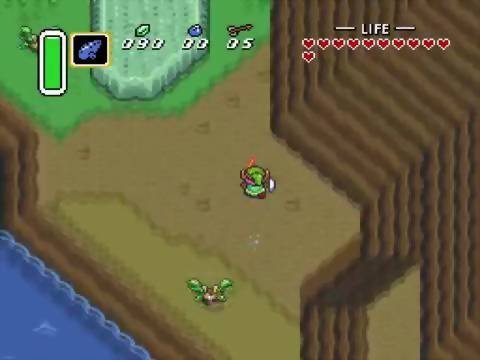
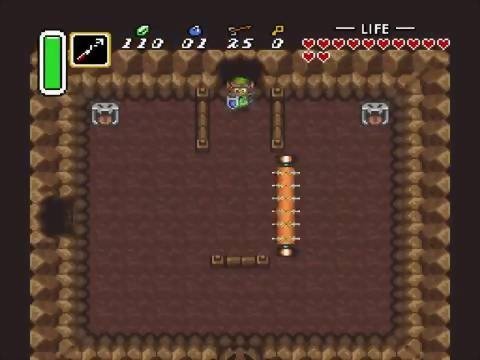
ScreenshotsView All (6)
Overview
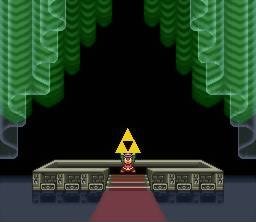
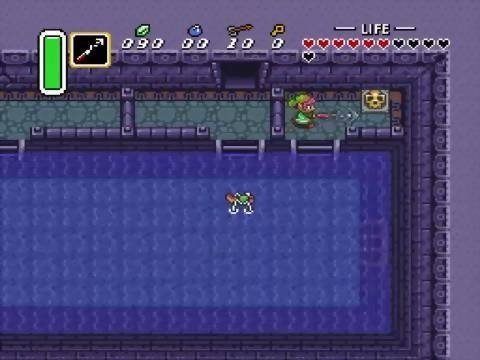
Zelda 3 Launcher is a Windows tool by RadzPrower that downloads, sets up and compiles zelda3, the snesrev team’s C reimplementation of The Legend of Zelda: A Link to the Past, with close to one click.
After the build it launches the game and gives zelda3’s options a proper settings menu: extended item selection, turning while dashing, mirror teleports to the Dark World, larger wallets, bug fixes, widescreen, the Steam Deck’s 16:10, shaders, MSU audio and a key mapper for keyboard and controller. It can also update or rebuild zelda3 when the source changes.
The first run downloads the source and builds the game, which can take several minutes. The launcher has not been updated since September 2023. The download contains no game data. It needs The Legend of Zelda: A Link to the Past (USA), dumped from your own cartridge.
How to Set It Up
- Download the zip and extract it.
- Run
Zelda 3 Launcher.exeand click Download. - Pick your ROM when asked. The launcher downloads the zelda3 source and tools, then builds the game, which can take several minutes.
- Click Launch Zelda 3. The settings menu covers gameplay options, graphics, sound and controls.