zelda3
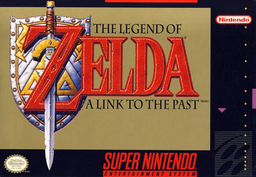
PC port of The Legend of Zelda: A Link to the Past
- ReimplementationPort Type
- snesrevDeveloper
- 30 Sep 2026Page Updated
Details
- Developer
- snesrev
- Port Type
- ReimplementationThe game was rebuilt in new code that plays like the original and loads its data from your own copy.
- AI Use
- Not statedThe developers haven't said whether they used AI.
- Source Code
- GitHub
- Page Updated
Platform Support
- Windows
ScreenshotsView All (6)
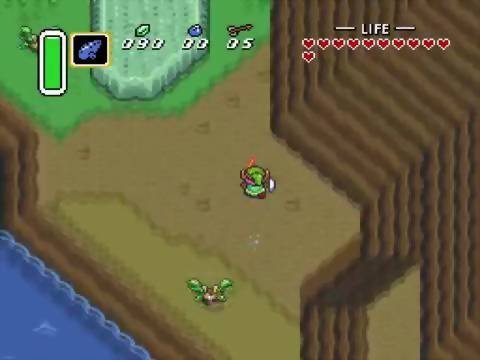
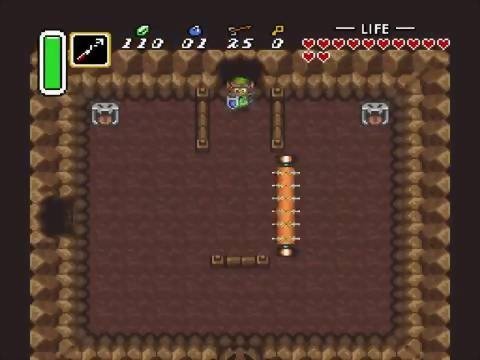
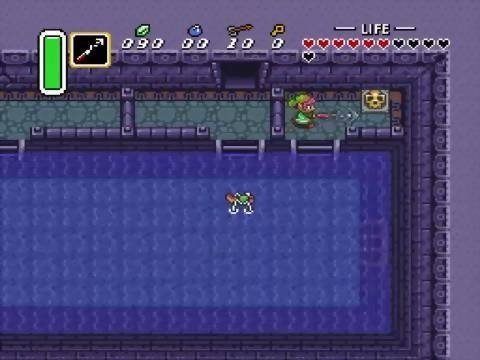
Overview
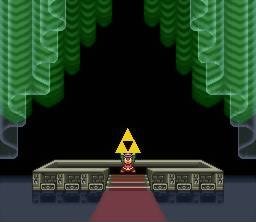
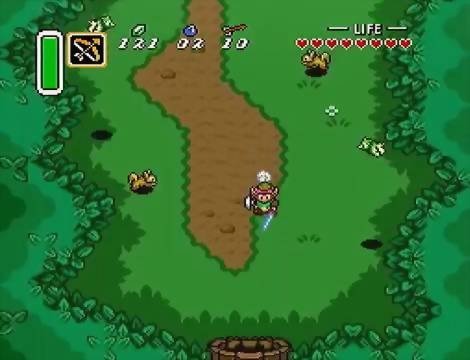
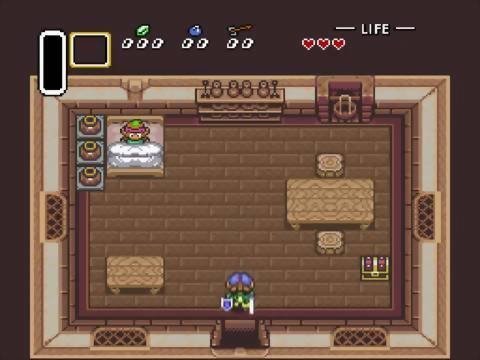
zelda3 is a native Windows port of The Legend of Zelda: A Link to the Past, a reimplementation of the whole game in about 70,000 to 80,000 lines of C, written by the snesrev team from the game’s disassembly. The picture and sound use optimised versions of the LakeSnes PPU and DSP, and it can run the original code side by side to check that its own code behaves the same.
It adds 16:9 and 16:10 widescreen, pixel shaders, a sharper world map, MSU audio tracks, a second item slot on X and item switching with L and R. The game is playable from start to end.
The only release, v0.3, dates from August 2023; later changes are in the source. The release zip contains a small patch file that the game applies to your ROM to make its data, and no game data of its own. It needs The Legend of Zelda: A Link to the Past (USA), dumped from your own cartridge.
How to Set It Up
- Download the Windows zip and extract it.
- Put your ROM next to
zelda3.exeand name itzelda3.sfc. - Run
zelda3.exe. It builds the game data it needs from the ROM when it starts. - Change controls, aspect ratio and the added features in
zelda3.ini.