FZeroSNESRecomp
PC port of F-Zero
- RecompilationPort Type
- mstanDeveloper
- 30 Sep 2026Page Updated
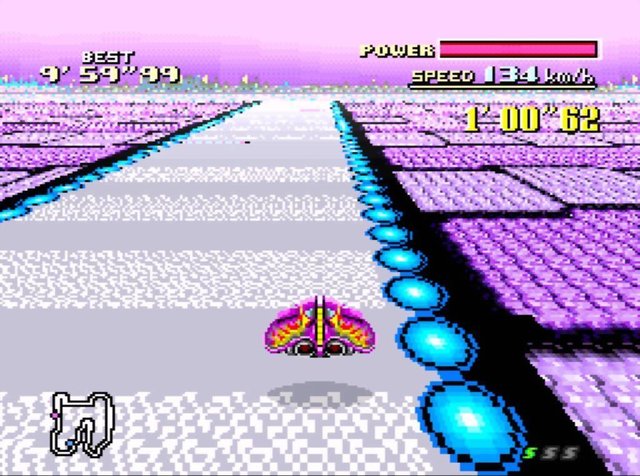
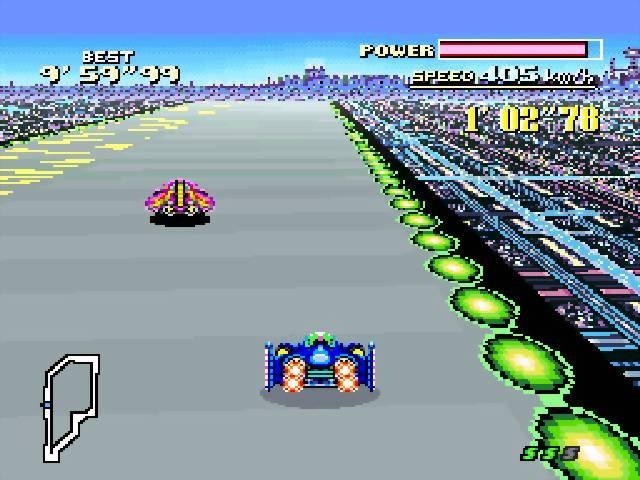
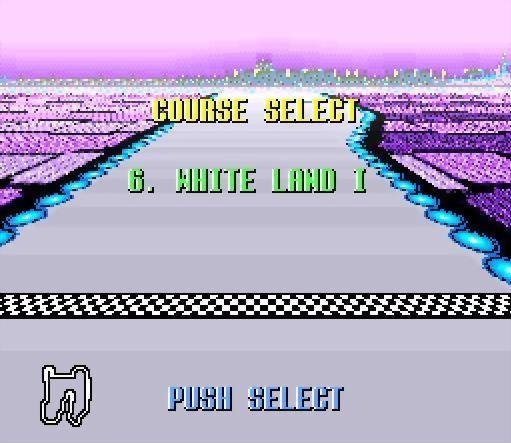
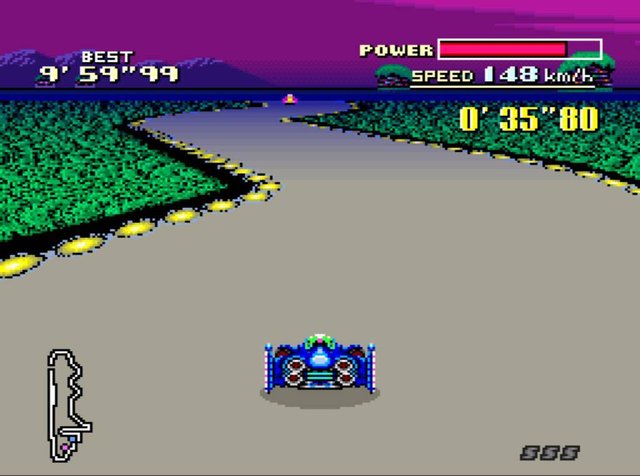
Overview
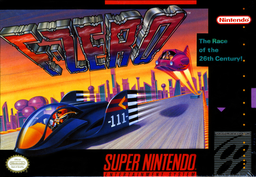
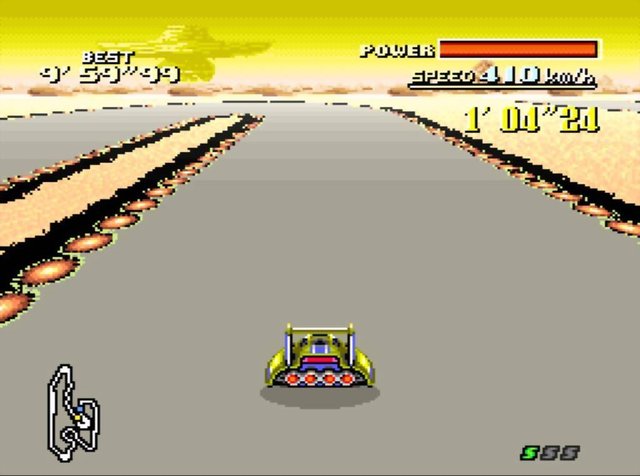
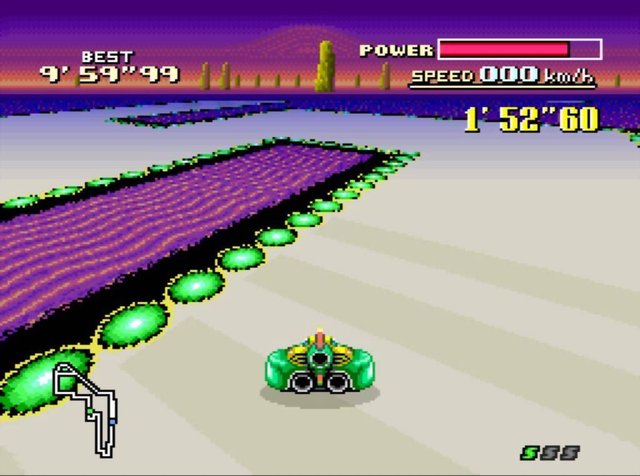
FZeroSNESRecomp is a native port of F-Zero for Windows and Linux, made by static recompilation with mstan’s snesrecomp.
It has widescreen modes up to 32:9, an optional HD Mode 7 that draws the tracks at two to ten times the resolution, presentation at up to 360 frames per second, display shaders, save states with a browser, rewind and gamepad support. It can also add the machines, leagues and tracks of the Satellaview BS F-Zero Deluxe, and play MSU-1 music packs you supply. The author says AI tools were used heavily in making it.
The author calls these in-development previews, and a reported slowdown with HD Mode 7 is still being investigated. The download contains no game data. It needs F-Zero (USA), dumped from your own cartridge.
How to Set It Up
- Download the Windows zip or the Linux AppImage.
- Windows: extract the whole zip and run
FZeroSNESRecomp.exe. Linux: put your ROM next to the AppImage, make it executable and run it. - Pick your ROM when asked. The path is remembered.
- Widescreen, presentation FPS, HD Mode 7 and BS F-Zero Deluxe content are on the Mods page.