DKC2Recomp
PC port of Donkey Kong Country 2: Diddy's Kong Quest
- RecompilationPort Type
- elliotttateDeveloper
- 30 Sep 2026Page Updated

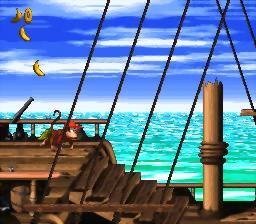

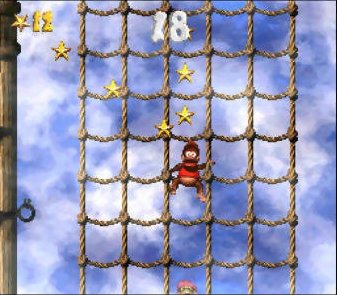
Overview
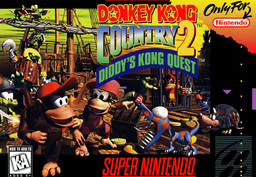
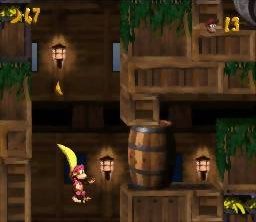
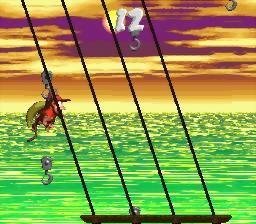
DKC2Recomp is a native port of Donkey Kong Country 2: Diddy’s Kong Quest for Windows and Apple silicon Macs, made by static recompilation with snesrecomp. Most of the game’s code runs as generated C, with the shared 65816 interpreter kept as a fallback, and the SNES graphics and sound hardware are emulated.
The Windows build adds a simultaneous TEAM co-op mode, in which both Kongs are played at once and can carry and throw each other, plus MSU-1 audio, CRT filters and widescreen. An optional character pack, built from your own files, swaps Diddy and Dixie for Donkey and Kiddy Kong.
It is a community project in active development. The macOS download is an older build without co-op or MSU-1. The download contains no game data. It needs Donkey Kong Country 2 (USA), dumped from your own cartridge.
How to Set It Up
- Download the Windows zip or the macOS (Apple silicon) zip and extract it.
- Run
DKC2Recomp.exeon Windows or the app on macOS. - Pick your ROM when asked.
- Press Escape for the pause menu, where settings, characters and co-op options live.