z2rs
PC port of Zelda II: The Adventure of Link
- ReimplementationPort Type
- troyedwardsjrDeveloper
- 10 Oct 2026Page Updated
Details
- Developer
- troyedwardsjr
- Port Type
- ReimplementationThe game was rebuilt in new code that plays like the original and loads its data from your own copy.
- AI Use
- Not statedThe developers haven't said whether they used AI.
- Source Code
- GitHub
- Page Updated
Platform Support
- Windows
- Linux
- macOS
- Android
ScreenshotsView All (6)
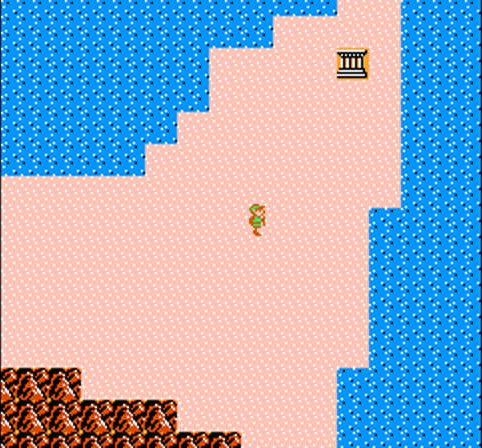
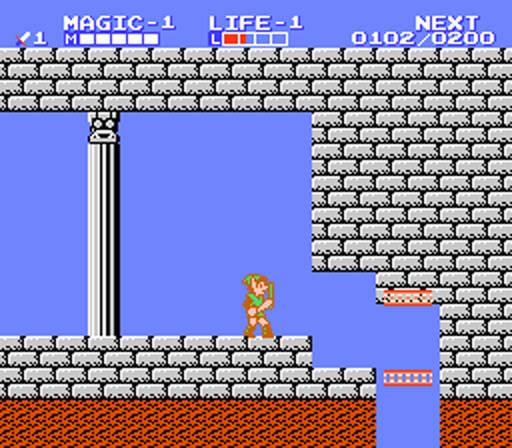
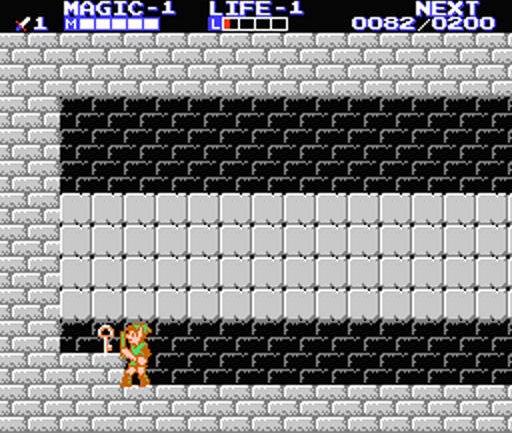
Overview
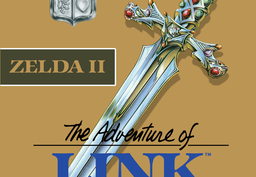
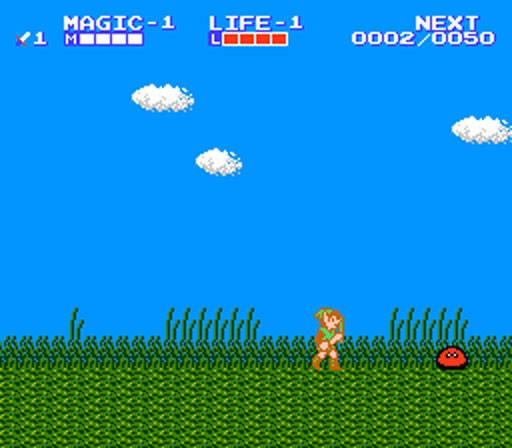
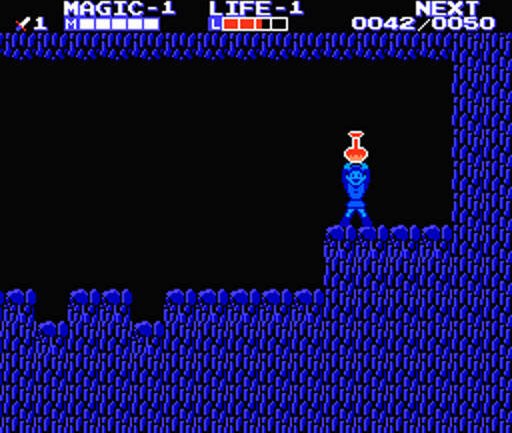
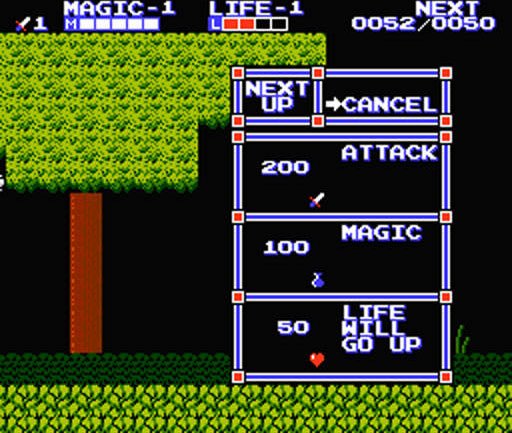
z2rs is a native port of Zelda II: The Adventure of Link for Windows, Linux, macOS and Android, a reconstruction of the game in Rust that is checked frame by frame against the original ROM running in a reference emulator.
On top of the original game it adds widescreen at 16:10, 16:9 or 21:9 with real scenery at the sides, HD graphics packs that repaint tiles and sprites at 2x to 8x, two-player co-op with a second Link on one machine or online, save states, fast-forward, movie playback and gamepad support. The Android version has an on-screen gamepad; online co-op is not available there yet.
The downloads are not code signed, so Windows and macOS warn on first launch. The download contains no game data. It needs Zelda II: The Adventure of Link (USA), dumped from your own cartridge; only one dump is accepted.
How to Set It Up
- Download the archive for your system and unpack it, or install the Android APK.
- Start
z2rs-launcher.exeon Windows,z2rs.appon macOS orz2rs-launcheron Linux. - Pick your ROM and press Play. The launcher also sets window size, widescreen, HD packs and co-op.
- After the first run you can start
z2rsdirectly.HOW-TO-PLAY.txtlists the controls.