DrMarioNesRecomp
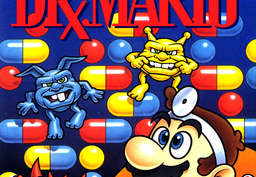
PC port of Dr. Mario
- RecompilationPort Type
- mstanDeveloper
- 19 Oct 2026Page Updated
Details
Platform Support
- Windows
- Linux
Screenshots
Overview
Save StatesTurbo
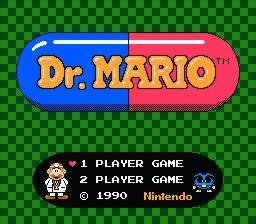
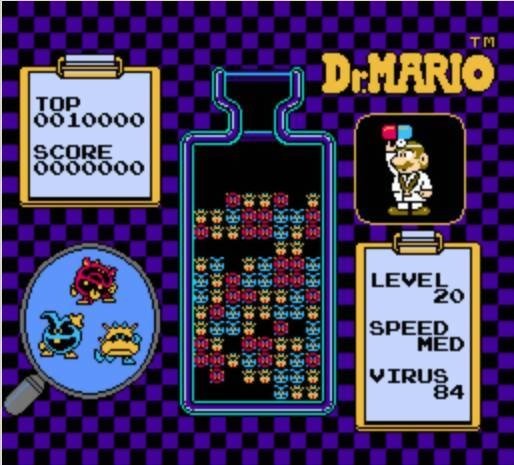
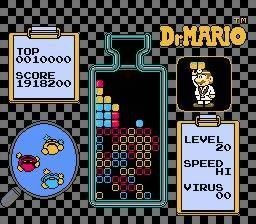
DrMarioNesRecomp is a native Windows and Linux port of Dr. Mario, made by static recompilation with mstan’s nesrecomp, which translates the game’s 6502 code into C.
There are separate builds for the USA and European versions. Controls for both players are set in keybinds.ini, and it has turbo and save states. The author says AI tools were used heavily in making it.
The author lists it as playable: the menus, music and one-player game have been tested through clearing viruses. The download contains no game data. It needs Dr. Mario (USA or Europe), dumped from your own cartridge.
How to Set It Up
- Download the USA or Europe build that matches your ROM: a Windows zip or a Linux AppImage.
- Run
DrMarioRecomp.exeor the AppImage and pick your ROM when asked. The path is remembered. - Remap keys in
keybinds.ini, which is created next to the program on first run. F6 and F7 save and load states.