Ship of Harkinian
PC port of The Legend Of Zelda – Ocarina of Time
- DecompilationPort Type
- Harbour MastersDeveloper
- 6 Oct 2026Page Updated
Overview
WidescreenHigh Frame RateMod SupportRandomizer
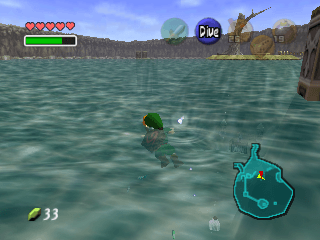
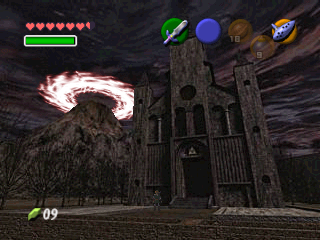
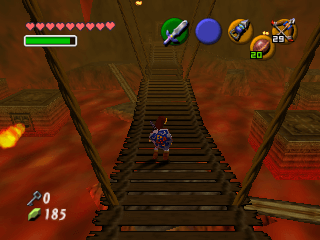
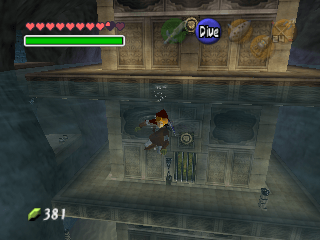
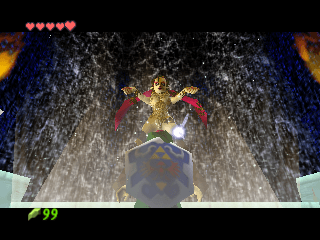
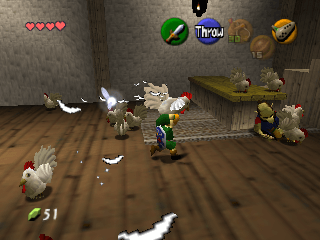
Ship of Harkinian is a native PC port of The Legend of Zelda: Ocarina of Time. It is built from the Zelda decompilation project, which rebuilt the game’s code as C that compiles back to the original, so it runs directly on your computer rather than through an emulator.
On top of the original game it adds a full settings menu, widescreen, higher resolutions, higher frame rates, custom controls, texture pack and mod support, cheats, a debugger, and a built-in randomizer. It also plays Master Quest.
The download contains no Nintendo data. On first launch it asks for a ROM dumped from your own copy of the game and builds its game data from it.
How to Set It Up
- Extract the whole archive to a folder you can write to.
- Windows: run
soh.exe. Linux: runsoh.appimage(you may need tochmod +xit first). macOS: runsoh.app. - When prompted, select your ROM.
- On first launch it builds its game data (
oot.o2r) from the ROM, which takes a moment, then the game starts. - On Linux, saves, settings and
oot.o2rare kept in~/.local/share/soh/.