Zelda 64: Recompiled
PC port of The Legend Of Zelda – Majoras Mask
- RecompilationPort Type
- Mr-WiseguyDeveloper
- 28 Sep 2026Page Updated
Details
- Developer
- Mr-Wiseguy
- Port Type
- RecompilationA tool translated the game's original machine code into C automatically, which was then built as a native PC program.
- AI Use
- No AIThe project says: “The Zelda 64: Recompiled team has not, does not, and will not use generative AI tools in the development of this project for any purpose.” Source
- Source Code
- GitHub
- Page Updated
Platform Support
- Windows
- Linux
- macOS
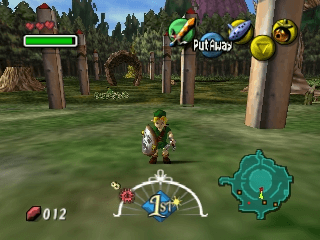
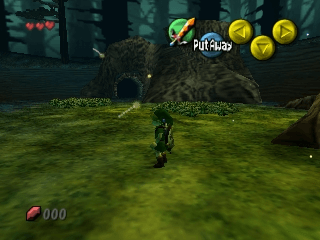
ScreenshotsView All (6)
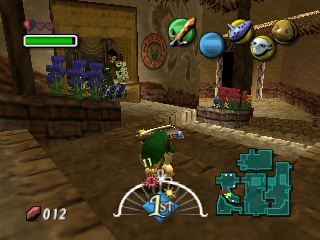
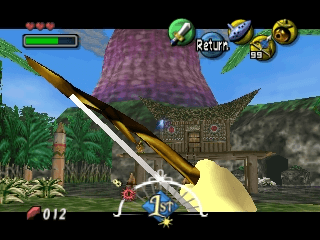
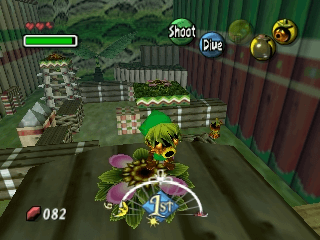
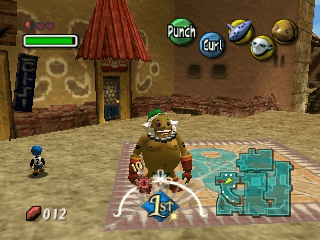
SHA-1 of a correct dump:
d6133ace5afaa0882cf214cf88daba39e266c078Overview
Widescreen 21:9High Frame RateMod SupportGyro Aiming
Zelda 64: Recompiled is a native PC port of The Legend of Zelda: Majora’s Mask. Instead of a hand-written decompilation it uses N64: Recompiled, a tool that translates the game’s machine code into C automatically, and the RT64 renderer to draw it.
It supports any resolution and aspect ratio including ultrawide, frame rates far above the original, low input latency, gyro aiming, autosaves, and a mod menu with many community mods.
The download contains no Nintendo data. It asks for a ROM of the US version of the game, dumped from your own copy.
How to Set It Up
- Extract the whole archive to a folder you can write to.
- Run
Zelda64Recompiled. - In the main menu, select your ROM of the US version. Files in other formats than
.z64are converted automatically if they are the right ROM. - On Steam Deck, extract the Linux build, then in Desktop Mode right-click the
Zelda64Recompiledexecutable and choose “Add to Steam”.