
Wave Race 64: Recompiled
PC port of Wave Race 64
- RecompilationPort Type
- elliotttateDeveloper
- 29 Sep 2026Page Updated
Details
- Developer
- elliotttate
- Port Type
- RecompilationA tool translated the game's original machine code into C automatically, which was then built as a native PC program.
- Game
- Wave Race 64
- AI Use
- Mostly AI-builtThe project says: “The original upstream project was written by Claude, Anthropic's AI model, working in Claude Code under the direction of Daniel Gomes Vieira, who set the goals, made the decisions, played the builds and reported what he saw.” Source
- Source Code
- GitHub
- Page Updated
Platform Support
- Windows
- macOS
ScreenshotsView All (6)
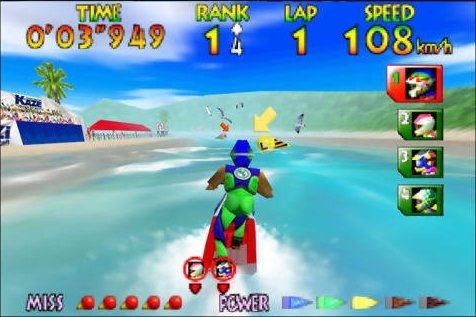
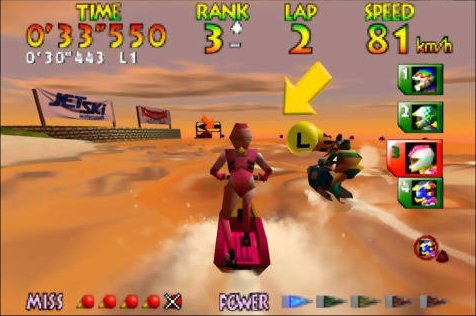
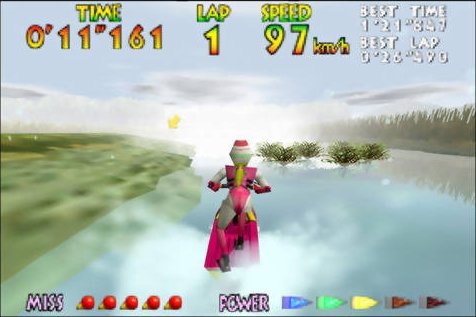
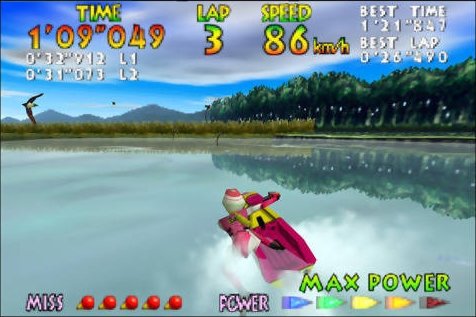
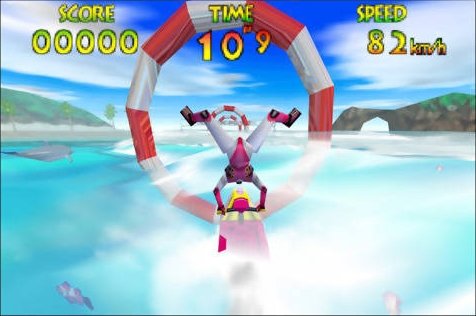
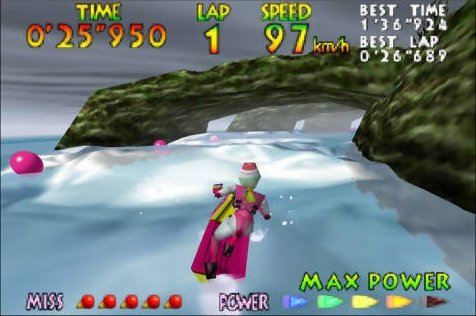
SHA-1 of a correct dump:
508dfc2d4caa42b6f6de5263d0aed5e44ac7966aOverview
HD TexturesNew MusicImproved Water
Wave Race 64: Recompiled is a native port of Wave Race 64 for Windows and Apple Silicon Macs, made with N64: Recompiled and drawn with RT64. This download is elliotttate’s fork of the original project by danielgomesvieira2000, and it is still in beta.
The Windows and Mac packages include HD textures, a replacement soundtrack, adjustable water detail and controller haptics. The author says AI tools were used heavily in making it.
The download contains no original game data, which it loads from your dump each time it runs. It needs Wave Race 64 (USA) (Rev A), also called v1.1. Other versions of the game will not work.
How to Set It Up
- Extract the entire archive to a folder you can write to. Keep the DLLs and
assetsfolder beside the executable. - Windows: run
WaveRace64Recomp.exe. macOS (Apple Silicon, macOS 15 or later): dragWaveRace64Recomp.appto Applications and open it. - If macOS blocks the first launch, use Open Anyway in System Settings > Privacy & Security.
- Pick your USA Rev A
.z64ROM in the launcher, then start the game.