BattleShip
PC port of Super Smash Bros
- DecompilationPort Type
- JRickeyDeveloper
- 29 Sep 2026Page Updated
Details
- Developer
- JRickey
- Port Type
- DecompilationThe game's code was rewritten by hand as source code that builds back into the same game, then made to run natively on PC.
- Game
- Super Smash Bros
- AI Use
- Mostly AI-builtThe project says: “This is a project that I started and developed alone with Claude until the v0.3-beta release.” Source
- Source Code
- GitHub
- Page Updated
Platform Support
- Windows
- Linux
- macOS
- Android
ScreenshotsView All (6)
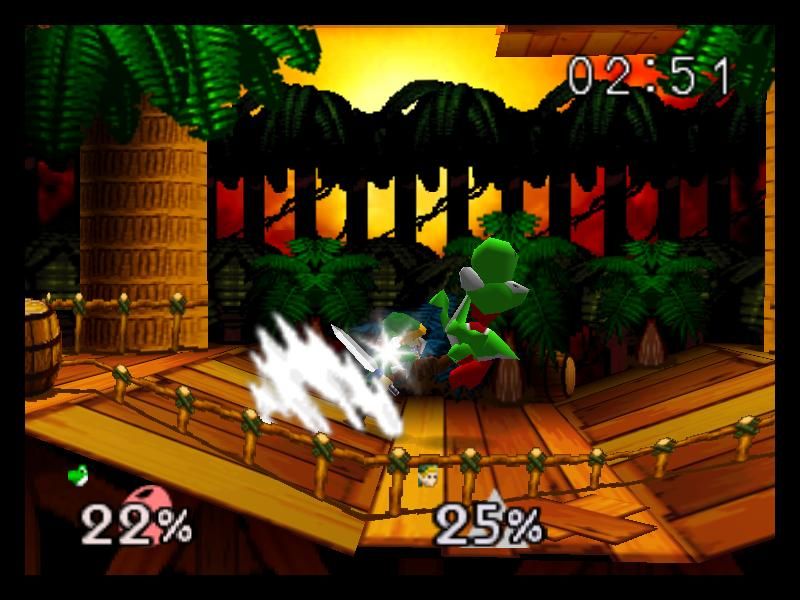
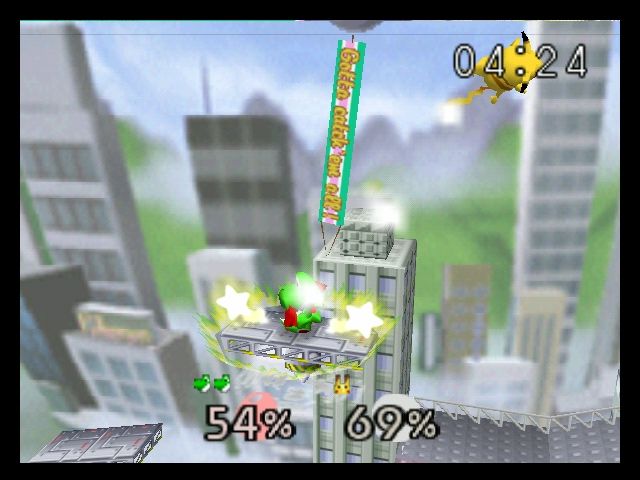
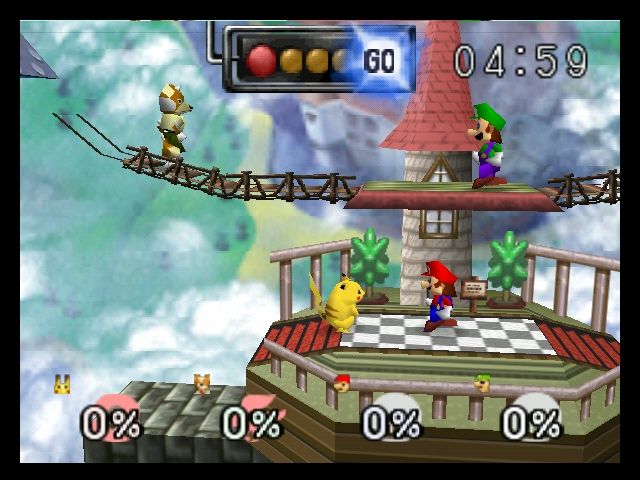
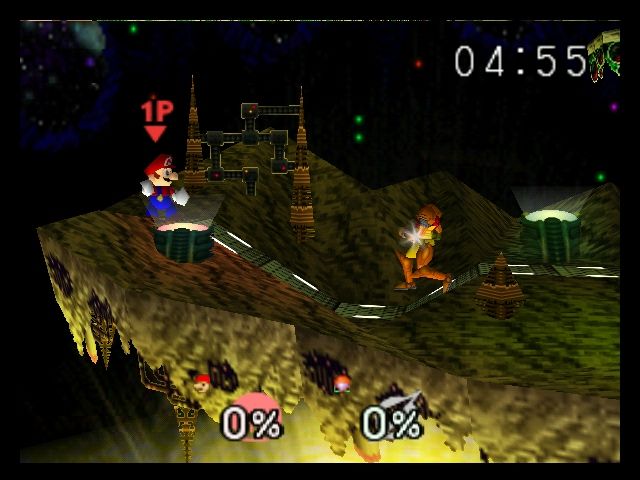
SHA-1 of a correct dump, by version:
US v1.0:
e2929e10fccc0aa84e5776227e798abc07cedabfJP v1.0:
4b71f0e01878696733eefa9c80d11c147ecb4984Overview
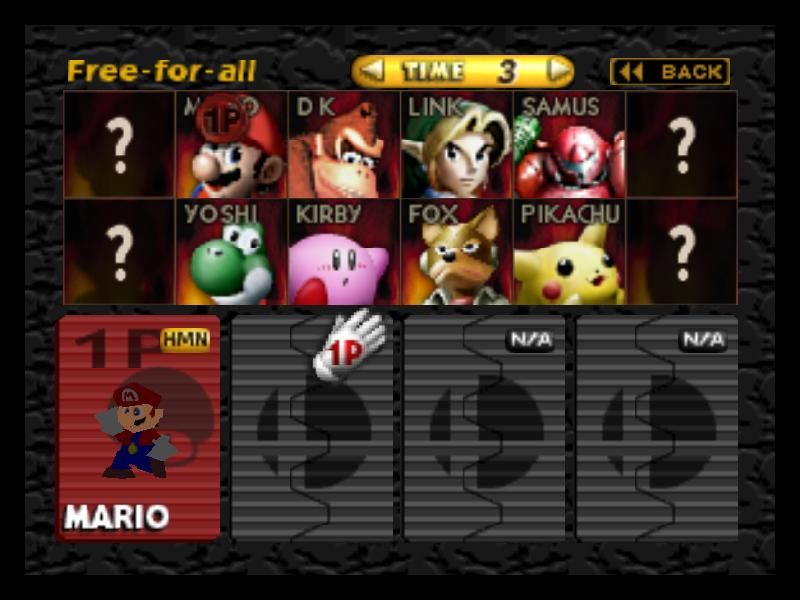
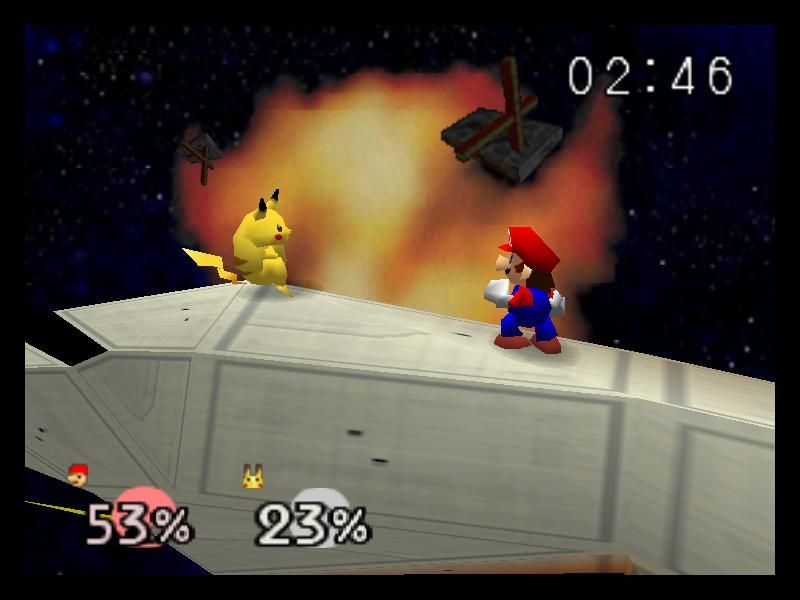
BattleShip is a native port of Super Smash Bros. for Windows, Linux, macOS and Android, built from the Super Smash Bros. decompilation on libultraship. There are separate builds for the US release and the Japanese release, Nintendo All-Star! Dairantou Smash Brothers.
It adds widescreen and ultrawide, resolution scaling, interpolated high frame rates, hi-res texture packs, mods written in C, and input options such as disabling tap jump. Gameplay extras include two-player co-op in Classic mode, a competitive ruleset, hitbox display and a music selector. It supports GameCube and Raphnet adapters. The author says AI tools were used heavily in making it.
The download contains no game data. It needs the US or Japanese v1.0 ROM, dumped from your own cartridge, and extracts the game’s data from it the first time it runs.
How to Set It Up
- Download the build that matches your ROM’s region: the files with
JPin the name are for the Japanese ROM, the others for the US ROM. - Windows: extract the zip. Linux: run the AppImage. macOS: open the DMG. Android: install the APK (
BattleShip-android.apkfor 64-bit devices, thearmeabi-v7aone for older 32-bit devices). - On first run, give it your ROM. It extracts the game’s data from the ROM and then starts.
- Press Escape in game for the menu with settings and enhancements.