Ghostship
PC port of Super Mario 64
- DecompilationPort Type
- Harbour MastersDeveloper
- 28 Sep 2026Page Updated
Details
- Developer
- Harbour Masters
- Port Type
- DecompilationThe game's code was rewritten by hand as source code that builds back into the same game, then made to run natively on PC.
- Game
- Super Mario 64
- AI Use
- Not statedThe developers haven't said whether they used AI.
- Source Code
- GitHub
- Page Updated
Platform Support
- Windows
- Linux
- macOS
ScreenshotsView All (6)
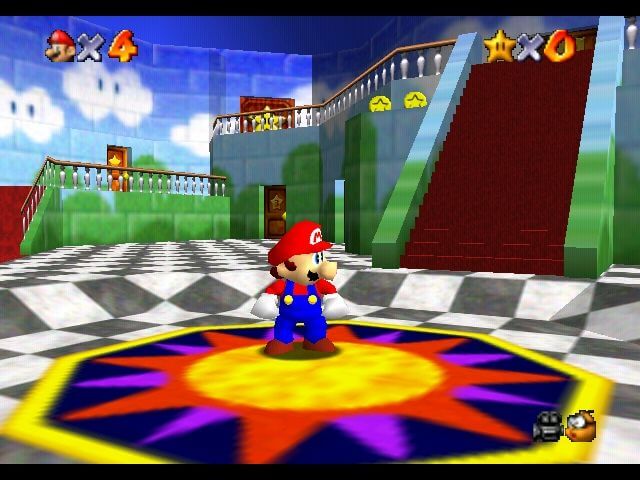
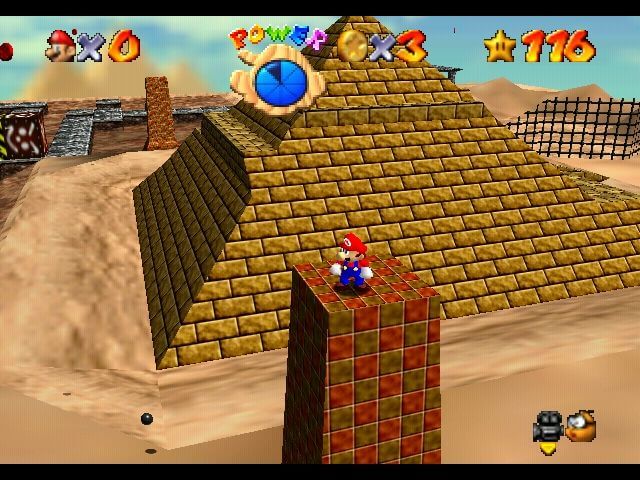
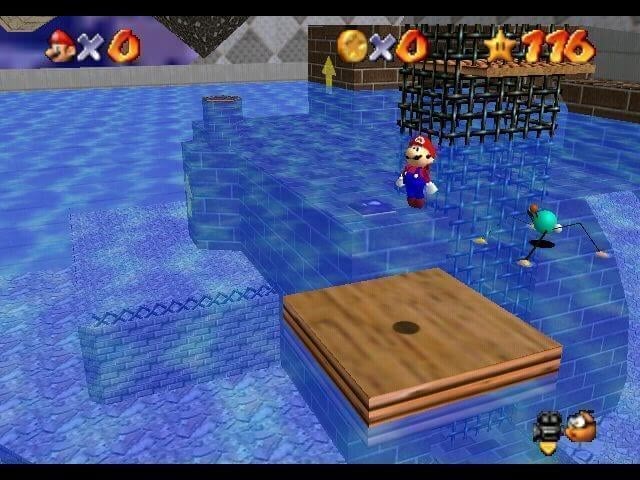
SHA-1 of a correct dump, by version:
US:
9bef1128717f958171a4afac3ed78ee2bb4e86ceJapan:
8a20a5c83d6ceb0f0506cfc9fa20d8f438cafe51Overview
High Frame RateWidescreenMod SupportHD Textures
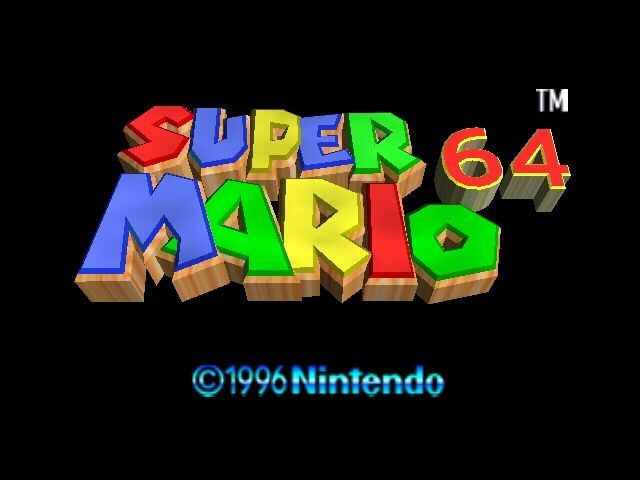
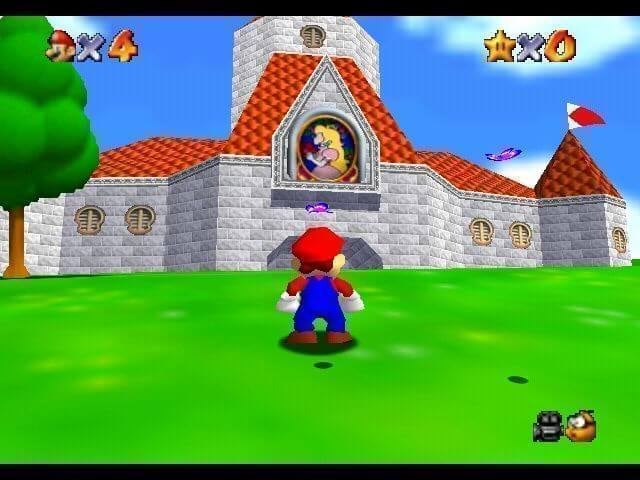
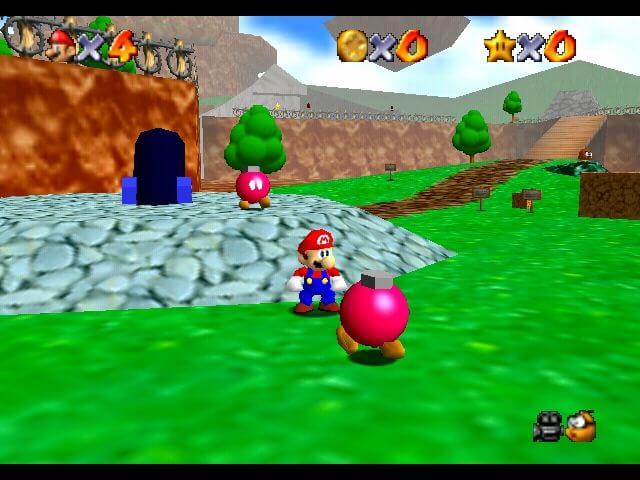
Ghostship is a native PC port of Super Mario 64 from Harbour Masters, built from the Super Mario 64 decompilation.
It offers a simple install, widescreen, high refresh rate gameplay, a modern settings menu, a debug menu and level select, and support for texture packs and mods. Builds are also made for Android and iOS on the project’s own page.
The download contains no Nintendo data. On first launch it asks for a ROM dumped from your own copy of the game.
How to Set It Up
- Extract every file from the archive into a folder you can write to.
- Windows: run
Ghostship.exe. Linux: runGhostship.appimage(you may need tochmod +xit first). macOS: runGhostship. - Select your US or JP ROM (in
.z64format) when asked. - On first launch it builds its game data (
sm64.o2r) from the ROM, next to the executable. - Android: install the APK, tap Choose Super Mario 64 ROM and pick your
.z64. The conversion runs once and takes a few minutes, then the game starts.