Sin and Punishment Recompiled
PC port of Sin and Punishment
- RecompilationPort Type
- wootbeerDeveloper
- 24 Oct 2026Page Updated
Details
- Developer
- wootbeer
- Port Type
- RecompilationA tool translated the game's original machine code into C automatically, which was then built as a native PC program.
- AI Use
- AI-assistedAn AI coding tool is credited as co-author on 67 of the repository's 68 commits. Source
- Source Code
- GitHub
- N64Recomp (Tool)
- GitHub
- Page Updated
Platform Support
- Windows
- Linux
ScreenshotsView All (6)
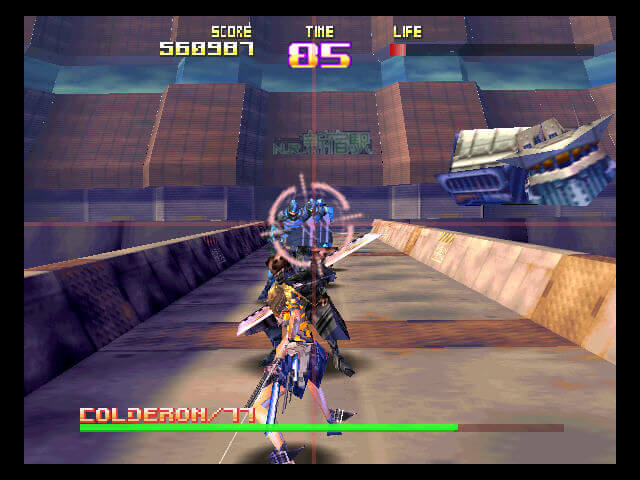
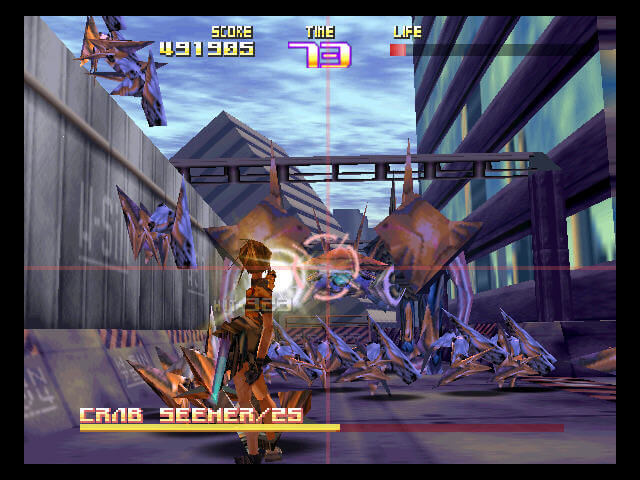
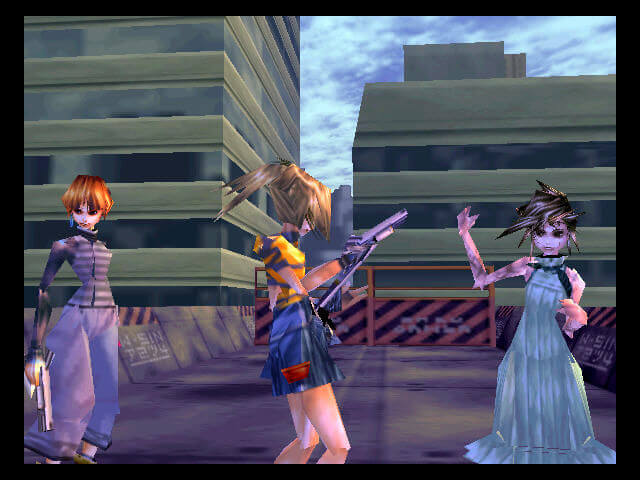
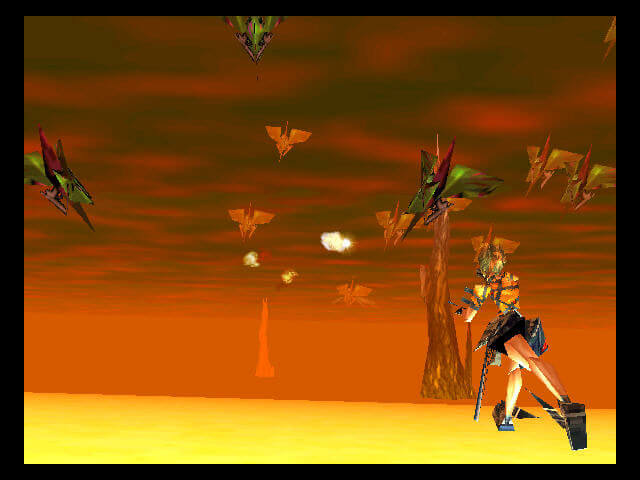
.z64, .n64 or .v64).SHA-1 of a correct dump, by version:
Japan:
581297b9d5c3a4c33169ae0aae218c742cd9cbcfEnglish translation (U):
5945ff3935d9d9531bbb5cfcabed7c198e2b2f41English v1.0 (Zoinkity):
e3906c919236dac6eba020b4b8c1df91fd725c5dOverview
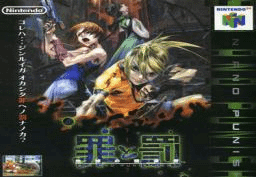
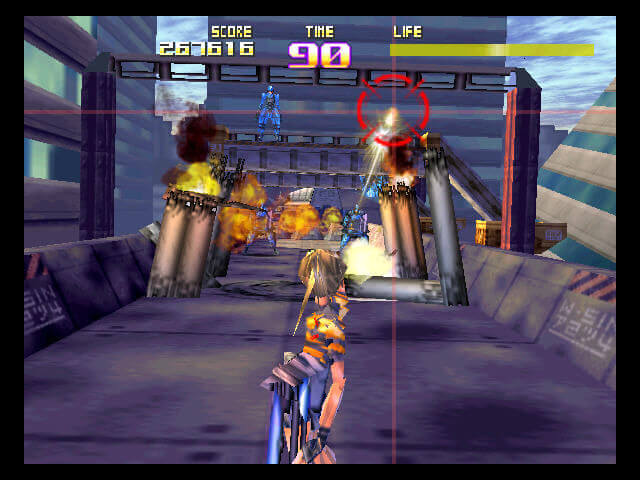
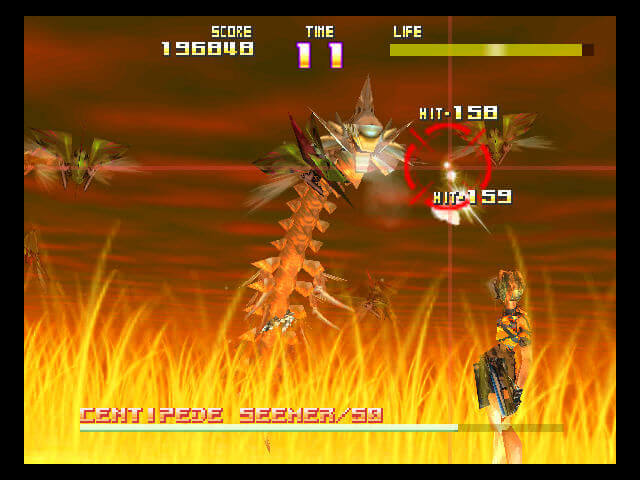
Sin and Punishment Recompiled is an unofficial native PC port of Sin and Punishment, Treasure’s Japan-only N64 rail shooter. It was made by statically recompiling the game with N64Recomp and runs on N64ModernRuntime with the RT64 renderer. It plays the Japanese cartridge or a copy patched with an English translation, and is a beta: the Windows build is tested, the Linux and Steam Deck build is not.
The port adds widescreen with the HUD at the screen’s edges and the reticle reaching the full width, high resolutions and frame rates above 30 FPS; the widescreen and higher frame rates are still experimental. Aiming works with the mouse, either with the reticle following the pointer or moving relative to it, or with a smoother analog stick mode, and the default controller layout is twin-stick and fully remappable.
RT64 texture packs and Rice packs made for emulators can be loaded, including fan English translation packs. There are CRT, scanline and LCD screen filters, bloom, unlocks and cheats in the settings without codes, and an Add to Steam button in the launcher.
How to Set It Up
- Download the build for Windows or Linux and Steam Deck and extract it.
- Run
SnPRecompiled.exeon Windows orSnPRecompiled.shon Linux. - Pick Load ROM and choose your ROM. You can keep one Japanese and one English ROM, each with its own saves.
- Press Start Game. F1 or Esc opens the settings; a blank
portable.txtbeside the program keeps settings and saves in its folder.