Shadows of the Empire: Recompiled
PC port of Star Wars: Shadows of the Empire
- RecompilationPort Type
- GTTeancumDeveloper
- 13 Oct 2026Page Updated
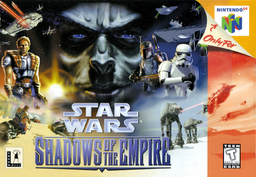
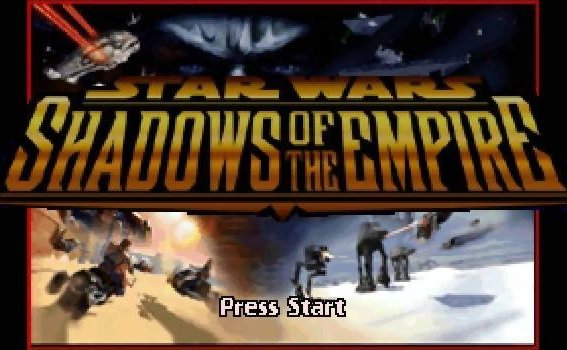
.v64 and .n64 dumps are converted automatically.Overview
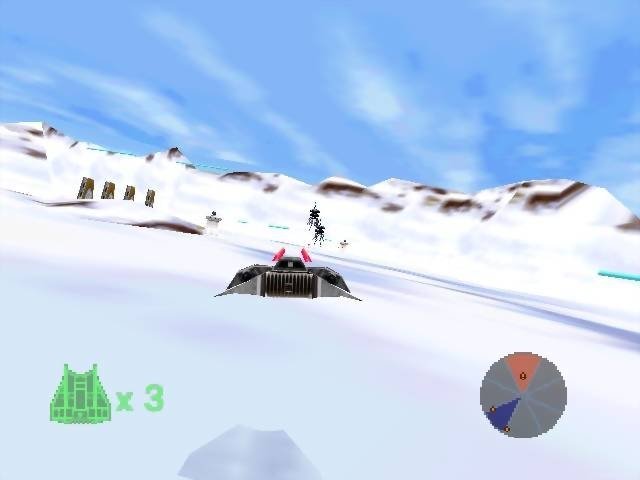
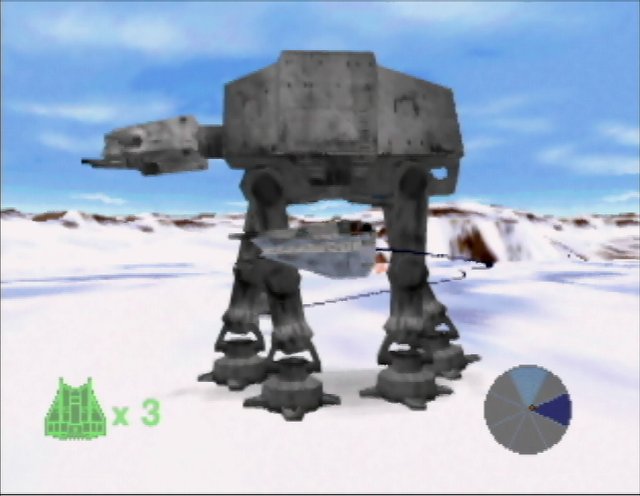
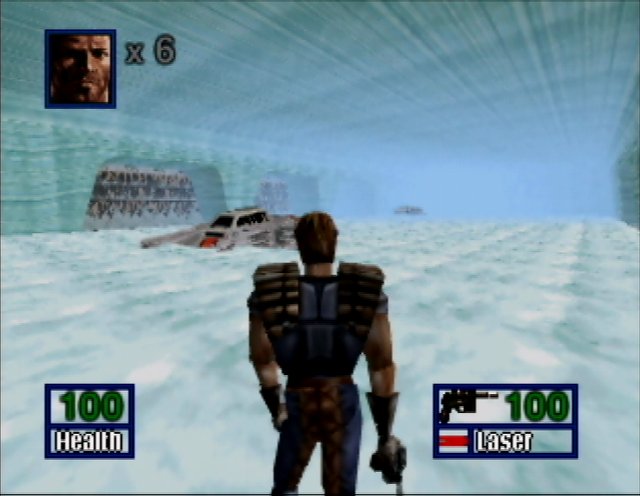
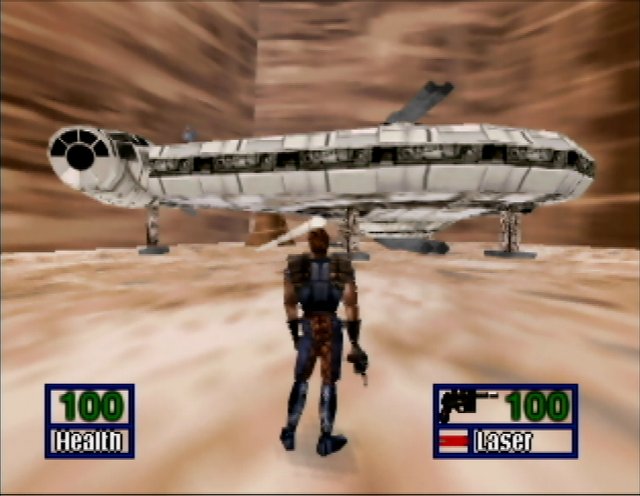
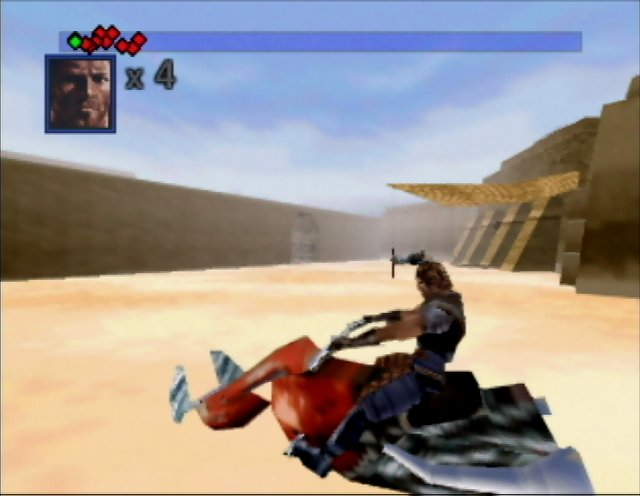
Shadows of the Empire: Recompiled is a native Windows port of Star Wars: Shadows of the Empire, made by static recompilation with N64Recomp and drawn with RT64.
It opens in a widescreen window with 4x anti-aliasing, and the game’s own Options menu gains graphics settings for resolution, render scale, aspect ratio, anti-aliasing and borderless mode. A Modern control scheme adds twin-stick aiming, a shoulder camera and trigger throttle on the speeder bike, tunable in an INI file. It supports texture replacement packs, and can play Leebo’s voice lines from your own copy of the PC version.
It is an open beta. It is playable on Windows, and automated tests have run all ten levels. The download contains no game data. It needs the USA Rev 2 (v1.2) release, dumped from your own cartridge.
How to Set It Up
- Extract
SotE-Recomp-0.9.2.zipinto a writable folder. - Put your ROM next to
Shadows of the Empire.exe, namedsote.us.v1.2.z64. - Run
Shadows of the Empire.exe. - Graphics settings are under Options, Graphics. For twin-stick controls choose Options, Controls, Modern, then Apply.
- Optional: for Leebo’s voice lines, copy the
ILB*.WAVfiles from theSdatafolder of your own PC version of the game into anSdatafolder next to the executable.