Rocket-R
PC port of Rocket: Robot on Wheels
- RecompilationPort Type
- ThatGuyMcdDeveloper
- 29 Sep 2026Page Updated
Details
- Developer
- ThatGuyMcd
- Port Type
- RecompilationA tool translated the game's original machine code into C automatically, which was then built as a native PC program.
- AI Use
- Not statedThe developers haven't said whether they used AI.
- Source Code
- GitHub
- Page Updated
Platform Support
- Windows
- Linux
- Android
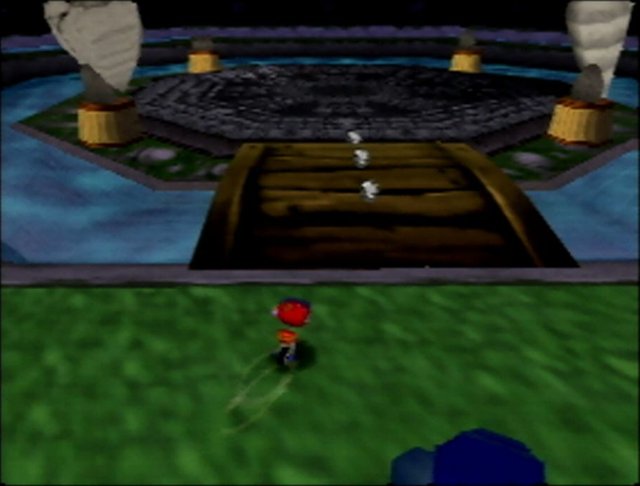
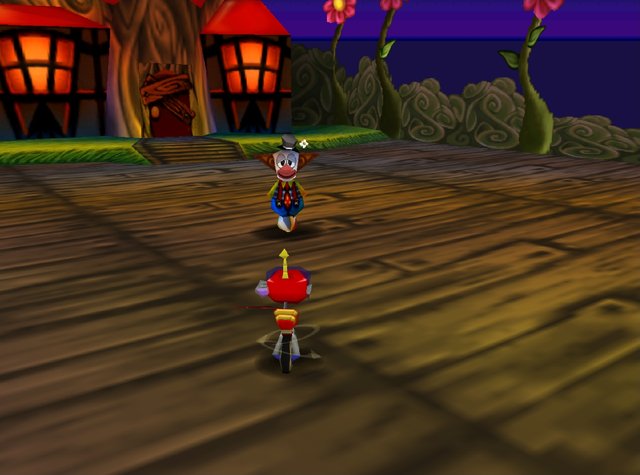
ScreenshotsView All (6)

SHA-1 of a correct dump:
622d71a44da0b81ea68092cac9198c66154a4f4aOverview
WidescreenHigh Frame RateTouch ControlsMod Support
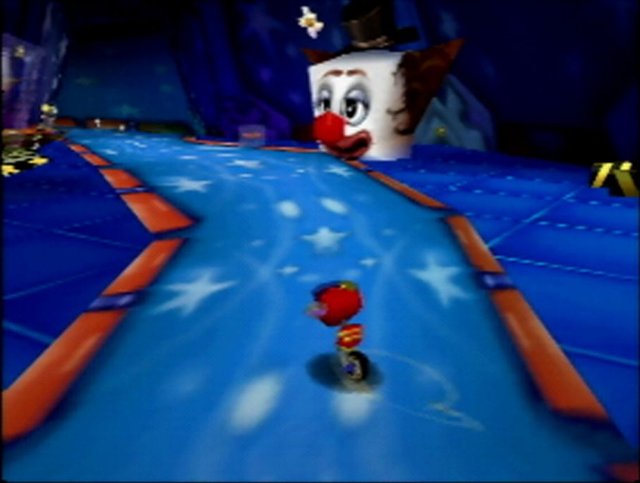
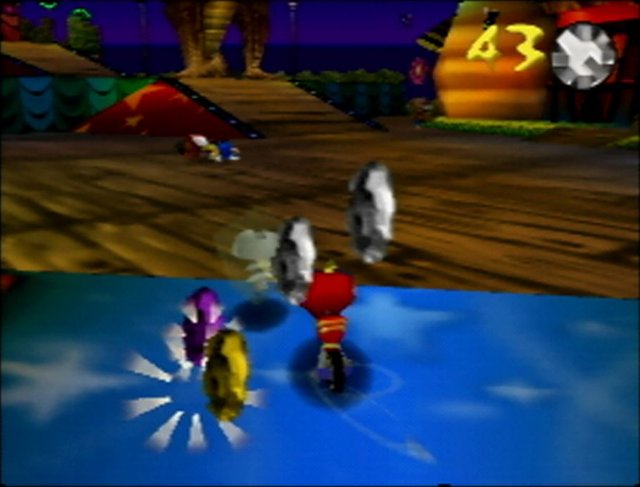
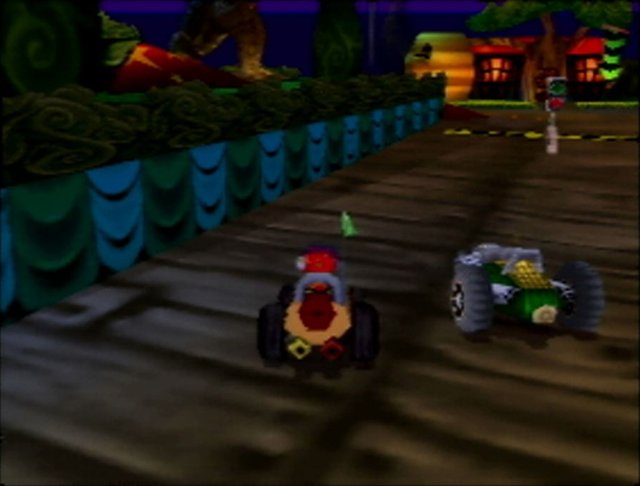
Rocket-R is a recompiled port of Rocket: Robot on Wheels for Windows, Linux, the Steam Deck and Android.
It adds widescreen, higher resolutions, smoother frame rates, texture filtering options, and a controller setup screen for keyboard, mouse, gamepad and touch controls. Mods for it are published alongside the releases.
The download contains no game data. It needs an unmodified ROM of the US release, dumped from your own copy.
How to Set It Up
- Windows: extract the archive and open
Rocket-R.exe. Keep its DLLs and assets alongside it. - Steam Deck: extract the Steam Deck archive and run
START-ROCKET-R.sh. Linux: make the AppImage executable and open it (or extract a portable archive and runLaunch-Rocket-R.sh). - Choose your ROM (
.z64,.n64or.v64) or drag it onto the launcher, then select Play Rocket-R. - Android: install the APK, open Rocket-R and choose your ROM. It keeps a private copy so you only choose it once.