Quest 64: Recompiled
PC port of Quest 64
- RecompilationPort Type
- RainchusDeveloper
- 30 Sep 2026Page Updated
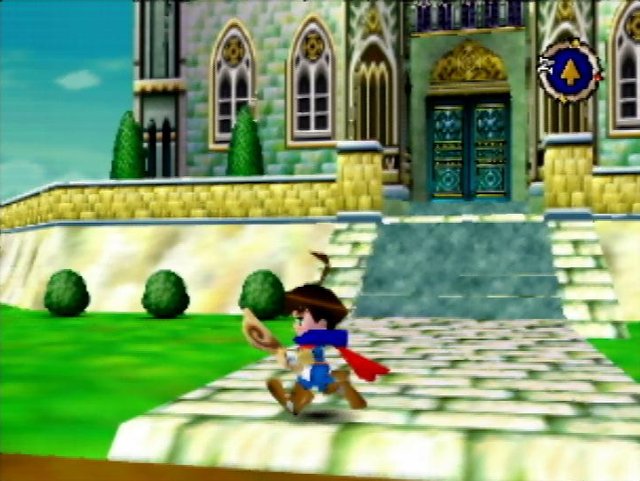
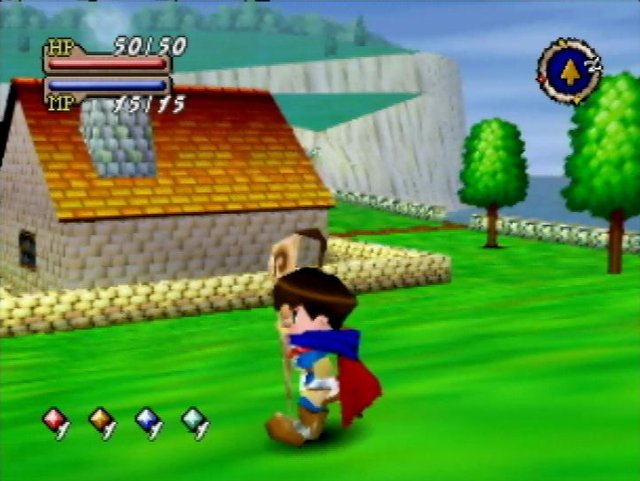
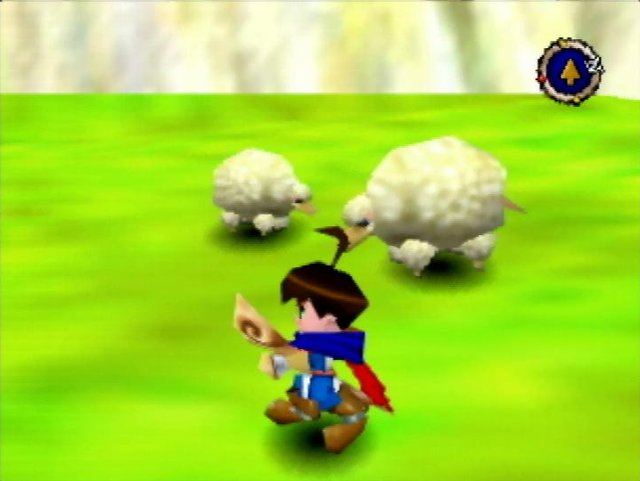
Overview
Widescreen 21:9High Frame RateMod SupportHD Textures
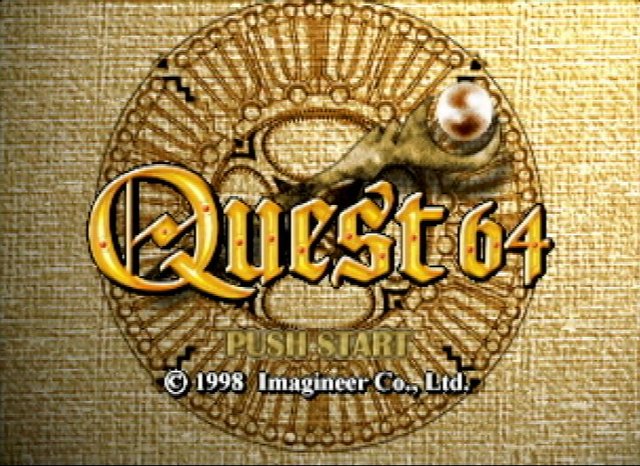
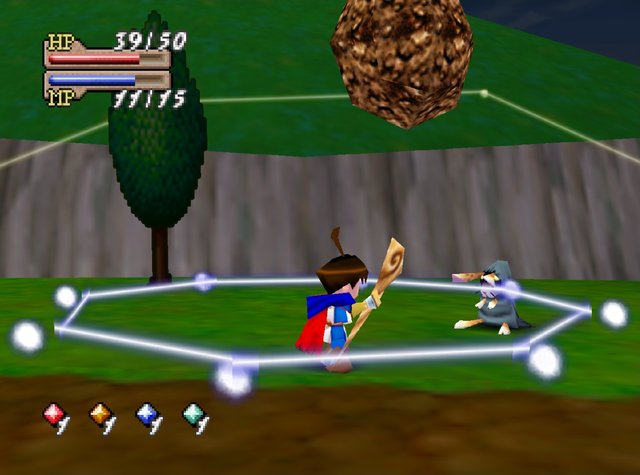
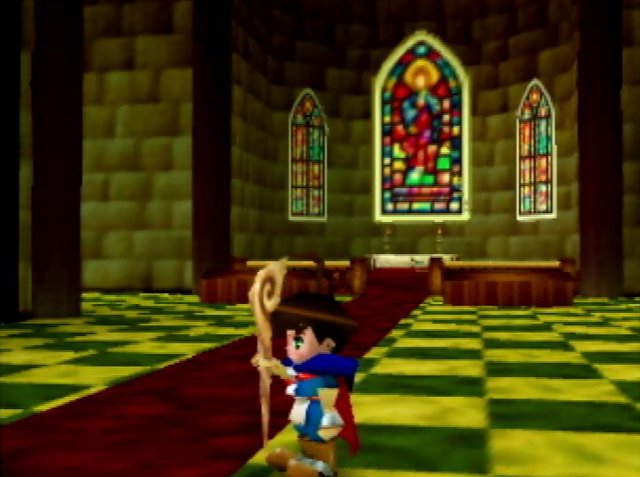
Quest 64: Recompiled is a native Windows port of Quest 64, made by static recompilation with N64Recomp and drawn with RT64. It uses headers and functions from the Quest 64 decompilation for its enhancements.
It runs at your display’s refresh rate, supports widescreen and ultrawide, and has in-game menus for graphics, sound, controls and gameplay. Mods and texture packs can be installed by dragging them onto the window.
The first release is described by its author as bare-bones: interpolation and widescreen are mostly but not entirely right. It is Windows only for now. The download contains no game data. It needs Quest 64 (USA) v1.0, dumped from your own cartridge.
How to Set It Up
- Download
Quest64Recompiledv0.1.zipand extract it. - Run
Quest64Recompiled.exe. - Provide your ROM in the main menu. Dumps in formats other than
.z64are converted automatically. - Press F1 to change settings. Mods and texture packs can be dragged onto the window before starting the game.
- Optional: put an empty
portable.txtnext to the executable to keep saves, config and mods beside it.