Perfect Dark: Dab's Mod
PC port of Perfect Dark
- DecompilationPort Type
- DabDavisDeveloper
- 3 Oct 2026Page Updated
Details
- Developer
- DabDavis
- Port Type
- DecompilationThe game's code was rewritten by hand as source code that builds back into the same game, then made to run natively on PC.
- Game
- Perfect Dark
- AI Use
- Mostly AI-builtThe project says: “Written by DabDavis, with Claude (Anthropic) doing the bulk of the reverse engineering, the writing of the code and these notes, at his direction and under his review.” Source
- Source Code
- GitHub
- Page Updated
Platform Support
- Windows
- Linux
- macOS
ScreenshotsView All (6)
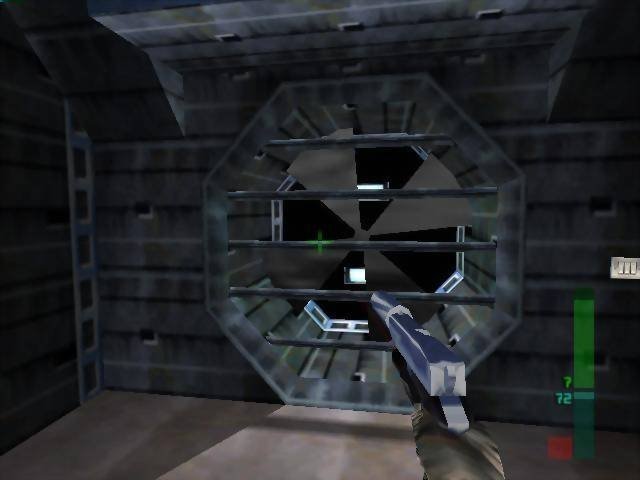
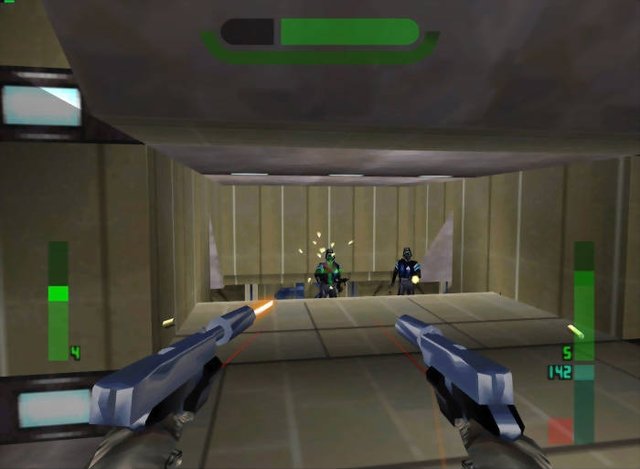
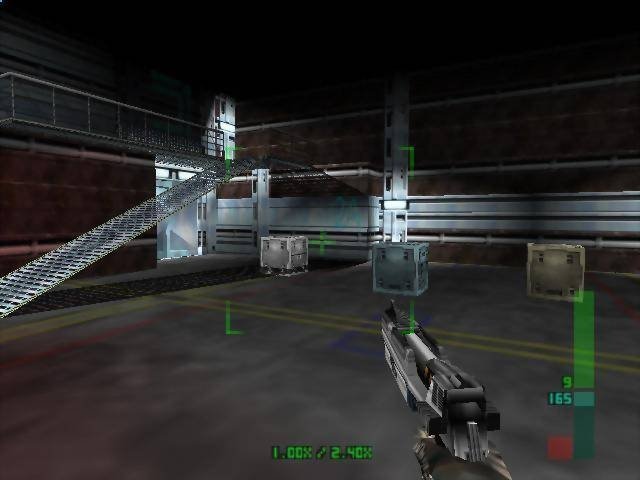
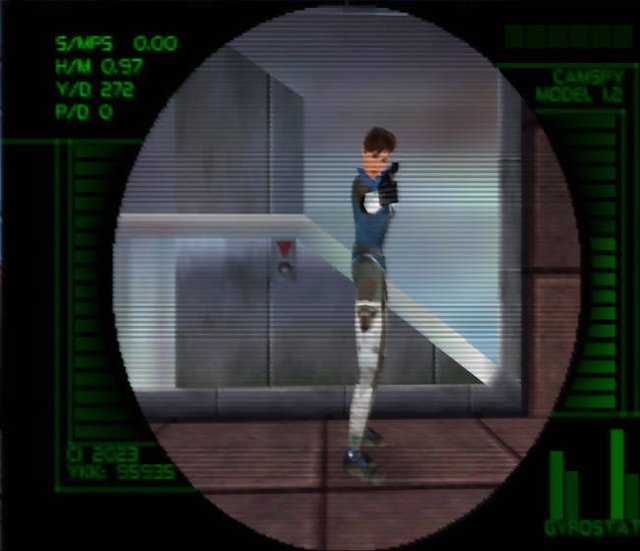
Overview
Third Person Camera80 SimulantsSpectator CameraCombat Roll
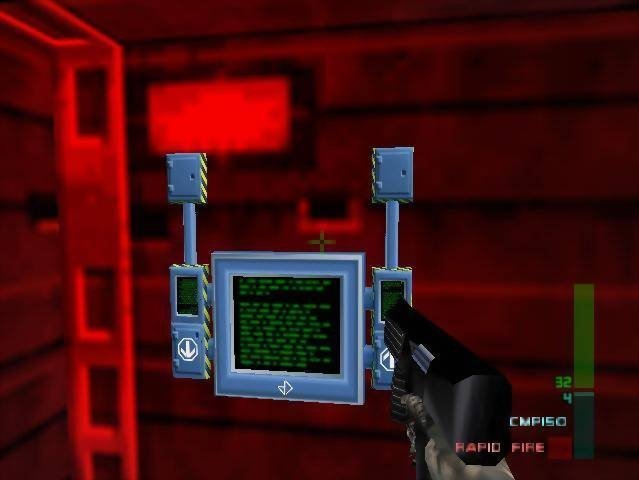
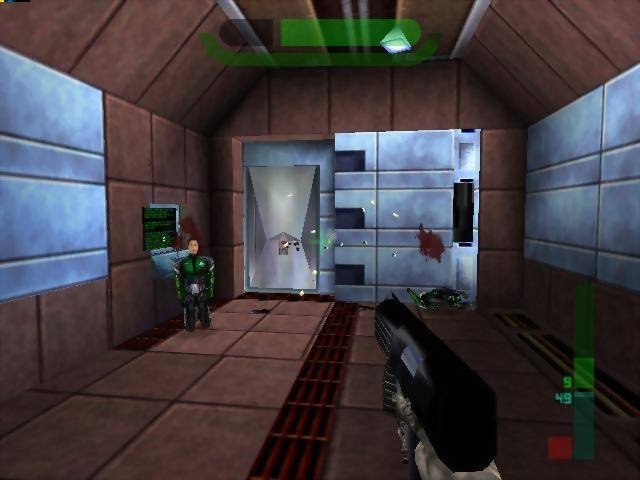
Dab’s Mod is a fork of the Perfect Dark PC port, which is built from the finished Perfect Dark decompilation. It keeps everything the port does and adds movement the N64 game never had.
It adds jumping, a combat roll, melee combos and a third-person camera. It raises the Combat Simulator’s simulant limit from 8 to 80, leaves bodies where they fell, and adds a free-flying spectator camera, a screenshot key and a video recorder. All of it is set up under Options, Extended Options, Dab’s Mod Options.
The download contains no game data. It needs Perfect Dark (USA) (Rev 1) dumped from your own cartridge. If you need the PAL or Japanese version, use the original Perfect Dark port instead.
How to Set It Up
- Extract the whole archive to a folder you can write to.
- Put your ROM in the
datafolder next to the executable, named exactlypd.ntsc-final.z64. - Run it:
pd.x86_64.exeon Windows,./pd.x86_64on Linux,./pd.x86_64or./pd.arm64on macOS (whichever matches your Mac). - On macOS, right-click and choose Open the first time, or run
xattr -dr com.apple.quarantine .in the unpacked folder.
Advertisement
Download Perfect Dark: Dab's Mod
Perfect Dark: Dab's Mod Archive
macOS (Intel)
v3.13.0 ·
Download
macOS (Apple Silicon)
v3.13.0 ·
Download
Linux
v3.13.0 ·
Download
Windows
v3.13.0 ·
Download
macOS (Intel)
v3.12.0 ·
Download
macOS (Apple Silicon)
v3.12.0 ·
Download
Linux
v3.12.0 ·
Download
Windows
v3.12.0 ·
Download
macOS (Intel)
v3.11.0 ·
Download
macOS (Apple Silicon)
v3.11.0 ·
Download
Linux
v3.11.0 ·
Download
Windows
v3.11.0 ·
Download
macOS (Intel)
v3.10.0 ·
Download
macOS (Apple Silicon)
v3.10.0 ·
Download
Linux
v3.10.0 ·
Download
Windows
v3.10.0 ·
Download
Show all 16 older builds