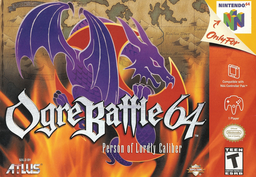
Ogre Battle 64 Recomp
PC port of Ogre Battle 64: Person of Lordly Caliber
- RecompilationPort Type
- lfarrocoDeveloper
- 3 Nov 2026Page Updated
Details
- Developer
- lfarroco
- Port Type
- RecompilationA tool translated the game's original machine code into C automatically, which was then built as a native PC program.
- AI Use
- Mostly AI-builtThe project says: “This project is mostly an experiment of checking "How far can DeepSeek go?".” Source
- Source Code
- GitHub
- Page Updated
Platform Support
ScreenshotsView All (6)
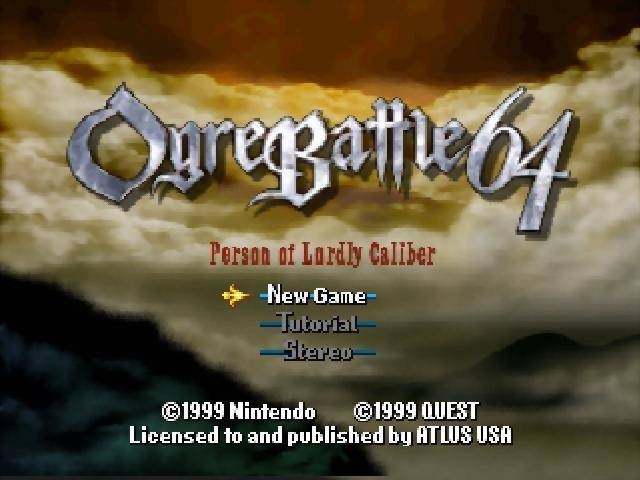
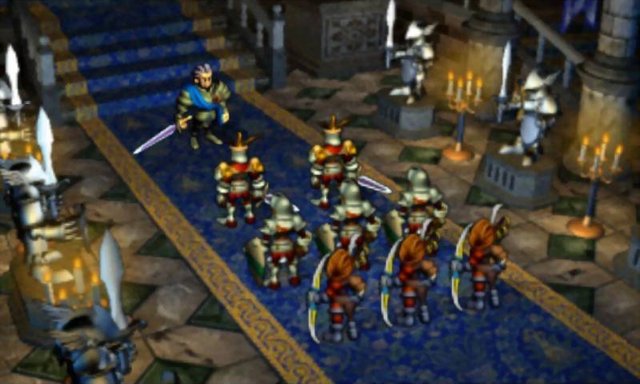
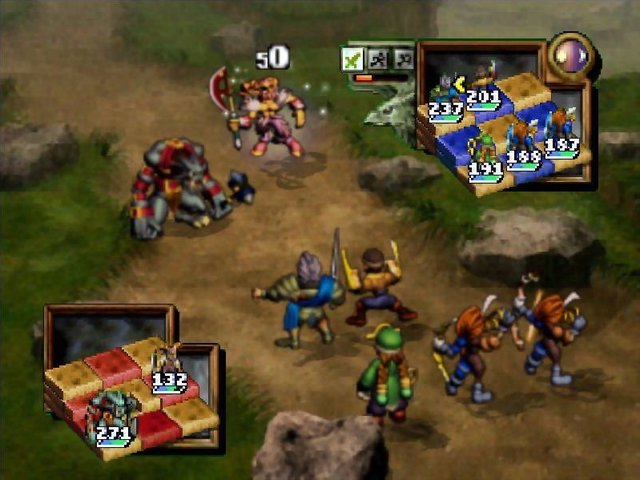
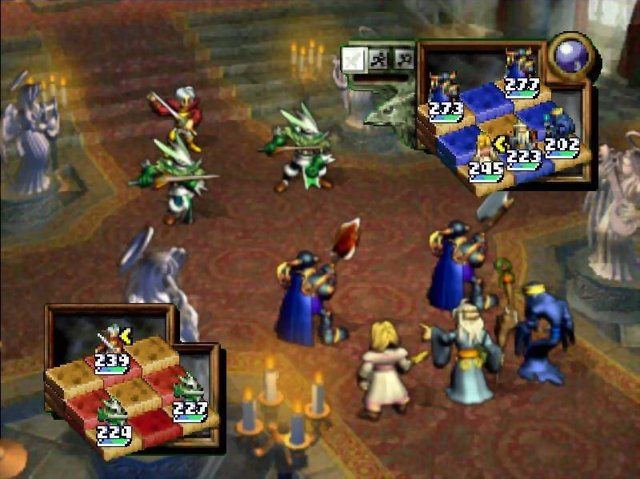
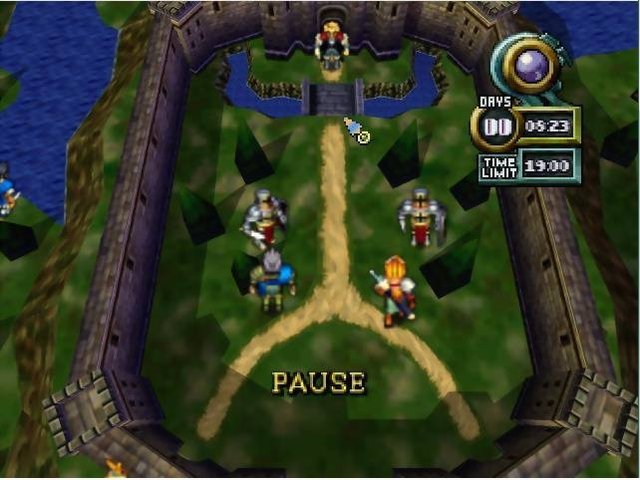
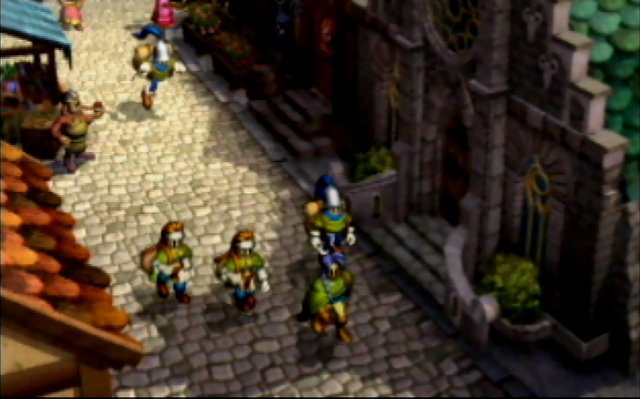
Overview
Ogre Battle 64 Recomp is a native port of Ogre Battle 64: Person of Lordly Caliber for Windows, Linux and Apple Silicon Macs, made by static recompilation with N64Recomp. Each download is a single self-contained program.
A start screen with tabs for the game, mods, controls and settings loads your ROM, checks it and remembers it, and can be opened over the running game. A keyboard is enough to play and gamepads are supported. The author describes it as mostly an experiment in how far the DeepSeek AI model can go.
It is still in development, with frequent releases. The download contains no game data. It needs the USA Rev A release, dumped from your own cartridge.
How to Set It Up
- Download the Windows zip, the Linux tarball or the macOS (Apple Silicon) tarball and extract it.
- Run
ogrebattle64(ogrebattle64.exeon Windows). - On the start screen, load your ROM: press Space on the ROM row, drag the ROM onto the window, or put it next to the executable.
.z64,.n64and.v64all work. - The ROM is checked and stored, so later launches go straight into the game. Press Esc for the same panel over the running game.
Advertisement
Download Ogre Battle 64 Recomp
What's new in v0.9.1
- web build
- fix green bg on attract
- y-axis fix on xbox controller
- add restart game option
- add mod to keep suspend save
- fixes seams around dialogue boxes at higher resolutions
Native builds of the port for the platforms below.
These packages contain no game data. You must supply your own
Ogre Battle 64 (USA, Rev A) ROM dump; the app asks for it on first
launch (“Click to load your ROM”) and stores it beside itself after
validating it by hash. Saves are written to saves/ next to the
executable.
See the README inside each archive, and the repository README for build instructions and the full list of environment options.
183ca5e7289e0996934a739c54586b508f201815a9f13ac20bf27e1dfeb552ea
a5ea02460ab8c1c89bfc5e78fe153d4af3d794b88211c31bcc08937f9d48e236
204a3e53c83912426e5822ef07706a0496d935078255f19ff56cf9e0c6e4110d