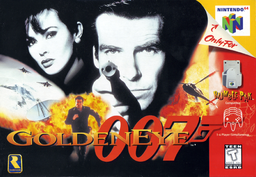
GoldenEye 007 PC Port
PC port of GoldenEye 007
- DecompilationPort Type
- jkdansereauDeveloper
- 7 Oct 2026Page Updated
Details
- Developer
- jkdansereau
- Port Type
- DecompilationThe game's code was rewritten by hand as source code that builds back into the same game, then made to run natively on PC.
- Game
- GoldenEye 007
- AI Use
- Mostly AI-builtThe project says: “AI disclosure: this port was developed using AI coding agents (Claude Code and a local open-weight model), directed by one person in their spare time.” Source
- Source Code
- GitHub
- Page Updated
Platform Support
- Windows
- Linux
ScreenshotsView All (6)
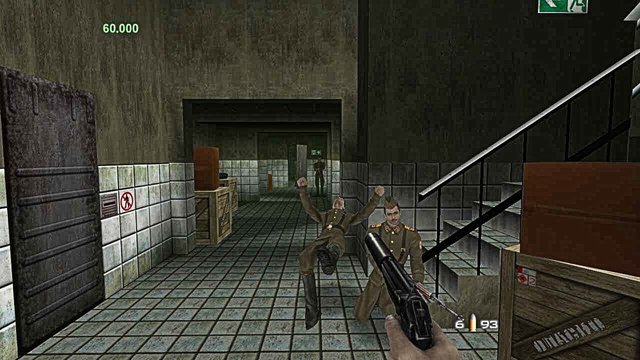
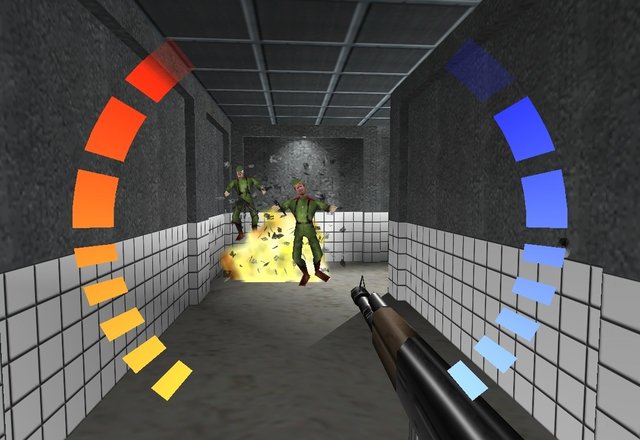
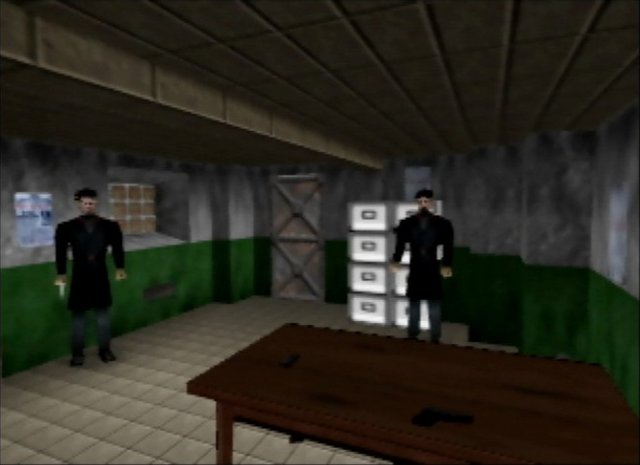
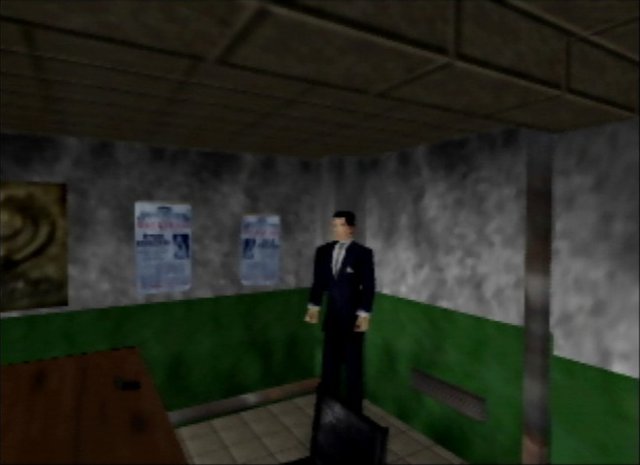
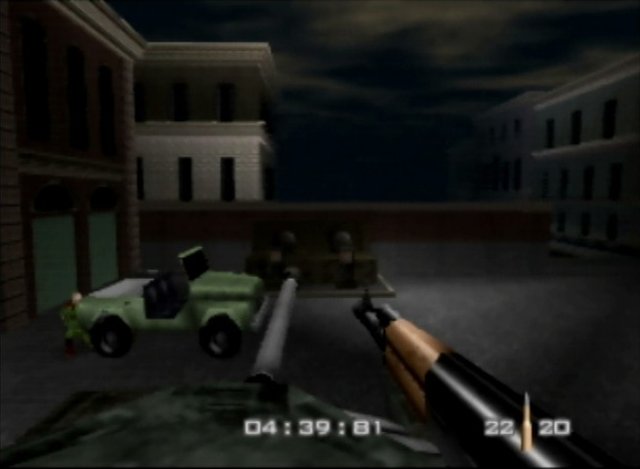
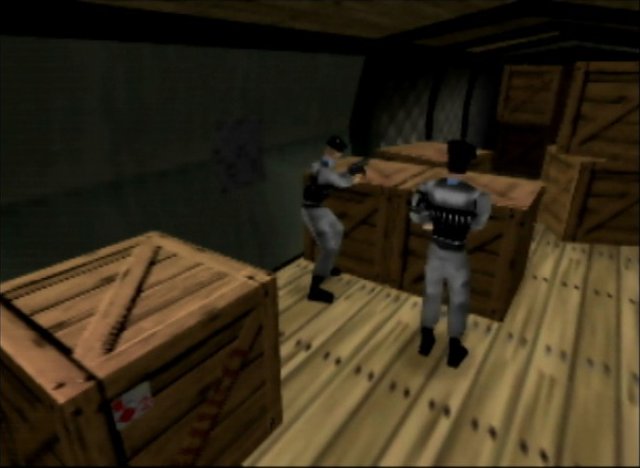
.z64 file, dumped from your own cartridge. PAL and Japanese ROMs are recognised but not supported yet.SHA-1 of a correct dump:
abe01e4aeb033b6c0836819f549c791b26cfde83Overview
GoldenEye 007 PC Port is a native port of the 1997 Nintendo 64 GoldenEye 007 for Windows and Linux, including the Steam Deck. It is compiled from the GoldenEye 007 decompilation and follows the design of the Perfect Dark PC port, so the original game logic runs from reconstructed source, with the graphics processor emulated in software.
All 20 solo missions have been played through at a steady 60 frames per second. It adds native widescreen with the HUD at the screen edges, a choice of the N64 aim style or centred PC-style aiming with mouse or controller, keyboard and mouse rebinding, crosshair options and rumble. An F10 overlay covers resolution, anti-aliasing, field of view, draw distance and more. The author says it was developed with AI coding agents, Claude Code and a locally run model, directed by one person, and documents that process in the repository.
It is a pre-1.0 release with a short list of known issues. The download contains no game data. It needs GoldenEye 007 (USA) as a .z64 file, dumped from your own cartridge.
How to Set It Up
- Download the Windows zip or the Linux tarball and unpack it. The Linux build also runs on the Steam Deck.
- Make a
datafolder next to the executable and put your ROM in it, namedge007.ntsc-final.z64. - Launch the executable from that folder. The first run takes a few extra seconds while it generates the game data from your ROM.
- Steam Deck: add the executable as a non-Steam game and do the first launch in Game Mode, so it picks the Deck presets.
- Press F10, or Select on a controller, for the options overlay.