G-Diffuser
PC port of F-Zero X
- DecompilationPort Type
- ZorkatsDeveloper
- 29 Sep 2026Page Updated
Details
- Developer
- Zorkats
- Port Type
- DecompilationThe game's code was rewritten by hand as source code that builds back into the same game, then made to run natively on PC.
- Game
- F-Zero X
- AI Use
- AI-assistedThe project says: “70% of the code was written by me, and 30% was written by an LLM” Source
- Source Code
- GitHub
- Page Updated
Platform Support
- Windows
- Linux
ScreenshotsView All (6)
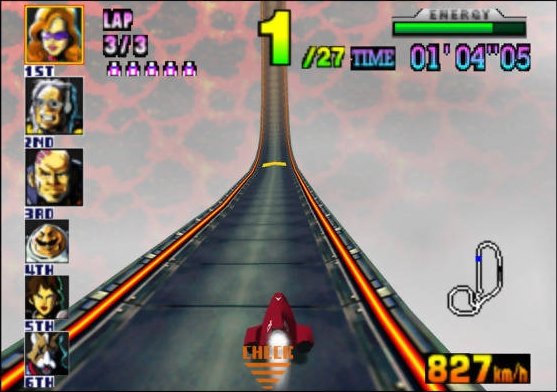
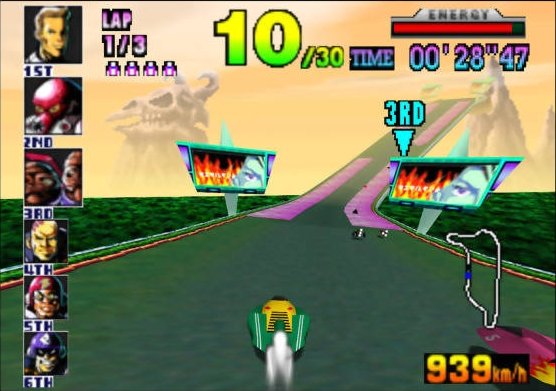
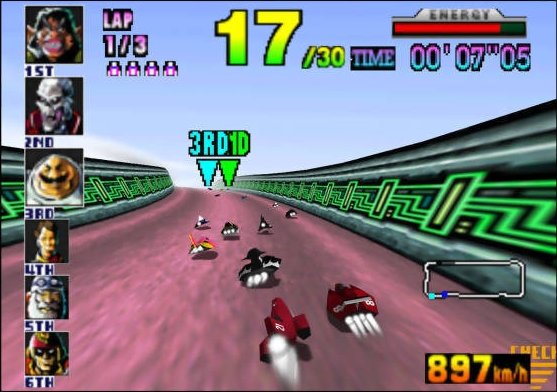
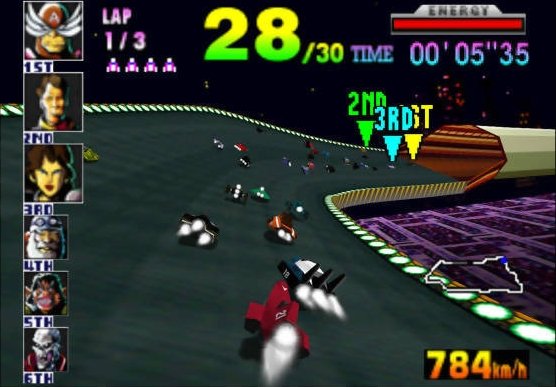
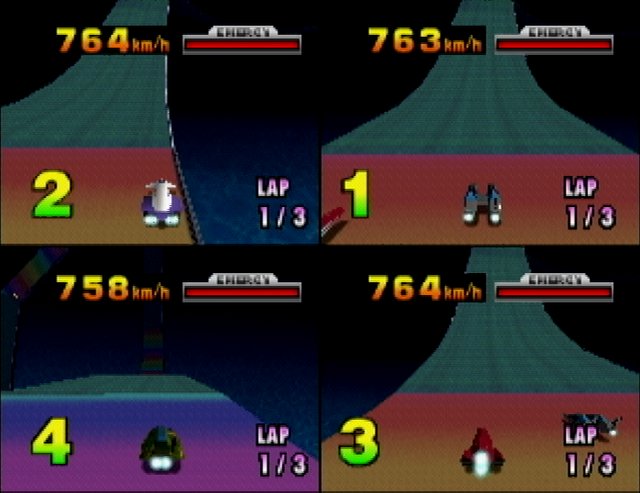
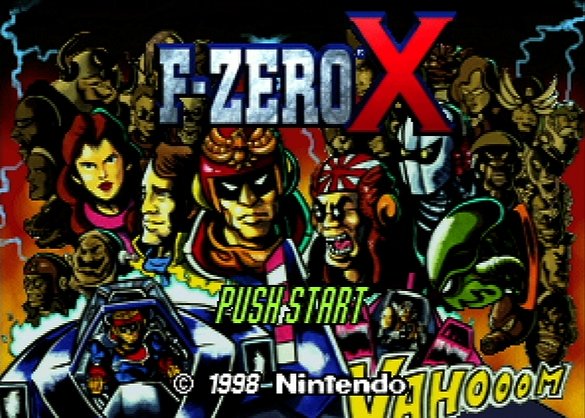
.z64 file, plus an image of the F-Zero X Expansion Kit 64DD disk and a 64DD IPL ROM, all dumped from your own hardware. The Japanese disk image works as it is, or with the English fan translation patch applied. Setup will not finish without all three.Overview
G-Diffuser is a native port of F-Zero X for Windows and Linux, built from the F-Zero X decompilation on libultraship, the engine behind Ship of Harkinian. It includes the 64DD Expansion Kit, so Course Edit, Create Machine and the extra cups are playable.
It adds true widescreen with an edge-anchored HUD, ultrawide support, removal of the black border, interpolated high frame rates, a ghost library, photo mode and texture packs, all set from an in-game menu. Tracks and machines can be exported and shared. The author says AI tools helped write part of the code, which he reviewed and tested.
The download contains no game data. It needs F-Zero X (USA) rev0 as a .z64 file, plus the Expansion Kit disk image and a 64DD IPL ROM, all dumped from your own hardware.
How to Set It Up
- Extract the release for your platform.
- Place your ROM next to the executable (
baserom.us.rev0.z64is detected automatically), along with the disk image (baserom.translated.ek.nddorbaserom.jp.ek.ndd) and the IPL ROM (N64DDIPLROM.n64or64DD_IPL_US_MJR.n64). - Launch the executable. The first-boot setup screen shows the files it found and lets you browse for any that are missing.
- Select Build game data and continue. Later launches go straight into the game.
- Press F1 in game to open the enhancement menu.