DKR-R
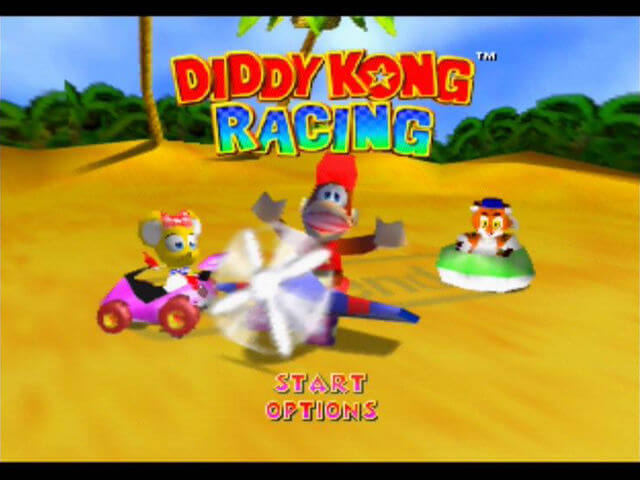
PC port of Diddy Kong Racing
- RecompilationPort Type
- ThatGuyMcdDeveloper
- 12 Oct 2026Page Updated
Details
- Developer
- ThatGuyMcd
- Port Type
- RecompilationA tool translated the game's original machine code into C automatically, which was then built as a native PC program.
- AI Use
- Not statedThe developers haven't said whether they used AI.
- Source Code
- GitHub
- Page Updated
Platform Support
- Windows
- Linux
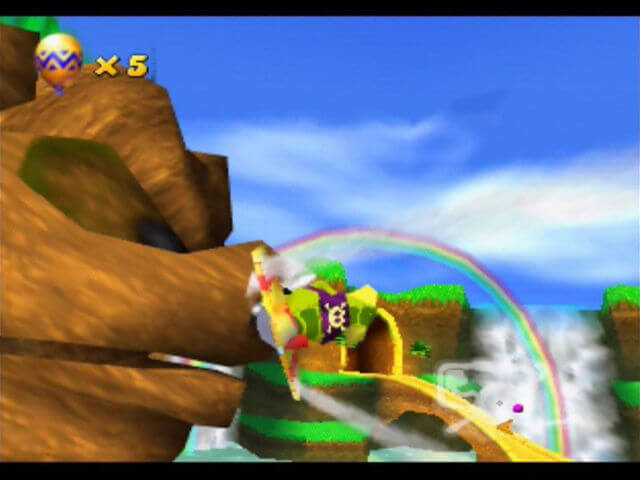
ScreenshotsView All (6)
SHA-1 of a correct dump, by version:
US v1.0:
0cb115d8716dbbc2922fda38e533b9fe63bb9670US Rev A (v1.1):
6d96743d46f8c0cd0edb0ec5600b003c89b93755Overview
WidescreenHigh Frame RateOnline PlayGyro Aiming
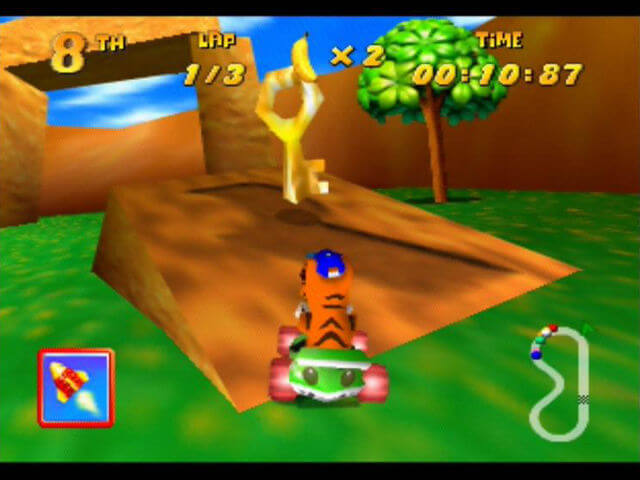
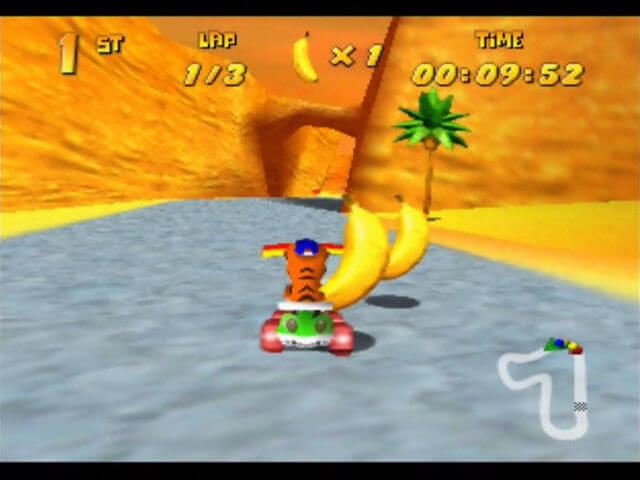
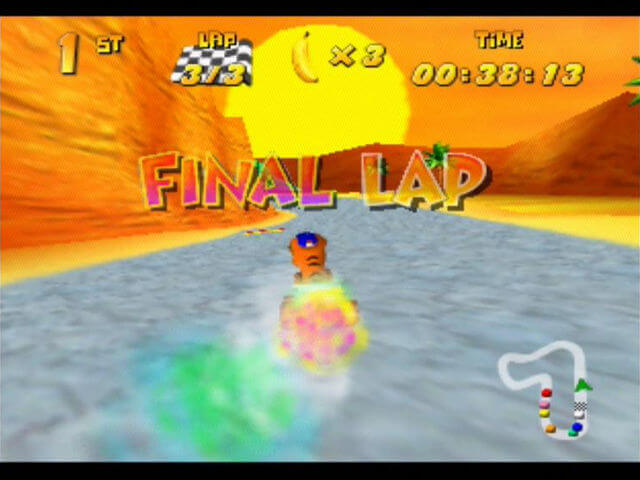
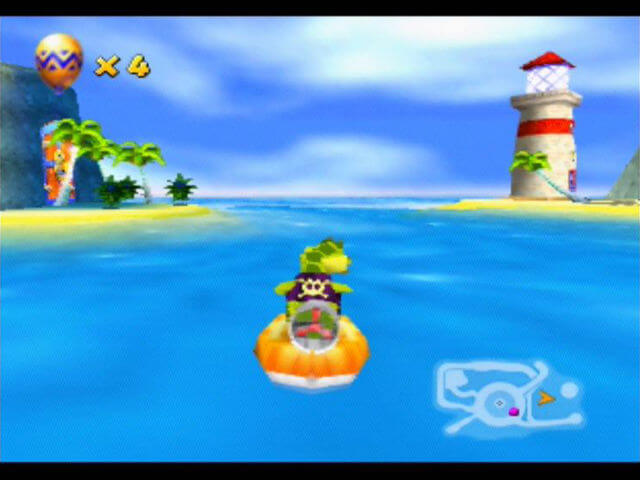
DKR-R is a static recompilation of Diddy Kong Racing for Windows and Linux, built with N64Recomp and drawn with RT64. It has a controller-friendly launcher and an in-game settings overlay.
An Accurate mode keeps the original 4:3 picture, 30 fps pacing and game behaviour. A Modern mode adds widescreen, interpolated high frame rates, a wider field of view, longer scenery distance and texture filtering. It also supports four local players with their own controllers, gyro steering, texture packs, save import and export, and two-player online races joined with a short code.
The download contains no game data. It needs Diddy Kong Racing (USA), v1.0 or Rev A, dumped from your own cartridge.
How to Set It Up
- Download the package for your platform.
- Windows: extract the zip and run
DKR-R.exe. Linux: run the.AppImage. - Select your ROM when prompted.
.z64,.v64and.n64byte orders are detected automatically, and the right revision is picked for you. - Choose Accurate or Modern, then select START Diddy Kong Racing - Recompiled.
- Open the in-game overlay with Escape, F1 or the controller’s Back/View button.