Conker's Bad Fur Day: Reloaded
PC port of Conkers Bad Fur Day
- RecompilationPort Type
- DahSidiAbdallahDeveloper
- 23 Oct 2026Page Updated
Details
- Developer
- DahSidiAbdallah
- Port Type
- RecompilationA tool translated the game's original machine code into C automatically, which was then built as a native PC program.
- AI Use
- Not statedThe developers haven't said whether they used AI.
- Source Code
- GitHub
- Page Updated
Platform Support
- Windows
- Linux
ScreenshotsView All (6)
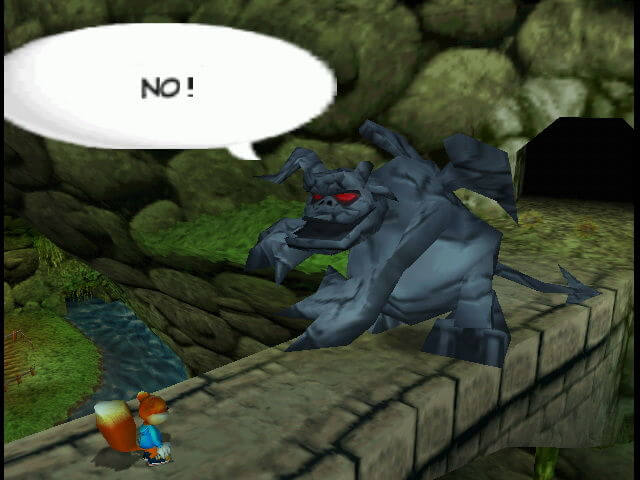
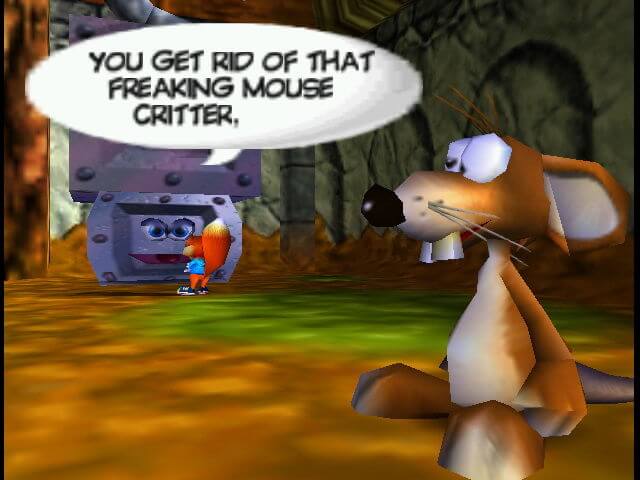
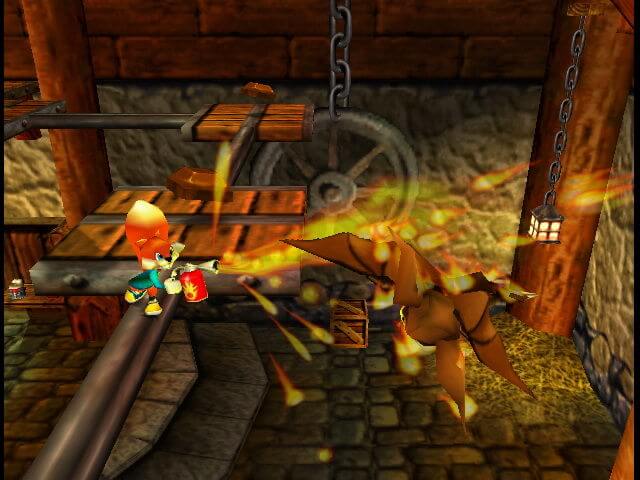

.z64), dumped from your own cartridge.SHA-1 of a correct dump:
4cbadd3c4e0729dec46af64ad018050eada4f47aOverview
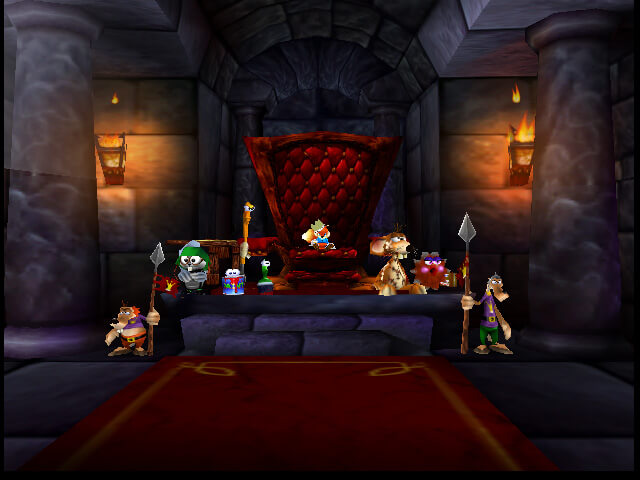
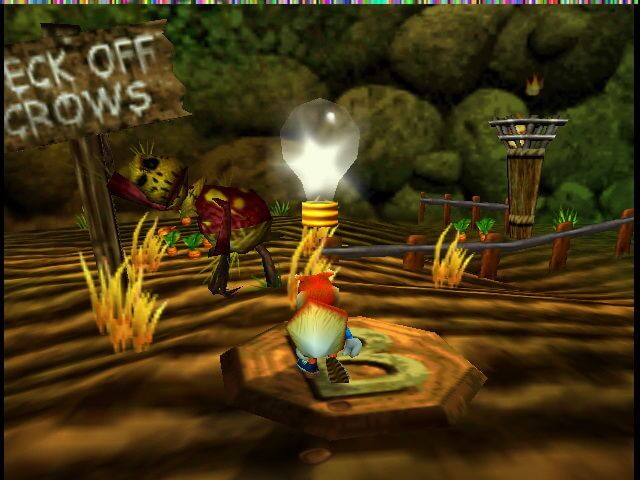
Conker’s Bad Fur Day: Reloaded is a native PC port of Conker’s Bad Fur Day for Windows and Linux, made by static recompilation of the N64 game with N64Recomp. It is a separate project from Conker’s Bad Fur Day: Recompiled, built around two presets: Classic keeps the original 4:3 picture, 30 fps, camera and lighting at a higher resolution, while Modern turns on widescreen with no black bars, a smooth frame rate, sharper 2D graphics, a free camera, an aiming crosshair and direct mouse aiming. Custom mixes the two.
Other changes include widescreen framing adjusted for scenes composed for 4:3, a widescreen pause screen, point-light falloff and reflections corrected against an accurate N64 emulator, separate music, effects and speech volumes, Skip Intro, multiple controllers for multiplayer and support for RT64 texture packs and N64Recomp mods. An optional HD Icons pack, built from GameBeast92’s 4K Ultimate Texture Pack with the original colours restored, is offered on the project’s release page. N64 EEPROM saves from emulators can be copied in.
The download contains no game data. It needs the US ROM, dumped from your own cartridge.
How to Set It Up
- Download the zip for Windows or the
.tar.gzfor Linux and extract it anywhere. - Run
ConkerBFDReloaded(ConkerBFDReloaded.exeon Windows). - The first time, pick your US ROM. It is remembered after that; ROM in the launcher picks a different one.
- Open the settings, go to the Conker tab and choose Classic or Modern.