LodRecomp
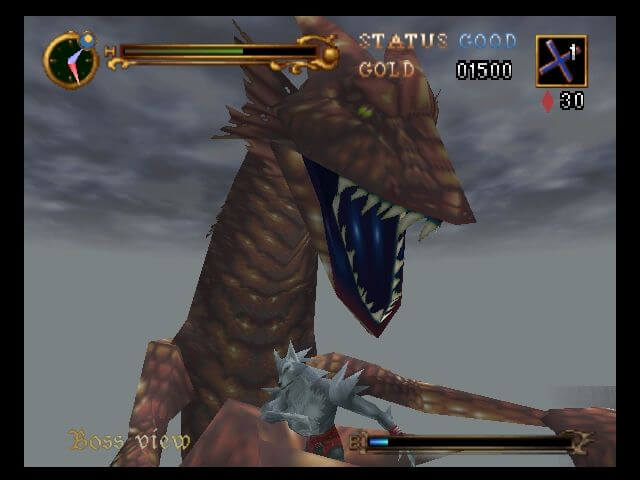
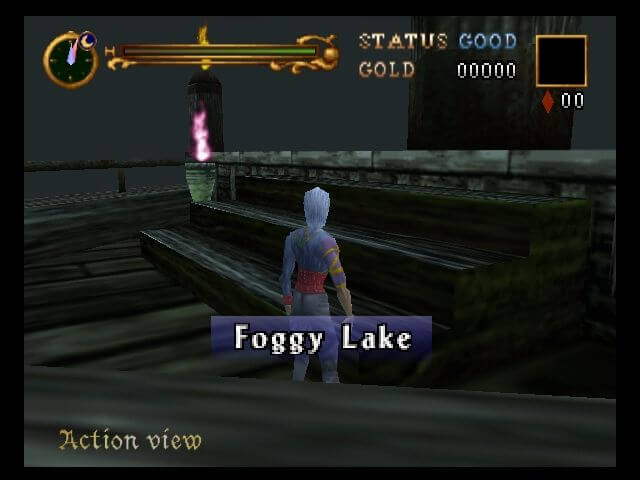
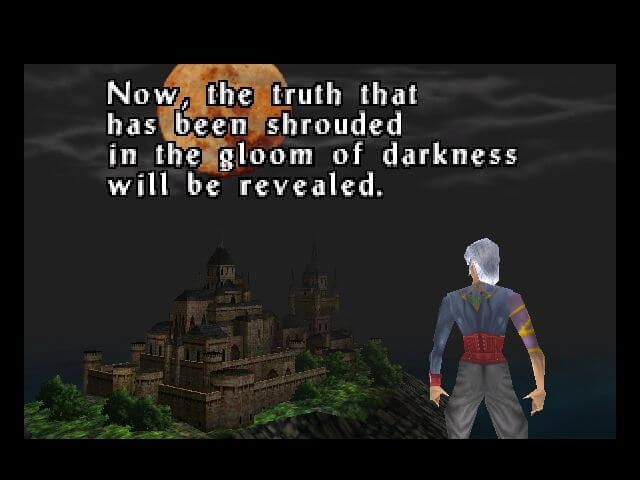
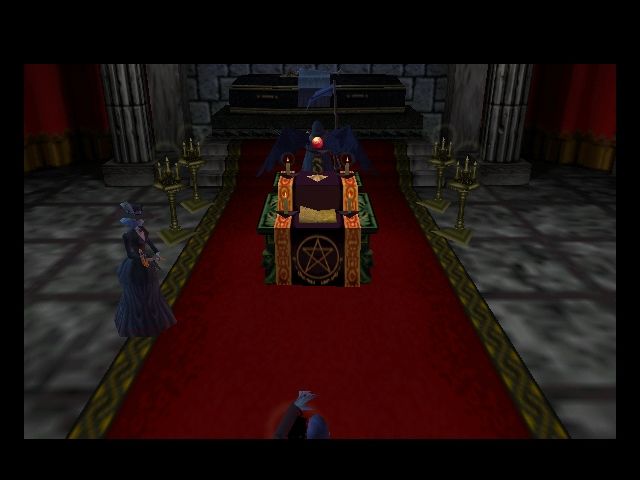
PC port of Castlevania: Legacy of Darkness
- RecompilationPort Type
- fliperama86Developer
- 30 Sep 2026Page Updated
SHA-1 of a correct dump:
879ead98f197fd05edda867655da5b1ce25aa5b8Overview
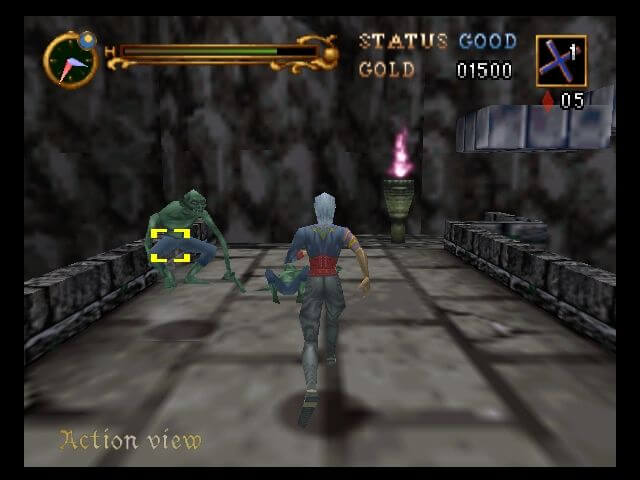
LodRecomp is a native port of Castlevania: Legacy of Darkness for Windows, Linux and Apple Silicon Macs, made by static recompilation with N64Recomp and drawn with RT64. The game’s code runs natively, and the data it loads at run time is prepared from your ROM when it starts.
A settings menu in the style of Zelda64Recomp covers internal resolution, aspect ratio, anti-aliasing, refresh rate, sound and control remapping, and hotkeys change the graphics options while playing. Widescreen and high frame rates are available as experimental display modes. A portable mode keeps saves and settings beside the program.
It is still a work in progress, with frequent releases fixing crashes and rendering problems as they are reported. The download contains no game data. It needs Castlevania: Legacy of Darkness (USA), dumped from your own cartridge.
How to Set It Up
- Extract the whole archive for your system, keeping the DLLs (Windows) or the
assetsfolder (Linux) next to the program. - Put your ROM in the same folder, named
rom.z64. On macOS put it besideLodRecomp.app. - Windows: run
LodRecomp.exe. Linux: runchmod +x LodRecomp, then./LodRecompfrom that folder; it needs a Vulkan driver, SDL2, FreeType and GTK 3. macOS (Apple Silicon): runbrew install sdl2 freetype, then openLodRecomp.app, using System Settings, Privacy & Security, Open Anyway if macOS blocks it. - If no ROM is found, a ROM Setup screen lets you pick it, and the choice is remembered.
- Press F1, or Back/Select on a controller, for the settings menu.