Lighthouse
PC port of Banjo-Kazooie
- DecompilationPort Type
- Harbour MastersDeveloper
- 28 Sep 2026Page Updated
Details
- Developer
- Harbour Masters
- Port Type
- DecompilationThe game's code was rewritten by hand as source code that builds back into the same game, then made to run natively on PC.
- Game
- Banjo-Kazooie
- AI Use
- AI-assistedThe project says: “Lighthouse accepts pull requests that use AI, within policy guidelines, and has used AI assistance for information gathering” Source
- Source Code
- GitHub
- Page Updated
Platform Support
- Windows
- Linux
- macOS
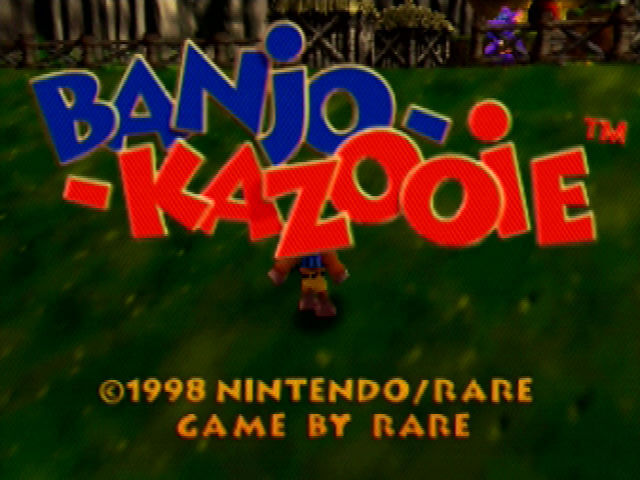
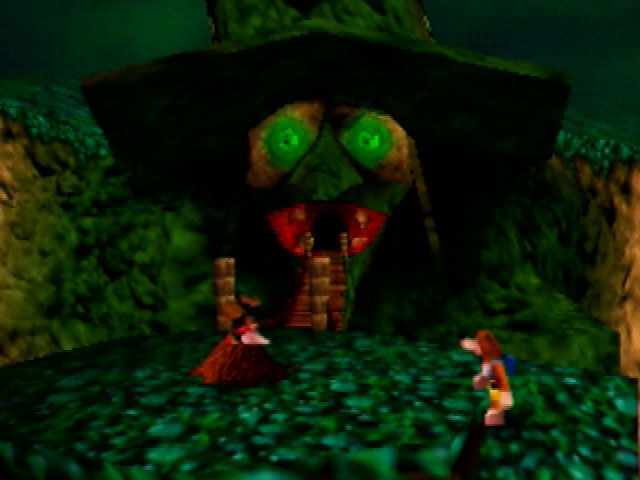
ScreenshotsView All (6)


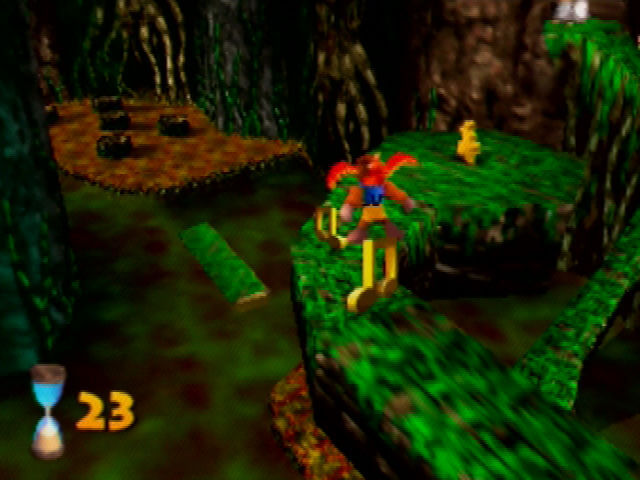
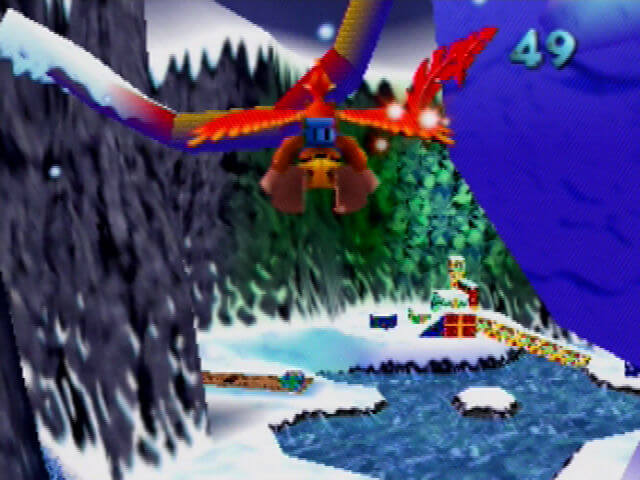
SHA-1 of a correct dump, by version:
US 1.0:
1fe1632098865f639e22c11b9a81ee8f29c75d7aUS 1.1:
ded6ee166e740ad1bc810fd678a84b48e245ab80Japan:
90726d7e7cd5bf6cdfd38f45c9acbf4d45bd9fd8PAL:
bb359a75941df74bf7290212c89fbc6e2c5601feOverview
WidescreenHigh Frame RateMod SupportHD Textures
Lighthouse is a native PC port of Banjo-Kazooie from Harbour Masters, built from the Banjo-Kazooie decompilation.
It adds widescreen, higher resolutions and frame rates, a settings menu, custom controls, and support for texture packs and mods.
The download contains no game data. On first launch it asks for a ROM dumped from your own copy of the game.
How to Set It Up
- Extract every file from the archive into a folder you can write to.
- Windows: run
lighthouse.exe. Linux: runlighthouse.appimage(you may need tochmod +xit first). macOS: runlighthouse. - Select your ROM (in
.z64format) when asked. - On first launch it builds its game data (
bk.o2r) from the ROM, then the game starts. - Optional: other regions can be added later as language packs under General > Languages in the in-game menu.