AeroGauge: Recompiled
PC port of AeroGauge
- RecompilationPort Type
- alonderoDeveloper
- 4 Oct 2026Page Updated
Details
- Developer
- alondero
- Port Type
- RecompilationA tool translated the game's original machine code into C automatically, which was then built as a native PC program.
- Game
- AeroGauge
- AI Use
- AI-assistedAn AI coding tool is credited as co-author on 19 of the repository's 81 commits. Source
- Source Code
- GitHub
- Page Updated
Platform Support
- Windows
- Linux
- Android
ScreenshotsView All (6)
Overview
WidescreenMod SupportTouch Controls
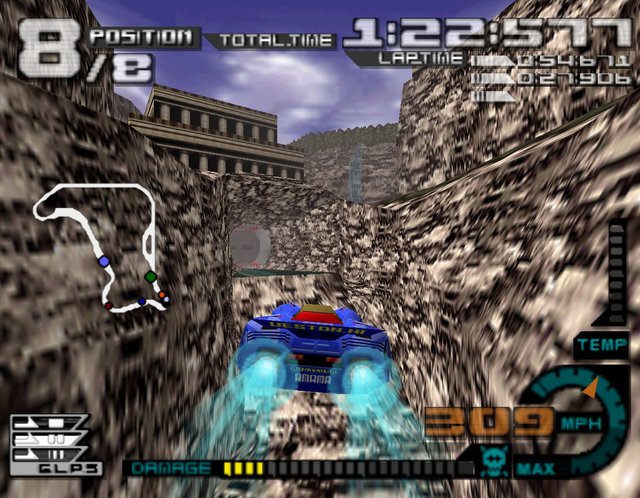
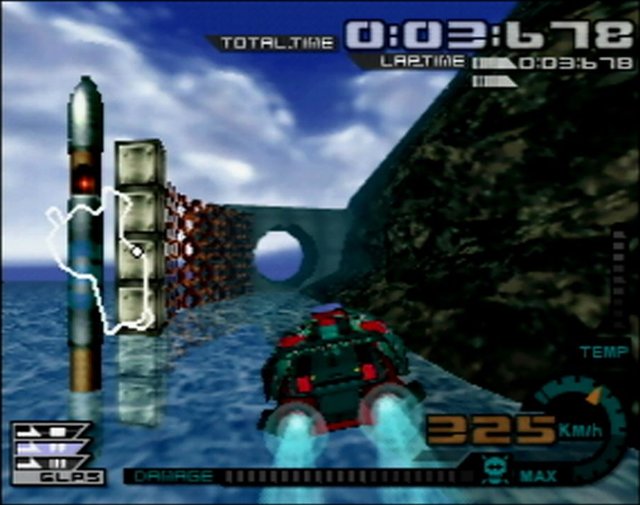
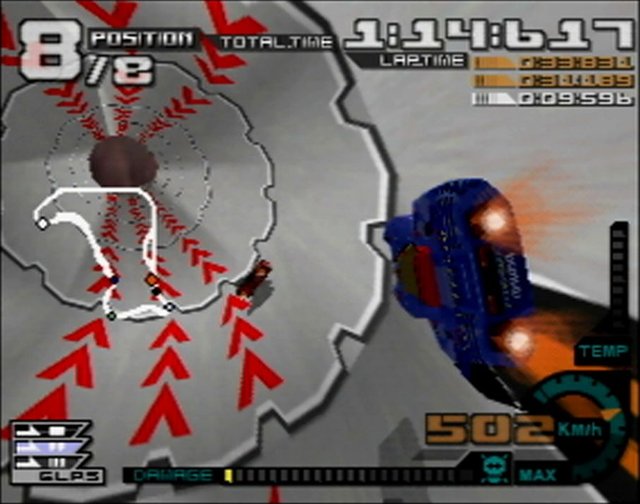
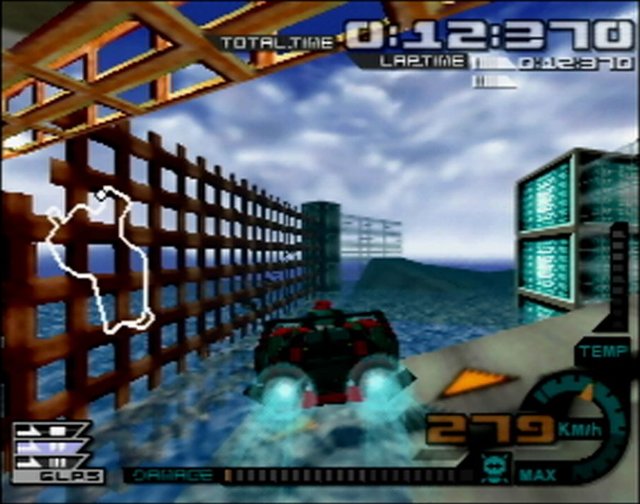
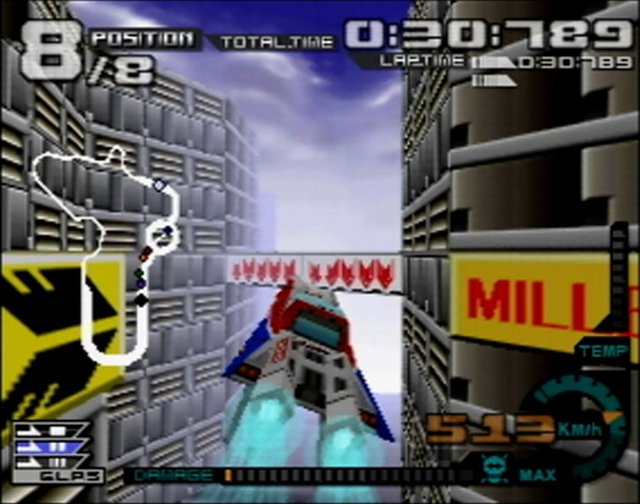
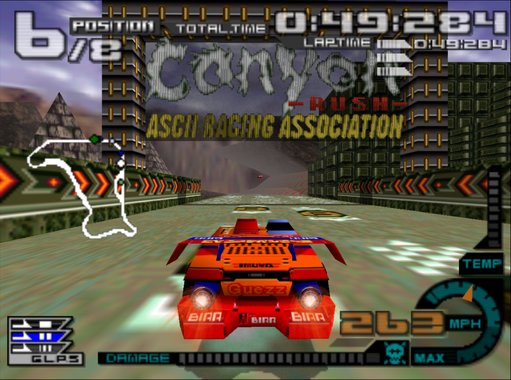
AeroGauge: Recompiled is a native port of the Nintendo 64 racing game AeroGauge for Windows, Linux and Android. It runs your own copy of the game in a native window rather than through an emulator.
An in-game settings screen covers resolution, widescreen, HUD placement, anti-aliasing, draw distance and control remapping, and there are optional extras such as full-course geometry and an Easy Turbo assist. Mods and RT64 texture packs are supported but still experimental. The Android build has touch controls.
It is still a pre-release. The download contains no game data. It needs a ROM of the USA release or the Japanese Rev A release, dumped from your own cartridge.
How to Set It Up
- Extract the archive for your system to a folder.
- Put your ROM in that folder, named
AeroGauge (USA).z64orAeroGauge (Japan) (Rev A).z64. - Windows: run
aerogauge_modern.exe. Linux: run./aerogauge_modern, and optionally run./install_linux_launcher.shonce to add it to the applications menu. - Choose Start Game in the launcher. Settings open in game with Escape, F10 or the controller’s Back button.
- Android: install the APK, open AeroGauge Recompiled, tap Import ROM and choose your ROM, then tap Play AeroGauge.