Project Picori
PC port of The Legend of Zelda: The Minish Cap
- DecompilationPort Type
- 999sianDeveloper
- 20 Oct 2026Page Updated


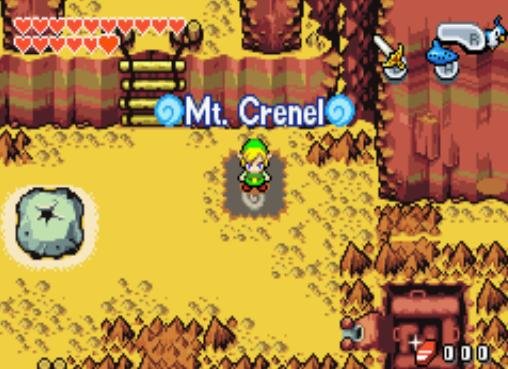
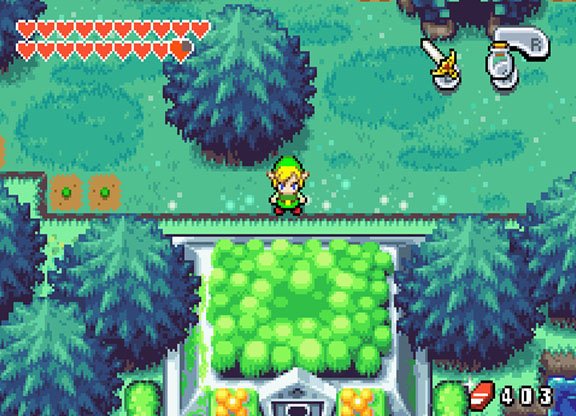
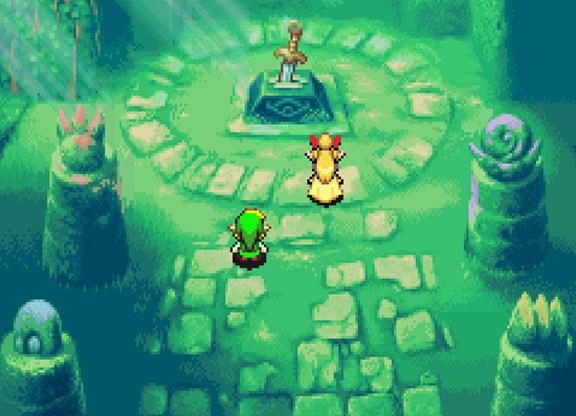
SHA-1 of a correct dump, by version:
USA:
b4bd50e4131b027c334547b4524e2dbbd4227130Europe:
cff199b36ff173fb6faf152653d1bccf87c26fb7Japan:
6c5404a1effb17f481f352181d0f1c61a2765c5dOverview
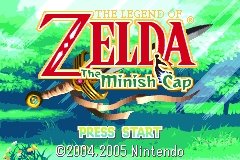
Project Picori is a native port of The Legend of Zelda: The Minish Cap for Windows, Linux, macOS and Android, built by 999sian from the zeldaret decompilation of the game. One build supports the US, European and Japanese versions and reads the graphics and sound from your ROM.
It has builds for x86-64 and ARM64 on each desktop system. It is a work in progress: most of the game runs, but expect bugs.
The download contains no game data. It needs The Legend of Zelda: The Minish Cap (USA, Europe or Japan), dumped from your own cartridge.
How to Set It Up
- Download the build for your system and extract it, or install the Android APK.
- Put your ROM next to
tmc_pc, namedbaserom.gba(USA),baserom_eu.gba(Europe) orbaserom_jp.gba(Japan). - Run
tmc_pc. The first launch extracts the asset cache from the ROM, which takes about 3 to 5 seconds.
Advertisement
Download Project Picori
Project Picori Archive
Android
v0.9.5 ·
Download
macOS (Intel)
v0.9.5 ·
Download
macOS
v0.9.5 ·
Download
Linux (ARM64)
v0.9.5 ·
Download
Linux
v0.9.5 ·
Download
Windows (ARM64)
v0.9.5 ·
Download
Show all 7 older builds