Dragon Ball Z Buu's Fury Recomp
PC port of Dragon Ball Z: Buu's Fury
- RecompilationPort Type
- mstanDeveloper
- 18 Oct 2026Page Updated

Details
Platform Support
- Windows
Screenshots
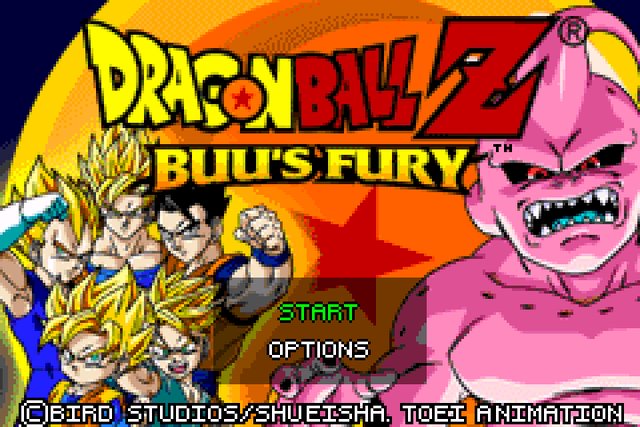
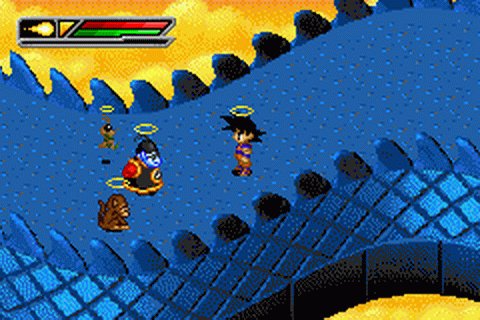
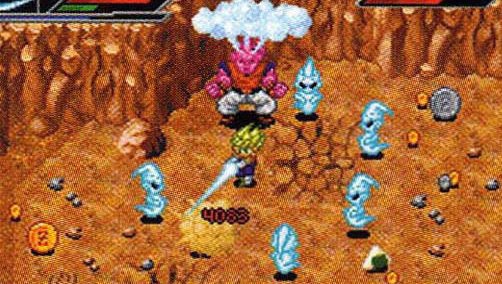
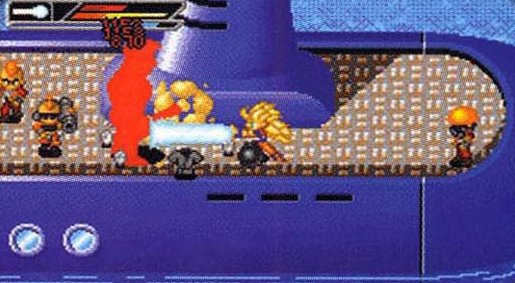
SHA-1 of a correct dump:
Dragon Ball Z: Buu's Fury (USA):
f1c4b07554d2a3b1ad2f325307051e775ce68087Overview
Widescreen
Dragon Ball Z Buu’s Fury Recomp is a native Windows port of Dragon Ball Z: Buu’s Fury for the Game Boy Advance, made by mstan by statically recompiling the game’s ARM and Thumb code into C, with the GBA video and sound hardware emulated around it.
It adds adaptive widescreen. It is an early release.
The author says AI tools were used heavily in making it.
The download contains no game data. It needs Dragon Ball Z: Buu’s Fury (USA), dumped from your own cartridge, and a BIOS dump from your own Game Boy Advance.
How to Set It Up
- Download the Windows zip and extract it.
- Run the program and point it at your Dragon Ball Z: Buu’s Fury ROM and your GBA BIOS file.
- Change widescreen and the other options in the settings.