panda_venom's Tales of Symphonia Texture Pack
Texture pack for Tales of Symphonia
- panda_venomArtist
- 2 Oct 2026Page Updated
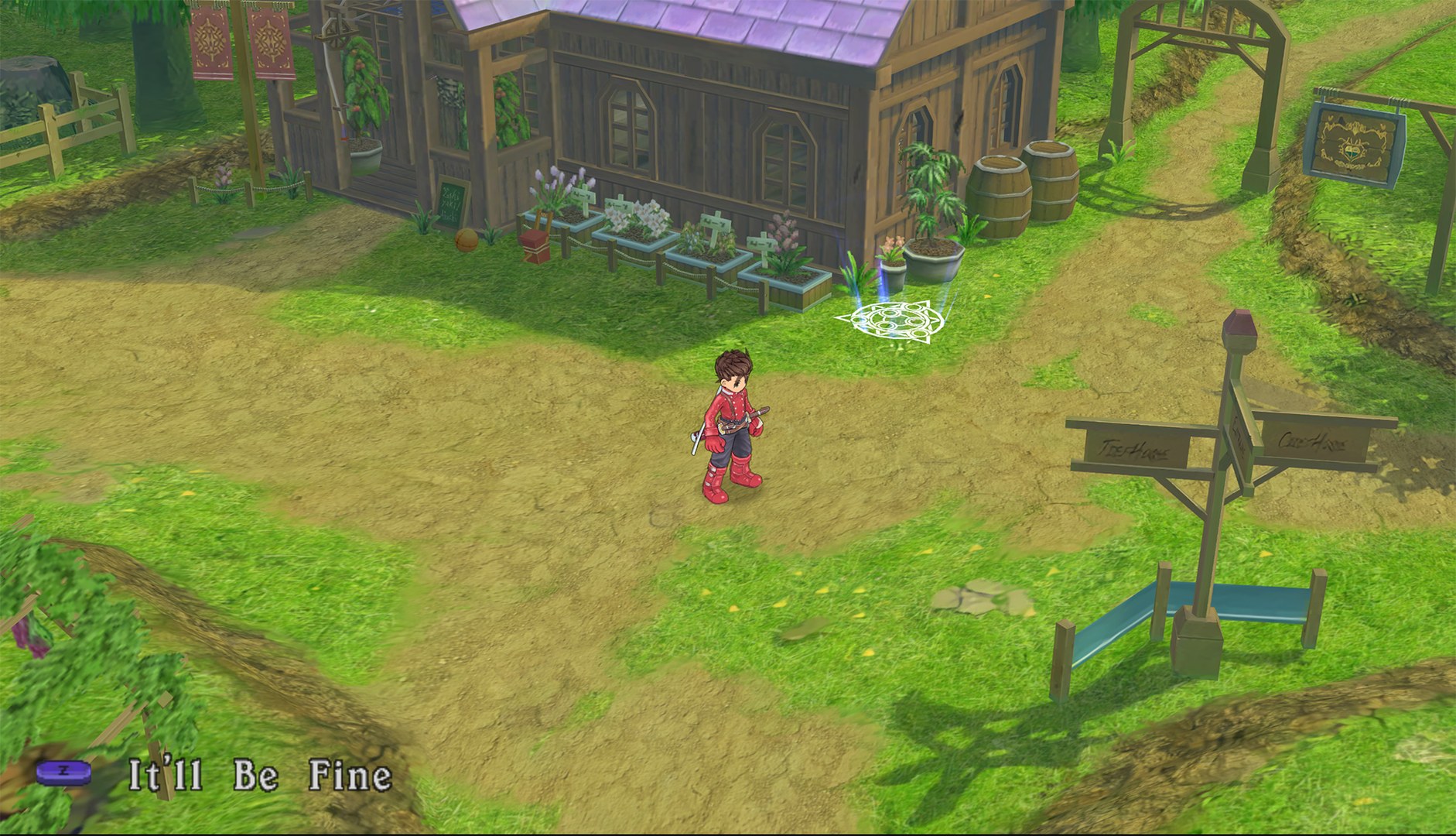
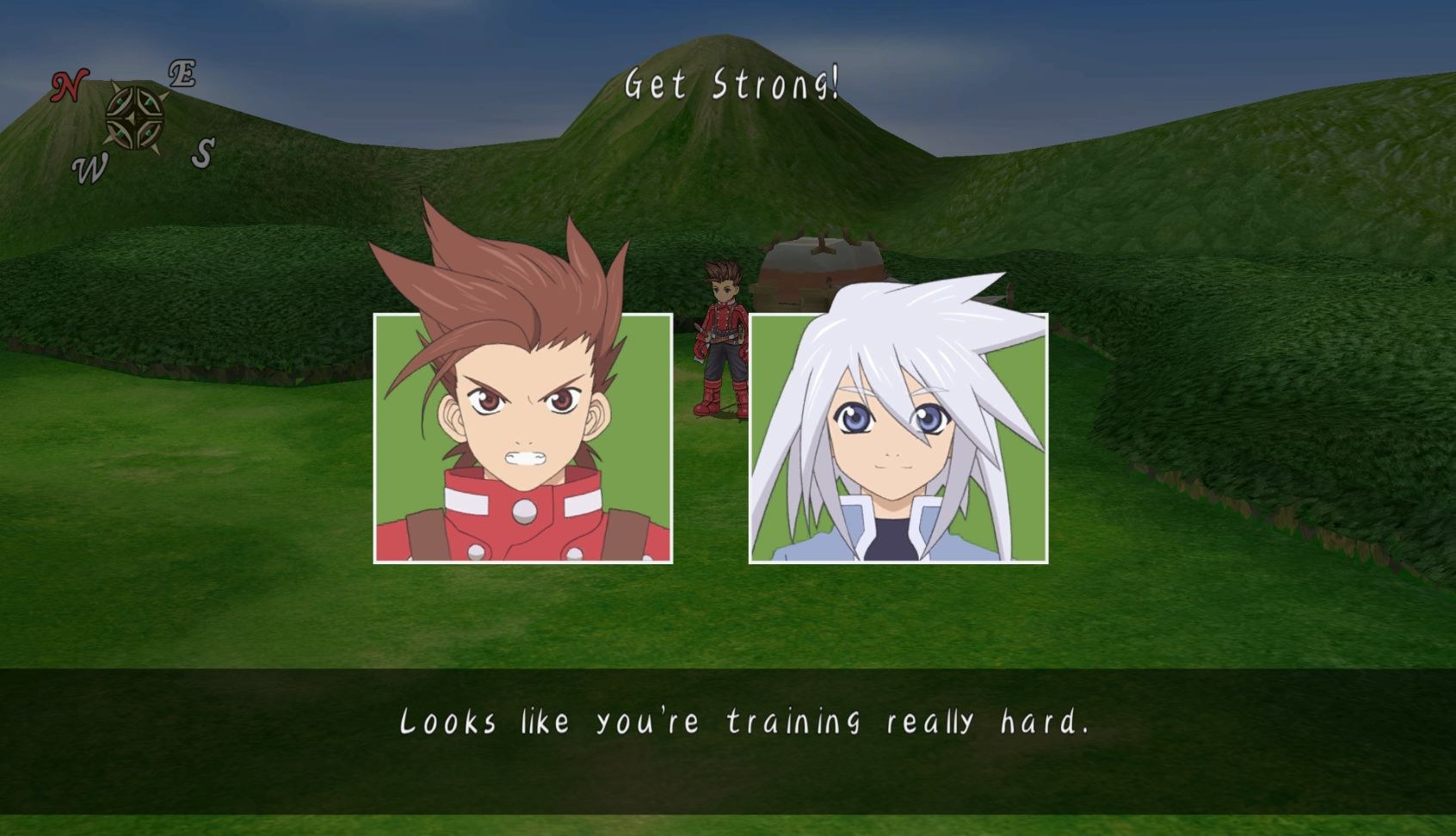
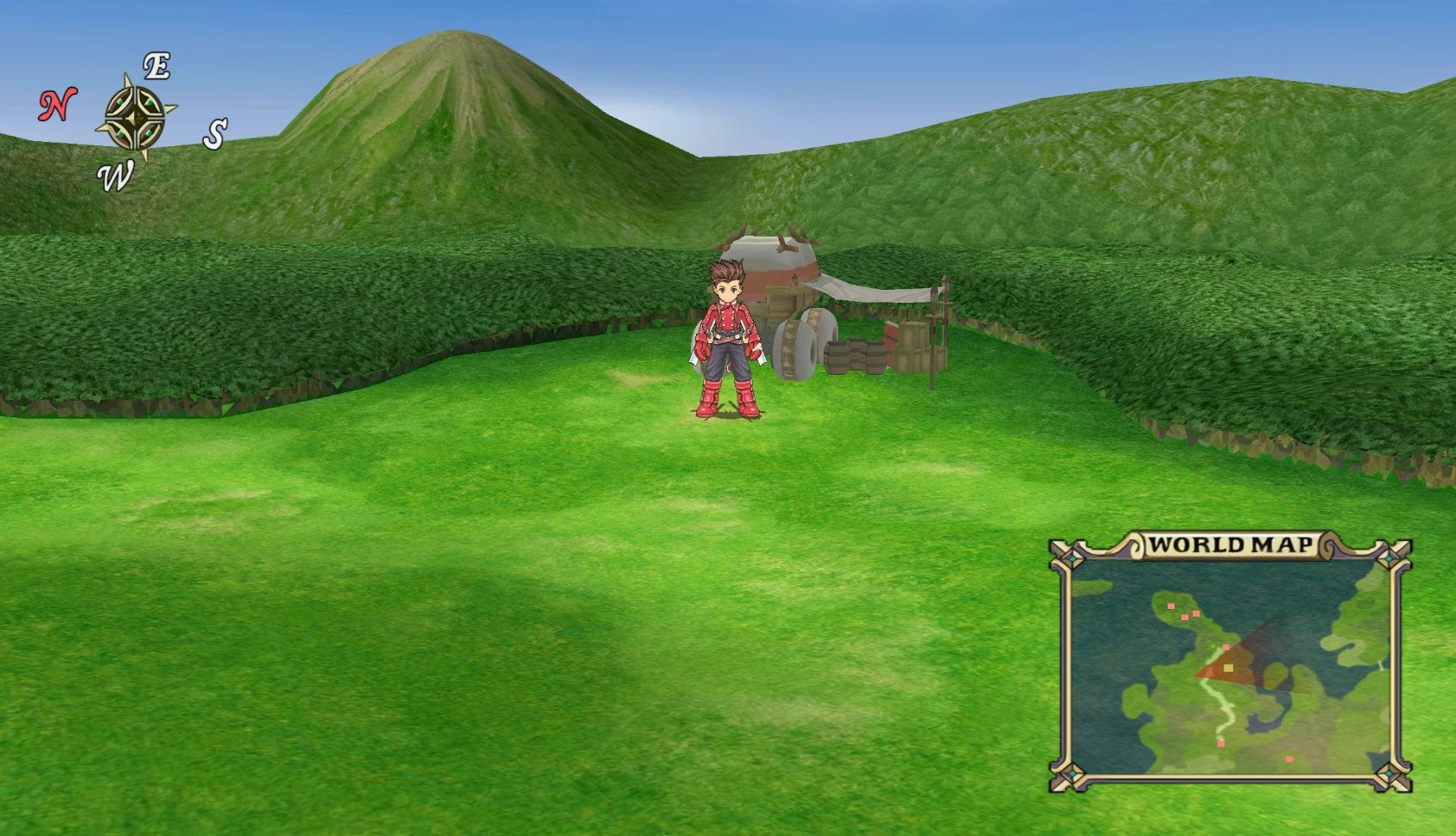
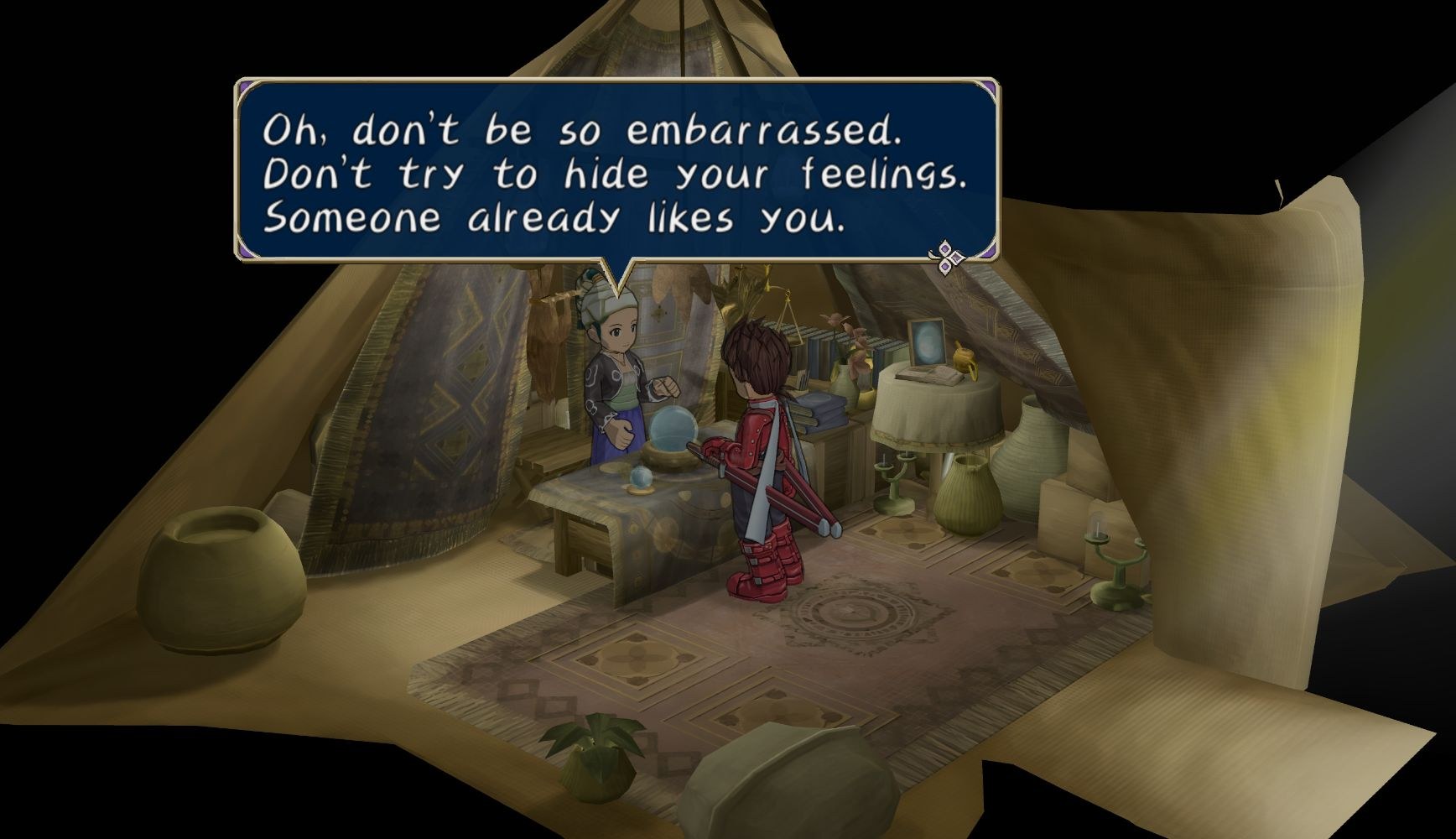
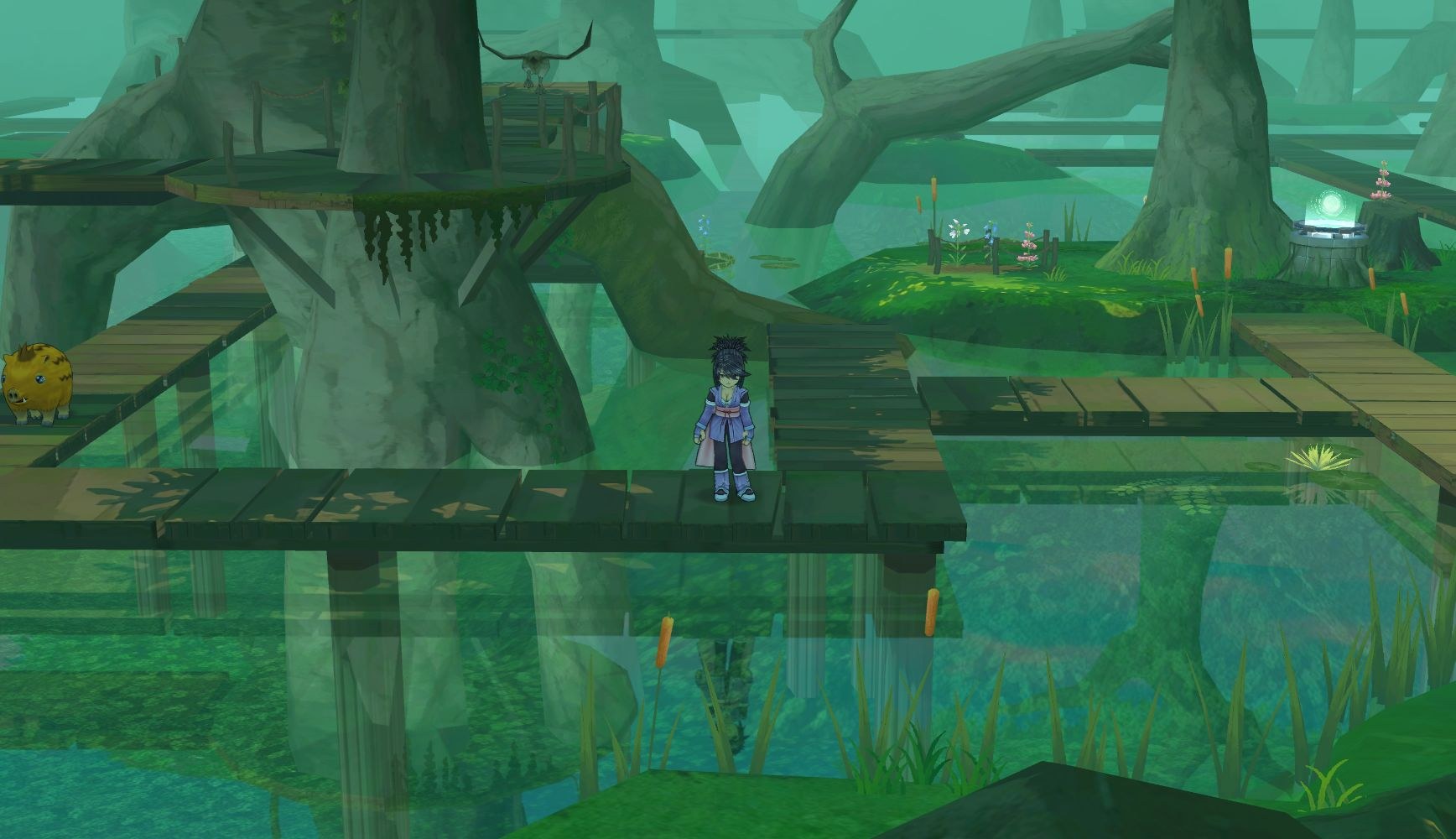
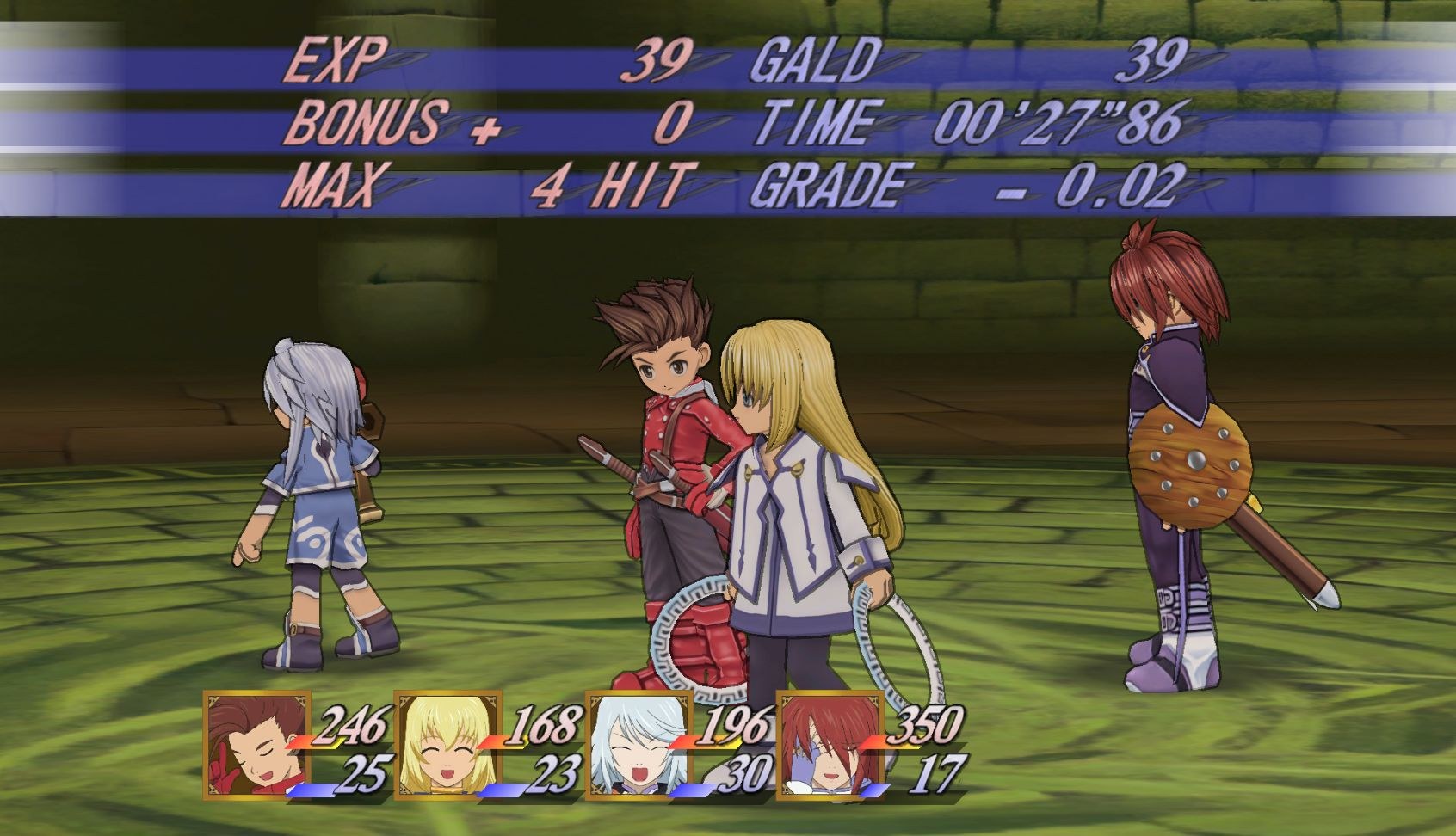
Overview
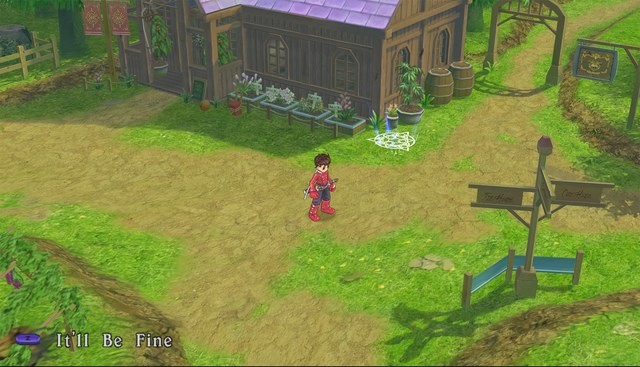
panda_venom’s pack for Tales of Symphonia is version 0.96, still a beta. Its textures are BC7 DDS files built for the desktop version of Dolphin, and they may not work on Android. The base pack has 2K backgrounds meant for 1080p play, and an add-on brings 4K backgrounds. Anyone updating from an older version should delete the previous GQS or GQSEAF texture folder first.
Prefetching the textures removes flickering in the skits along with some other stutter and glitches, but it needs at least 16 GB of RAM, or 24 to 32 GB with the 4K backgrounds. Without prefetch the game uses far less memory but shows those minor glitches.
Known issues: Ymir Forest is a little glitchy because its water effect does not fully suit the HD textures, some grass, trees and other transparent textures can look slightly off, some endgame content has no HD textures yet, and a few background colours are a bit darker than the originals. The pack credits PandaVenom, Rowan, RadisNoir and Kaaboose.
How to Set It Up
- In Dolphin, open File > Open User Folder, then go into
Load/Textures/. - Extract the download there, so you end up with a
Load/Textures/GQS/folder. - Open Graphics > Advanced and tick Load Custom Textures. Ticking Prefetch Custom Textures too stops stutter, if you have the RAM for it.